
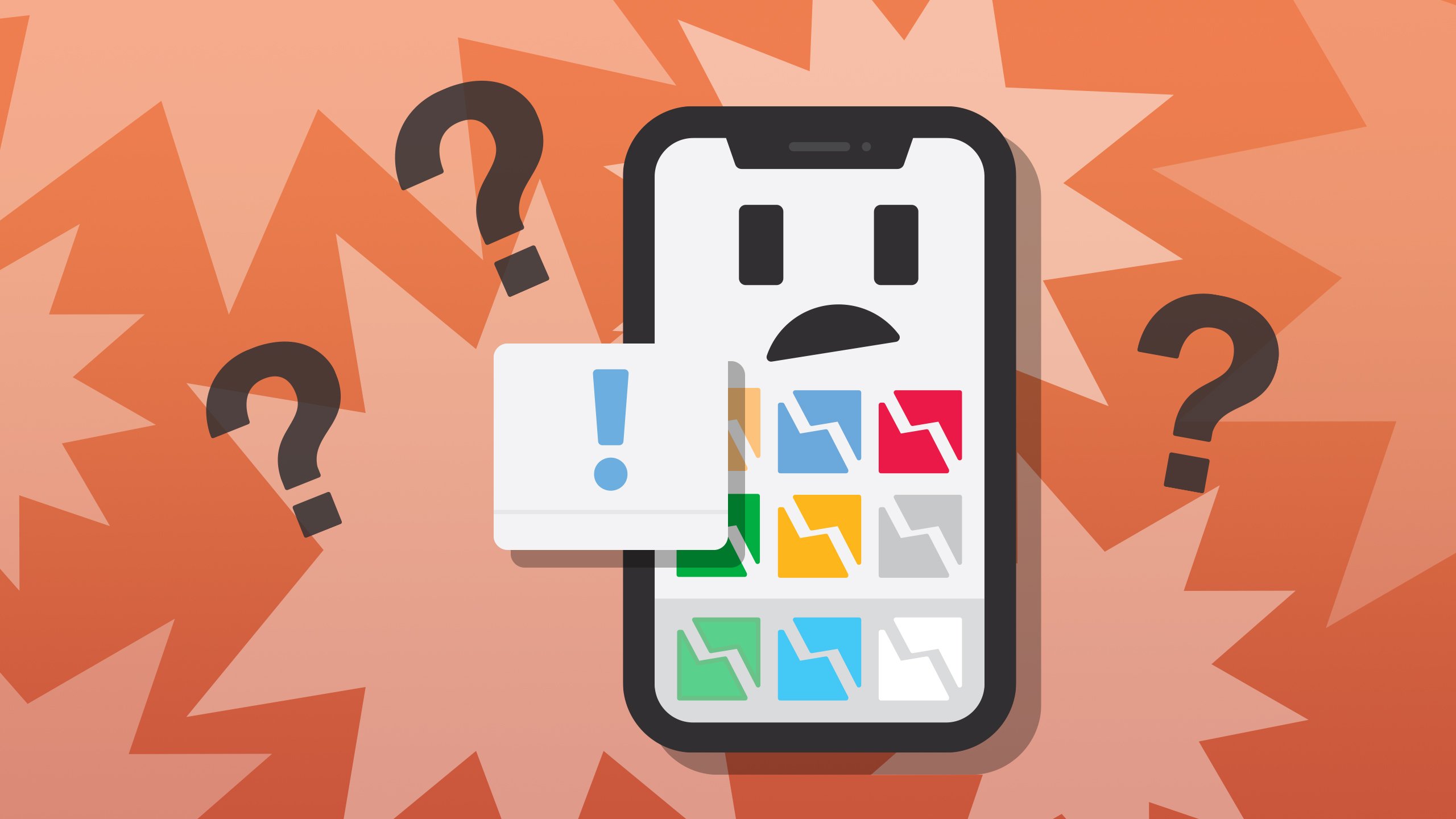
Understanding the Frustration of Random App Crashes
Random app crashes on your phone can be incredibly frustrating. You're in the middle of something important or trying to relax with a game, and suddenly, the app closes. You're left wondering what happened and how to prevent it from happening again. The good news is that there are usually straightforward explanations and solutions for this issue.
Identifying Common Causes of App Crashes
Before diving into fixes, it's helpful to understand why apps might crash randomly. Here are some common culprits:
- Insufficient Memory: If your phone is low on memory, apps may not have the resources they need to run properly.
- Outdated Software: Using outdated operating systems or apps can lead to compatibility issues.
- Corrupted App Data: Sometimes, app data can become corrupted, leading to crashes.
- Software Bugs: Like any software, mobile apps can have bugs that cause them to crash.
- Overheating Phone: If your phone is overheating, it may automatically close apps to protect itself.
Basic Troubleshooting Steps
When faced with a crashing app, start with these basic troubleshooting steps:
- Restart Your Phone: This might seem obvious, but restarting your phone can resolve many issues by clearing out temporary bugs and freeing up memory.
- Update Your Apps and OS: Ensure that both your operating system and apps are up to date. Developers regularly release updates that fix bugs and improve performance.
- Free Up Storage Space: Delete unnecessary files, photos, and apps to free up storage space. This can help improve your phone's performance.
- Clear App Cache and Data: Go to your phone's settings, find the app in question, and clear its cache and data. This will reset the app but might resolve issues related to corrupted data.
Advanced Troubleshooting Techniques
If basic steps don't work, it's time to dig deeper:
Checking for App-Specific Issues
- Check Online Forums: Look for discussions about the app crashing on platforms like Reddit or the app's official forums. Other users might have experienced and solved the same issue.
- Reinstall the App: Sometimes, simply reinstalling the app can resolve the problem. This gives you a clean slate and can fix issues caused by corrupted files.
System-Level Troubleshooting
- Boot in Safe Mode: Boot your phone in safe mode to disable all third-party apps. If the crashing stops, it indicates that one of your downloaded apps is the culprit.
- Perform a Factory Reset: As a last resort, consider performing a factory reset on your phone. This will erase all data and settings, returning your phone to its original state. Make sure to back up your data first.
Preventative Measures to Avoid Future Crashes
To minimize the chances of apps crashing in the future:
- Regularly Update Your Phone and Apps: Keep your operating system and apps updated to ensure you have the latest bug fixes and performance improvements.
- Monitor Your Phone's Health: Keep an eye on your phone's storage, memory usage, and temperature. Regularly clean up your phone and consider using a cooling case if your phone tends to overheat.
- Use Reliable Apps: Stick to well-reviewed and reputable apps. Apps from unknown developers are more likely to cause issues.
When to Seek Professional Help
If you've tried everything and apps continue to crash, it might be time to seek professional help. Your phone's manufacturer or carrier may offer support, or you might consider visiting a professional repair service. There could be a hardware issue at play, especially if your phone is older or has taken a lot of wear and tear.
FAQs
Q: Why do apps keep crashing on my phone?
Apps can crash due to insufficient memory, outdated software, corrupted app data, software bugs, or an overheating phone.
Q: How do I stop apps from crashing on my Android/iOS device?
Try basic troubleshooting steps like restarting your phone, updating your apps and OS, freeing up storage space, and clearing app cache and data.
Q: Can a virus cause apps to crash?
Yes, malware or viruses can interfere with app performance and cause them to crash. Consider running a scan with your phone's security software.
Q: Is it safe to clear app data?
Clearing app data will reset the app to its default state, potentially losing saved data. Only do this if you're prepared to start over or if it's recommended as part of a troubleshooting step.
Closing
Dealing with random app crashes can be a nuisance, but in most cases, the solutions are within reach. By understanding the common causes, applying basic and advanced troubleshooting techniques, and taking preventative measures, you can minimize app crashes and enjoy a smoother mobile experience. If problems persist, don't hesitate to seek professional assistance to address any underlying issues with your device.
Related: Choosing the Right Online Course Creation Tools for Beginners
Related: What to Know About Best Logo Design Website Free Tools
