
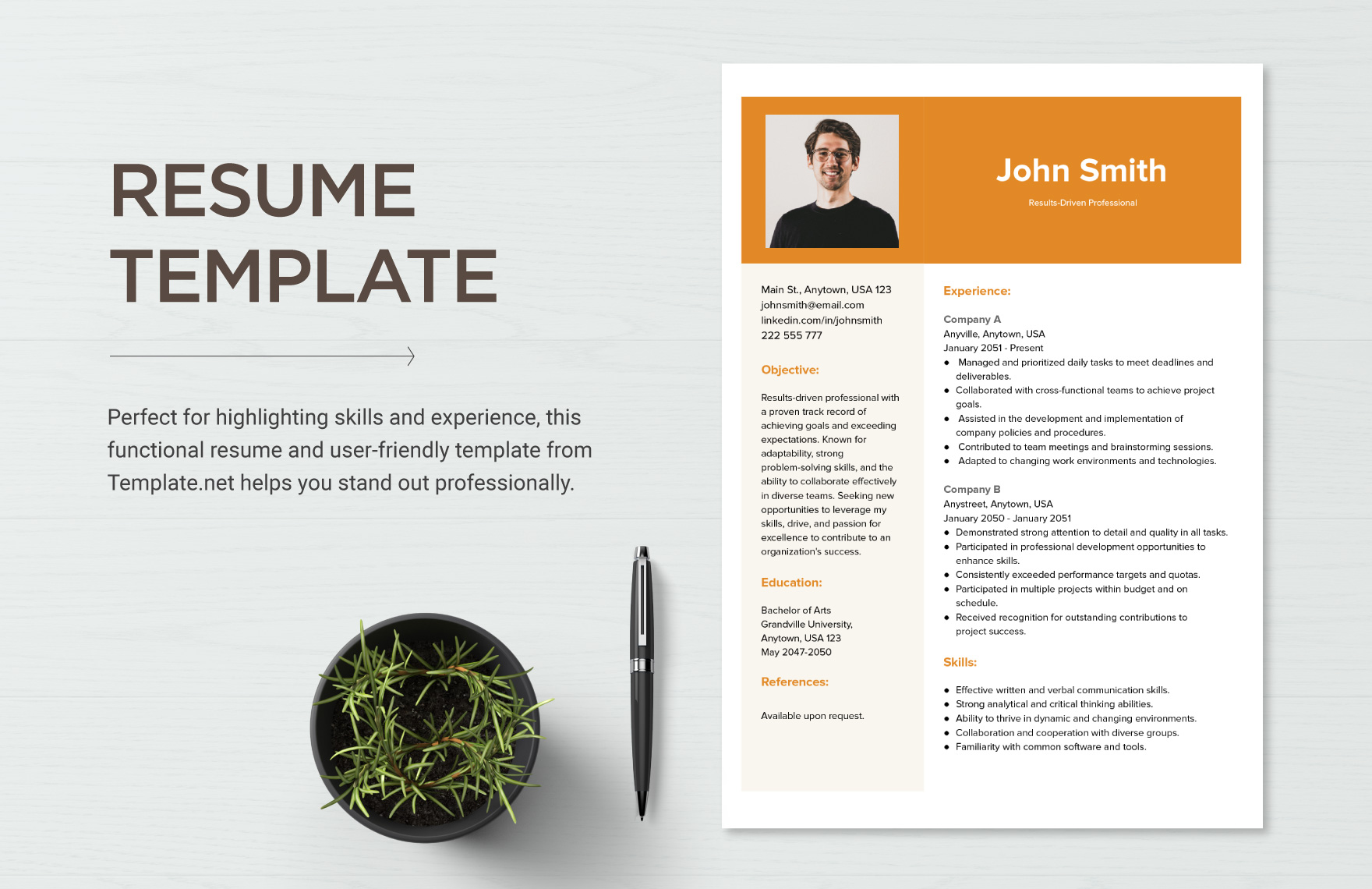
Understanding the Basics of Resume Writing
When it comes to job hunting, a well-crafted resume is essential. It serves as a personal advertisement, highlighting your skills, experience, and achievements to potential employers. However, many job seekers struggle with creating an effective resume, often unsure of where to start or how to make their application stand out. In this article, we'll provide you with practical tips and free template resources to help you write a compelling resume.
Choosing the Right Resume Format
There are several types of resume formats, each with its own strengths and weaknesses. The most common formats are:
Chronological: Emphasizes work experience in reverse chronological order.
Functional: Focuses on skills and qualifications rather than work history.
Combination: A hybrid of chronological and functional formats.
The choice of format depends on your work experience, skills, and the job you're applying for. For example, if you have a lot of work experience, a chronological format may be the best choice. However, if you're changing careers or have gaps in your work history, a functional or combination format may be more suitable.
Crafting a Strong Summary Statement
Your summary statement, also known as a professional summary or objective statement, is the first thing recruiters will see on your resume. It should provide a brief overview of your experience, skills, and achievements, and entice the reader to read on. Here are some tips for writing a strong summary statement:
Tailor it to the job: Use keywords from the job description to highlight your relevant skills and experience.
Keep it concise: Aim for 2-3 sentences at most.
Use action verbs: Verbs like "managed," "created," and "developed" can help you sound more dynamic.
For example:
"Results-driven marketing professional with 5+ years of experience in digital marketing. Proven track record of increasing website traffic and improving brand engagement. Skilled in SEO, social media marketing, and content creation."
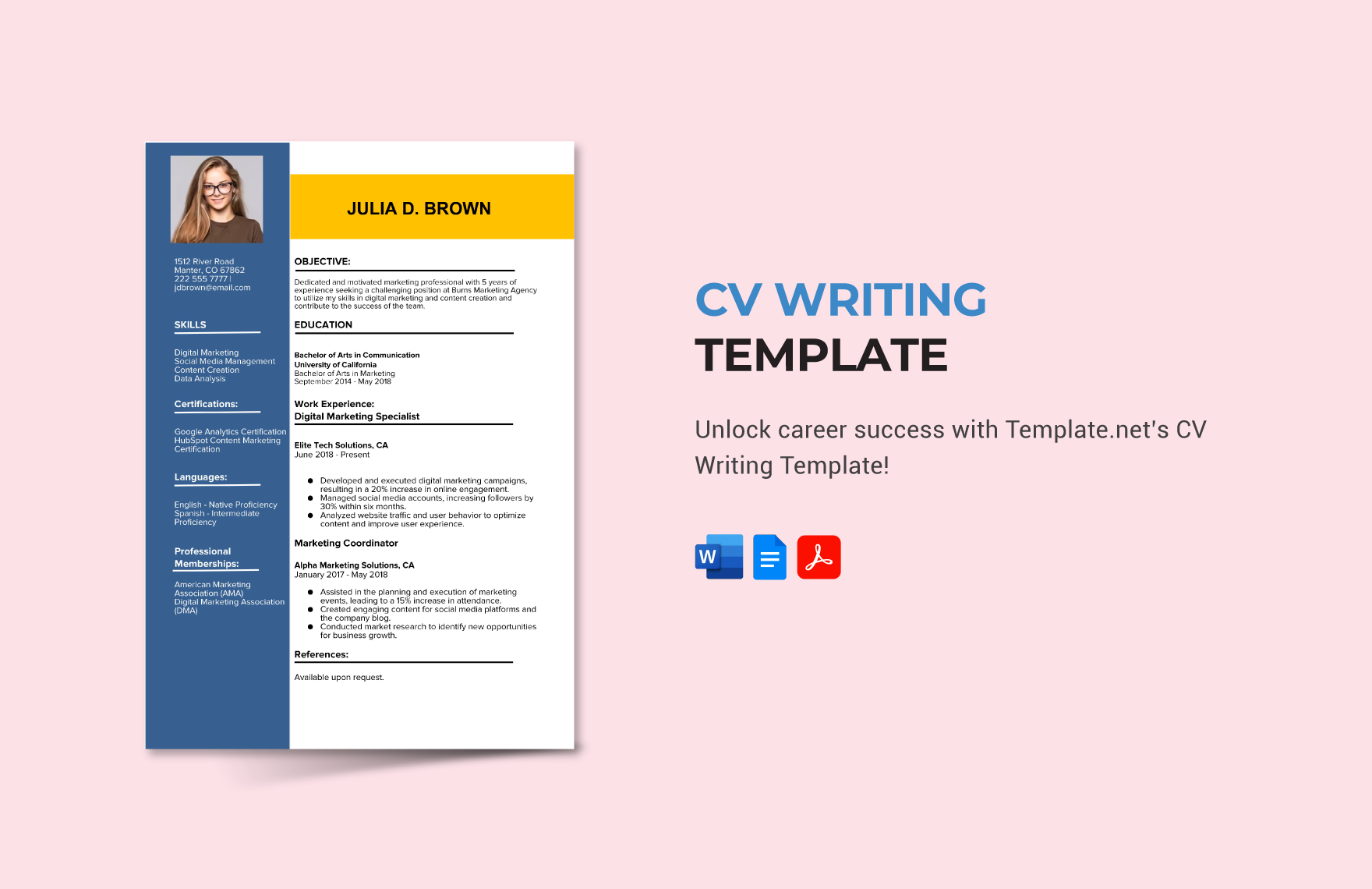
Showcasing Your Work Experience
Your work experience section is one of the most important parts of your resume. It should demonstrate your achievements and responsibilities in previous roles, and show how you've applied your skills to achieve results. Here are some tips for writing a strong work experience section:
Use specific numbers: Quantify your achievements by using numbers and statistics.
Focus on achievements: Instead of just listing job responsibilities, focus on the specific achievements and results you've achieved.
Use action verbs: Verbs like "managed," "created," and "developed" can help you sound more dynamic.
For example:
Marketing Manager, XYZ Corporation (2018-Present)
Increased website traffic by 25% through targeted SEO campaigns
Developed and implemented a social media marketing strategy, resulting in a 50% increase in followers
Managed a team of 3 to create and distribute marketing materials
Highlighting Your Education and Skills
Your education and skills sections are also crucial components of your resume. Here are some tips for highlighting your education and skills:
Education: Include your degree, institution, and relevant coursework.
Skills: List relevant technical skills, language proficiency, and soft skills.
For example:
Education
Bachelor's Degree in Marketing, [University Name] (2015-2019)
Skills
Technical skills: Adobe Creative Suite, SEO tools, social media marketing software
Soft skills: communication, teamwork, time management
Using Free Templates to Streamline Your Resume Writing
Using a free template can help you streamline your resume writing process and ensure your application looks professional. Here are some popular free template resources:
| Template Resource | Description |
|---|---|
| Canva | A popular design platform offering a range of free resume templates. |
| Resume Genius | A website providing free resume templates, examples, and advice. |
| Google Docs | A free word processing tool offering a range of free resume templates. |
Common Resume Writing Mistakes to Avoid
When writing your resume, there are several common mistakes to avoid:
Typos and grammatical errors: Make sure to proofread your resume multiple times to catch any errors.
Lack of relevance: Tailor your resume to the job description and requirements.
Poor formatting: Use a clean and easy-to-read format, with clear headings and bullet points.
Conclusion and Next Steps
Writing a effective resume takes time and effort, but with the right resources and guidance, you can create a compelling application that showcases your skills and experience. Remember to tailor your resume to the job description, use specific numbers and action verbs, and proofread multiple times to catch any errors. By following these tips and using free templates, you can increase your chances of standing out in the job market.
Frequently Asked Questions
Q: What is the best format for a resume?
The best format for a resume depends on your work experience, skills, and the job you're applying for. Chronological, functional, and combination formats are the most common.
Q: How do I write a strong summary statement?
Tailor your summary statement to the job, keep it concise, and use action verbs to highlight your skills and experience.
Q: What should I include in my work experience section?
Focus on achievements and responsibilities, use specific numbers, and action verbs to demonstrate your skills and experience.
Q: How do I highlight my education and skills?
Include your degree, institution, and relevant coursework in your education section, and list relevant technical skills, language proficiency, and soft skills in your skills section.
