
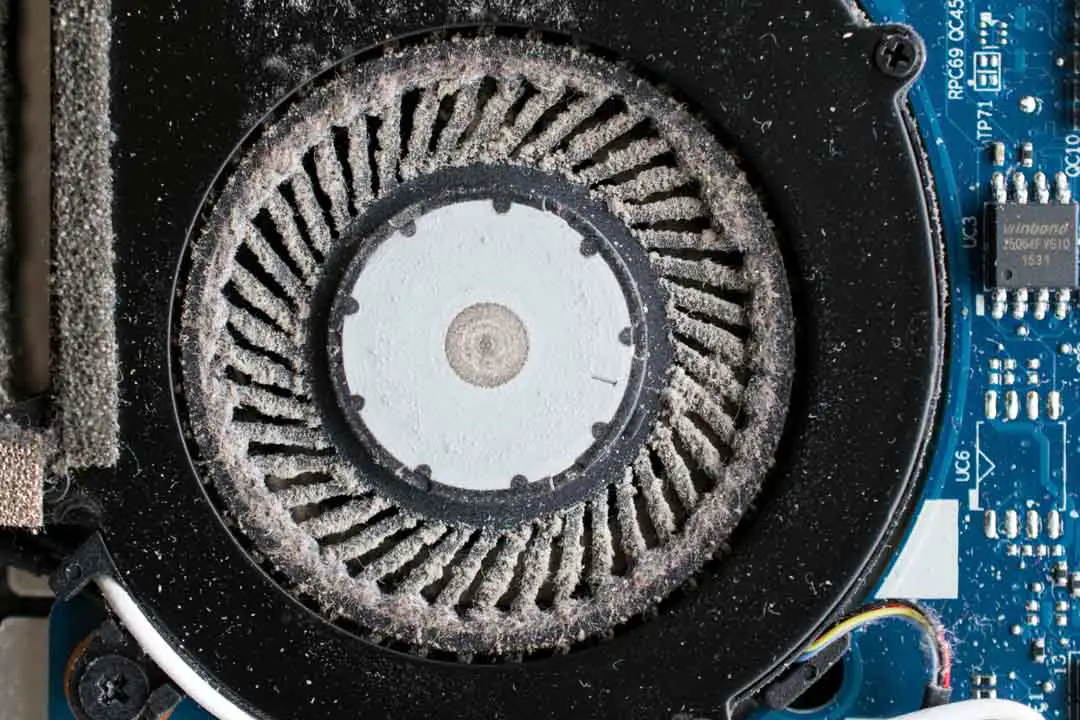
The Annoying Laptop Fan Noise: A Common Problem
Laptop fan noise can be distracting and frustrating, especially when you're working in a quiet environment. The constant whirring and humming can make it difficult to focus on your tasks. While it's easy to ignore the noise, it's not necessarily a sign of a minor issue. In many cases, laptop fan noise can be a symptom of a clogged air vent, worn-out fan, or inefficient cooling system.
Understanding the Causes of Laptop Fan Noise
Before we dive into the fixes, it's essential to understand what causes laptop fan noise. The primary culprits are:
Dust buildup in the air vents and fan blades
Worn-out or faulty fans
Overheating due to clogged air vents or poor cooling system design
Resource-intensive tasks that push the laptop's processor and graphics card to their limits
Practical Fixes to Reduce Laptop Fan Noise
Fortunately, there are several ways to reduce laptop fan noise without opening it. Here are some practical fixes:
Clean the air vents: Use compressed air to blow out dust and debris from the air vents. Hold the can upright and spray the air vents from a safe distance to avoid pushing debris further into the laptop.
Update your laptop's BIOS and drivers: Ensure your laptop's BIOS and drivers are up-to-date, as newer versions often include improvements to the cooling system and fan control.
Adjust power settings: Lower the power consumption of your laptop by adjusting the power settings. You can do this by going to your laptop's control panel, clicking on "Power Options," and selecting a power-saving plan.
Use a laptop cooling pad: A laptop cooling pad can help dissipate heat and reduce fan noise. These pads usually have built-in fans that circulate air and keep your laptop cool.
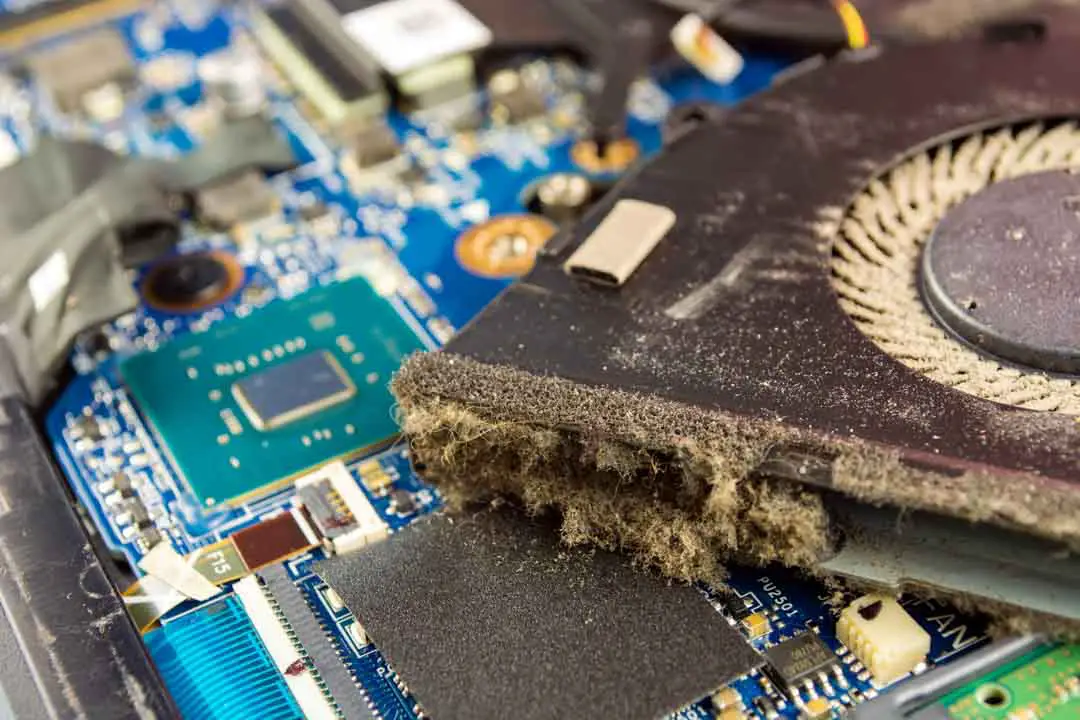
Comparison of Laptop Cooling Pads
| Cooling Pad | Features | Price |
|---|---|---|
| Arctic Cooling Pad | 2 x 80mm fans, adjustable height | $20-$30 |
| Cooler Master NotePal | 2 x 90mm fans, 3D cooling design | $30-$40 |
| Thermaltake WIND MIND | 2 x 80mm fans, wind-flow design | $25-$35 |
When choosing a cooling pad, consider the features that matter most to you. If you're looking for a budget-friendly option, the Arctic Cooling Pad might be the way to go. However, if you're willing to invest in a more premium product, the Cooler Master NotePal offers advanced features like 3D cooling design.
Software Solutions to Reduce Fan Noise
In addition to the practical fixes mentioned earlier, there are software solutions that can help reduce laptop fan noise. These programs can help you control the fan speed, monitor temperature, and adjust power settings.
SpeedFan: A popular software that allows you to monitor temperature, control fan speed, and adjust power settings.
HWiNFO: A comprehensive system monitoring tool that provides detailed information about your laptop's hardware, including temperature and fan speed.
"The key to reducing laptop fan noise is to identify the root cause of the problem. Is it dust buildup, worn-out fans, or inefficient cooling system design? Once you understand the cause, you can take targeted steps to fix the issue." - [Industry Expert]
Tradeoffs and Considerations
When trying to reduce laptop fan noise, there are tradeoffs to consider. For example:
Performance vs. noise reduction: Reducing fan noise might come at the cost of performance. If you're running resource-intensive tasks, your laptop might throttle performance to keep the temperature down.
Cooling pad vs. laptop redesign: While a cooling pad can help reduce fan noise, it might not be the most elegant solution. If you're experiencing persistent cooling issues, it might be worth considering a laptop redesign or replacement.
Maintenance and Prevention
To prevent laptop fan noise from becoming a recurring issue, it's essential to perform regular maintenance. Here are some tips:
Clean the air vents regularly: Use compressed air to blow out dust and debris from the air vents every 3-6 months.
Monitor temperature: Use software to monitor temperature and adjust power settings accordingly.
- Update drivers and BIOS: Regularly update your laptop's drivers and BIOS to ensure you have the latest improvements.
Frequently Asked Questions
Q: Why is my laptop fan so loud?
Laptop fan noise can be caused by dust buildup, worn-out fans, or inefficient cooling system design.
Q: Can I fix laptop fan noise without opening it?
Yes, there are several ways to reduce laptop fan noise without opening it, including cleaning the air vents, updating drivers and BIOS, and using a cooling pad.
Q: How do I clean my laptop's air vents?
Use compressed air to blow out dust and debris from the air vents. Hold the can upright and spray the air vents from a safe distance to avoid pushing debris further into the laptop.
Q: Are cooling pads worth it?
Cooling pads can be effective in reducing laptop fan noise and improving performance. However, it's essential to choose a cooling pad that fits your needs and budget.
Closing
Reducing laptop fan noise requires a combination of practical fixes, software solutions, and regular maintenance. By understanding the causes of laptop fan noise and taking targeted steps to fix the issue, you can enjoy a quieter and more efficient computing experience. Whether you choose to use a cooling pad, adjust power settings, or clean the air vents, there are many ways to make your laptop quieter and more reliable.
Related: Crafting an Effective Axie Resume Template for Beginners
Related: A Practical Guide to Leaving a Group Chat Suddenly
Related: What to Know About Fixing WiFi Connected but No Internet
Related: 5 Useful Things to Know About Boosting Your Home WiFi Signal
Related: Best Online Course Creation Tools
