
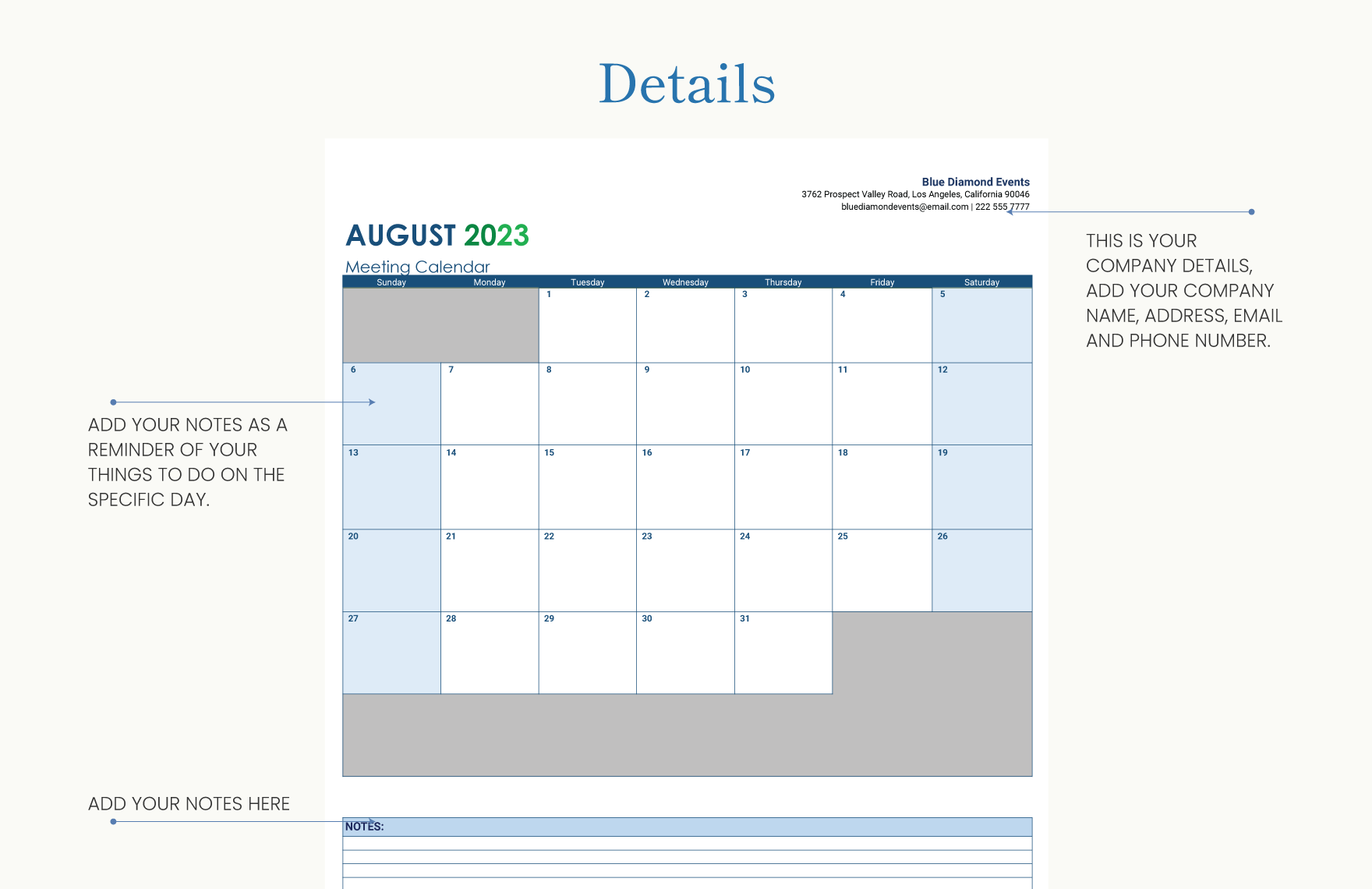
content calendar Template: What Actually Makes Sense?
Meta Desc: Create a practical content calendar with our template and expert guidance, ensuring consistency, efficiency, and improved SEO results.
Why a Content Calendar Matters
As a content creator, managing multiple pieces of content across various platforms can be overwhelming. A content calendar is an essential tool to organize and streamline your content creation process. It helps you plan, schedule, and publish content in advance, ensuring consistency and efficiency. With a well-structured content calendar, you can improve your SEO results, reduce last-minute scrambles, and increase your team's productivity.
Content Calendar Benefits
A content calendar offers numerous benefits, including:
Improved consistency: Regularly posting high-quality content helps maintain your audience's interest and engagement.
Enhanced SEO: A content calendar enables you to plan and optimize your content for specific keywords, improving your search engine rankings.
Increased efficiency: By scheduling content in advance, you can reduce the time spent on last-minute planning and creation.
Better collaboration: A content calendar facilitates communication among team members, ensuring everyone is on the same page.
Creating a Content Calendar Template
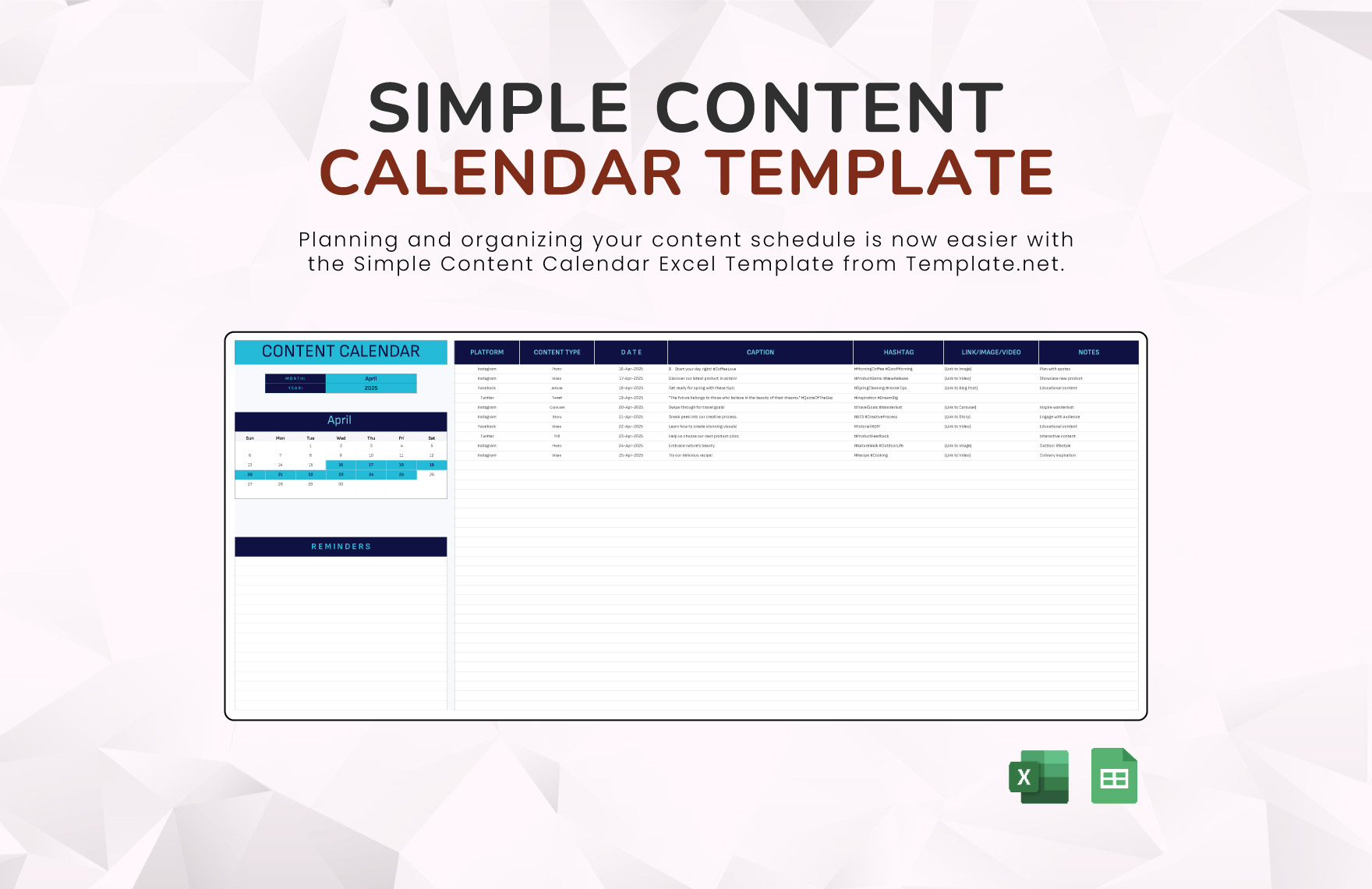
To create a practical content calendar template, consider the following essential components:
Content Types
Blog posts: Articles, guides, and tutorials
Social media posts: Facebook, Twitter, Instagram, LinkedIn, and other platforms
Email newsletters: Newsletters, promotional emails, and automated email sequences
Videos: YouTube, Vimeo, and other video platforms
Content Calendar Structure
| <strong>Date</strong> | <strong>Content Type</strong> | <strong>Topic</strong> | <strong>Keywords</strong> | <strong>Status</strong> |
|---|---|---|---|---|
| 2023-03-01 | Blog post | "The Benefits of Meditation" | meditation, mindfulness, wellness | Scheduled |
| 2023-03-03 | Social media post | "Happy #WellnessWednesday" | wellness, self-care | Published |
Key Features
Date and time: Schedule content for specific dates and times
Content type: Identify the type of content (blog post, social media post, email newsletter, video, etc.)
Topic and keywords: Define the topic and relevant keywords for SEO optimization
Status: Track the content's status (draft, scheduled, published, etc.)
Tips for Using Your Content Calendar
Plan ahead: Schedule content at least 2-3 weeks in advance to ensure consistency and efficiency.
Be flexible: Leave room for adjustments and changes in your content calendar.
Collaborate with your team: Share your content calendar with team members to ensure everyone is on the same page.
Review and adjust: Regularly review your content calendar and adjust your strategy as needed.
"A content calendar is not a one-time task; it's an ongoing process that requires regular review and adjustment. Stay flexible, and don't be afraid to make changes as needed." - [Your Name]
Common Mistakes to Avoid
When creating and using a content calendar, avoid the following common mistakes:
Overcommitting: Scheduling too much content and struggling to keep up with publication dates.
Underutilizing: Not taking full advantage of your content calendar's features and benefits.
- Not reviewing: Failing to regularly review and adjust your content calendar.
FAQs
Q: What is the best format for a content calendar?
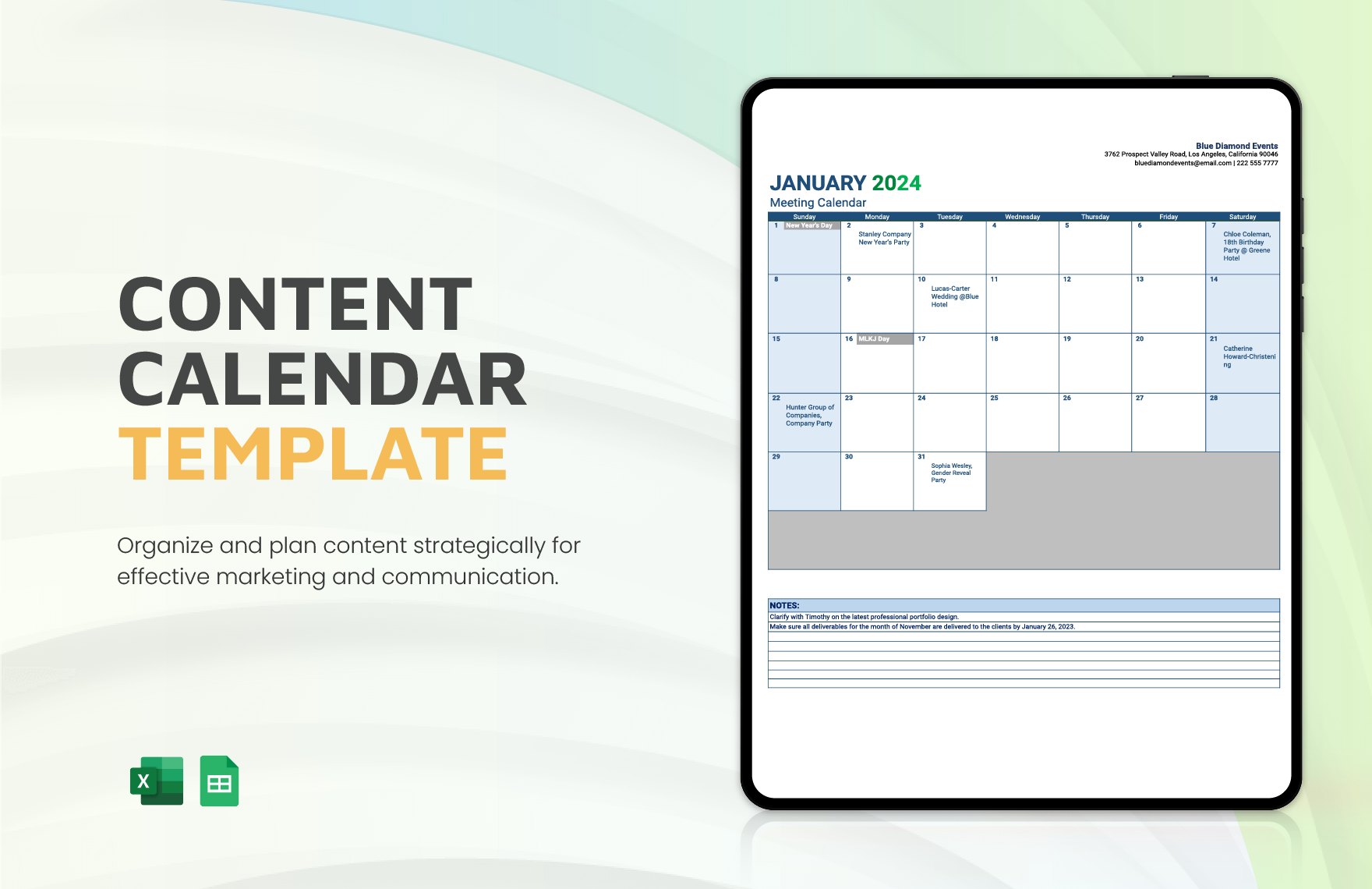
The best format for a content calendar depends on your team's preferences and needs. Consider using a spreadsheet, calendar app, or project management tool.
Q: How often should I review my content calendar?
Review your content calendar at least once a week to ensure you're on track and make any necessary adjustments.
Q: Can I use a content calendar for social media only?
While content calendars are often associated with blog posts and long-form content, they can also be used to plan and schedule social media content.
Putting it All Together
Creating a content calendar template that works for you and your team requires careful consideration of your content types, structure, and key features. By following these guidelines and tips, you can develop a practical content calendar that improves your content creation process, SEO results, and overall productivity. Start planning and scheduling your content today, and watch your online presence thrive.
Related: Free Job Offer Template Online: Find the Perfect Fit for Your
