
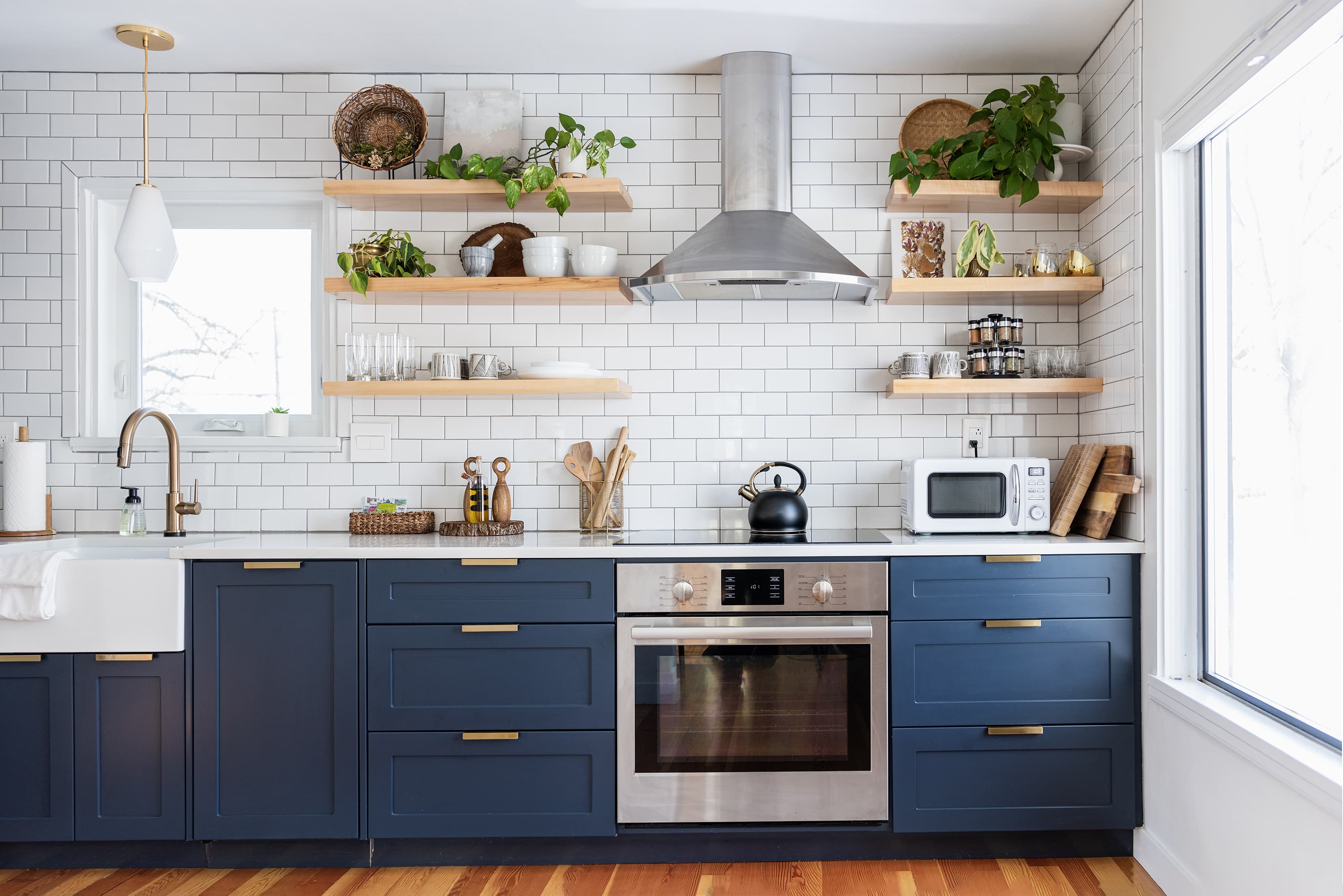
Understanding Your Needs: The Importance of Planning in Kitchen Design
When it comes to redesigning your kitchen, having a clear plan is crucial. A well-thought-out design not only ensures a smooth renovation process but also results in a space that meets your needs and reflects your personal style. However, the idea of designing a kitchen can be overwhelming, especially for those who are not familiar with interior design principles. This is where kitchen design tools come into play. With the right software or app, you can visualize your ideas, make adjustments on the fly, and see how different elements work together before making any physical changes.
Exploring Free Kitchen Design Tools: What You Need to Know
The good news is that you don't have to invest in expensive software to create a beautiful and functional kitchen design. There are numerous free kitchen design tools available that can help you achieve your goals. These tools range from simple, browser-based applications to more comprehensive software that you can download to your computer or mobile device. But with so many options out there, how do you choose the right one for your needs?
Top Free Kitchen Design Tools: A Closer Look
Here are some of the best free kitchen design tools that you can use to create your dream layout:
RoomSketcher: A popular online home design software that offers a free version with basic features. It's user-friendly and allows you to create a 2D and 3D floor plan of your kitchen.
IKEA Home Planner: A free online tool that lets you design your kitchen using IKEA products. It's a great option if you're planning to use IKEA cabinets and fixtures.
Floorplanner: A web-based tool that offers a free trial version. You can create a 2D and 3D design of your kitchen and even add furniture and decor.
Homestyler: A free online interior design software that allows you to create a 2D and 3D design of your kitchen. You can also add furniture, decor, and textures to your design.
Planner 5D: A free online tool that offers a simple and intuitive interface. You can create a 2D and 3D design of your kitchen and even add landscaping and outdoor features.
Comparison of Top Free Kitchen Design Tools
| Tool | Features | Ease of Use | Platform |
|---|---|---|---|
| RoomSketcher | 2D and 3D design, basic furniture and decor | Easy | Web, Mobile |
| IKEA Home Planner | 2D design, IKEA products only | Easy | Web |
| Floorplanner | 2D and 3D design, furniture and decor | Medium | Web |
| Homestyler | 2D and 3D design, furniture, decor, and textures | Medium | Web, Mobile |
| Planner 5D | 2D and 3D design, landscaping, and outdoor features | Easy | Web, Mobile |
"The key to a successful kitchen design is to keep it simple and functional. Don't be afraid to experiment with different layouts and styles until you find one that works for you." - Interior Design Expert
Practical Tips for Using Free Kitchen Design Tools
When using free kitchen design tools, it's essential to keep in mind a few practical tips to ensure that you get the most out of your design experience:
Start with a clear plan: Before you begin designing, take some time to think about what you want to achieve with your kitchen renovation. Consider your lifestyle, cooking habits, and personal style.
Measure your space: Take accurate measurements of your kitchen to ensure that your design fits perfectly.
Experiment with different layouts: Don't be afraid to try out different layouts and styles until you find one that works for you.
Use real materials and textures: Use real materials and textures to give your design a more realistic look.
Common Mistakes to Avoid When Using Free Kitchen Design Tools
While free kitchen design tools can be incredibly helpful, there are a few common mistakes to avoid:
Not taking accurate measurements: Make sure to take accurate measurements of your kitchen to avoid design errors.
Not considering your lifestyle: Think about your lifestyle and cooking habits when designing your kitchen.
Not experimenting with different layouts: Don't be afraid to try out different layouts and styles until you find one that works for you.
Frequently Asked Questions
Q: Are free kitchen design tools really free?
Yes, the tools mentioned in this article offer free versions with basic features. However, some may offer in-app purchases or subscription-based models for more advanced features.
Q: Can I use free kitchen design tools on my mobile device?
Yes, many free kitchen design tools offer mobile apps or are accessible through a mobile web browser.
Q: Do I need to have design experience to use free kitchen design tools?
No, most free kitchen design tools are designed to be user-friendly and accessible to those without extensive design experience.
Q: Can I import my own photos or images into free kitchen design tools?
Some free kitchen design tools allow you to import your own photos or images, while others offer a library of pre-loaded materials and textures.
Finalizing Your Design: Next Steps
Once you've created a design that you love, it's time to start thinking about the next steps. Here are a few things to consider:
Refine your design: Take some time to refine your design and make any necessary adjustments.
Create a shopping list: Create a shopping list of the materials and fixtures you need to bring your design to life.
- Hire a professional: If you're not comfortable with the renovation process, consider hiring a professional to help you bring your design to life.
By following these steps and using the best free kitchen design tools, you can create a beautiful and functional kitchen that meets your needs and reflects your personal style.
Related: 5 Useful Things to Know About Free Design Tools
Related: Simplify Your Planning with Free Digital Planner Templates
