
Resume Template Tips 2026: What Actually Makes Sense?
Choosing the Right Resume Template for 2026
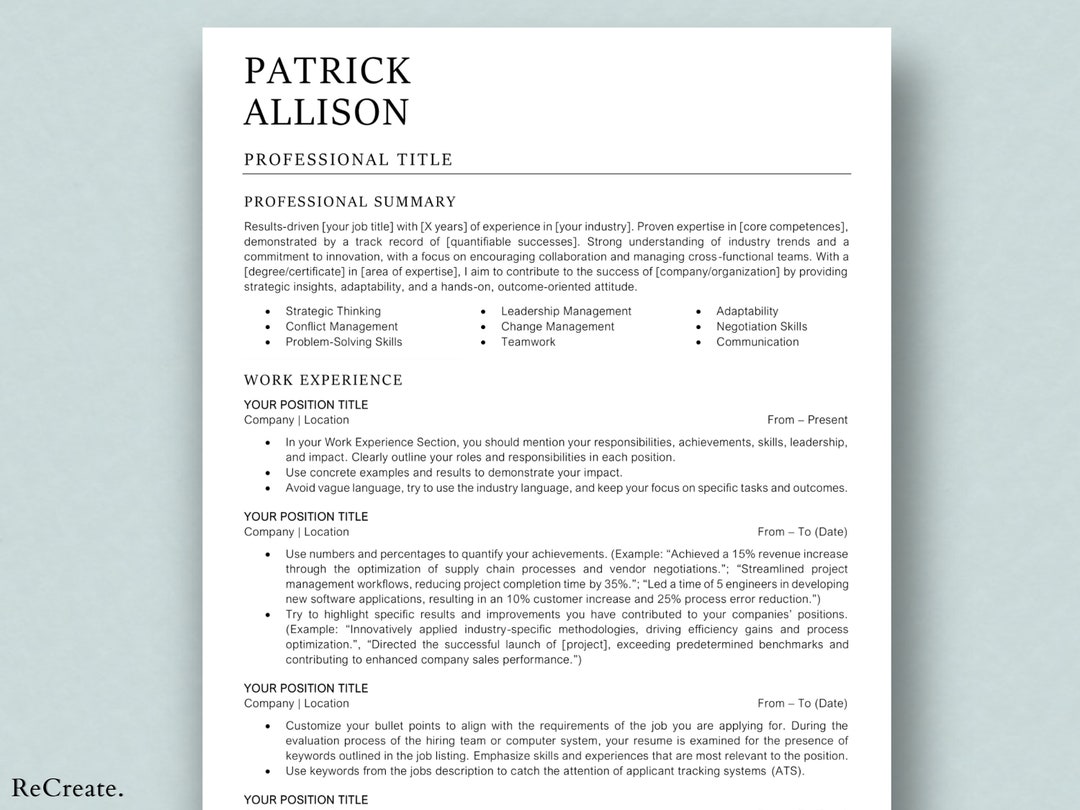
When it comes to crafting a standout resume, the template you choose can make all the difference. With so many options available, it's essential to select a template that not only showcases your skills and experience but also aligns with the latest trends and best practices. In this section, we'll explore the key factors to consider when choosing a resume template for 2026.
A well-designed resume template can help you stand out from the competition, increase your chances of getting past applicant tracking systems (ATS), and ultimately land an interview. But with so many templates to choose from, it can be overwhelming to decide which one is right for you.
Understanding ATS Optimization
Before we dive into the nitty-gritty of resume templates, it's crucial to understand the importance of ATS optimization. Many companies use ATS software to screen and filter resumes before they even reach a human recruiter. This means that your resume needs to be optimized for ATS to increase its chances of getting past the digital gatekeeper.
To optimize your resume for ATS, focus on using relevant keywords from the job description, using a clear and concise format, and saving your resume in a compatible format (such as PDF or Word).
Key Features of a Winning Resume Template
So, what makes a winning resume template? Here are some key features to look for:
Clean and simple design: A clean and simple design can help your resume stand out and make it easy to read.
Clear headings and sections: Clear headings and sections can help organize your resume and make it easy to scan.
Bullet points and white space: Bullet points and white space can help break up large blocks of text and make your resume more visually appealing.
Customizable: A customizable template can help you tailor your resume to the specific job you're applying for.
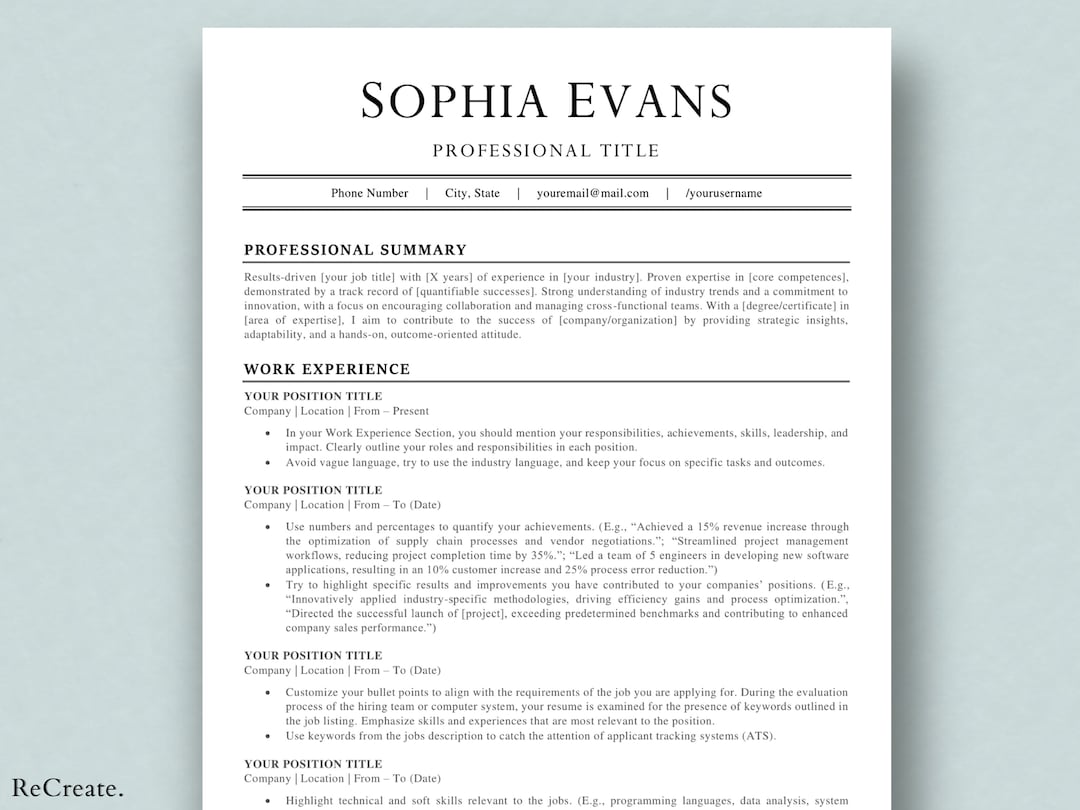
Comparison of Popular Resume Templates
| Template | Description | Pros | Cons |
|---|---|---|---|
| <strong>Chronological</strong> | Emphasizes work experience in reverse chronological order | Easy to read, highlights career progression | May not be suitable for those with gaps in employment |
| <strong>Functional</strong> | Emphasizes skills and qualifications rather than work history | Suitable for those with gaps in employment, highlights transferable skills | May not be suitable for those with a strong work history |
| <strong>Combination</strong> | Combines elements of chronological and functional templates | Highlights both work experience and skills, versatile | Can be lengthy, may be difficult to customize |
Customizing Your Resume Template
Once you've chosen a template, it's essential to customize it to fit your specific needs and qualifications. Here are some tips to keep in mind:
Tailor your objective: Tailor your objective to the specific job you're applying for, and make sure it highlights your relevant skills and experience.
Use keywords: Use keywords from the job description to help your resume pass through ATS and catch the eye of the hiring manager.
Quantify your achievements: Quantify your achievements by using numbers and statistics to demonstrate the impact you've made in your previous roles.
"A well-crafted resume is not just a summary of your experience, but a strategic document that showcases your skills, achievements, and potential. By choosing the right template and customizing it to fit your needs, you can increase your chances of standing out in a crowded job market." - Jane Smith, Career Coach
Common Mistakes to Avoid
When it comes to creating a standout resume, there are several common mistakes to avoid. Here are a few to keep in mind:
Typos and grammatical errors: Typos and grammatical errors can make your resume look sloppy and unprofessional.
Poor formatting: Poor formatting can make your resume difficult to read and may cause it to get rejected by ATS.
Lack of relevance: A lack of relevance to the job description can make your resume seem unfocused and unqualified.
Checklist for a Standout Resume
Here's a quick checklist to help you create a standout resume:
Choose a clean and simple template
Use clear headings and sections
Customize your objective and skills section
Quantify your achievements
Proofread for typos and grammatical errors
Save in a compatible format (PDF or Word)
FAQs
Here are some frequently asked questions about resume templates:
Q: What is the best resume template for 2026? The best resume template for 2026 is one that is clean, simple, and customizable.
Q: How do I optimize my resume for ATS?
To optimize your resume for ATS, use relevant keywords from the job description, use a clear and concise format, and save your resume in a compatible format.
- Q: Can I use a resume template for any job?
No, it's essential to tailor your resume to the specific job you're applying for. Use keywords from the job description and highlight your relevant skills and experience.
Final Tips and Next Steps
In conclusion, choosing the right resume template is just the first step in creating a standout resume. By customizing your template, optimizing for ATS, and avoiding common mistakes, you can increase your chances of landing an interview and taking the next step in your career.
To take your resume to the next level, consider seeking the help of a career coach or resume writer who can provide personalized guidance and support. With the right tools and strategies, you can create a resume that truly showcases your skills, experience, and potential.
Related: A Practical Guide to Resume Templates for Digital Marketing
Related: Free Resume Templates for Download to Land Your Dream Job
