

Finding the Right Checklist App for Your Windows Workflow
When it comes to managing tasks and staying organized, a checklist app can be a lifesaver. For Windows users on a budget, finding a reliable and feature-rich free checklist app can be a challenge. In this article, we'll explore the best free checklist apps for Windows, highlighting their strengths, weaknesses, and ideal use cases.
What to Look for in a Checklist App
Before diving into our top picks, it's essential to consider the key features you need in a checklist app. Here are some factors to consider:
Ease of use: A simple and intuitive interface is crucial for a checklist app. You want to be able to quickly create and manage your lists without getting bogged down in complicated settings.
Customization: A good checklist app should allow you to tailor your lists to your specific needs. This might include features like tags, categories, and prioritization.
Syncing capabilities: If you use multiple devices, you'll want a checklist app that can sync your lists across all of them. This ensures you can access your lists from anywhere.
Integrations: Consider a checklist app that integrates with other tools and services you use. This could include calendar apps, email clients, or project management software.
Top Free Checklist Apps for Windows
Here are our top picks for free checklist apps on Windows:
1. Todoist
Todoist is a popular task management app that offers a free version with many features. Its checklist functionality is robust, with support for tags, priorities, and due dates. Todoist also syncs across all your devices and integrates with a wide range of services.
Pros: Highly customizable, seamless syncing, and extensive integrations
Cons: Limited features in the free version, can feel overwhelming for simple checklist needs
2. Microsoft To Do
Microsoft To Do is a simple and intuitive checklist app that integrates well with other Microsoft services like Outlook and Calendar. Its free version offers a surprising number of features, including tags, priorities, and due dates.
Pros: Easy to use, integrates well with Microsoft ecosystem, and offers a simple, clean interface
Cons: Limited features compared to other apps, no support for custom themes
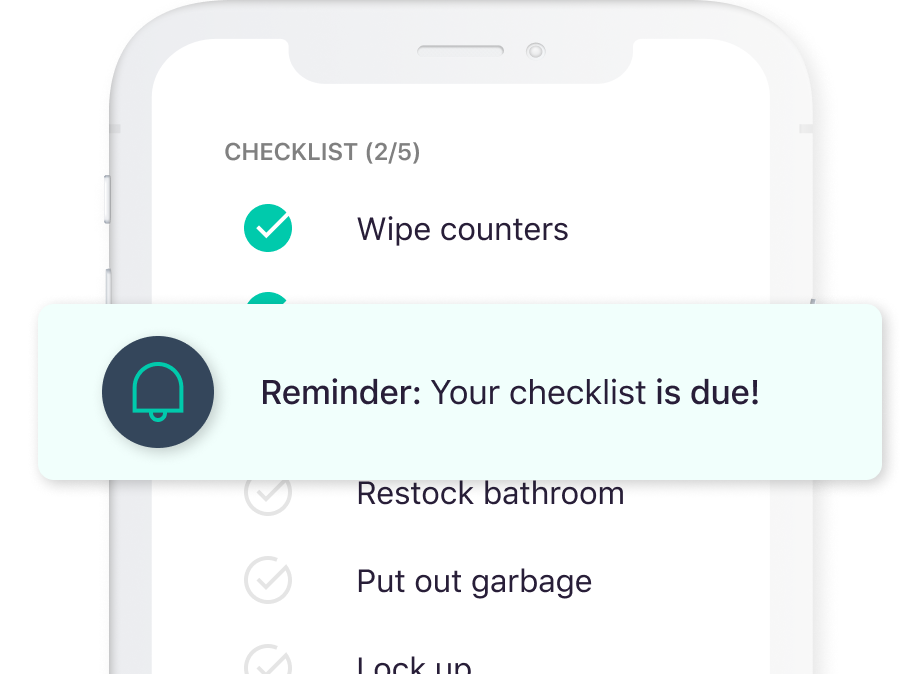
3. Any.do
Any.do is a feature-rich checklist app that offers a free version with many capabilities. Its interface is clean and easy to use, and it supports tags, priorities, and due dates. Any.do also integrates with a range of services, including Google Drive and Slack.
Pros: Highly customizable, supports collaboration, and integrates with many services
Cons: Can feel cluttered, limited features in the free version
4. Trello
Trello is a popular project management tool that can also be used as a checklist app. Its Kanban-style interface is unique and effective, and it supports a wide range of integrations.
Pros: Highly visual, supports complex workflows, and integrates with many services
Cons: Can feel overwhelming for simple checklist needs, limited features in the free version
Comparison Time: Choosing the Right App for You
| App | Ease of Use | Customization | Syncing | Integrations |
|---|---|---|---|---|
| Todoist | 8/10 | 9/10 | 9/10 | 9/10 |
| Microsoft To Do | 9/10 | 7/10 | 8/10 | 8/10 |
| Any.do | 8/10 | 9/10 | 8/10 | 9/10 |
| Trello | 7/10 | 8/10 | 8/10 | 9/10 |
When choosing a checklist app, consider your specific needs. If you want a simple, easy-to-use app, Microsoft To Do might be the best choice. If you need more advanced features and customization, Todoist or Any.do might be a better fit.
Real-World Examples: Putting These Apps to the Test
Let's consider a few real-world scenarios to illustrate the strengths and weaknesses of each app:
Scenario 1: Simple Task List - You're a busy professional who needs a simple task list to keep track of your daily tasks. Microsoft To Do is a great choice, with its easy-to-use interface and integration with Outlook.
Scenario 2: Complex Project Management - You're a project manager who needs to manage complex workflows and collaborate with team members. Trello is a great choice, with its Kanban-style interface and extensive integrations.
FAQs
Here are some common questions about free checklist apps for Windows:
Q: What is the best free checklist app for Windows? The best app for you will depend on your specific needs. Todoist and Any.do offer a wide range of features, while Microsoft To Do is simple and easy to use.
Q: Can I use these apps for project management?
While these apps can be used for project management, Trello is specifically designed for complex workflows and might be a better choice.
Q: Do these apps sync across devices?
Yes, all of the apps mentioned offer syncing capabilities, allowing you to access your lists from anywhere.
Final Checklist: Getting Started with Your New App
Before you start using your chosen checklist app, consider the following:
Set clear goals: What do you want to achieve with your checklist app? What features are must-haves for you?Explore features: Take some time to explore the app's features and settings. Understand how to create and manage your lists.
Integrate with other tools: Consider integrating your checklist app with other tools and services you use.
By following these steps and choosing the right app for your needs, you can simplify your workflow and boost your productivity.
