
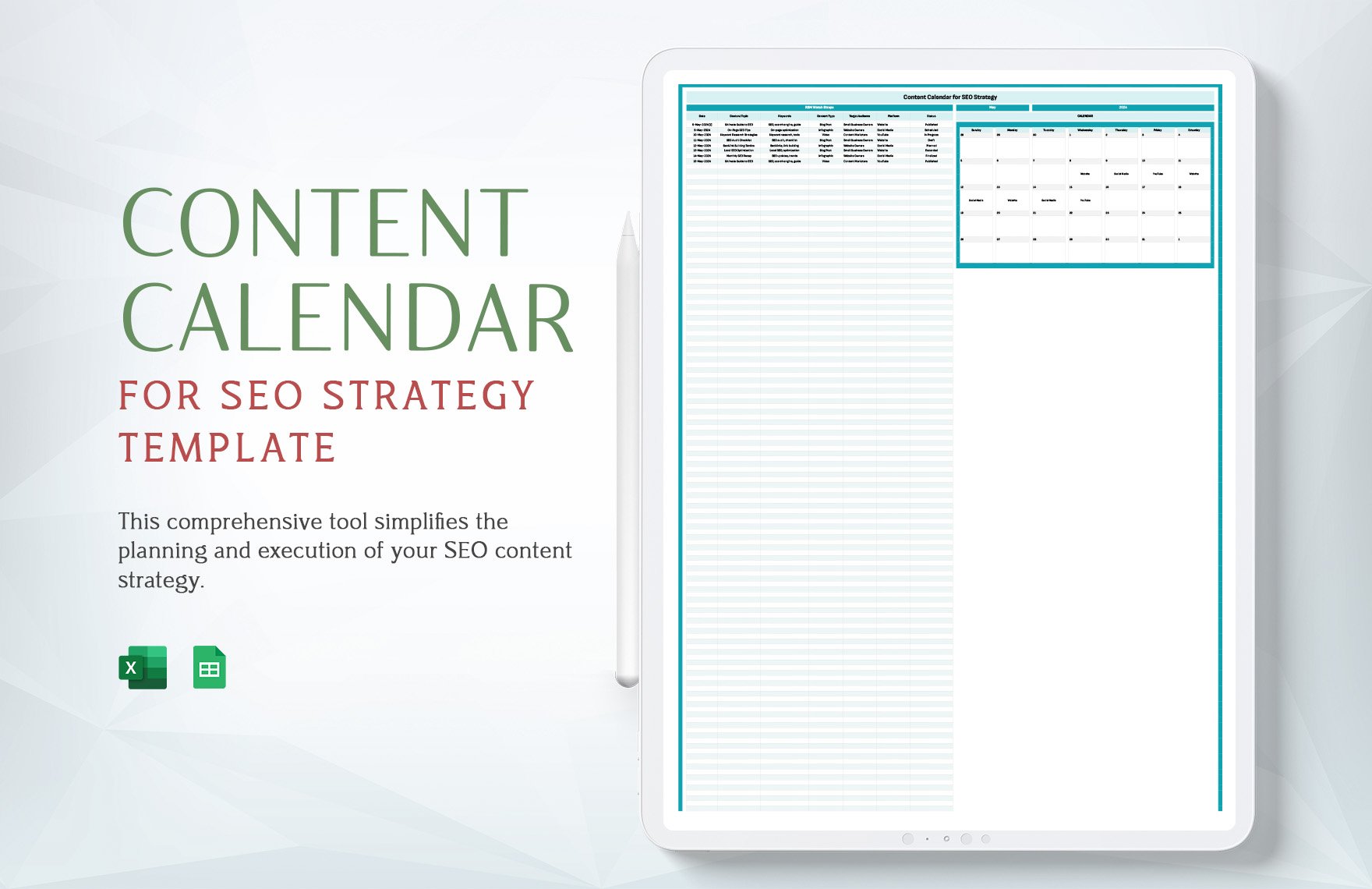
What is a Content Calendar Template?
A content calendar template is a tool used to plan, organize, and schedule content in advance. It's a crucial component of any successful content marketing strategy, helping you to streamline your content creation process, ensure consistency, and maximize your productivity. In this article, we'll explore the benefits of using a content calendar template, and provide you with a free template to get started.
Benefits of Using a Content Calendar Template
Using a content calendar template offers numerous benefits, including:
Improved organization: A content calendar template helps you to plan and organize your content in advance, ensuring that you never miss a deadline or forget to publish an important piece of content.
Increased productivity: By planning your content in advance, you can reduce the time spent on brainstorming and create a consistent flow of high-quality content.
Enhanced collaboration: A content calendar template facilitates collaboration among team members, ensuring that everyone is on the same page and working towards the same goals.
Better SEO: A well-planned content calendar can help you to optimize your content for search engines, improving your website's visibility and driving more traffic to your site.
How to Choose the Right Content Calendar Template
With so many content calendar templates available, choosing the right one can be overwhelming. Here are some factors to consider:
Ease of use: Look for a template that's easy to use and understand, with clear instructions and minimal complexity.
Customization: Choose a template that allows you to customize it to your specific needs, including adding or removing columns, and changing the layout.
Integration: Consider a template that integrates with your existing tools and software, such as Google Calendar or Trello.
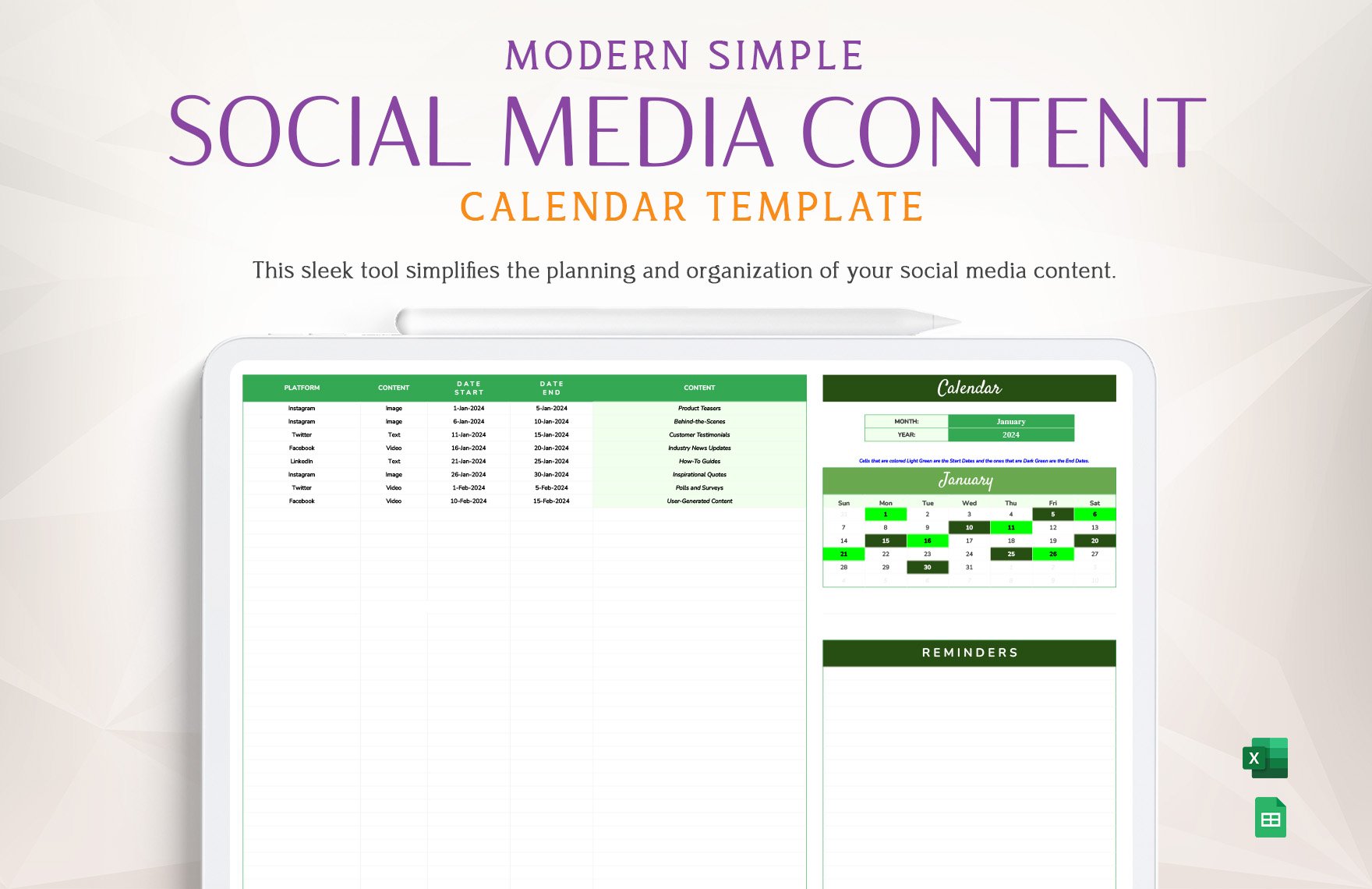
Free Content Calendar Template
To help you get started, we've created a free content calendar template that you can download and use immediately. Our template includes the following features:
Monthly calendar view: A clear and concise view of your content schedule for the month.
Content type: A column to specify the type of content, such as blog post, social media post, or video.
Title and description: Space to add a title and description for each piece of content.
Keywords and tags: A section to add relevant keywords and tags for SEO optimization.
Author and assignee: A column to assign authors and assignees for each piece of content.
Template Details
| Column Name | Description |
|---|---|
| Date | The date the content will be published |
| Content Type | The type of content, such as blog post or social media post |
| Title | The title of the content |
| Description | A brief description of the content |
| Keywords | Relevant keywords for SEO optimization |
| Tags | Relevant tags for SEO optimization |
| Author | The author of the content |
| Assignee | The person assigned to create or review the content |
How to Use the Content Calendar Template
Using our free content calendar template is easy. Here's a step-by-step guide:
- Download the template: Click on the link to download the template.
- Open in Google Sheets or Excel: Open the template in Google Sheets or Excel, depending on your preference.
- Customize the template: Customize the template to your specific needs, including adding or removing columns.
- Plan your content: Plan your content for the month, including adding titles, descriptions, keywords, and tags.
- Assign authors and assignees: Assign authors and assignees for each piece of content.
- Review and adjust: Review your content calendar regularly and adjust as needed.
Tips for Getting the Most Out of Your Content Calendar Template
Here are some tips for getting the most out of your content calendar template:
Be consistent: Use your content calendar template consistently to plan and organize your content.
Review regularly: Review your content calendar regularly to ensure you're on track to meet your goals.
Collaborate with team members: Collaborate with team members to ensure everyone is on the same page.
Adjust as needed: Adjust your content calendar template as needed to reflect changes in your content strategy.
Common Mistakes to Avoid
Here are some common mistakes to avoid when using a content calendar template:
Not customizing the template: Failing to customize the template to your specific needs.
Not reviewing regularly: Not reviewing your content calendar regularly to ensure you're on track to meet your goals.
Not collaborating with team members: Not collaborating with team members to ensure everyone is on the same page.
Frequently Asked Questions
Here are some frequently asked questions about content calendar templates:
What is the best content calendar template?: The best content calendar template is one that meets your specific needs and is easy to use.
How do I create a content calendar template?: You can create a content calendar template from scratch using Google Sheets or Excel, or use a pre-made template.
What should I include in my content calendar template?: Your content calendar template should include columns for date, content type, title, description, keywords, tags, author, and assignee.
- How often should I review my content calendar template?: You should review your content calendar template regularly, ideally weekly or bi-weekly.
Conclusion
A content calendar template is a powerful tool for streamlining your content creation process and maximizing your productivity. By choosing the right template and using it consistently, you can ensure that your content is well-planned, organized, and optimized for search engines. Download our free content calendar template today and start planning your content with ease.
Related: Recruitment Website Building Tips
Related: Building MLM Websites Made Easy: Tips and Tricks for Success
