

Template Resume Maker: What Actually Makes Sense?
=====================================================
The Quest for the Perfect Resume
In a competitive job market, a well-crafted resume can make all the difference. But creating one from scratch can be daunting. That's where template resume makers come in – designed to streamline the process and help you stand out. With numerous options available, it's essential to evaluate what works and what doesn't.
What to Look for in a Template Resume Maker
When searching for a template resume maker, consider the following key factors:
Variety of templates: A good template resume maker should offer a range of modern and stylish templates that cater to different industries and experience levels.
Ease of use: The tool should be user-friendly, with an intuitive interface that makes it easy to input your information and customize the template.
Customization options: Look for a tool that allows you to tailor your resume to the specific job you're applying for, with options to adjust font, color, and layout.
Export options: Ensure the tool allows you to export your resume in various formats, such as PDF, Word, or text.
Top Template Resume Makers Compared
Here's a rundown of some popular template resume makers:
| <strong>Tool</strong> | <strong>Templates</strong> | <strong>Ease of use</strong> | <strong>Customization</strong> | <strong>Export options</strong> |
|---|---|---|---|---|
| Canva | 50+ | Easy | High | PDF, PNG, Word |
| Resume.io | 20+ | Easy | Medium | PDF, Word, text |
| Hloom | 20+ | Medium | Medium | PDF, Word |
| Resume Genius | 10+ | Easy | Low | PDF, Word |
Canva: A Design Powerhouse
Canva is a popular design platform that also offers a robust template resume maker. With over 50 templates to choose from, you're spoiled for choice. Canva's drag-and-drop interface makes it easy to customize your resume, with a vast library of fonts, colors, and graphics.
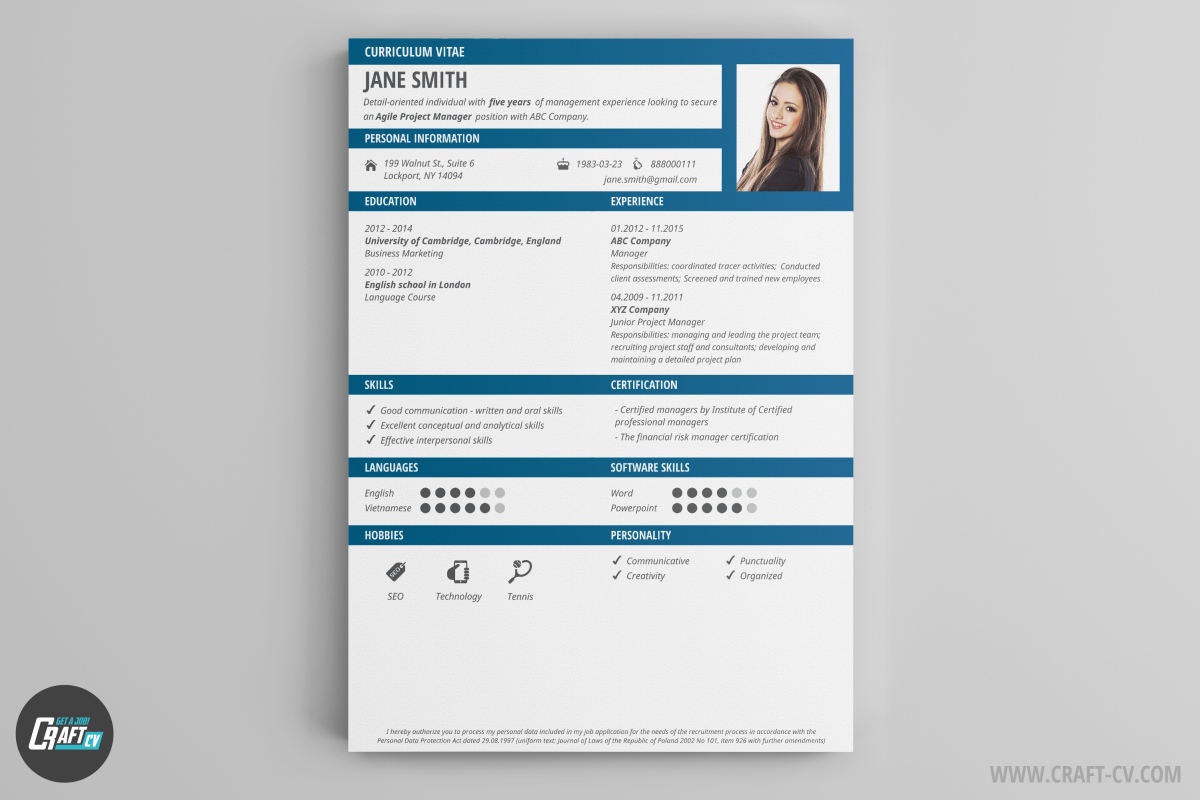
Resume.io: A Streamlined Option
Resume.io offers a more streamlined approach, with 20+ templates to choose from. The tool's interface is easy to navigate, and you can customize your resume with a range of fonts, colors, and layouts. Resume.io also offers a built-in spell checker and grammar tool.
Tips for Creating a Stunning Resume
While a template resume maker can help you get started, it's essential to tailor your resume to the specific job you're applying for. Here are some expert tips:
Use keywords: Identify the key skills and qualifications listed in the job description and incorporate them into your resume.
Quantify your achievements: Use numbers and statistics to demonstrate the impact of your work.
Keep it concise: Aim for a one-page resume, unless you have extensive experience.
The Power of Keywords
Using keywords from the job description can help your resume pass through applicant tracking systems (ATS) and catch the eye of the hiring manager. Here's an example:
Job description: "We're looking for a marketing professional with experience in social media management and email marketing."
Resume example: "Marketing Professional with 3+ years of experience in social media management and email marketing. Successfully managed a team of 5 to increase followers by 50% and boost engagement by 200%."
Common Mistakes to Avoid
When creating your resume, avoid the following common pitfalls:
Typos and grammatical errors: A single mistake can make a negative impression and hurt your chances.
Lack of relevance: Failing to tailor your resume to the specific job can make it seem generic and unappealing.
Inconsistent formatting: Use a consistent font, color, and layout throughout your resume.
Building Trust with Your Resume
Your resume is often the first impression you make on a potential employer. To build trust, focus on:
Accuracy: Ensure your work experience, education, and skills are accurate and up-to-date.
Consistency: Use a consistent tone and formatting throughout your resume.
Relevance: Tailor your resume to the specific job and industry.
Frequently Asked Questions
Q: What's the best template resume maker for beginners?
Canva and Resume.io are both user-friendly options with a range of templates and easy-to-use interfaces.
Q: How do I choose the right template for my resume?
Consider the industry, job description, and your level of experience when selecting a template.
Q: Can I use a template resume maker for a career change?
Yes, but make sure to tailor your resume to the new industry and highlight transferable skills.
Q: How often should I update my resume?
Update your resume every 6-12 months, or whenever you gain new experience or skills.
Final Tips and Takeaways
A well-crafted resume can make a significant difference in your job search. When using a template resume maker, remember to:
Tailor your resume: Customize your resume to the specific job and industry.
Use keywords: Incorporate keywords from the job description to increase your chances.
Keep it concise: Aim for a one-page resume, unless you have extensive experience.
By following these tips and using a template resume maker, you'll be well on your way to creating a stunning resume that lands interviews.
Related: What to Know About Online Checklist Apps for Events
Related: A Practical Guide to B2B Email Marketing Software Tips
