
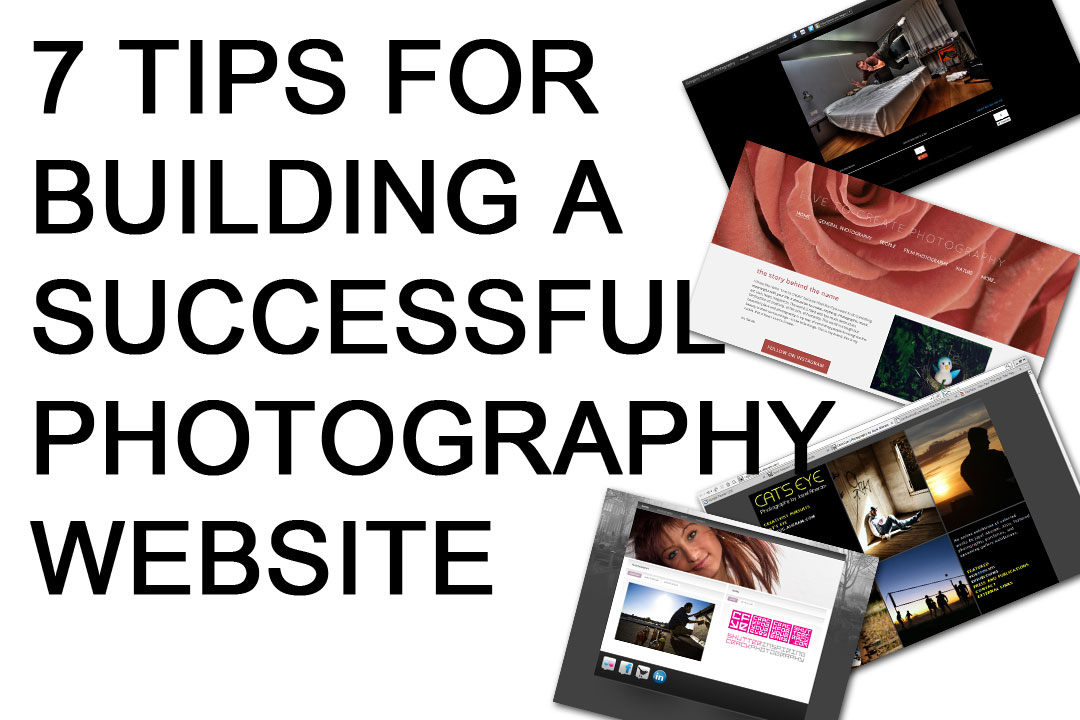
Building a photography website is an exciting venture, but it can be overwhelming, especially for those who are not tech-savvy. Your website is a digital representation of your brand, and it plays a crucial role in attracting potential clients and showcasing your work. A well-designed website can make all the difference in establishing your online presence and growing your photography business.
Choosing the Right Platform
When it comes to building a photography website, choosing the right platform is essential. You have several options, including WordPress, Wix, Squarespace, and Format. Each platform has its pros and cons, and the right choice for you depends on your needs, budget, and technical expertise. WordPress: WordPress is a popular choice among photographers due to its flexibility and customization options. It offers a wide range of themes, plugins, and integrations that can enhance your website's functionality. However, it requires some technical knowledge and can be overwhelming for beginners.
Wix: Wix is a user-friendly platform that offers a drag-and-drop website builder. It's ideal for those who are not tech-savvy and want to create a website quickly. However, it has limited customization options, and its free plan has Wix ads.
Squarespace: Squarespace is a stylish platform that offers a range of modern templates. It's user-friendly and easy to navigate, making it perfect for those who want a sleek and professional website. However, it's more expensive than other platforms, and its free plan has limited features.
Format: Format is a platform specifically designed for photographers. It offers a range of customizable templates and a user-friendly interface. It's ideal for those who want a simple and elegant website that showcases their work.
Designing Your Website
Once you've chosen your platform, it's time to design your website. Your website's design should reflect your brand and style, and it should be easy to navigate. Here are some design tips to keep in mind: Keep it simple: Avoid clutter and keep your website's design simple and clean. Use a clear and concise menu, and make sure your photos are easy to view.
Use high-quality images: Your website should showcase your best work. Use high-quality images that are optimized for web viewing.
Choose a consistent color scheme: Choose a color scheme that reflects your brand and style. Use it consistently throughout your website to create a cohesive look.
Optimizing Your Website for SEO
Search Engine Optimization (SEO) is crucial for your website's visibility. Here are some SEO tips to keep in mind: Use keywords: Use relevant keywords in your website's content, including your page titles, descriptions, and image alt tags.
Optimize your images: Optimize your images by adding alt tags, descriptions, and file names that include your keywords.
Regularly update your content: Regularly update your website's content to keep it fresh and relevant. This will help improve your website's visibility in search engine results.
Creating a Portfolio That Sells
Your portfolio is a crucial part of your website, and it should showcase your best work. Here are some tips for creating a portfolio that sells: Curate your work: Curate your work to showcase your best photos. Avoid including too many photos, and make sure they're well-organized and easy to view.
Tell a story: Tell a story through your photos. Use captions and descriptions to provide context and explain your creative process.
Make it easy to navigate: Make your portfolio easy to navigate. Use a clear and concise menu, and make sure your photos are easy to view.
Building a Community
Building a community around your website is essential for attracting potential clients and growing your photography business. Here are some tips for building a community: Blog regularly: Blog regularly to share your knowledge and expertise with your audience. This will help establish you as an authority in your field and attract potential clients.
Engage with your audience: Engage with your audience through social media and comments. Respond to comments and messages promptly, and make sure you're active on social media.
Offer services and promotions: Offer services and promotions to your audience. This can include workshops, webinars, and discounts on your photography services.
Common Mistakes to Avoid
When building a photography website, there are several common mistakes to avoid. Here are a few: Not optimizing for mobile: Not optimizing your website for mobile devices can lead to a poor user experience and lower search engine rankings.
Using too many plugins: Using too many plugins can slow down your website and make it vulnerable to security risks.
- Not regularly updating your content: Not regularly updating your content can lead to a decrease in search engine rankings and a loss of audience engagement.
Comparison of Website Builders
| Platform | Ease of Use | Customization Options | Cost |
|---|---|---|---|
| WordPress | 7/10 | 9/10 | $5-$50/month |
| Wix | 9/10 | 6/10 | $14-$25/month |
| Squarespace | 8/10 | 8/10 | $14-$26/month |
| Format | 8/10 | 7/10 | $6-$25/month |
Frequently Asked Questions
Q: What is the best platform for building a photography website?
The best platform for building a photography website depends on your needs, budget, and technical expertise. Popular options include WordPress, Wix, Squarespace, and Format.
Q: How do I optimize my website for SEO?
To optimize your website for SEO, use relevant keywords in your content, optimize your images, and regularly update your content.

Q: What should I include in my photography portfolio?
Your photography portfolio should showcase your best work, tell a story through your photos, and be easy to navigate.
Q: How do I build a community around my website?
To build a community around your website, blog regularly, engage with your audience, and offer services and promotions.
Conclusion
Building a photography website is an exciting venture that requires careful planning and execution. By choosing the right platform, designing a visually appealing website, optimizing for SEO, creating a portfolio that sells, and building a community, you can establish a strong online presence and attract potential clients. Avoid common mistakes, stay up-to-date with the latest trends and best practices, and continually evaluate and improve your website to ensure it remains effective and engaging.Related: What to Know About Free Design Tools Online
Related: 37 Free Small Business Ideas for Ambitious Entrepreneurs
