
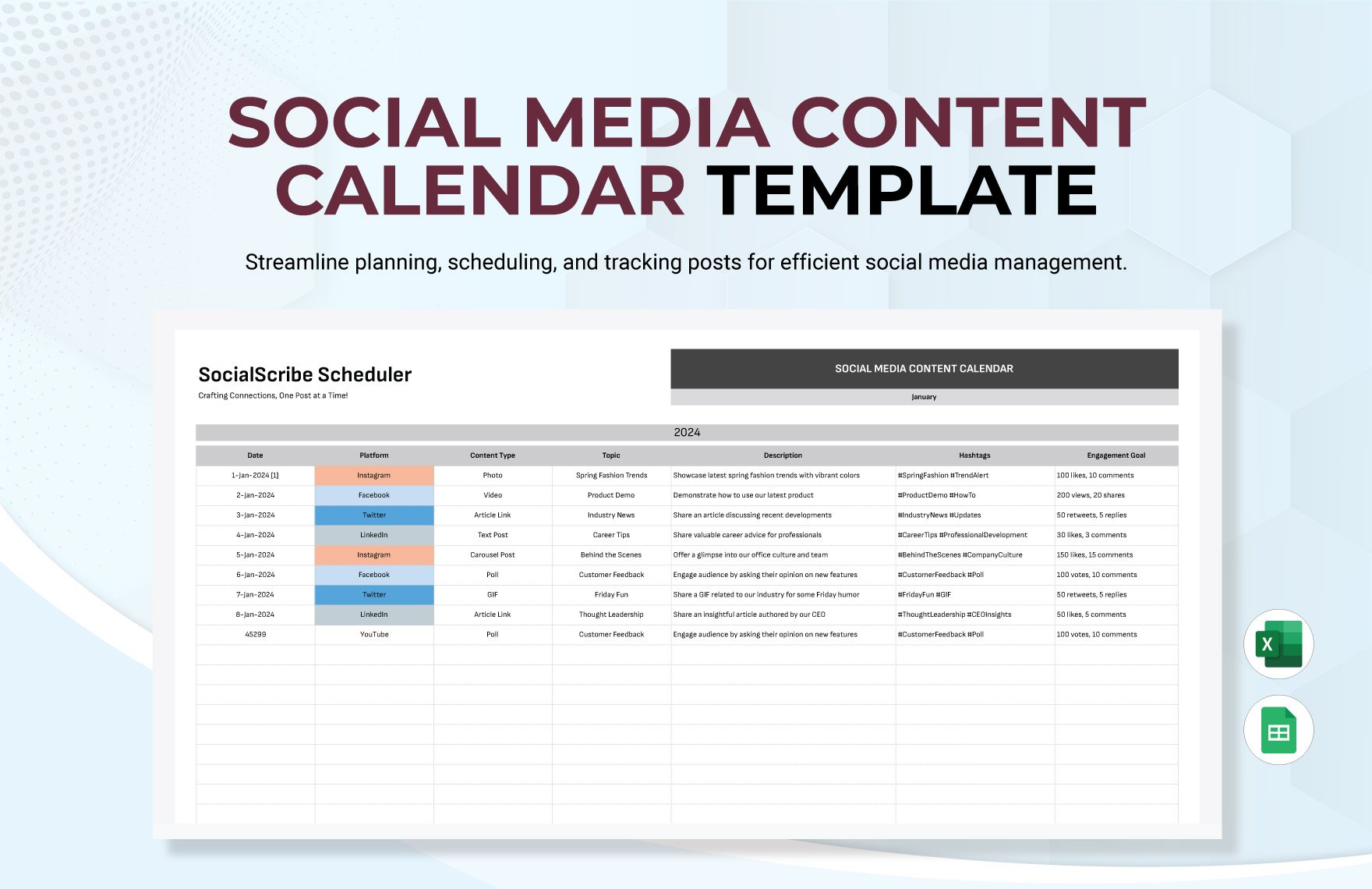
Planning Your Social Media Content in Advance
As a social media manager or content creator, you're likely no stranger to the chaos of scrambling to post content at the last minute. You might find yourself staring at a blank screen, wondering what to post, when to post it, and how to make it engaging. This is where a content calendar social media template comes in – a lifesaver for teams and individuals looking to streamline their social media planning and posting schedule.
A well-crafted content calendar template helps you visualize your content strategy, ensuring that your posts are spaced out evenly, on-brand, and optimized for engagement. By planning your content in advance, you can save time, reduce stress, and boost your social media performance.
Benefits of Using a Content Calendar Social Media Template
So, why should you use a content calendar social media template? For starters, it allows you to:
Plan and schedule content in advance, reducing last-minute scrambles
Ensure consistency in posting schedule and branding
Boost engagement by spacing out posts and avoiding content overload
Save time by having a clear content strategy
Improve team collaboration and communication
Creating Your Content Calendar Social Media Template
Now that we've covered the benefits, let's dive into creating your own content calendar social media template. You can use a spreadsheet, a tool like Google Calendar, or a specialized social media planning tool. The key is to find a format that works for you and your team.
Here's a simple template you can use as a starting point:
| Date | Platform | Post Type | Content | Time |
|---|---|---|---|---|
| Mon | Image | New product launch | 10am | |
| Tue | Text | Industry news update | 12pm | |
| Wed | Video | Behind-the-scenes | 3pm |
Choosing the Right Tools for Your Content Calendar
When it comes to creating and managing your content calendar social media template, you'll need the right tools. Here are some popular options:
Google Sheets or Microsoft Excel for a simple spreadsheet
Google Calendar or Apple Calendar for a calendar-based approach
Social media planning tools like Hootsuite, Buffer, or Sprout Social
Specialized content calendar tools like Trello or Asana
Tips for Maximizing Your Content Calendar's Effectiveness
To get the most out of your content calendar social media template, keep the following tips in mind:
Be flexible: Your content calendar shouldn't be set in stone. Leave room for spontaneity and adjustments as needed.
Keep it simple: Avoid over-complicating your template with too many columns or unnecessary details.
Make it visual: Use images, icons, or colors to make your calendar more visually appealing and easy to scan.
Review and adjust: Regularly review your content calendar's performance and make adjustments as needed.
Common Mistakes to Avoid When Creating a Content Calendar
When creating your content calendar social media template, watch out for these common mistakes:
Over-posting: Avoid flooding your followers' feeds with too many posts.
Under-posting: On the other hand, make sure you're posting regularly to keep your audience engaged.
Lack of variety: Mix up your post types, formats, and topics to keep your content fresh and interesting.
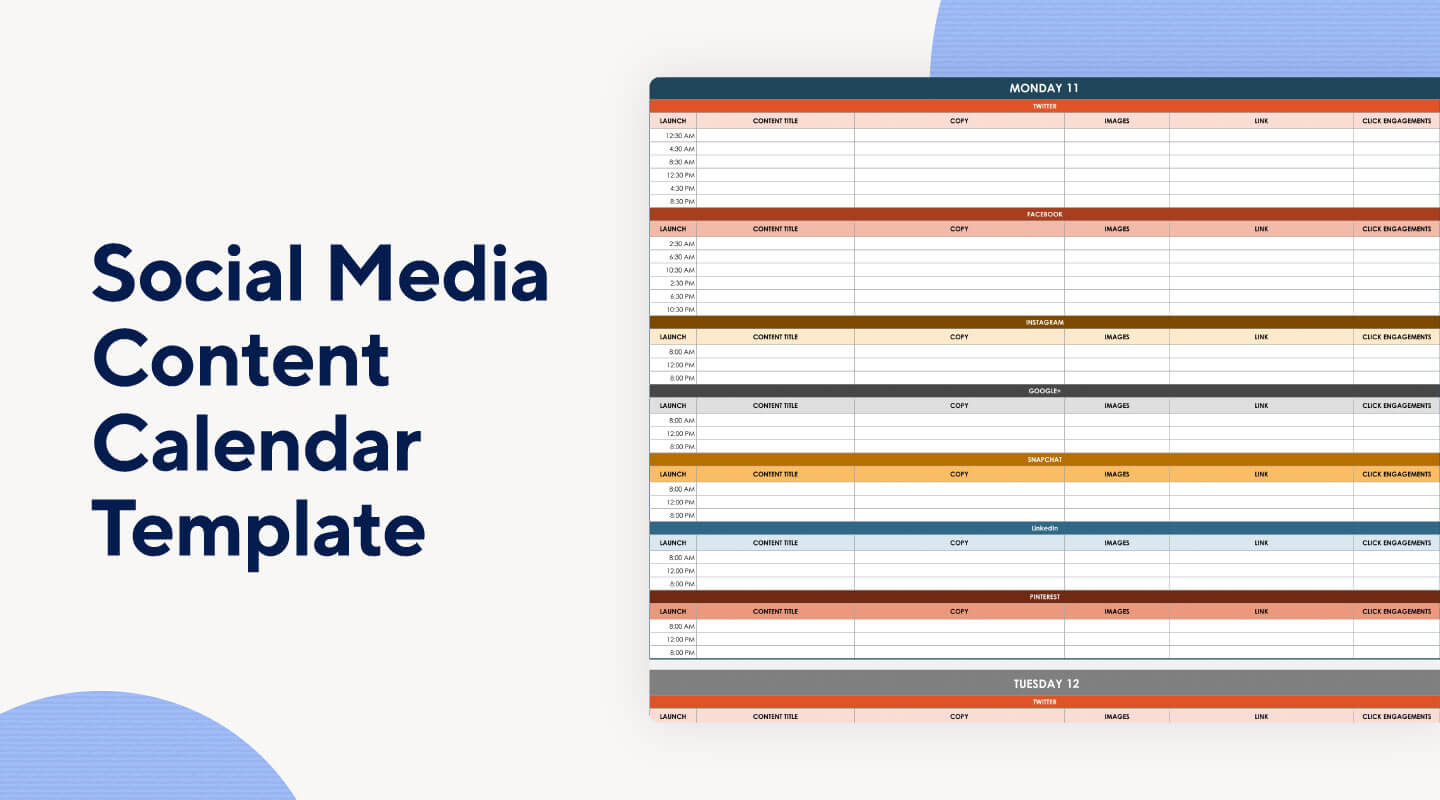
Case Study: How a Content Calendar Boosted Engagement
Let's take a look at a real-world example of how a content calendar social media template boosted engagement. A fashion brand used a content calendar to plan and schedule their social media posts in advance. By spacing out their posts and using a mix of image, video, and text content, they saw a 25% increase in engagement and a 15% increase in followers over a 3-month period.
FAQs
Here are some common questions about creating a content calendar social media template:
Q: What is a content calendar social media template?
A content calendar social media template is a plan for your social media content, outlining what to post, when to post it, and on which platforms.
Q: Why do I need a content calendar?
A content calendar helps you plan and schedule content in advance, reducing last-minute scrambles and boosting engagement.
Q: What tools can I use to create a content calendar?
You can use a spreadsheet, a calendar tool, or a specialized social media planning tool to create your content calendar.
Q: How often should I review and adjust my content calendar?
Regularly review your content calendar's performance and make adjustments as needed, whether that's weekly, monthly, or quarterly.
Putting it All Together
By now, you should have a solid understanding of how to create a content calendar social media template that works for you. Remember to keep it simple, flexible, and visually appealing. With a well-crafted content calendar, you'll be able to streamline your social media planning, boost engagement, and save time. So, what are you waiting for? Start planning your social media content today!
Related: Free Designing Tools Online to Elevate Your Visual Content
Related: Choosing the Right Online Course HTML Template for Your
