
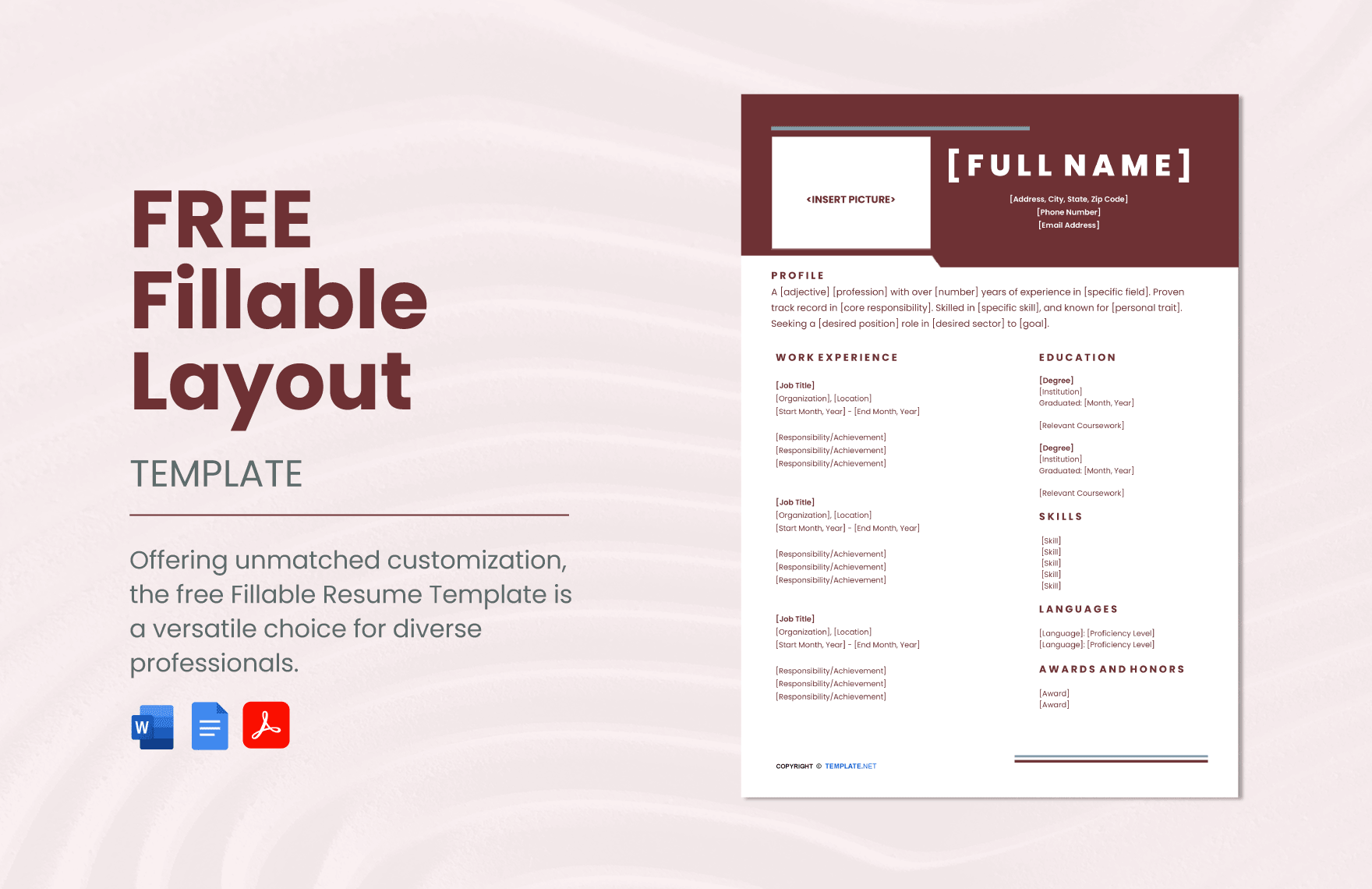
As you embark on a job search, having a stellar resume is crucial to making a strong first impression. However, crafting a well-designed and effective CV can be a daunting task, especially if you're not familiar with design principles or don't have a lot of experience. This is where online template downloads for resumes come in – a convenient and often free resource that can help you create a professional-looking resume in no time.
Why Use Online Template Downloads for Resumes?
Using online template downloads for resumes offers several benefits. For one, it's a cost-effective way to create a high-quality resume. You don't have to spend a lot of money on design software or hire a professional to create a custom template for you. Additionally, online templates are often designed by professionals, so you can be sure that your resume will look polished and visually appealing.
Another advantage of online template downloads is that they can save you a significant amount of time. With a template, you don't have to start from scratch and worry about formatting, margins, and font sizes. The template has already been designed with these elements in mind, so you can focus on filling in the content.
What to Look for in an Online Template Download
When searching for online template downloads for resumes, there are several factors to consider. Here are a few things to keep in mind:
Relevance: Choose a template that's relevant to your industry or job function. For example, if you're applying for a job in the creative field, you may want to opt for a template with a more artistic design.
Customizability: Select a template that's easy to customize. You should be able to easily add or remove sections, change font sizes and styles, and modify the layout as needed.
Compatibility: Make sure the template is compatible with your software and operating system. For example, if you use Microsoft Word, look for templates that are specifically designed for Word.
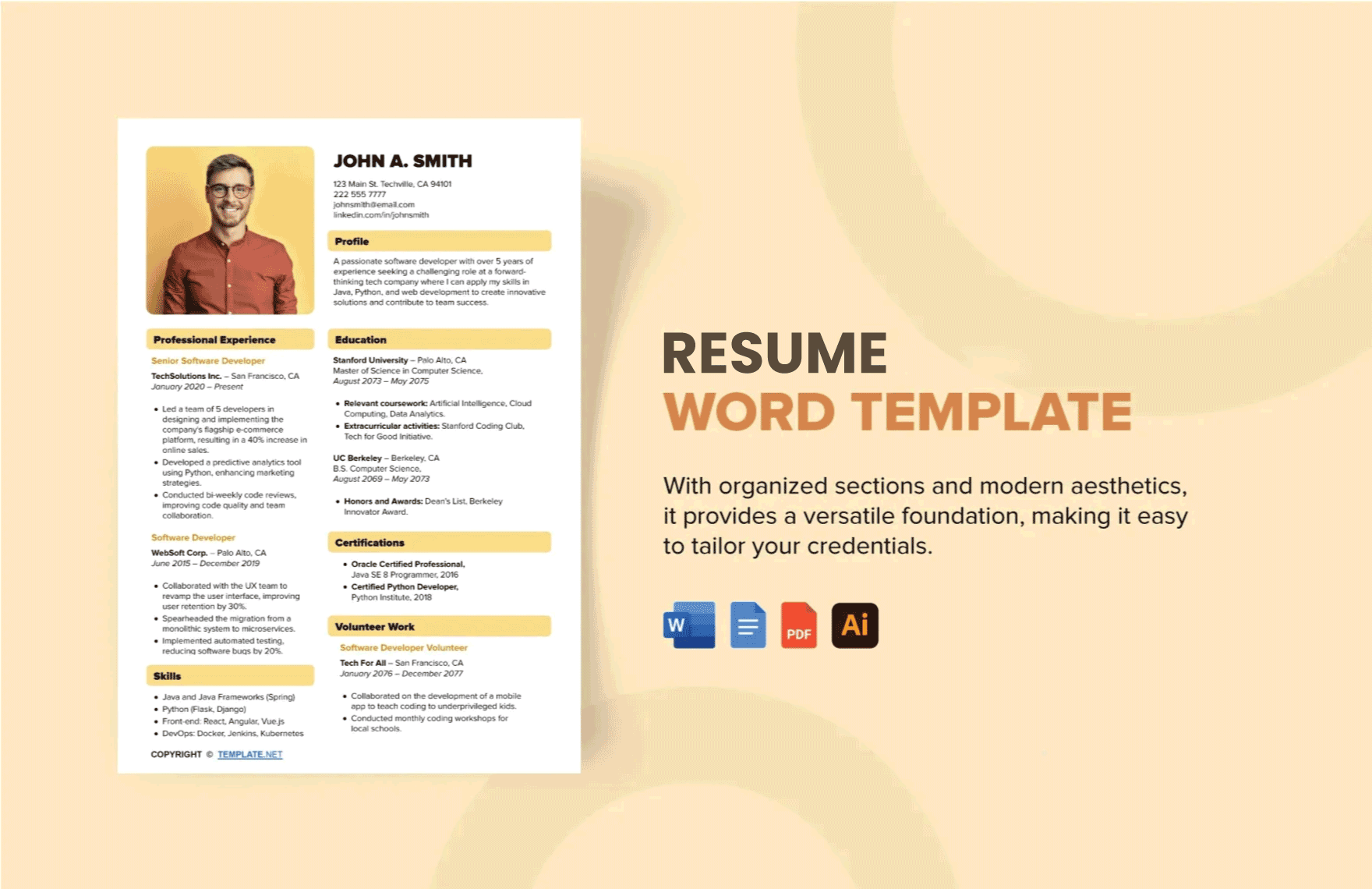
Popular Online Template Download Platforms
There are many online platforms that offer free and paid template downloads for resumes. Here are a few popular options:
Canva: Canva offers a wide range of free and paid templates for resumes, as well as a user-friendly design interface that makes it easy to customize your template.
Microsoft Templates: Microsoft offers a variety of free templates for resumes, including templates for Word, Excel, and PowerPoint.
Resume Genius: Resume Genius offers a range of free and paid templates for resumes, as well as resume-building tools and resources.
Tips for Using Online Template Downloads
Here are a few tips to keep in mind when using online template downloads for resumes:
Keep it simple: Avoid using templates with too many graphics or fancy fonts. Instead, opt for a clean and simple design that allows your content to shine.
Tailor your template: Customize your template to fit your specific needs and experience. Don't be afraid to add or remove sections as needed.
Proofread carefully: Finally, proofread your resume carefully to ensure that there are no typos or formatting errors.
Comparison of Online Template Download Platforms
| Platform | Features | Cost | Compatibility |
|---|---|---|---|
| Canva | Wide range of templates, user-friendly design interface, customizable | Free and paid options | Web-based, compatible with most software |
| Microsoft Templates | Variety of templates for Word, Excel, and PowerPoint, easy to use | Free | Compatible with Microsoft software |
| Resume Genius | Range of templates, resume-building tools and resources, customizable | Free and paid options | Web-based, compatible with most software |
"The key to creating a standout resume is to find a template that complements your skills and experience, and then customize it to fit your specific needs. Don't be afraid to experiment and try out different templates until you find one that works for you." – Jane Doe, Career Coach
Best Practices for Creating a Standout Resume
Here are a few best practices to keep in mind when creating a standout resume:
Use keywords: Use keywords related to the job you're applying for to help your resume pass through applicant tracking systems (ATS).
Highlight achievements: Instead of just listing your job responsibilities, focus on highlighting your achievements and accomplishments.
Keep it concise: Keep your resume concise and to the point. Aim for a length of one to two pages.
Frequently Asked Questions
Q: What are the benefits of using online template downloads for resumes?
The benefits of using online template downloads for resumes include cost-effectiveness, time-saving, and access to professionally designed templates.
Q: How do I choose the right online template download for my resume?
When choosing an online template download, consider factors such as relevance, customizability, and compatibility.
Q: Can I use online template downloads for resumes for any job application?
While online template downloads can be used for many job applications, it's essential to tailor your resume to the specific job you're applying for.
Q: Are online template downloads for resumes free?
Many online template downloads for resumes are free, but some platforms may offer paid options with additional features and resources.
Conclusion
Online template downloads for resumes can be a valuable resource for job seekers looking to create a professional-looking CV with minimal effort. By choosing the right template, customizing it to fit your needs, and following best practices for resume creation, you can increase your chances of standing out in a competitive job market. Whether you're a recent graduate or a seasoned professional, online template downloads can help you create a standout resume that showcases your skills and experience.
Related: Budget Planner Template PDF: What Actually Makes Sense?
Related: A Practical Guide to Travel Monitoring Checklist Tips
