
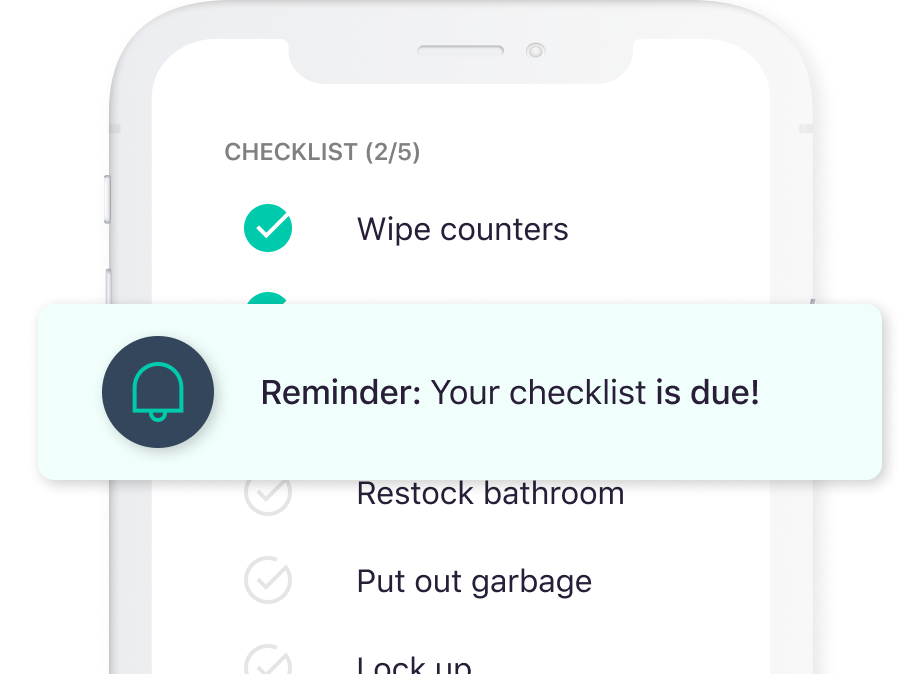
Understanding Your Needs for a Checklist App
When searching for the best free checklist app, it's essential to consider what you're trying to achieve. Are you looking to manage daily tasks, organize projects, or simply keep track of groceries? Different apps cater to different needs, and understanding yours will help you make an informed decision. For instance, if you're a freelancer, you might need an app that integrates with other tools you use, like calendar or email apps. On the other hand, if you're a student, a simple, intuitive app might be more suitable.
Key Features to Look for in a Checklist App
Not all checklist apps are created equal. Some offer basic functionalities, while others provide a wide range of features to enhance your productivity. Here are some key features to look for:
- Ease of Use: The app should have an intuitive interface that's easy to navigate.
- Customization: Look for apps that allow you to customize your checklists with different colors, icons, or priorities.
- Collaboration: If you work in a team, find an app that supports real-time collaboration.
- Integration: Consider apps that integrate with other tools you use daily, like Google Calendar or Slack.
- Offline Access: Ensure the app works offline, especially if you often find yourself without internet access.
Top Free Checklist Apps
Here are some of the top free checklist apps that you might find useful:
- Trello: Known for its Kanban boards, Trello is excellent for project management and allows for a lot of customization and integration with other apps.
- Any.do: A user-friendly app that offers calendar integration, collaboration features, and a simple interface.
- Wunderlist: Before its discontinuation, Wunderlist was a favorite among checklist app users, offering a clean interface and robust features.
- Todoist: A powerful task management app that offers a free version with basic features, suitable for individuals and small teams.
- Google Keep: A simple note-taking app that can be used for checklists, offering a straightforward interface and integration with Google Drive.
Comparison of Top Free Checklist Apps
| App | Ease of Use | Customization | Collaboration | Integration | Offline Access |
|---|---|---|---|---|---|
| Trello | 8/10 | 9/10 | 9/10 | 9/10 | Yes |
| Any.do | 9/10 | 8/10 | 8/10 | 8/10 | Yes |
| Todoist | 8.5/10 | 8.5/10 | 8/10 | 8.5/10 | Yes |
| Google Keep | 9/10 | 7/10 | 6/10 | 7/10 | Yes |
Practical Use Cases for Checklist Apps
- Daily Tasks: Use a checklist app to keep track of your daily tasks, such as exercise, reading, or chores.
- Project Management: For professionals, checklist apps can help manage projects by breaking them down into smaller tasks and assigning them to team members.
- Shopping: A simple use case is creating a shopping list. Apps like Google Keep or Any.do are perfect for this.
Choosing the Right App for You
With so many options available, choosing the right checklist app can be overwhelming. Start by listing your requirements. Do you need an app for personal use or for team projects? How important is integration with other tools for you? Once you have a clear understanding of your needs, try out a few apps. Most of the top apps offer a free version or a trial period, allowing you to test their features before committing.
Common Mistakes to Avoid
When selecting and using a checklist app, there are a few common mistakes to avoid:
- Over-complicating things: Choose an app that fits your needs. Overly complex apps can be discouraging to use.
- Not exploring features: Take the time to explore the app's features. Many users miss out on useful functionalities.
- Not backing up data: Ensure the app you choose allows you to export or backup your data, in case you decide to switch apps.
FAQs
Q: Can I use checklist apps for team projects?
Yes, many checklist apps offer features for team collaboration, such as assigning tasks and real-time updates.
Q: Are there any security concerns with free checklist apps?
While most reputable apps take security seriously, it's essential to read the app's privacy policy and understand how your data is used.
Q: Can I integrate checklist apps with my calendar?
Many checklist apps offer integration with calendar apps, allowing you to schedule tasks and set reminders.
Q: What if I need more features than the free version offers?
If you find that the free version of an app doesn't meet your needs, consider upgrading to a paid version or exploring other apps that offer the features you need for free.
Final Considerations
Finding the best free checklist app for your needs involves understanding your requirements, exploring available options, and avoiding common mistakes. By taking the time to research and test different apps, you can find a tool that significantly boosts your productivity and streamlines your tasks. Whether you're managing daily chores, working on a project, or planning your next trip, there's a checklist app out there that's right for you.
Related: Free Marketing Email Tools: What Actually Makes Sense?
Related: Free Resume Templates for Microsoft Word to Land Your Dream
