
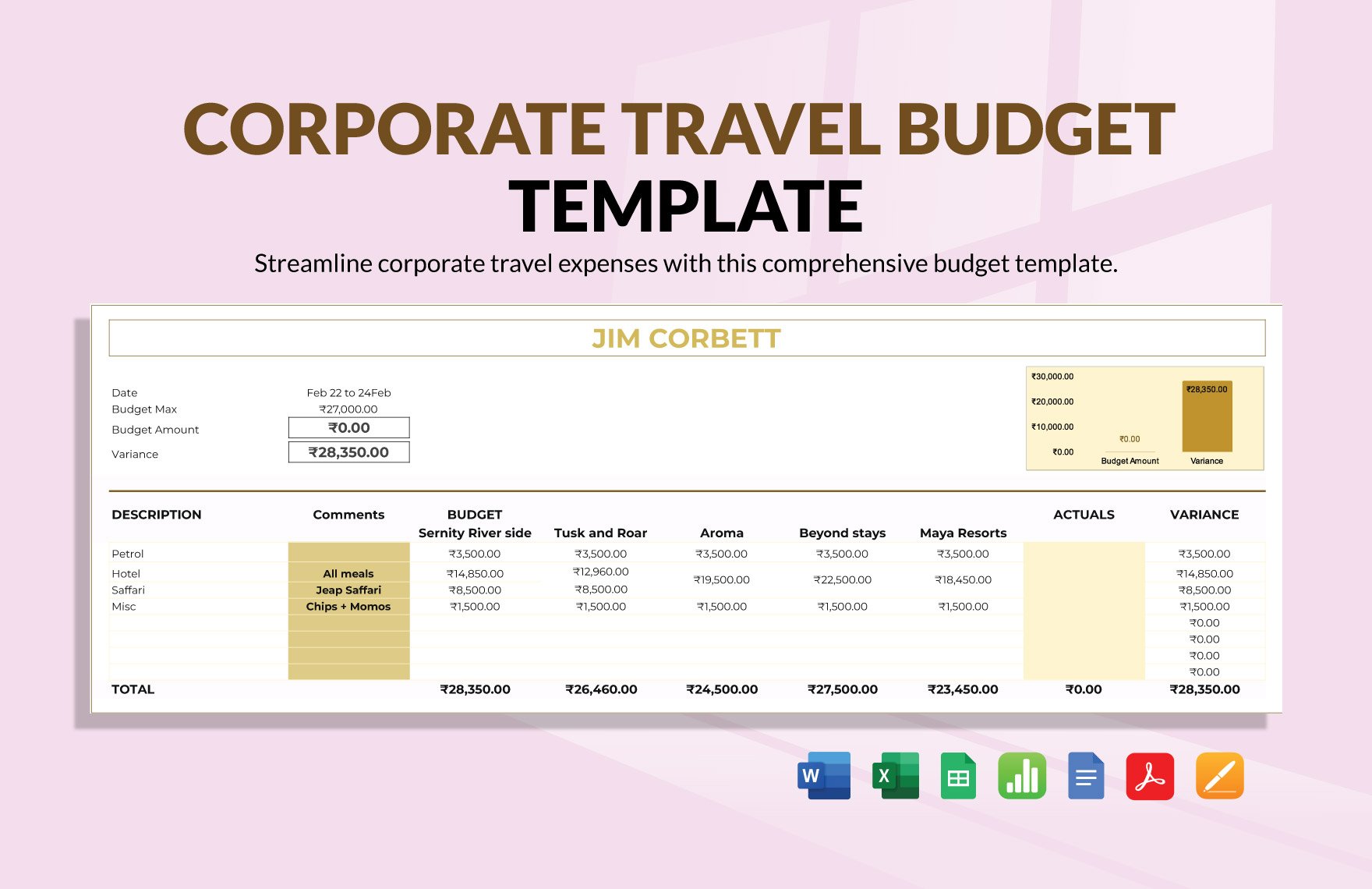
Taking Control of Your Finances with a Budget Planner Template Excel
Creating a budget is an essential step towards achieving financial stability, but it can be overwhelming, especially for those who are new to personal finance. A budget planner template in Excel can be a powerful tool to help you manage your finances, track your expenses, and make informed decisions about your money. In this article, we will explore five useful things to know about using a budget planner template in Excel.
Setting Up Your Budget Planner Template
Before you start using a budget planner template, you need to set it up correctly. This involves creating a new workbook, choosing a template, and customizing it to suit your needs. When selecting a template, consider what features are essential to you, such as income and expense tracking, budgeting categories, and financial goal setting.
To set up your budget planner template:
Open Excel and create a new workbook
Search for budget templates in the template gallery
Choose a template that suits your needs, such as the Personal Budget template or the Expense Budget template
Customize the template by adding your income sources, fixed expenses, and budgeting categories
Categorizing Your Expenses
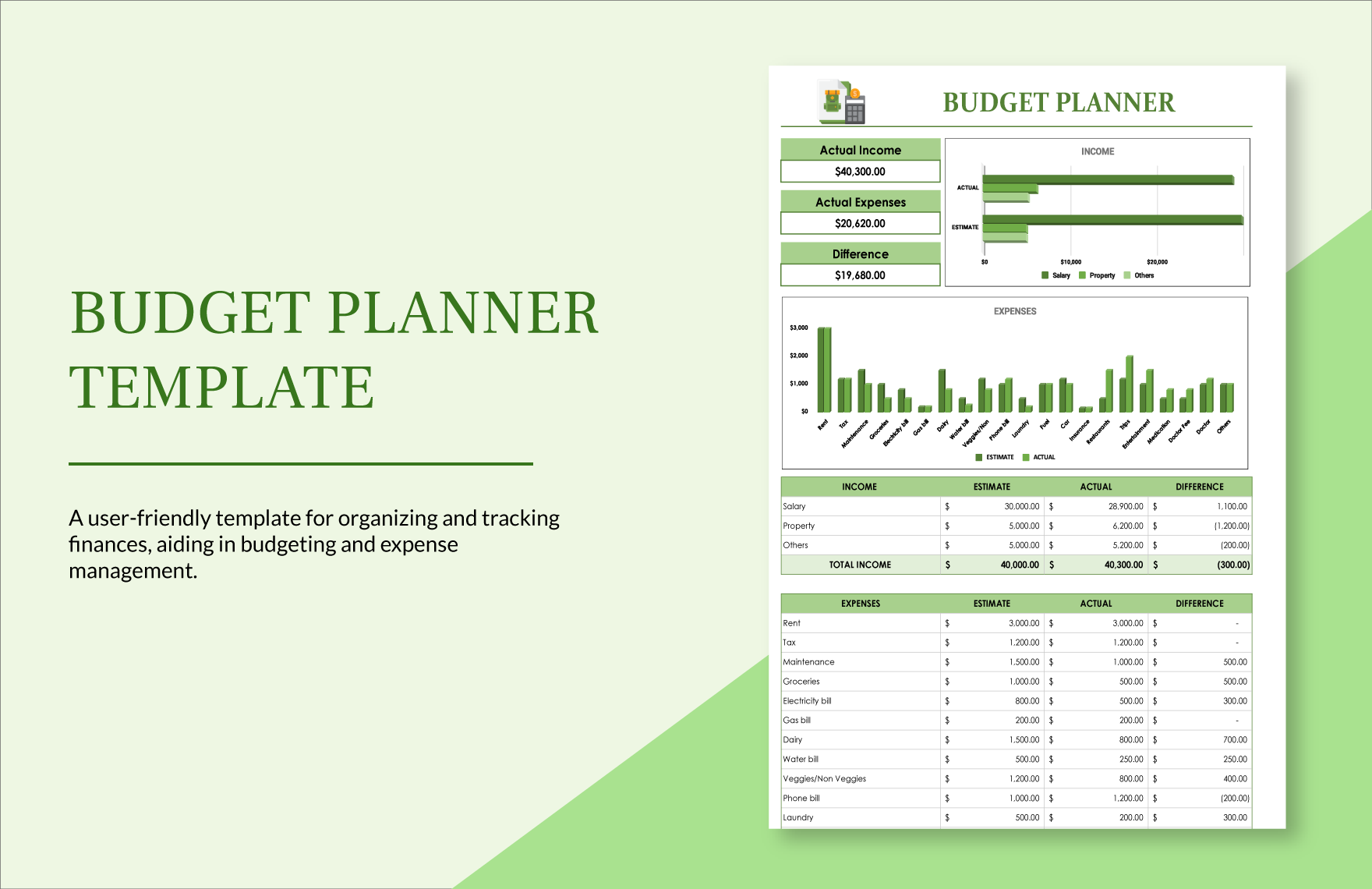
Categorizing your expenses is a crucial step in creating a realistic budget. It helps you understand where your money is going and identify areas where you can cut back. A budget planner template in Excel allows you to create custom categories, such as:
Housing (rent/mortgage, utilities, maintenance)
Transportation (car loan/insurance, gas, maintenance)
Food (groceries, dining out)
Entertainment (hobbies, travel, entertainment)
By categorizing your expenses, you can:
Track your spending habits
Identify areas for cost reduction
Make informed decisions about your money
Tracking Your Income and Expenses
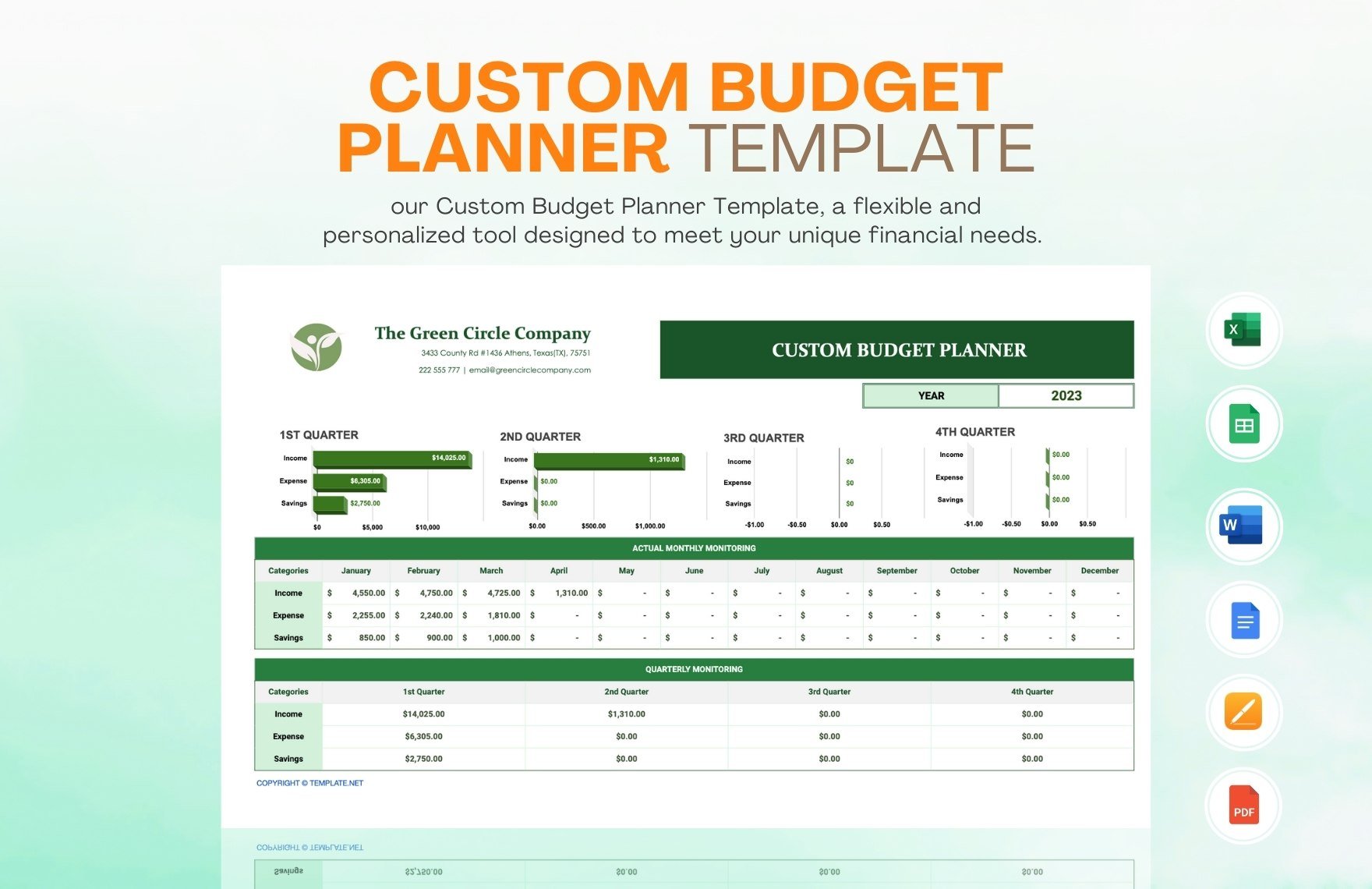
Tracking your income and expenses is essential to creating a realistic budget. A budget planner template in Excel allows you to record your income and expenses, and calculate your net income. You can also use formulas and charts to visualize your data and make it easier to understand.
To track your income and expenses:
Record your income sources, such as salary, investments, and freelance work
Record your fixed expenses, such as rent/mortgage, utilities, and car loan
Record your variable expenses, such as groceries, entertainment, and travel
Use formulas to calculate your net income and expense totals
Analyzing Your Financial Data
Analyzing your financial data is critical to making informed decisions about your money. A budget planner template in Excel allows you to create charts and graphs to visualize your data, making it easier to understand and identify trends.
To analyze your financial data:
Create a budget dashboard to track your income and expenses
Use charts and graphs to visualize your data, such as a pie chart to show your expense categories
Identify areas for improvement, such as reducing expenses or increasing income
Make informed decisions about your money, such as adjusting your budget or investing in a retirement account
Common Mistakes to Avoid
When using a budget planner template in Excel, there are several common mistakes to avoid:
Not customizing the template to suit your needs
Not tracking your income and expenses regularly
Not reviewing and adjusting your budget regularly
Not using formulas and charts to visualize your data
By avoiding these common mistakes, you can:
Create a realistic and effective budget
Achieve financial stability and security
Make informed decisions about your money
Frequently Asked Questions
Q: What is the best budget planner template in Excel?
The best budget planner template in Excel is one that suits your needs and financial goals. Consider what features are essential to you, such as income and expense tracking, budgeting categories, and financial goal setting.
Q: How do I create a budget plan in Excel?
To create a budget plan in Excel, start by setting up a new workbook, choosing a template, and customizing it to suit your needs. Then, track your income and expenses, categorize your expenses, and analyze your financial data.
Q: What are the benefits of using a budget planner template in Excel?
The benefits of using a budget planner template in Excel include creating a realistic and effective budget, achieving financial stability and security, and making informed decisions about your money.
Q: Can I use a budget planner template in Excel for business finances?
Yes, you can use a budget planner template in Excel for business finances. Consider using a template specifically designed for business budgeting, such as the Business Budget template or the Expense Budget template.
Conclusion
Related: What to Know About Free Budget Planner Templates
Related: How to Choose a Budget Planner for Beginners Without
