
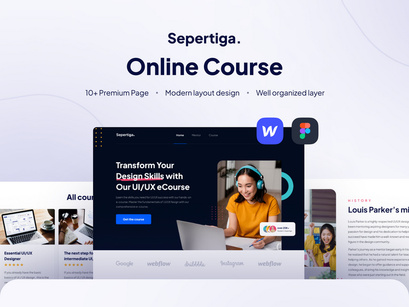
Choosing the Right Online Course Website Template
When creating an online course website, selecting the right template is crucial for a successful launch. A well-designed template can make all the difference in engaging your students and delivering a seamless learning experience. In this article, we'll explore five essential things to know about online course website templates, including key features, tradeoffs, and best practices.
Understanding Your Needs
Before diving into template selection, it's essential to understand your needs and goals. What type of courses will you be offering? Who is your target audience? What features do you need to deliver a comprehensive learning experience? Take a moment to consider the following:
What is the primary focus of your online course (e.g., video lessons, quizzes, discussions)?
What is your budget for website development and maintenance?
Do you need integrations with third-party tools (e.g., payment gateways, email marketing software)?
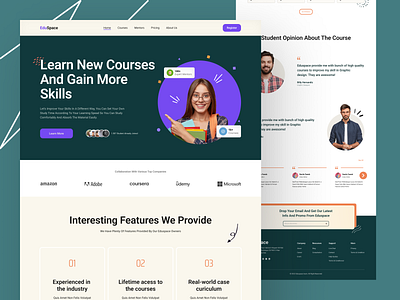
Key Features to Look for in an Online Course Website Template
When evaluating online course website templates, there are several key features to look for:
Responsive design: Ensure the template is optimized for various devices, including desktops, laptops, tablets, and smartphones.
Course catalog and directory: A well-organized course catalog and directory make it easy for students to find and enroll in courses.
Course player and video integration: A built-in course player and seamless video integration are essential for delivering video-based courses.
Quizzes and assessments: Look for templates with built-in quiz and assessment tools to evaluate student progress.
Discussion forums and community features: A discussion forum or community feature can foster engagement and encourage student interaction.
Popular Online Course Website Templates
Several popular online course website templates are worth considering:
| Template | Key Features | Price |
|---|---|---|
| LearnDash | Course catalog, course player, quizzes, discussions | $199 (one-time) |
| Teachable | Course creation, payment gateways, email marketing integrations | $39/month (basic plan) |
| Thinkific | Course creation, quizzes, discussions, payment gateways | $49/month (basic plan) |
| Kajabi | Course creation, email marketing, payment gateways, website builder | $149/month (basic plan) |
Tradeoffs and Considerations
When selecting an online course website template, there are tradeoffs and considerations to keep in mind:
Customization vs. ease of use: Some templates offer extensive customization options, but may require more technical expertise. Others may be easier to use but offer limited customization.
Cost vs. features: Templates with more features may come at a higher cost. Consider your budget and prioritize the features you need.
Integration with third-party tools: If you need to integrate with third-party tools, ensure the template supports these integrations.
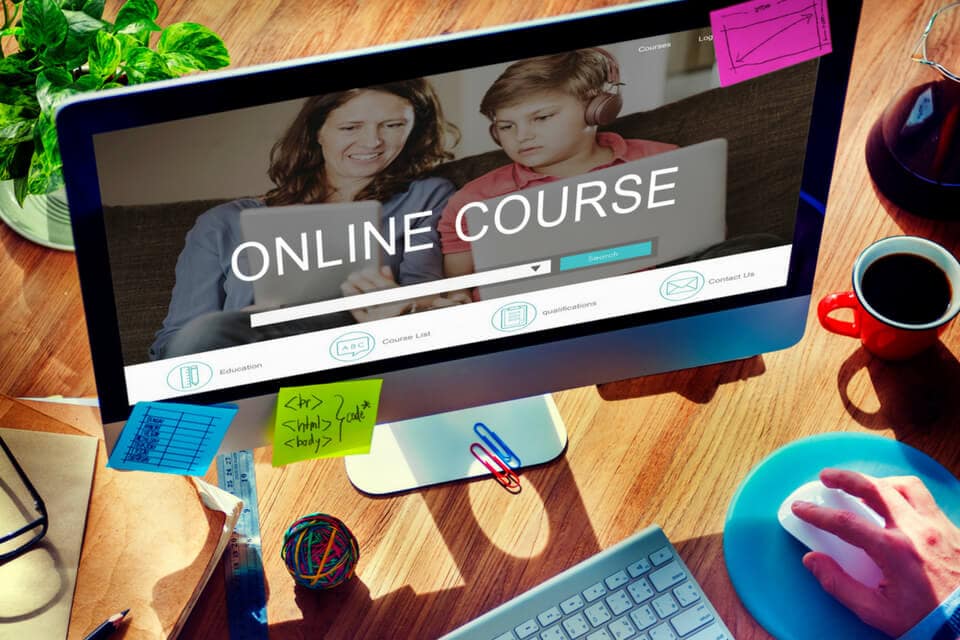
Best Practices for a Successful Online Course Website
To ensure a successful online course website, follow these best practices:
Keep it simple and intuitive: Ensure your website is easy to navigate and understand.
Use high-quality visuals and multimedia: Use high-quality images, videos, and audio to engage your students.
Test and iterate: Continuously test and iterate on your website to improve the user experience.
FAQs
Q: What is the best online course website template for beginners? For beginners, consider using a template like LearnDash or Teachable, which offer user-friendly interfaces and extensive documentation.
Q: Can I use a free online course website template?
While free templates are available, they may come with limitations and lack the features and support you need for a successful online course website.
Q: How do I customize my online course website template?
Most templates offer customization options, including drag-and-drop builders, CSS editing, and PHP hooks. Consult the template documentation for specific customization instructions.
Q: Can I integrate my online course website with payment gateways?
Yes, most online course website templates support integration with popular payment gateways like PayPal, Stripe, and Authorize.net.
Conclusion
Creating a successful online course website requires careful consideration of your needs, template selection, and best practices. By understanding your needs, evaluating key features, and following best practices, you can create a professional online learning platform that engages your students and delivers a seamless learning experience. Take the time to research and test different templates, and don't hesitate to reach out to support teams for guidance. With the right template and approach, you can create a thriving online learning community.
Related: A Practical Guide to Choosing Online Courses Website Templates
Related: 5 Useful Things to Know About WordPress Online Courses
Related: 5 Useful Things to Know About Free Digital Daily Planner
Related: 5 Useful Things to Know About Free Online Templates
