

Choosing the Right Online Resume Template Maker
When it comes to creating a resume, having a professional-looking template can make all the difference. Online resume template makers have become increasingly popular, offering a range of customizable templates and user-friendly interfaces. But with so many options available, how do you choose the right one?
Look for a template maker that offers a wide range of templates and designs, as well as easy-to-use editing tools. Some popular online resume template makers include Canva, Resume.io, and LinkedIn's Resume Builder. These tools offer a variety of templates and features that can help you create a standout resume.
Customizing Your Resume Template
Once you've chosen a template maker, it's time to customize your resume template. This is where you can showcase your skills, experience, and education in a clear and concise manner.
When customizing your template, keep the following tips in mind:
Tailor your resume to the specific job you're applying for by highlighting relevant skills and experience.
Use clear and concise language, avoiding jargon and overly technical terms.
Use bullet points and white space to make your resume easy to read.
Common Mistakes to Avoid
When using an online resume template maker, it's easy to make mistakes that can hurt your chances of getting hired. Here are a few common mistakes to avoid:
Lack of customization: Don't just fill in the blanks - customize your template to showcase your unique skills and experience.
Poor formatting: Make sure your resume is easy to read by using clear headings, bullet points, and white space.
Typos and grammatical errors: Proofread your resume multiple times to catch any mistakes.
Advanced Features to Look For
Some online resume template makers offer advanced features that can help you take your resume to the next level. These features may include:
Integration with job search platforms: Some template makers integrate with job search platforms, making it easy to submit your resume to multiple job openings.
Resume scoring: Some tools offer a resume scoring feature, which provides feedback on your resume's strengths and weaknesses.
Customizable sections: Look for template makers that offer customizable sections, such as a summary or objective statement.
Real-World Example: Using Canva to Create a Resume
Canva is a popular online design platform that offers a range of customizable templates, including resume templates. Here's an example of how to use Canva to create a resume:
- Sign up for a Canva account and navigate to the resume template section.
- Browse through the available templates and choose one that fits your needs.
- Customize the template by adding your own text, images, and design elements.
- Use Canva's drag-and-drop editor to arrange your content and make adjustments as needed.
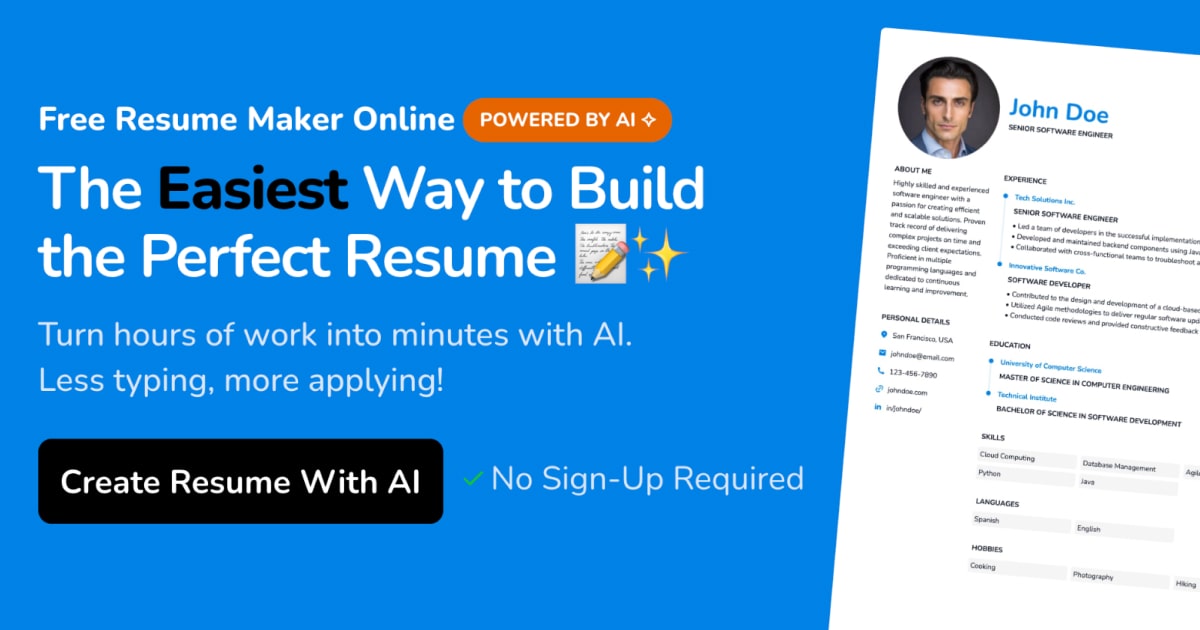
Comparison of Online Resume Template Makers
| Template Maker | Features | Pricing |
|---|---|---|
| Canva | Wide range of templates, easy-to-use editor, integration with job search platforms | Free, with optional paid upgrades |
| Resume.io | AI-powered resume builder, customizable templates, job matching feature | Free, with optional paid upgrades |
| LinkedIn's Resume Builder | Integration with LinkedIn profile, customizable templates, job search feature | Free |
FAQs
Q: What is the best online resume template maker?
The best online resume template maker for you will depend on your specific needs and preferences. Popular options include Canva, Resume.io, and LinkedIn's Resume Builder.
Q: Can I use an online resume template maker for a entry-level job?
Yes, online resume template makers can be a great resource for entry-level job seekers. Look for templates that are clean and easy to read, and customize them to showcase your skills and experience.
Q: How do I choose the right template for my resume?
Choose a template that is clean and easy to read, and that aligns with your industry and job goals. Consider using a template that is specifically designed for your field or job function.
Q: Can I use an online resume template maker to create a CV?
Yes, many online resume template makers offer CV templates as well. Look for template makers that offer a range of templates, including CV and resume options.
Final Tips and Next Steps
Creating a standout resume takes time and effort, but with the right tools and strategies, you can increase your chances of getting hired. Remember to:
Choose a template maker that offers a wide range of templates and easy-to-use editing tools.
Customize your template to showcase your unique skills and experience.
Avoid common mistakes, such as lack of customization and poor formatting.
- Consider using advanced features, such as integration with job search platforms and resume scoring.
By following these tips and using an online resume template maker, you can create a professional-looking resume that helps you stand out in a competitive job market.
Related: Mastering Content Calendars in Excel for Efficient Planning
