
What are Website Templates and Why Should Beginners Care?
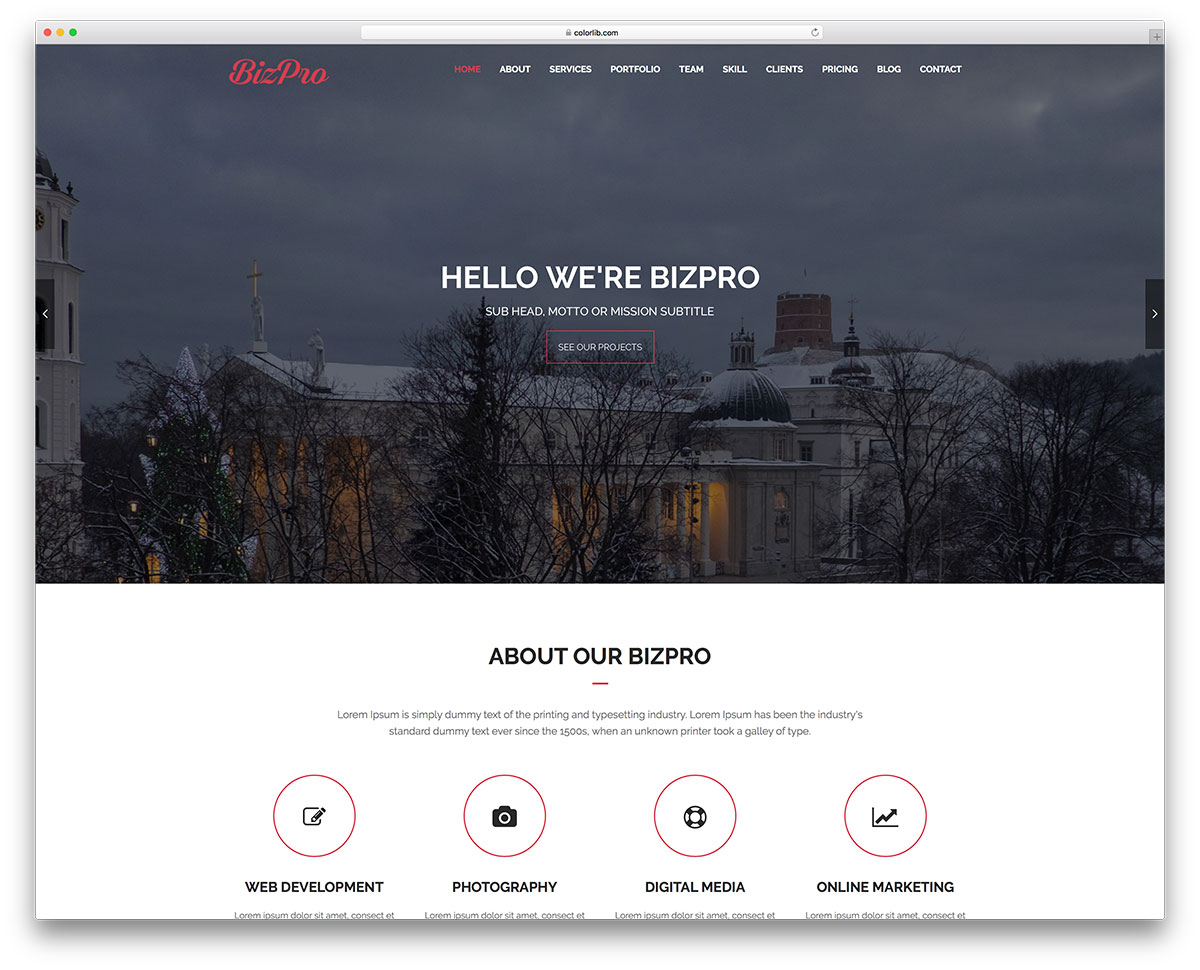
Website templates are pre-designed web pages that can be easily customized to create a unique website. For beginners, website templates offer a cost-effective and efficient way to create a professional-looking website without requiring extensive coding knowledge. With a website template, you can simply drag and drop elements, add your content, and publish your site.
Benefits of Using Website Templates for Beginners
Using website templates can save you time and money. You don't need to hire a web developer or spend countless hours designing a website from scratch. Website templates are also highly customizable, so you can tailor your site to your specific needs. Here are some benefits of using website templates:
Faster website creation: With a website template, you can create a website in a matter of hours, not days or weeks.
Cost-effective: Website templates are often less expensive than hiring a web developer or purchasing a custom-designed website.
Easy to use: Most website templates come with drag-and-drop editors, making it easy to add and remove elements.
Professional-looking design: Website templates are designed by professionals, so you can be sure your website will look modern and sleek.
Choosing the Right Website Template Builder
Not all website template builders are created equal. When choosing a website template builder, consider the following factors:
Ease of use: Look for a builder with a user-friendly interface and drag-and-drop editor.
Customization options: Choose a builder that offers a wide range of customization options, including templates, fonts, and colors.
Integration with third-party tools: Consider a builder that integrates with popular third-party tools, such as e-commerce platforms and social media.
Some popular website template builders for beginners include:
Wix: A user-friendly website builder with a wide range of templates and drag-and-drop editor.
Squarespace: A stylish website builder with a focus on design and user experience.
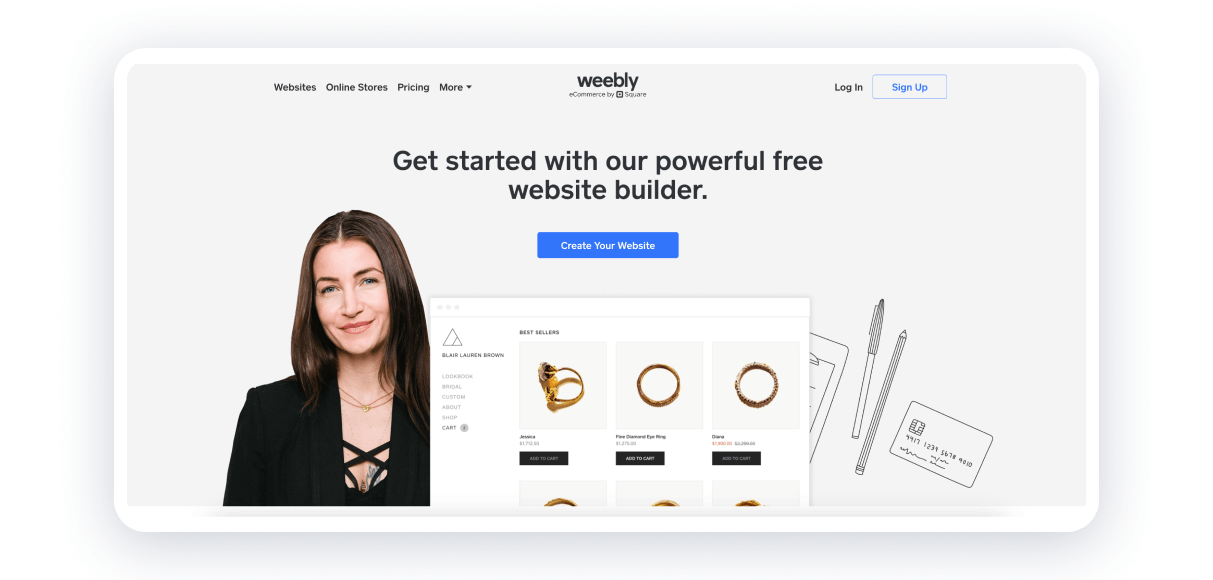
Weebly: A popular website builder with a drag-and-drop editor and e-commerce integration.
How to Create a Website with a Template
Creating a website with a template is a straightforward process. Here are the general steps:
- Choose a website template builder: Select a builder that meets your needs and budget.
- Select a template: Browse through the builder's template library and choose one that fits your style.
- Customize your template: Use the drag-and-drop editor to add and remove elements, and customize your template.
- Add content: Add your text, images, and other media to your website.
- Publish your site: Once you're happy with your website, click publish to make it live.
Common Mistakes to Avoid When Using Website Templates
While website templates can be a great way to create a website, there are some common mistakes to avoid:
Over-customizing: Don't try to customize every aspect of your template. Sometimes, less is more.
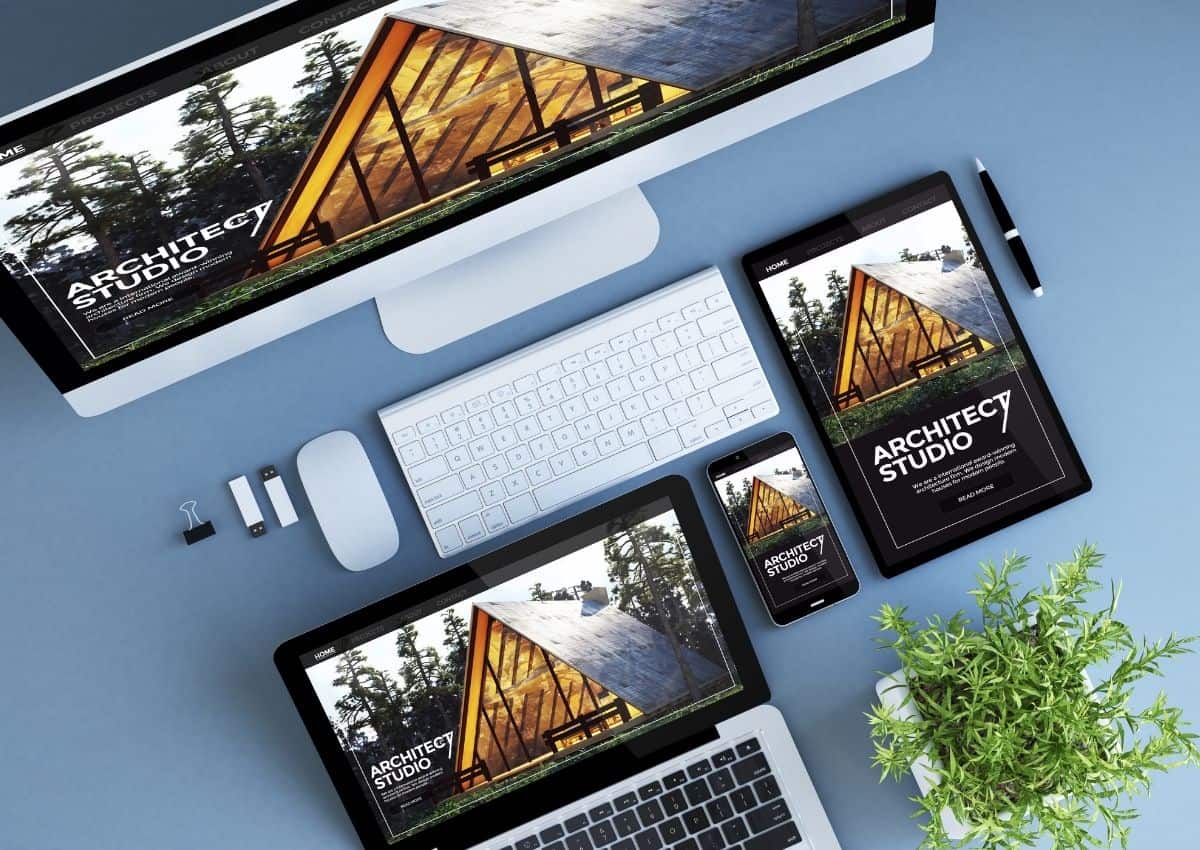
Not optimizing for mobile: Make sure your website is optimized for mobile devices, as most users will access your site on a smartphone.
- Not updating regularly: Keep your website up-to-date with fresh content and updates.
Comparison of Popular Website Template Builders
| Website Builder | Ease of Use | Customization Options | Integration with Third-Party Tools | Price |
|---|---|---|---|---|
| Wix | 9/10 | 8/10 | 8/10 | $14-$25/month |
| Squarespace | 8/10 | 9/10 | 7/10 | $14-$26/month |
| Weebly | 8/10 | 7/10 | 8/10 | $12-$25/month |
Conclusion and Next Steps
Creating a website with a template is a great way for beginners to establish an online presence. By choosing the right website template builder and following best practices, you can create a professional-looking website with ease. Remember to keep your website up-to-date, optimize for mobile, and avoid common mistakes.
Frequently Asked Questions
Q: What is a website template?
A website template is a pre-designed web page that can be easily customized to create a unique website.
Q: How do I choose the right website template builder?
Consider factors such as ease of use, customization options, and integration with third-party tools.
Q: Can I customize a website template?
Yes, most website templates are highly customizable, allowing you to add and remove elements, and change fonts, colors, and more.
Q: How much does it cost to create a website with a template?
The cost of creating a website with a template varies depending on the website builder and features you need. On average, you can expect to pay $10-$30 per month.
Related: Online Course Creation Tools for Beginners
Related: Master Your Content Strategy with a Free Content Calendar
Related: A Practical Guide to Creating an Excel Content Calendar
