
Why You Need a Content Calendar Template
As a content creator, managing multiple projects, deadlines, and stakeholders can be overwhelming. A content calendar template is a simple yet powerful tool that helps you organize and streamline your content creation process. By using a content calendar template, you can plan, schedule, and publish content more efficiently, ensuring consistency and reducing last-minute scrambles.
What is a Content Calendar Template?
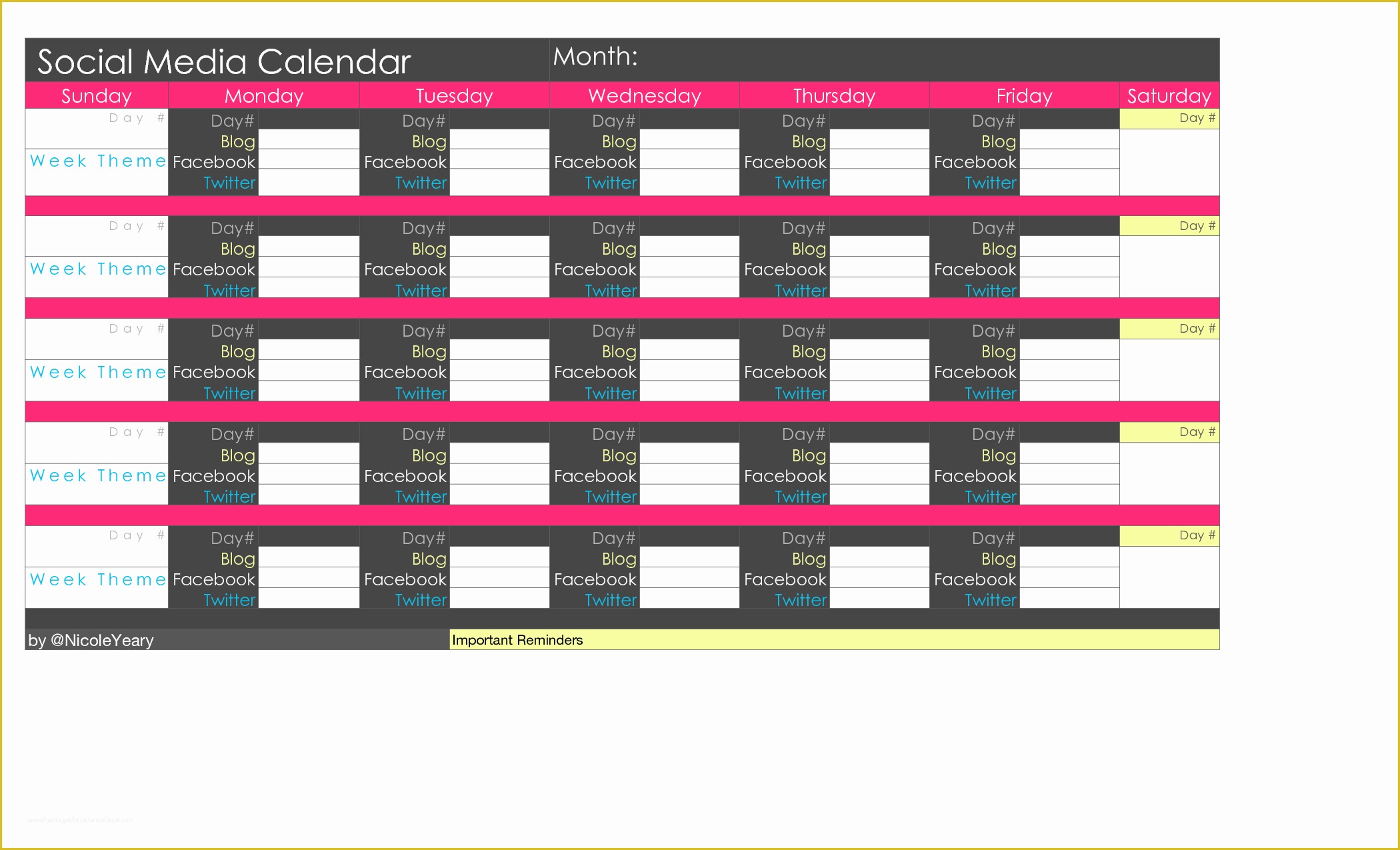
A content calendar template is a pre-designed document that outlines your content strategy, including topics, formats, channels, and publication dates. It's a visual representation of your content plan, allowing you to see the big picture and make adjustments as needed. A good content calendar template should be flexible, customizable, and easy to use.
Benefits of Using a Content Calendar Template
Using a content calendar template offers several benefits:
Improved organization: A content calendar template helps you keep track of multiple projects, deadlines, and stakeholders, ensuring that nothing falls through the cracks.
Increased productivity: By planning and scheduling content in advance, you can reduce the time spent on last-minute scrambles and focus on high-quality content creation.
Enhanced collaboration: A content calendar template facilitates communication among team members, ensuring everyone is on the same page and working towards the same goals.
Better consistency: A content calendar template helps you maintain a consistent publishing schedule, which is essential for building and engaging your audience.
Types of Content Calendar Templates
There are several types of content calendar templates available, each with its strengths and weaknesses:
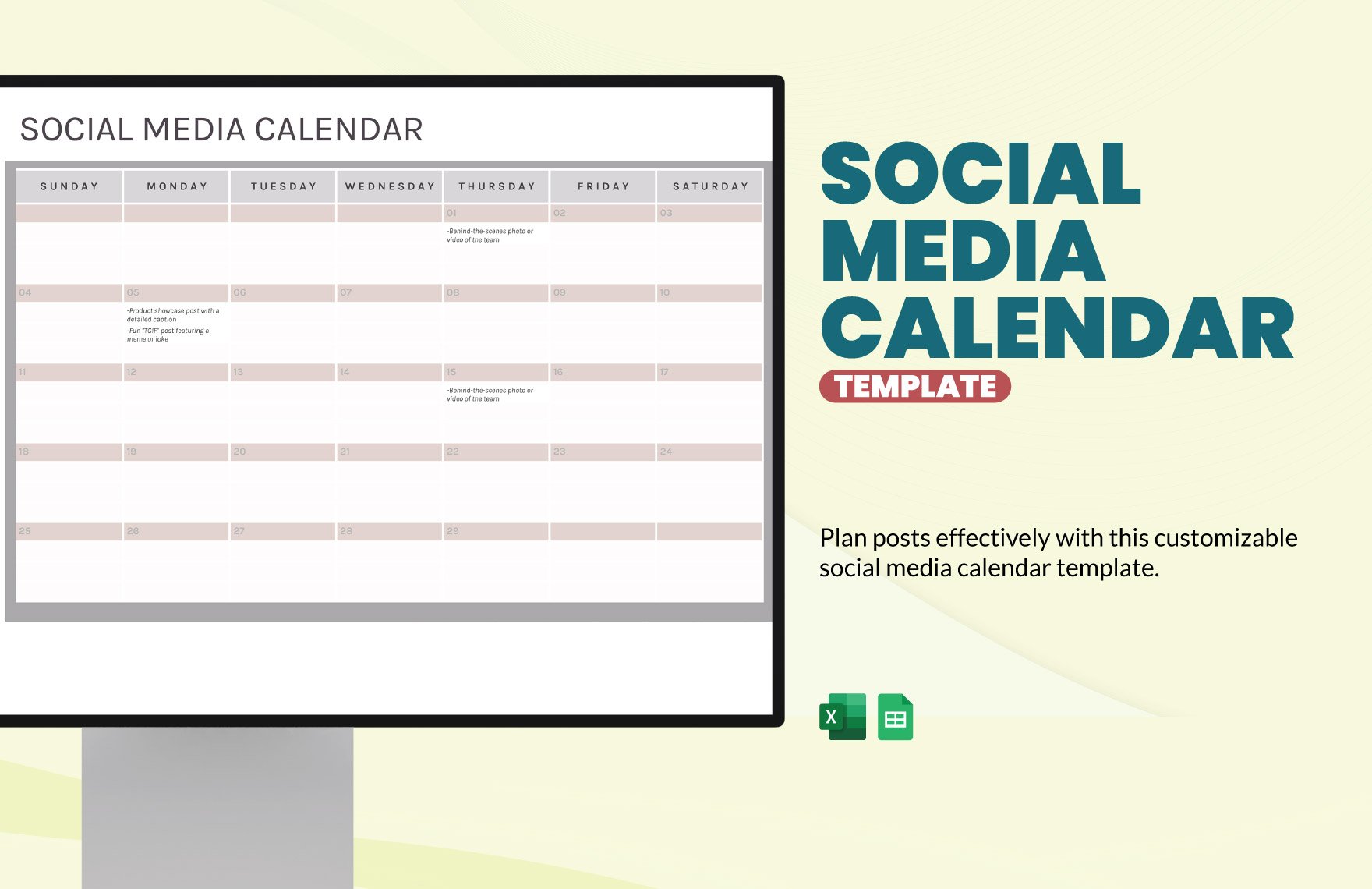
Spreadsheet templates: Google Sheets or Microsoft Excel templates offer flexibility and customization options, making them a popular choice. However, they can be time-consuming to set up and may require technical expertise.
Digital calendar templates: Tools like Trello, Asana, or CoSchedule provide interactive and collaborative features, making it easy to assign tasks and track progress. However, they may require a subscription or have a steeper learning curve.
Printable templates: PDF or Word templates offer a simple and straightforward solution, ideal for small teams or solo creators. However, they may not be easily editable or shareable.
Comparison of Popular Content Calendar Templates
| Template | Features | Pros | Cons |
|---|---|---|---|
| Google Sheets | Customizable, collaborative, cloud-based | Flexible, easy to use, free | Time-consuming to set up, requires technical expertise |
| Trello | Interactive, collaborative, customizable | Easy to use, scalable, affordable | Limited features in free version, may require subscription |
| CoSchedule | Comprehensive, collaborative, customizable | All-in-one solution, easy to use, scalable | Expensive, may require technical expertise |
How to Choose the Right Content Calendar Template
When selecting a content calendar template, consider the following factors:
Team size and structure: Larger teams may require more complex templates with collaboration features, while solo creators may prefer simpler templates.
Content types and channels: Different types of content (e.g., blog posts, social media, email newsletters) may require different templates or features.
Customization and flexibility: Choose a template that allows you to add or remove sections, columns, or rows as needed.
Ease of use: Select a template with an intuitive interface and minimal learning curve.
Free Content Calendar Templates
Here are some popular free content calendar templates:
HubSpot's Content Calendar Template: A comprehensive Google Sheets template with customizable sections and collaboration features.
CoSchedule's Content Calendar Template: A free, downloadable template that includes a calendar view and task assignment features.
Trello's Content Calendar Template: A simple, interactive template that integrates with Trello's boards and cards.
Practical Tips for Using a Content Calendar Template
Start small: Begin with a simple template and gradually add more features or complexity as needed.
Customize: Tailor your template to your specific needs, including adding or removing sections, columns, or rows.
Collaborate: Share your template with team members and stakeholders to ensure everyone is on the same page.
Review and adjust: Regularly review your template and make adjustments as needed to ensure it remains effective.
Common Mistakes to Avoid
Overcomplicating the template: Avoid adding too many features or sections, which can make the template difficult to use.
Not customizing the template: Failing to tailor the template to your specific needs can lead to inefficiencies and frustration.
- Not collaborating with team members: Failing to share the template with team members can lead to confusion and miscommunication.
Frequently Asked Questions
Q: What is the best content calendar template for small businesses?
The best content calendar template for small businesses depends on the specific needs and resources of the company. Google Sheets or Trello templates are popular choices due to their flexibility and affordability.
Q: Can I use a content calendar template for social media planning?
Yes, many content calendar templates can be adapted for social media planning. Look for templates with features specifically designed for social media, such as scheduling and publishing tools.
Q: How do I create a content calendar template from scratch?
To create a content calendar template from scratch, start by identifying your content goals and requirements. Choose a tool or platform, such as Google Sheets or Trello, and design a template that meets your needs.
Q: Can I use a content calendar template for multiple teams or projects?
Yes, many content calendar templates can be used for multiple teams or projects. Look for templates with features specifically designed for collaboration and scalability.
Conclusion
A content calendar template is a powerful tool that can help you streamline your content creation process, improve organization, and increase productivity. By choosing the right template and following best practices, you can create a customized solution that meets your specific needs and helps you achieve your content goals.
