
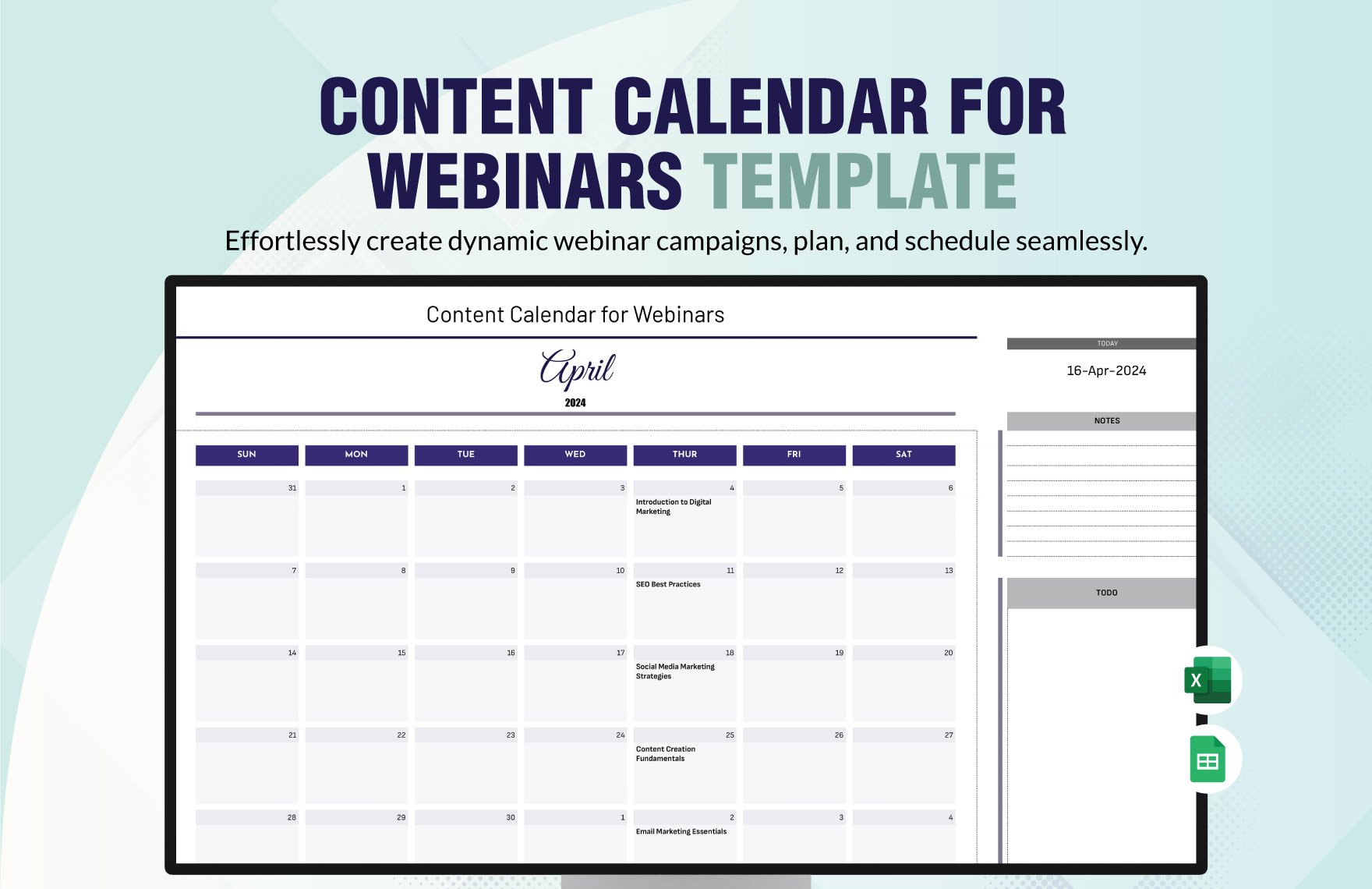
What is a Content Calendar Template?
A content calendar template is a pre-designed framework that helps you plan, organize, and schedule your content in advance. It's a powerful tool that enables you to visualize your content strategy, ensure consistency, and make data-driven decisions. By using a content calendar template, you can streamline your content creation process, reduce last-minute scrambles, and improve your overall productivity.
Benefits of Using a Content Calendar Template
Using a content calendar template offers numerous benefits, including:
Improved organization: A content calendar template helps you keep track of your content across multiple channels, formats, and teams.
Increased productivity: By planning and scheduling your content in advance, you can reduce the time spent on content creation and focus on higher-level tasks.
Enhanced collaboration: A content calendar template facilitates communication among team members, ensuring everyone is on the same page and working towards the same goals.
Better analytics: With a content calendar template, you can track your content's performance, identify areas for improvement, and make data-driven decisions.
Choosing the Right Content Calendar Template
When selecting a content calendar template, consider the following factors:
Your content strategy: Choose a template that aligns with your content goals, formats, and channels.
Your team size and structure: Select a template that accommodates your team's size, roles, and workflows.
Your technical expertise: Opt for a template that's easy to use, customize, and integrate with your existing tools.
Some popular types of content calendar templates include:
Spreadsheet templates: Google Sheets, Microsoft Excel, or LibreOffice Calc templates that offer flexibility and customization options.
Calendar templates: Templates that integrate with digital calendars, such as Google Calendar or Trello.
Project management templates: Templates that incorporate project management features, such as Asana or Basecamp.
Creating a Content Calendar Template from Scratch
If you can't find a template that meets your needs, consider creating one from scratch. Here's a step-by-step guide to help you get started:
Define Your Content Strategy
Identify your content goals, target audience, and key performance indicators (KPIs).
Determine your content formats, channels, and distribution schedules.
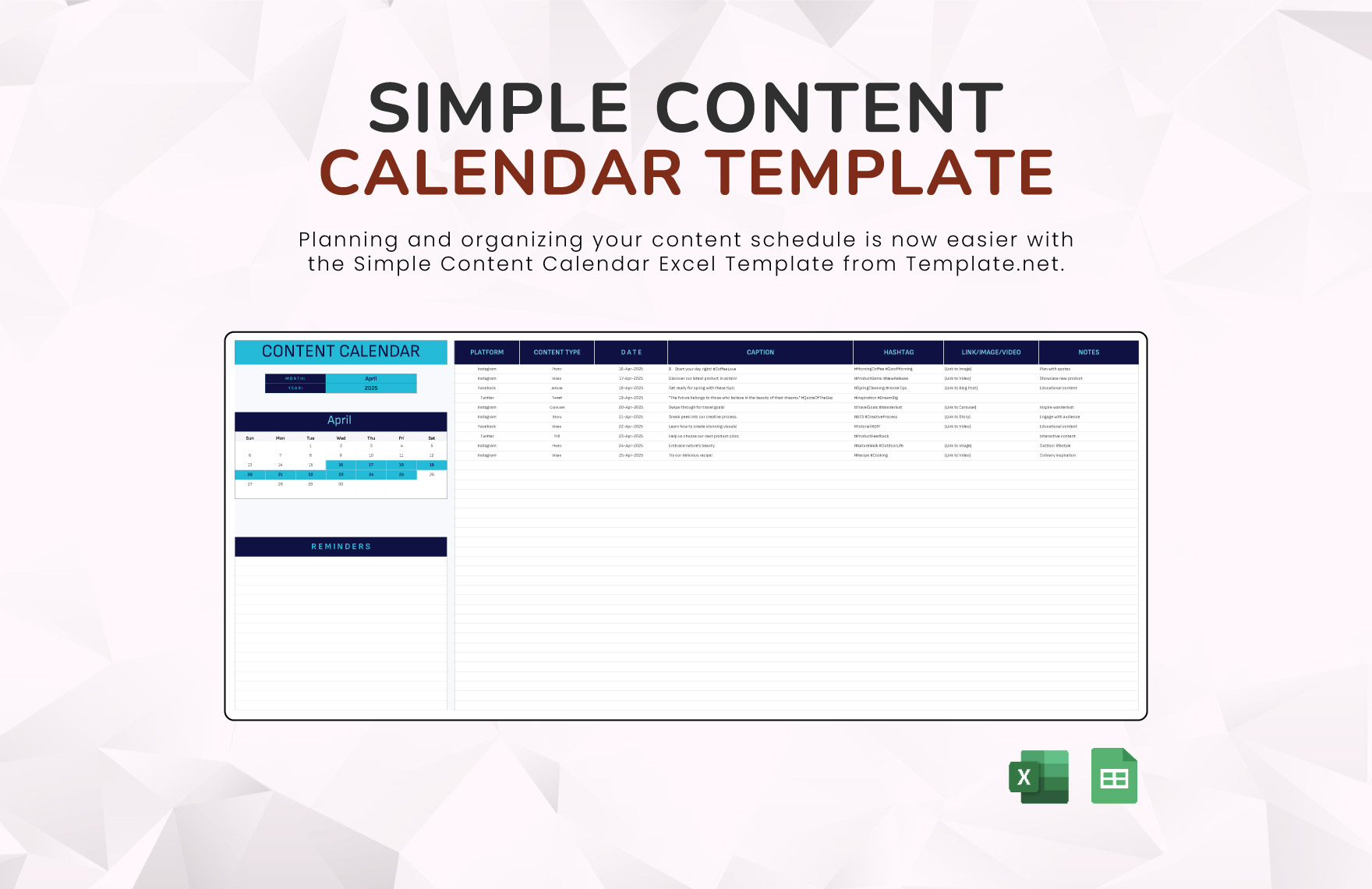
Choose a Template Type
Select a spreadsheet, calendar, or project management template that suits your needs.
Set Up Your Template
Create columns or fields for the following information:
+ Content title and description
+ Content format and channel
+ Publication date and time
+ Author and team members
+ Status and priority
+ Keywords and tags
Customize your template to fit your content strategy and workflow.
Example of a Content Calendar Template
Here's an example of a basic content calendar template:
| Content Title | Content Format | Channel | Publication Date | Author | Status |
|---|---|---|---|---|---|
| Blog Post: SEO Tips | Article | Website | 2023-03-15 | John Doe | Draft |
| Social Media Post: Promotion | Social Media Post | 2023-03-16 | Jane Smith | Scheduled | |
| Video: Product Demo | Video | YouTube | 2023-03-17 | Bob Johnson | In Progress |
Tips for Using a Content Calendar Template
Keep it simple: Avoid over-complicating your template with too many fields or features.
Make it flexible: Ensure your template can adapt to changes in your content strategy or workflow.
Use it consistently: Establish a routine of regularly updating and referring to your content calendar template.
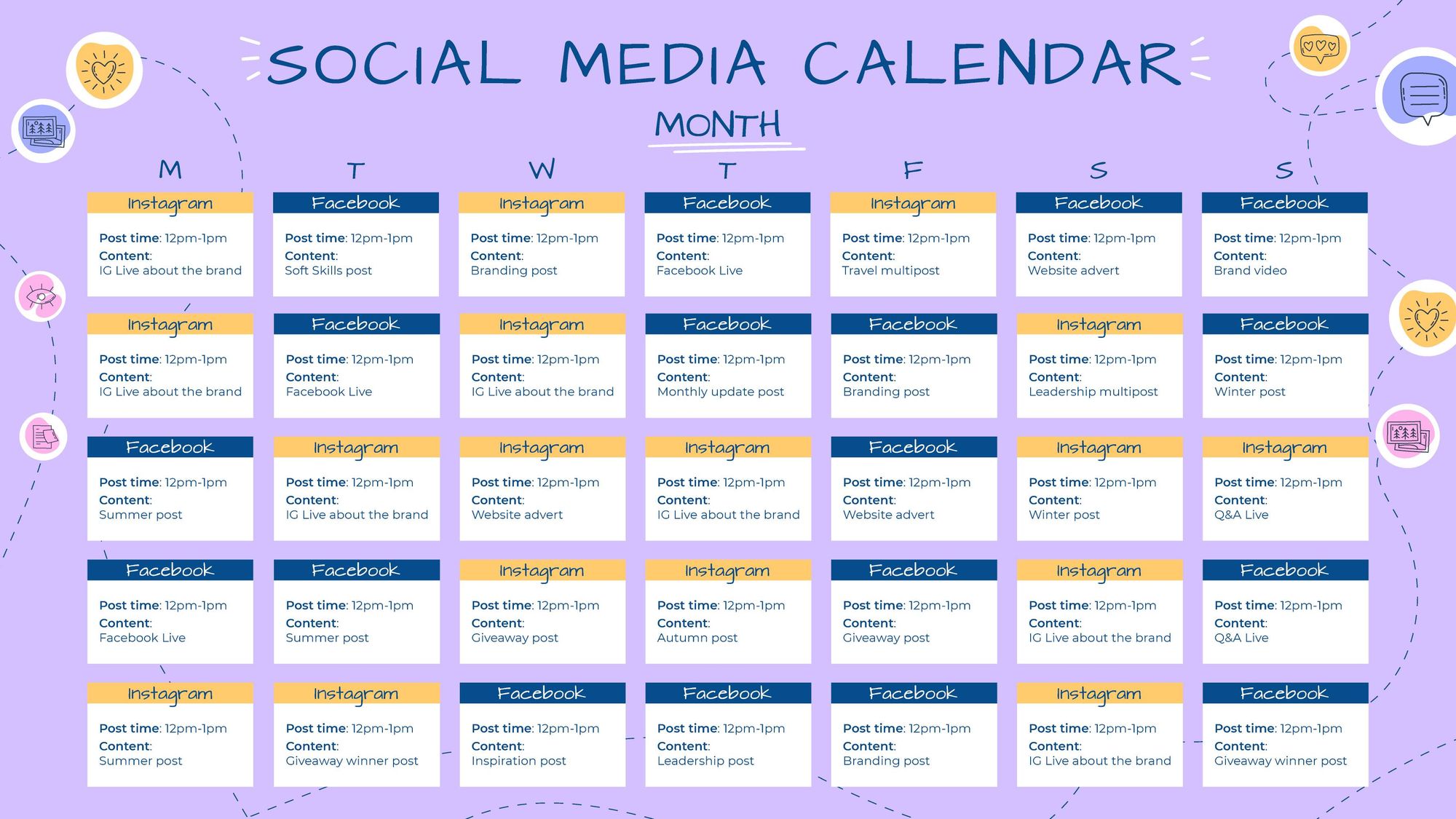
Common Mistakes to Avoid
When using a content calendar template, avoid the following common mistakes:
Not updating the template regularly: Failing to update your template can lead to outdated information and missed deadlines.
Not customizing the template: Using a template without tailoring it to your needs can result in inefficiencies and frustration.
- Not communicating with your team: Failing to share your content calendar template with your team can lead to confusion and duplication of effort.
FAQs
Q: What is the best format for a content calendar template?
The best format for a content calendar template depends on your content strategy, team size, and technical expertise. Popular formats include spreadsheets, calendars, and project management templates.
Q: How often should I update my content calendar template?
Update your content calendar template regularly, ideally on a weekly or bi-weekly basis, to ensure it remains accurate and relevant.
Q: Can I use a content calendar template for multiple teams or departments?
Yes, you can use a content calendar template for multiple teams or departments. However, ensure you customize the template to meet the specific needs of each team or department.
Conclusion
A content calendar template is a powerful tool that can help you streamline your content creation process, improve organization, and boost productivity. By choosing the right template, customizing it to your needs, and using it consistently, you can ensure your content strategy is executed efficiently and effectively.
Related: A Practical Guide to Creating a Content Calendar Template
Related: Affordable Resume Templates in Sydney for a Standout Job
Related: Competitive Content Calendar Tips
