
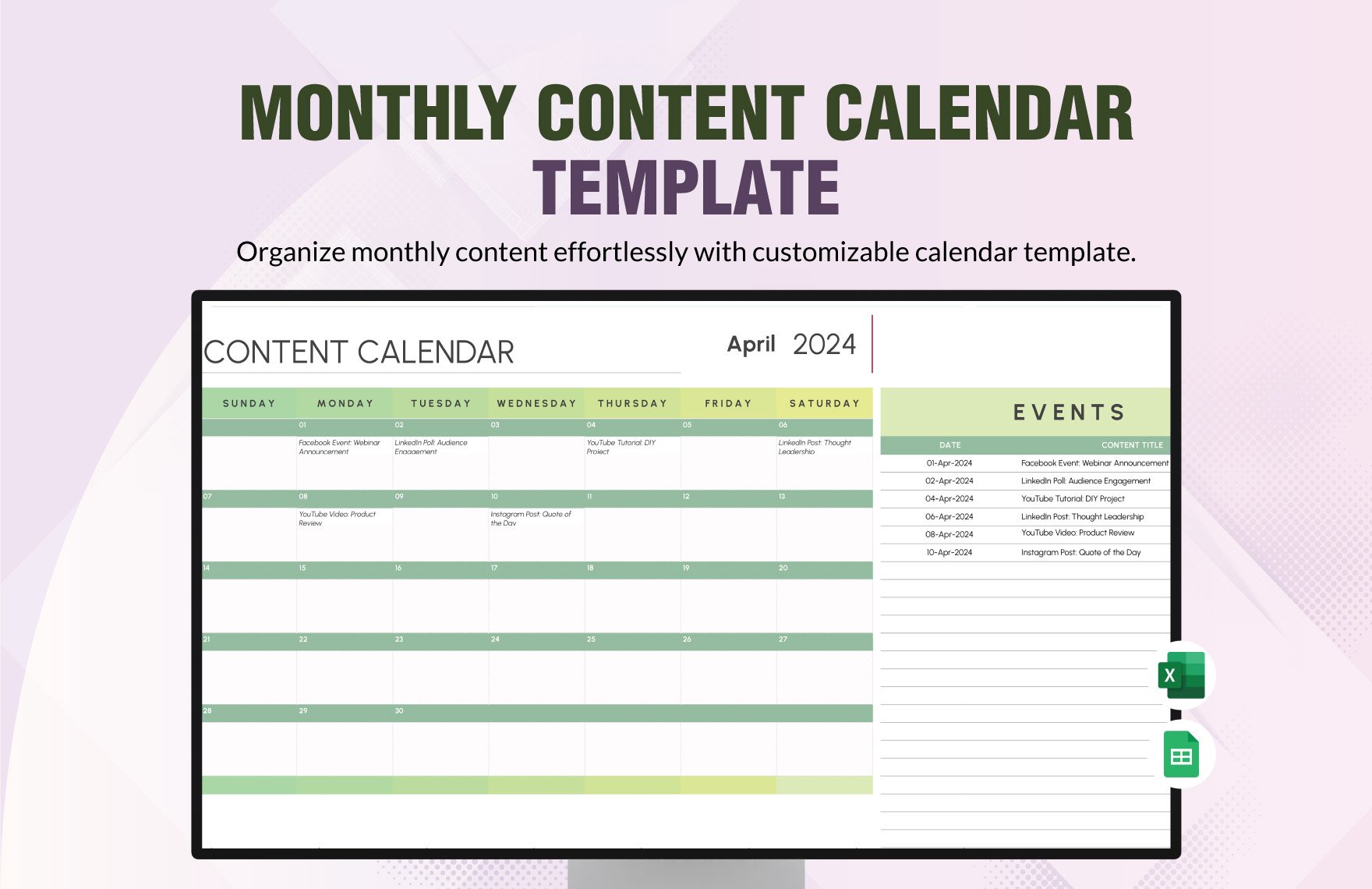
Why You Need a Content Calendar Template
As a content creator or marketer, you understand the importance of planning and organization. A content calendar is an essential tool to help you schedule, manage, and publish content efficiently. However, not everyone has the budget to invest in expensive content management tools. Fortunately, you can create a content calendar template in Excel for free, providing a customizable and efficient solution.
Setting Up Your Content Calendar Template
To create a content calendar template in Excel, start by opening a new spreadsheet. You can use a blank template or modify an existing one. Consider the following essential columns:
Date: The publication date of your content
Content Type: Blog post, social media, video, or other types of content
Topic: The subject or theme of your content
Status: Draft, in review, published, or scheduled
Channel: The platform where your content will be published (e.g., website, Facebook, Twitter)
You can add or remove columns based on your specific needs. For example, you might want to include columns for keywords, authors, or target audience.
Designing Your Template for Efficiency
When designing your template, keep in mind the following best practices:
Keep it simple: Avoid cluttering your template with unnecessary columns or features.
Use clear headings: Use descriptive headings for each column to ensure easy understanding.
Use data validation: Use data validation to restrict input data, such as dates or content types.
Use conditional formatting: Highlight important information, such as upcoming deadlines or published content.
Example of a Basic Content Calendar Template
Here's a simple example of what your content calendar template might look like:
| Date | Content Type | Topic | Status | Channel |
|---|---|---|---|---|
| 2023-03-01 | Blog Post | Spring Marketing Tips | Draft | Website |
| 2023-03-03 | Social Media | Behind-the-Scenes | Scheduled | |
| 2023-03-05 | Video | Product Demo | In Review | YouTube |
Benefits of Using a Content Calendar Template in Excel
Using a content calendar template in Excel offers several benefits:
Cost-effective: Excel is widely available, and you can create a template for free.
Customizable: You can tailor your template to fit your specific needs and workflow.
Easy to use: Excel is an intuitive tool, making it easy to navigate and update your content calendar.
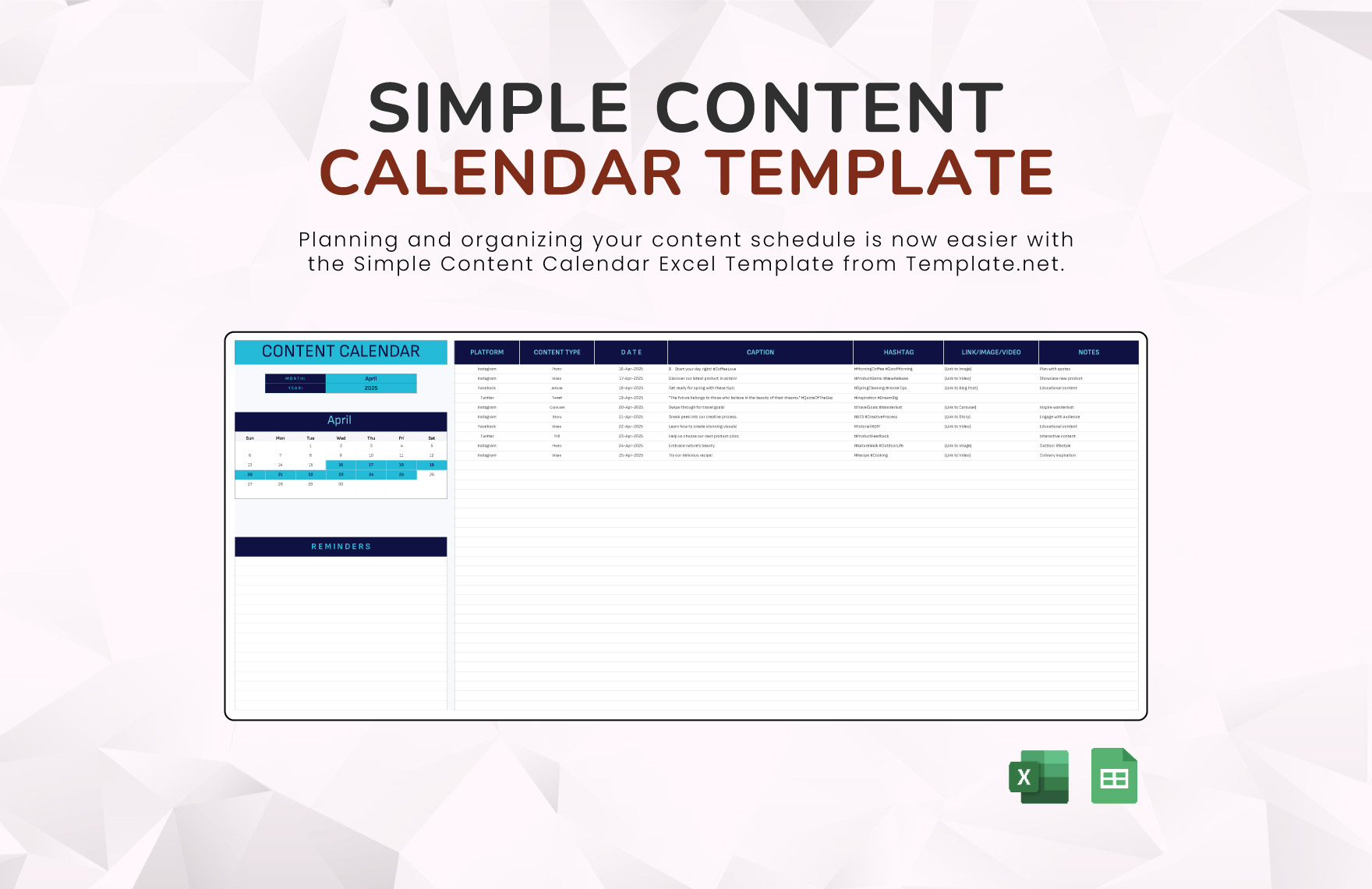
Comparison to Other Content Calendar Tools
While a content calendar template in Excel is a great solution, it's essential to consider other options:
Google Sheets
Pros: Cloud-based, collaborative, and free
Cons: Limited offline access, may require additional setup for data validation and conditional formatting
Content Management Systems (CMS)
Pros: Integrated content creation and management, often with built-in calendars
Cons: May require expensive upgrades or custom development, can be overwhelming for small teams or solo creators
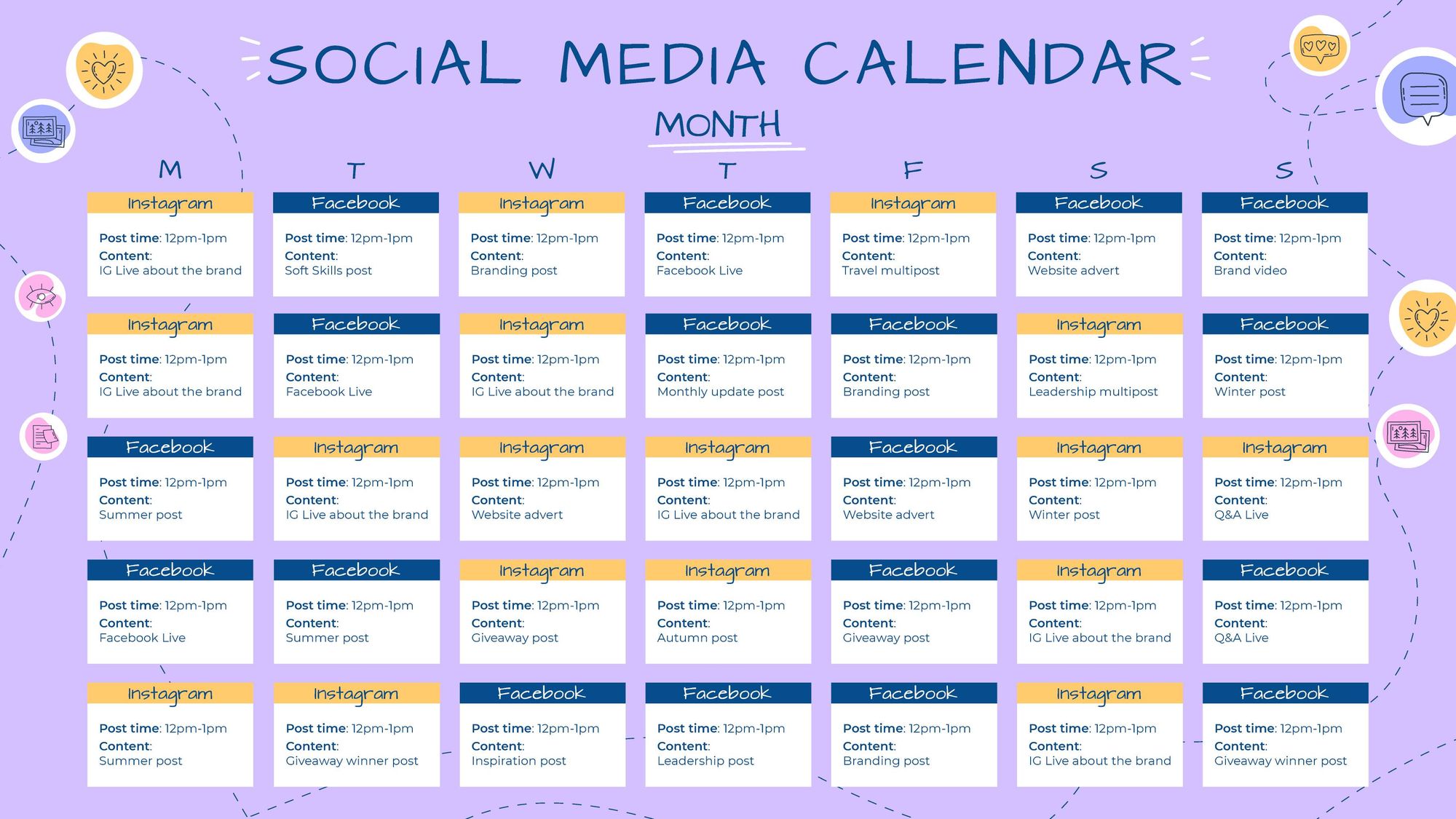
Specialized Content Calendar Tools
Pros: Purpose-built for content planning and management, often with advanced features
Cons: Can be expensive, may require significant setup and training
Tips for Maximizing Your Content Calendar Template
To get the most out of your content calendar template:
Regularly review and update: Schedule regular check-ins to ensure your calendar remains accurate and up-to-date.
Use filters and sorting: Use Excel's built-in features to quickly find specific content or filter by status.
Integrate with other tools: Consider integrating your content calendar with other tools, such as project management software or social media schedulers.
Common Mistakes to Avoid
When creating and using a content calendar template in Excel:
Don't overcomplicate: Avoid adding too many columns or features that may confuse users or slow down your workflow.
Don't neglect updates: Regularly review and update your calendar to ensure accuracy and relevance.
FAQs
Q: Can I use a content calendar template in Excel for multiple teams or departments?
Yes, you can create a shared template that multiple teams or departments can access and update. Consider using a cloud-based version, such as Google Sheets or OneDrive.
Q: How do I ensure my content calendar template is consistent across different users?
Establish clear guidelines and training for users, and consider using data validation and conditional formatting to maintain consistency.
Q: Can I integrate my content calendar template with other marketing tools?
Yes, consider using APIs or integrations with other marketing tools, such as social media schedulers or project management software.
Conclusion
A content calendar template in Excel is a practical and cost-effective solution for streamlining your content planning and management. By following these guidelines and best practices, you can create a customizable and efficient tool that meets your specific needs. With a well-designed content calendar template, you'll be able to plan, manage, and publish content with ease, helping you achieve your marketing goals.
