
Why You Need a Content Calendar Template
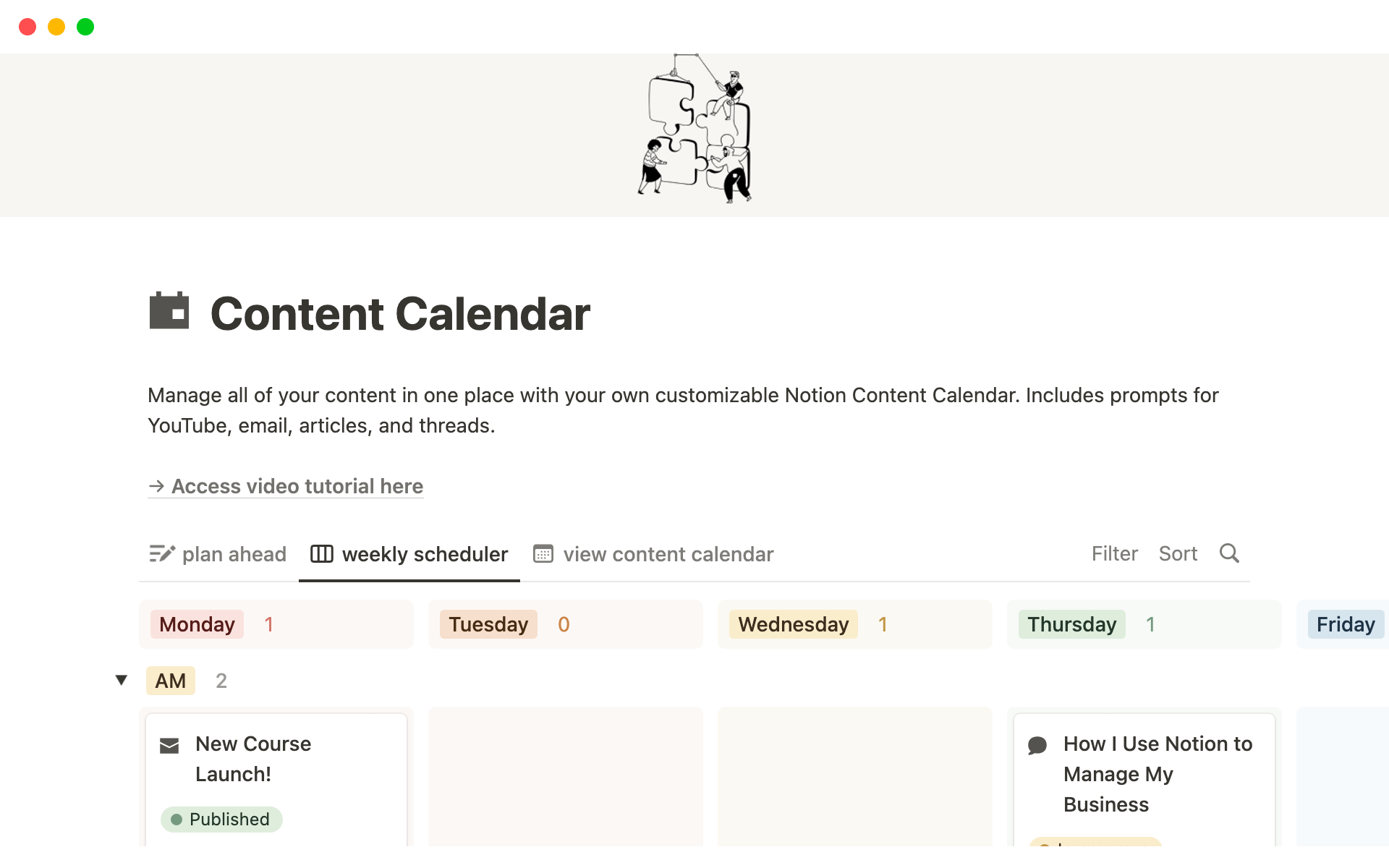
As a content creator, managing multiple projects, deadlines, and team members can be overwhelming. A content calendar template is an essential tool to help you plan, organize, and schedule your content in advance. In this article, we'll explore how to create a content calendar template in Notion, a versatile and user-friendly workspace platform.
What is a Content Calendar Template?
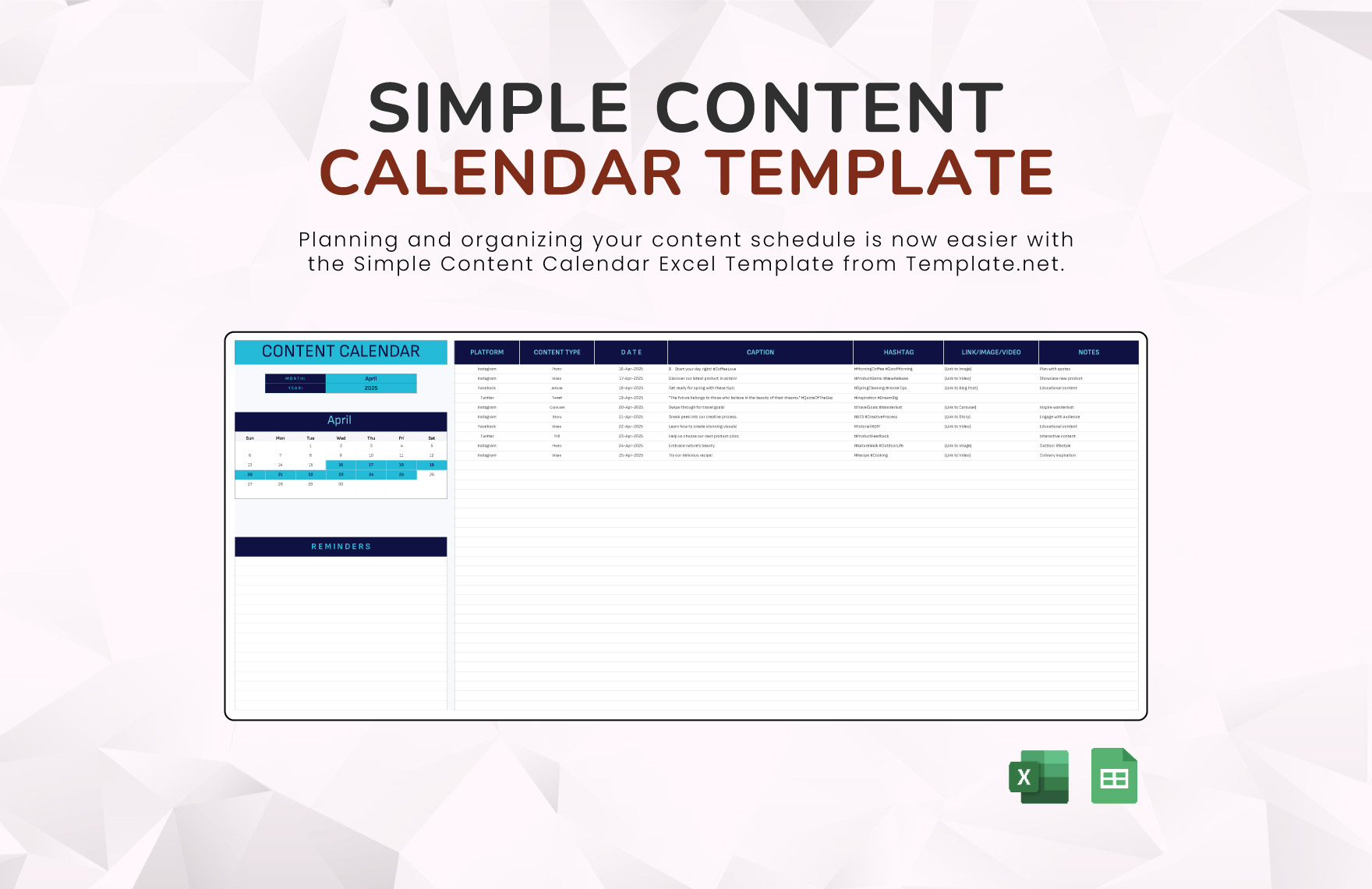
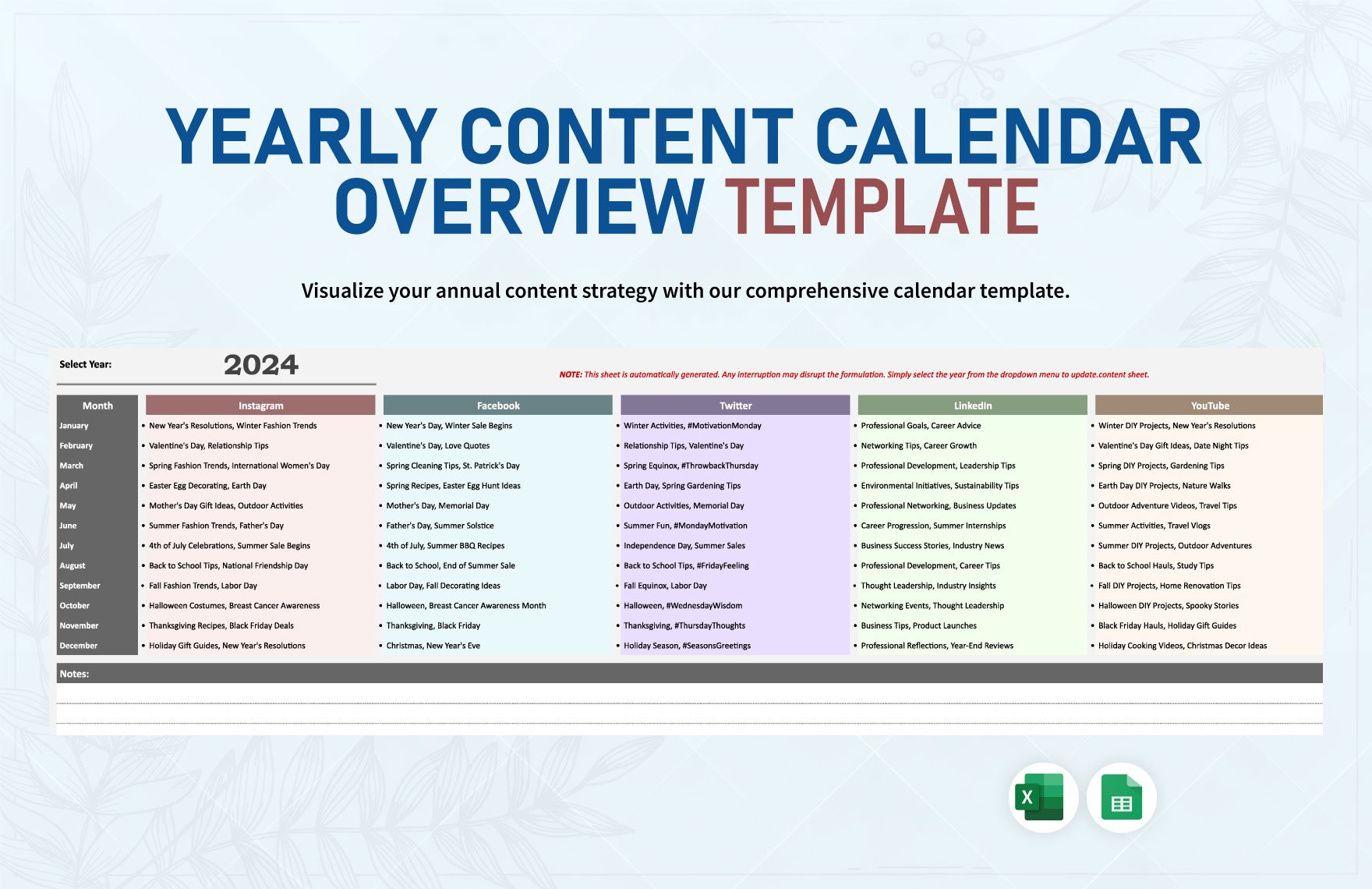
A content calendar template is a pre-designed layout that helps you plan and schedule your content across various channels, such as blog posts, social media, email newsletters, and more. It typically includes columns for date, content type, topic, author, status, and publication channel. A well-structured content calendar template enables you to visualize your content strategy, ensure consistency, and make data-driven decisions.
Benefits of Using Notion for Your Content Calendar
Notion is an all-in-one workspace platform that offers a range of features, making it an ideal tool for creating a content calendar template. Here are some benefits of using Notion:
Flexibility: Notion allows you to customize your content calendar template to fit your specific needs.
Collaboration: Notion enables real-time collaboration, making it easy to work with team members.
Integration: Notion integrates with other tools and apps, such as Google Drive, Trello, and Slack.
Creating a Content Calendar Template in Notion
To create a content calendar template in Notion, follow these steps:
Step 1: Set Up Your Notion Workspace
- Create a new page in Notion and give it a title, such as "Content Calendar."
- Choose a layout that suits your needs, such as a table or calendar view.
Step 2: Define Your Content Calendar Structure
- Determine the columns you need for your content calendar, such as:
- Create a table with the desired columns.
Step 3: Customize Your Content Calendar Template
- Add properties to each column, such as:
- Use Notion's formatting options to make your content calendar template visually appealing.
Example Content Calendar Template
Here's an example of a basic content calendar template in Notion:
| Date | Content Type | Topic | Author | Status | Publication Channel |
|---|---|---|---|---|---|
| 2023-03-01 | Blog Post | The Benefits of Meditation | John Doe | Draft | Blog |
| 2023-03-03 | Social Media | Mindfulness Exercises | Jane Smith | Review |
Tips and Best Practices
Keep it simple: Start with a basic template and gradually add more columns or features as needed.
Make it collaborative: Invite team members to edit your content calendar template and set permissions accordingly.
- Review and adjust: Regularly review your content calendar template and make adjustments to ensure it remains effective.
Comparison to Other Tools
| Tool | Features | Pricing |
|---|---|---|
| Notion | Customizable template, collaboration, integration | Free (basic), $4-$8 (pro) |
| Trello | Kanban board, cards, lists | Free (basic), $12.50 (pro) |
| Google Calendar | Scheduling, reminders, integration | Free (basic), $6 (pro) |
"A content calendar template is not just a planning tool; it's a strategic asset that helps you create consistent, high-quality content that resonates with your audience." - Anonymous
Common FAQs
Q: What is the best way to structure my content calendar template?
The best way to structure your content calendar template depends on your specific needs and goals. Start with a basic template and adjust as needed.
Q: Can I use Notion for free?
Yes, Notion offers a free plan with basic features. For more advanced features, consider upgrading to a paid plan.
Q: How do I collaborate with team members on my content calendar template?
Invite team members to edit your content calendar template and set permissions accordingly.
Q: Can I integrate my content calendar template with other tools?
Yes, Notion integrates with various tools and apps, such as Google Drive, Trello, and Slack.
Conclusion
Creating a content calendar template in Notion can help you streamline your content strategy, improve collaboration, and increase productivity. By following the steps outlined in this article, you can create a customized template that suits your needs and goals. Remember to keep it simple, make it collaborative, and review and adjust regularly to ensure your content calendar template remains effective.
Related: Plan Your Content with a Simple Excel Calendar Template
Related: What to Know About Choosing the Best Online Course Creation
