
Why You Need a Content Calendar Template
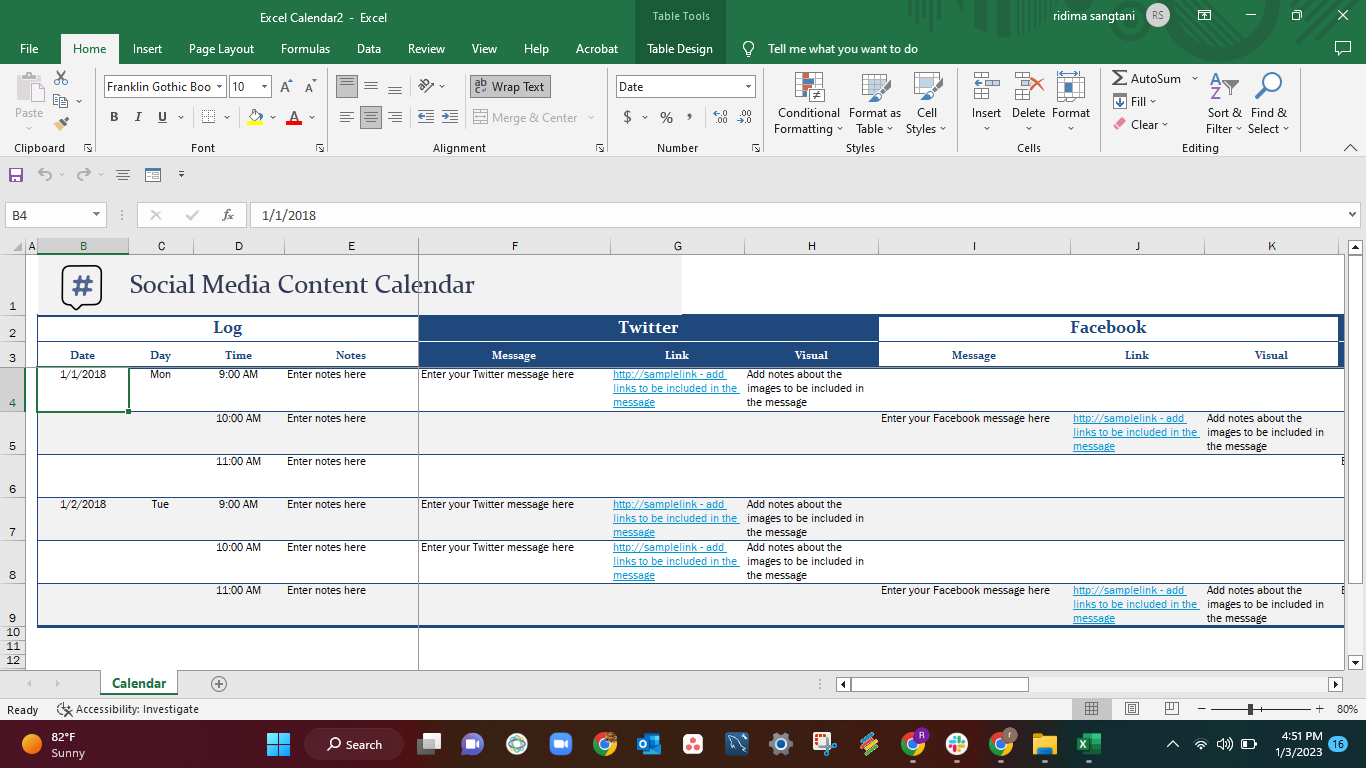
As a content creator, you know how overwhelming it can be to plan and manage multiple pieces of content across various channels. A content calendar template in Excel can be a lifesaver, helping you visualize your content strategy, organize your ideas, and ensure consistency. In this article, we'll show you how to create a simple yet effective content calendar template in Excel.
Understanding Your Content Calendar Needs
Before diving into the template, it's essential to understand your content calendar requirements. Consider the following:
What type of content do you create (blog posts, social media, videos, podcasts)?
How often do you publish content?
Who is involved in the content creation process?
What are your goals for the content calendar (e.g., improve organization, increase productivity, enhance collaboration)?
Creating a Basic Content Calendar Template in Excel
To create a basic content calendar template in Excel, follow these steps:
- Open a new Excel spreadsheet and give it a title, such as "Content Calendar Template."
- Create a table with the following columns:
- Set up a header row with column names and freeze it for easy reference.
- Choose a date range for your content calendar (e.g., monthly, quarterly).
Customizing Your Content Calendar Template
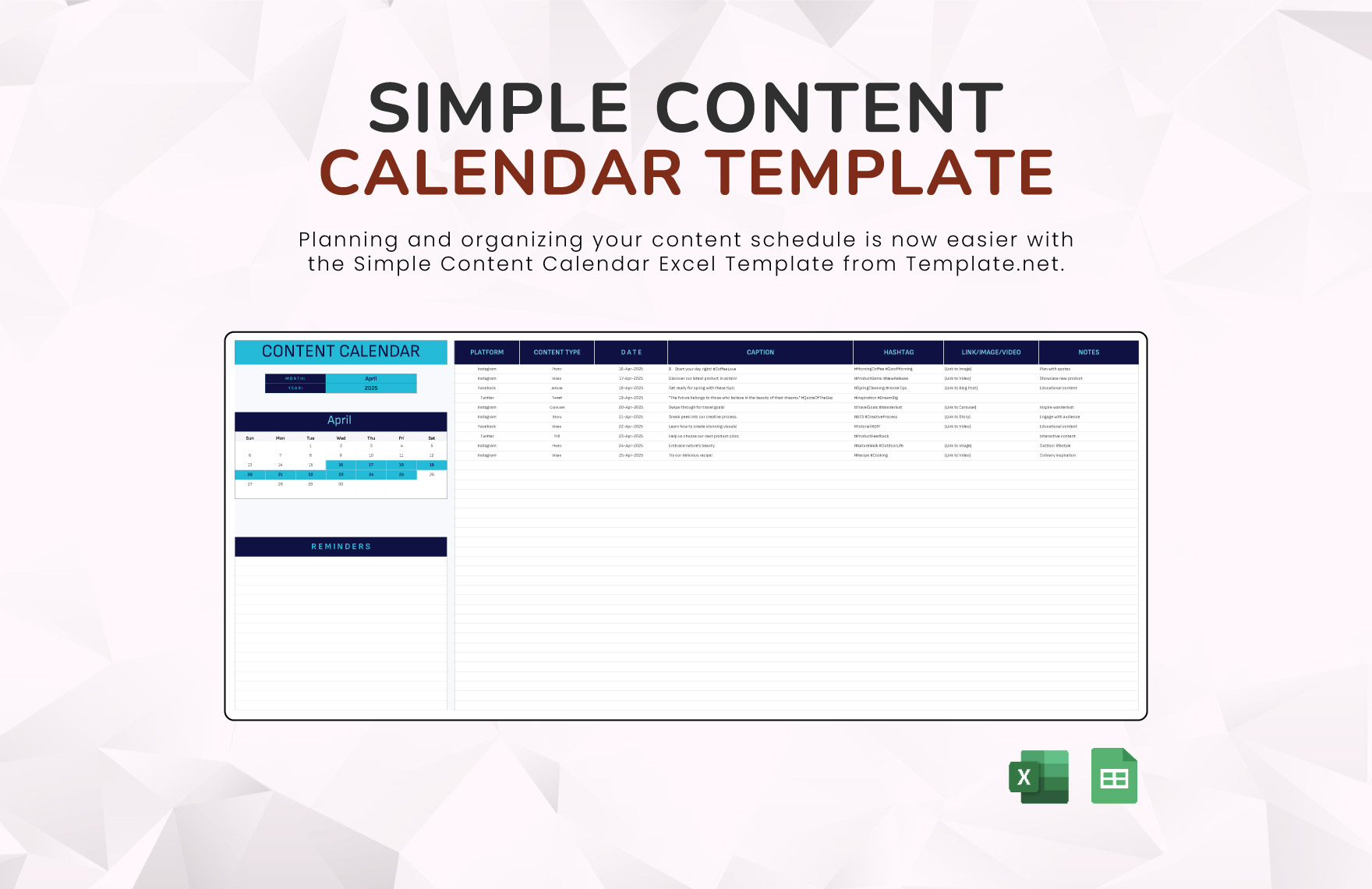
You can customize your template to fit your specific needs by adding or removing columns. Some ideas include:
Adding a "Team Member" column to assign tasks and responsibilitiesIncluding a "Keywords" column for SEO optimization
Creating a "Notes" column for additional comments or ideas
Using conditional formatting to highlight important deadlines or published content

Example Content Calendar Template
Here's an example of what your content calendar template might look like:
| Date | Content Type | Topic | Status | Channel |
|---|---|---|---|---|
| 2023-03-01 | Blog Post | How to Create a Content Calendar | Planned | Website |
| 2023-03-03 | Social Media | Tips for Improving Engagement | In Progress | |
| 2023-03-05 | Video | Introduction to Content Marketing | Published | YouTube |
Tips for Using Your Content Calendar Template
To get the most out of your content calendar template, follow these tips:
Regularly review and update your template to ensure accuracy and relevance.Use filters and sorting to quickly find specific content or team members.
Share your template with team members to promote collaboration and transparency.
Adjust your template as needed to reflect changes in your content strategy or goals.
Common Mistakes to Avoid
When creating and using a content calendar template, avoid the following common mistakes:
Not updating the template regularly, leading to outdated information.Not customizing the template to fit your specific needs.
Not sharing the template with team members, leading to confusion and miscommunication.
Comparison of Content Calendar Tools
While an Excel template can be an effective solution, you may also consider using dedicated content calendar tools. Here's a comparison of some popular options:
| Tool | Features | Pricing |
|---|---|---|
| Trello | Boards, lists, cards, integrations | Free - $25/user/month |
| Asana | Tasks, projects, workflows, reporting | $0 - $50/user/month |
| CoSchedule | Content calendar, social media scheduling, analytics | $29 - $299/month |
| Excel Template | Customizable, easy to use, low cost | Free - $10/user/month |
"A content calendar is not just a planning tool; it's a strategic asset that helps you create consistent, high-quality content that resonates with your audience." - Joe Pulizzi, Content Marketing Institute
FAQs
What is a content calendar template, and why do I need one?
A content calendar template is a tool used to plan, organize, and schedule content across various channels. You need one to ensure consistency, improve organization, and increase productivity.
How do I create a content calendar template in Excel?
Follow the steps outlined in this article, including setting up a table with relevant columns and customizing it to fit your needs.
Can I use a content calendar template for social media?
Yes, you can use a content calendar template to plan and schedule social media content, including posts, tweets, and updates.
Conclusion
A content calendar template in Excel is a simple yet powerful tool for planning and organizing your content strategy. By following the steps outlined in this article, you can create a customized template that meets your needs and helps you achieve your goals. Whether you're a solo content creator or part of a team, a content calendar template can help you streamline your workflow, improve collaboration, and produce high-quality content that resonates with your audience.
Related: Best Online Course Platforms Uk
Related: 5 Useful Things to Know About the Best Free Content Calendars
Related: Mastering Meal Prep Salads for a Healthier You
Related: What to Know About Free Online Email Marketing Tools
