
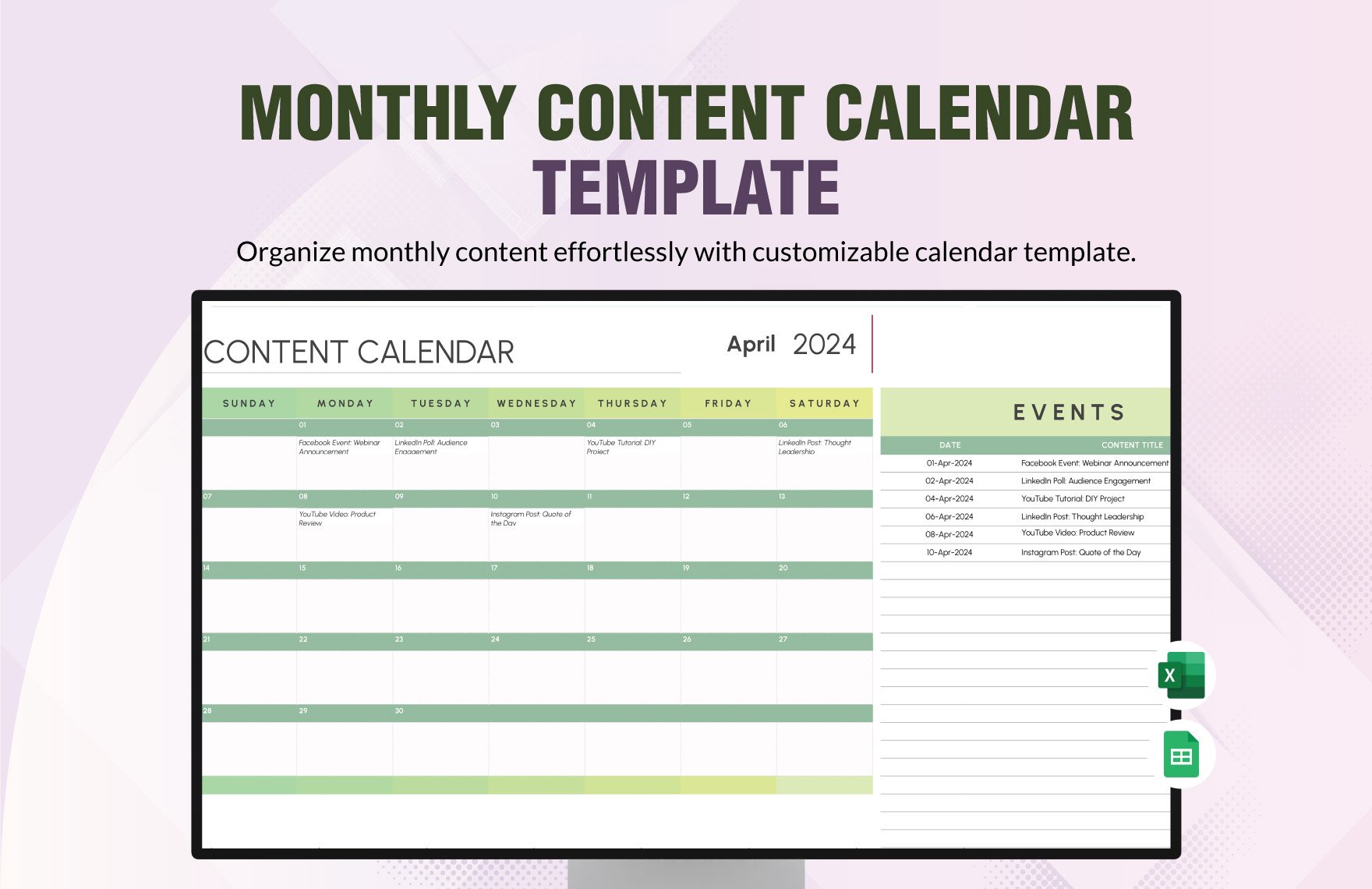
Why You Need a Content Calendar Template in Excel
As a content creator, you know how overwhelming it can be to manage multiple projects, deadlines, and teams. A content calendar template in Excel can be a lifesaver. It helps you plan, organize, and schedule your content in advance, ensuring that your messaging is consistent and your audience is engaged. In this article, we'll show you how to create a content calendar template in Excel that suits your needs.
Setting Up Your Content Calendar Template
To get started, open a new Excel spreadsheet and give it a descriptive name, such as "Content Calendar Template." You'll want to include the following columns:
Date: The publication date of your content
Content Type: The type of content, such as blog post, social media, or video
Title: The title of your content
Description: A brief summary of your content
Keywords: Relevant keywords for SEO purposes
Status: The current status of your content, such as "draft," "review," or "published"
You can add or remove columns as needed to suit your specific requirements.
Choosing the Right Template
If you're short on time or not sure where to start, you can download a free content calendar template in Excel. There are many resources available online that offer customizable templates. Some popular options include:
Microsoft Excel templates
HubSpot's content calendar template
CoSchedule's content calendar template
When choosing a template, consider the following factors:
Ease of use: Is the template easy to navigate and customize?
Flexibility: Can you add or remove columns as needed?
Integration: Does the template integrate with other tools, such as your CMS or social media scheduling software?
Creating a Content Calendar from Scratch
If you prefer to create a content calendar from scratch, here's a step-by-step guide:
- Determine your content goals: What do you want to achieve with your content? Do you want to increase website traffic, generate leads, or boost engagement?
- Identify your content types: What types of content will you be creating? Will you be publishing blog posts, social media updates, or videos?
- Plan your content schedule: Create a schedule that outlines your content publication dates and types.
- Assign tasks and deadlines: Assign tasks and deadlines to team members to ensure that your content is created and published on time.

Tips for Using Your Content Calendar Template
Here are some expert tips for getting the most out of your content calendar template:
Keep it up-to-date: Regularly update your content calendar to reflect changes in your content schedule or team.
Use filters and conditional formatting: Use filters and conditional formatting to highlight important deadlines or tasks.
Integrate with other tools: Integrate your content calendar with other tools, such as your CMS or social media scheduling software, to streamline your workflow.
Common Mistakes to Avoid
Here are some common mistakes to avoid when creating a content calendar template:
Not making it flexible: Failing to make your template flexible enough to adapt to changing content schedules or team needs.
Not assigning tasks and deadlines: Failing to assign tasks and deadlines to team members, leading to delays and missed deadlines.
Not regularly updating the calendar: Failing to regularly update the calendar, leading to outdated information and confusion.
Comparison of Content Calendar Templates
Here's a comparison of some popular content calendar templates:
| Template | Ease of use | Flexibility | Integration |
|---|---|---|---|
| Microsoft Excel template | 8/10 | 9/10 | 7/10 |
| HubSpot's content calendar template | 9/10 | 8/10 | 9/10 |
| CoSchedule's content calendar template | 8/10 | 9/10 | 8/10 |
FAQs
Here are some frequently asked questions about content calendar templates in Excel:
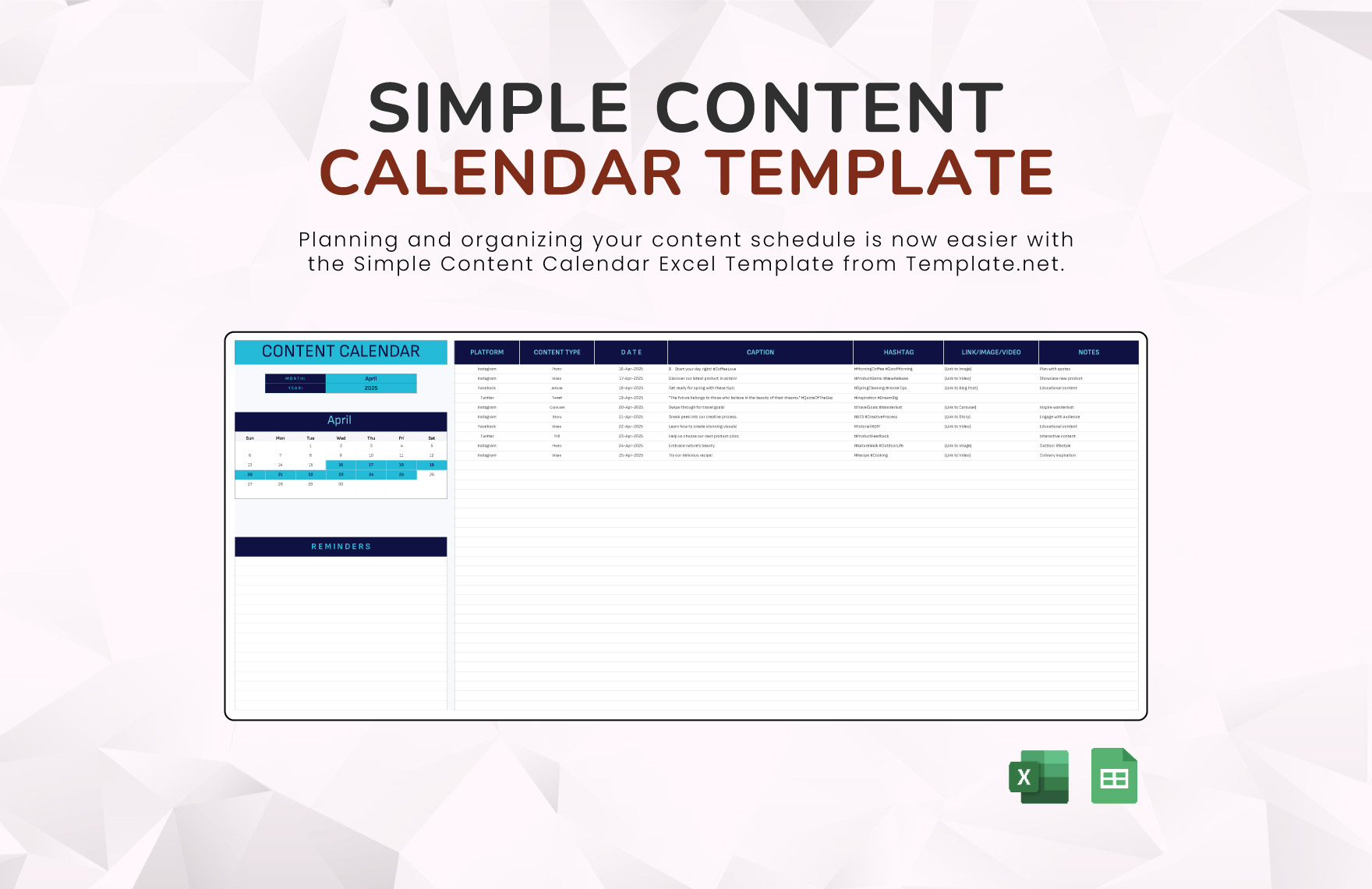
Q: What is a content calendar template in Excel?
A content calendar template in Excel is a spreadsheet that helps you plan, organize, and schedule your content in advance.
Q: How do I create a content calendar template in Excel?
To create a content calendar template in Excel, start by opening a new spreadsheet and adding columns for date, content type, title, description, keywords, and status.
Q: Can I customize a content calendar template in Excel?
Yes, you can customize a content calendar template in Excel to suit your specific needs by adding or removing columns, and using filters and conditional formatting.
Q: What are some popular content calendar templates in Excel?
Some popular content calendar templates in Excel include Microsoft Excel templates, HubSpot's content calendar template, and CoSchedule's content calendar template.
Conclusion
A content calendar template in Excel is a powerful tool for streamlining your content planning and boosting productivity. By following the tips and guidelines outlined in this article, you can create a template that suits your needs and helps you achieve your content goals.
Related: 5 Useful Things to Know About Free Resume Templates Downloads
