
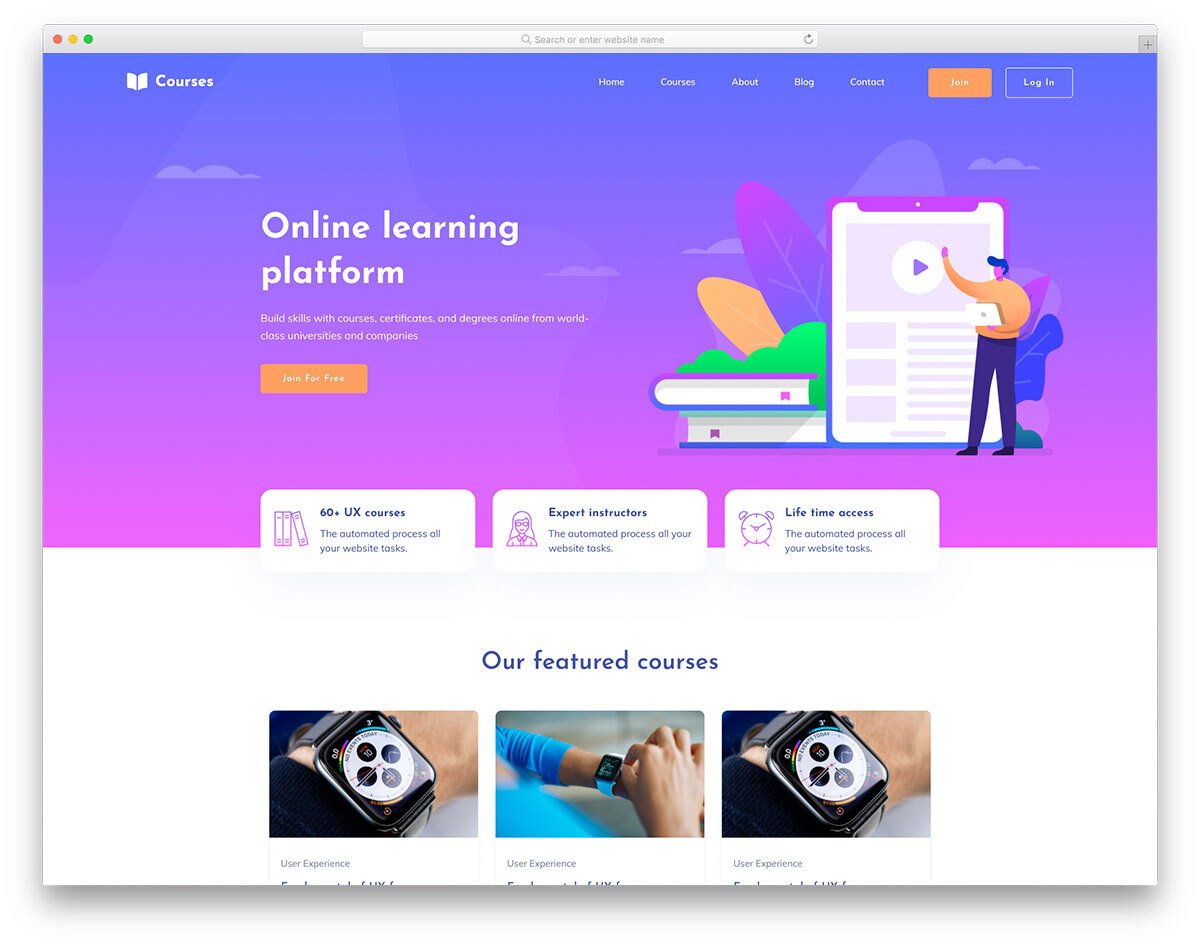
Getting Started with E-Course Templates
When it comes to creating an online course, having a well-designed template can make all the difference. A good template can help you organize your content, engage your students, and convey your message more effectively. However, not everyone has the budget to invest in expensive course creation tools or hire a professional designer. Fortunately, there are many free e-course templates available that can help you get started.
In this article, we'll explore some of the best free e-course templates and provide you with practical tips and resources to help you create a professional-looking online course.

Choosing the Right Template for Your Needs
With so many free e-course templates available, it can be overwhelming to choose the right one. Here are a few things to consider when selecting a template:
Purpose: What is the main goal of your course? Is it to educate, train, or entertain? Different templates are suited for different purposes.
Audience: Who is your target audience? What are their needs and preferences? Choose a template that resonates with your audience.
Content: What type of content will you be presenting? Will it be text-heavy, image-rich, or video-based? Select a template that supports your content.
Some popular free e-course templates include:
Google Slides: A versatile and widely-used presentation template that can be used for creating online courses.
PowerPoint: A classic presentation template that can be used for creating courses, with many free resources available online.
Canva: A graphic design platform that offers a range of free templates for creating online courses, including courses, tutorials, and guides.
Designing Your E-Course Template
Once you've chosen a template, it's time to design your e-course. Here are some tips to keep in mind:
Keep it simple: Avoid clutter and keep your design clean and simple.
Use visuals: Incorporate images, videos, and graphics to break up text and engage your students.
Be consistent: Use a consistent design theme throughout your course to create a cohesive look.
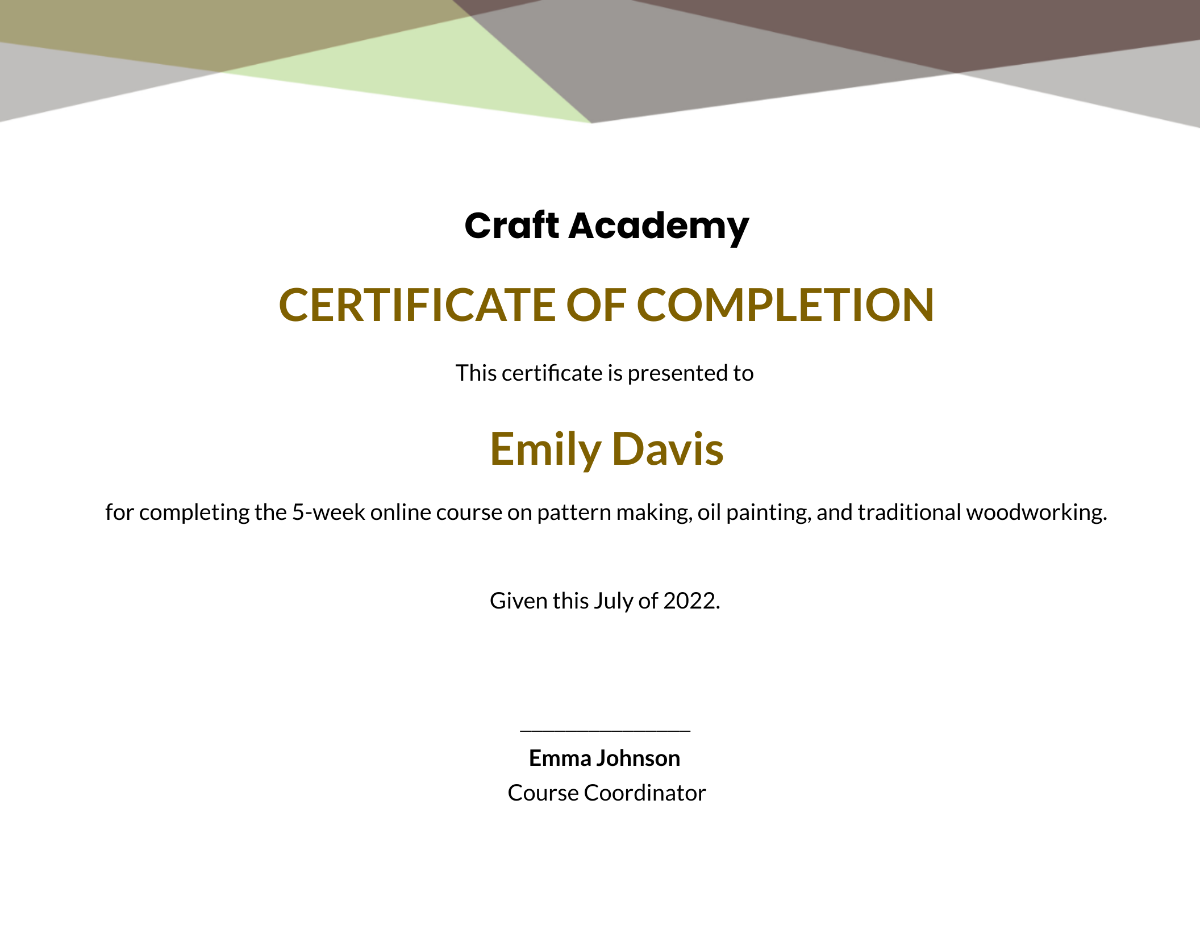
Creating Engaging Content
Your e-course template is just the starting point. To create a truly engaging online course, you need to focus on creating high-quality content. Here are some tips:
Know your audience: Understand their needs, interests, and preferences to create content that resonates with them.
Use storytelling techniques: Tell stories, use anecdotes, and make your content more relatable.
Make it interactive: Incorporate quizzes, assessments, and interactive elements to keep your students engaged.
Free Resources for E-Course Creation
Here are some free resources that can help you create a professional-looking e-course template:
Unsplash: A website offering a vast library of high-quality images that can be used for free.
Pexels: A website offering a range of free stock photos, videos, and graphics.
Font Awesome: A website offering a range of free icons, fonts, and graphics.
Comparison of Free E-Course Templates
| Template | Features | Pros | Cons |
|---|---|---|---|
| Google Slides | Collaborative, cloud-based, versatile | Easy to use, widely available | Limited design options |
| PowerPoint | Classic, widely-used, feature-rich | Familiar interface, many resources available | Can be cluttered, not cloud-based |
| Canva | Graphic design platform, vast template library | Highly customizable, user-friendly | Can be overwhelming, limited free features |
Common Mistakes to Avoid
When creating an e-course template, there are several common mistakes to avoid:
Overcomplicating the design: Keep your design simple and clean to avoid overwhelming your students.
Not testing the template: Test your template thoroughly to ensure it works smoothly and looks great.
Not considering accessibility: Make sure your template is accessible to all students, including those with disabilities.
Frequently Asked Questions
Q: What is the best free e-course template?
The best free e-course template depends on your needs and preferences. Google Slides, PowerPoint, and Canva are popular options.
Q: How do I create an online course for free?
Use free e-course templates, and leverage online resources such as Unsplash, Pexels, and Font Awesome.
Q: What are some common mistakes to avoid when creating an e-course template?
Avoid overcomplicating the design, not testing the template, and not considering accessibility.
Q: Can I use a free e-course template for commercial purposes?
Check the licensing terms and conditions of the template to ensure you can use it for commercial purposes.
Conclusion
Creating a professional-looking e-course template doesn't have to break the bank. With the right tools, tips, and resources, you can create an engaging online course that resonates with your audience. By choosing the right template, designing it effectively, and creating high-quality content, you can create a truly exceptional online learning experience. So why wait? Start creating your e-course template today and take the first step towards sharing your knowledge with the world.
Related: What to Know About Online Checklist Apps for Business
