
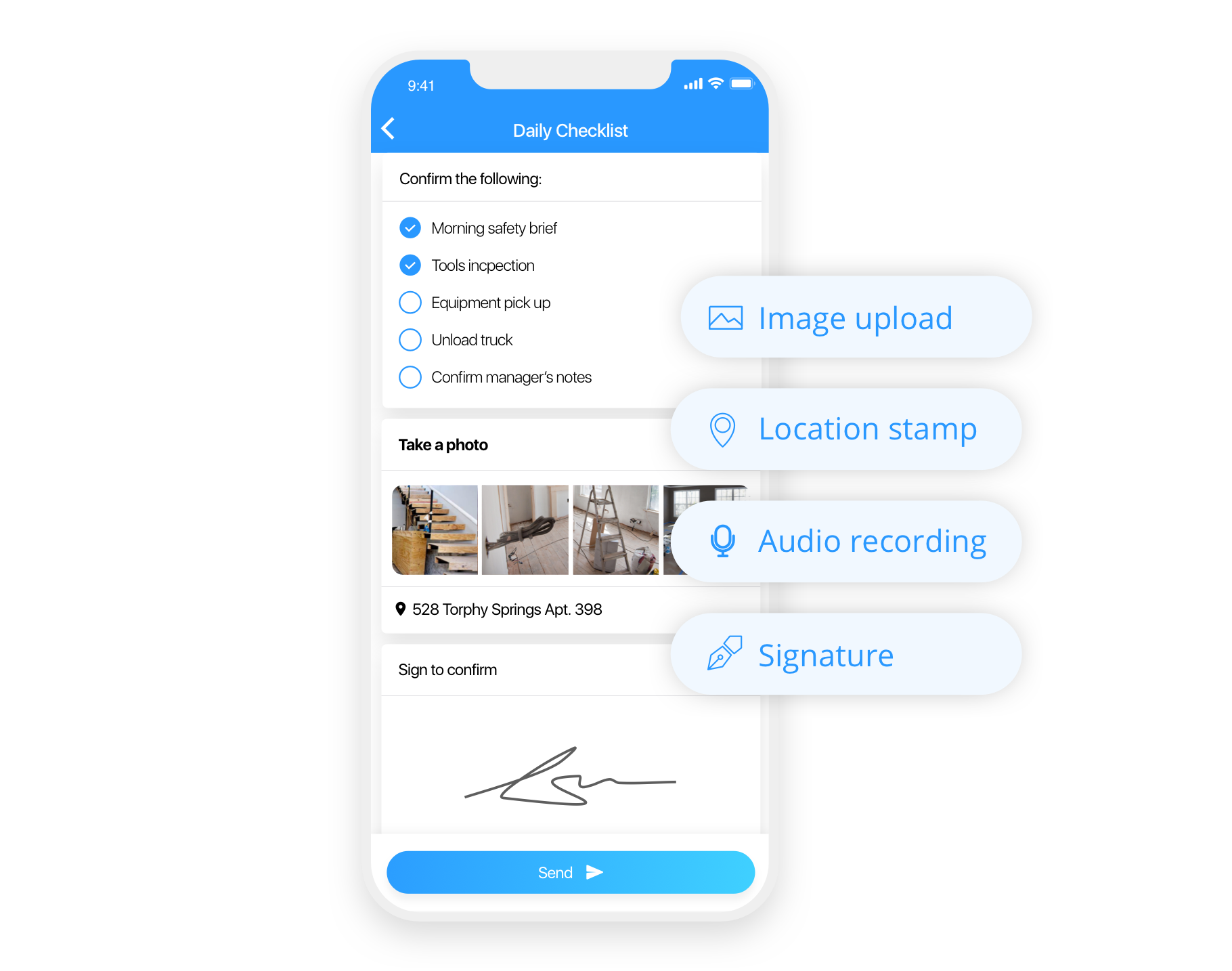
You're likely no stranger to the feeling of being overwhelmed by tasks and responsibilities. Between work, personal projects, and daily chores, it's easy to lose track of what needs to be done. That's where checklist apps come in – designed to help you stay organized, focused, and in control. But with so many options available, finding the right one for your PC can be a daunting task.
What Makes a Great Checklist App?
A great checklist app should be more than just a digital to-do list. It should allow you to easily create, manage, and prioritize tasks, as well as collaborate with others when needed. When searching for a free checklist app for PC, consider the following key features:
Ease of use: A user-friendly interface that makes it simple to create and manage tasks
Customization: Options to personalize your checklist, such as adding tags, due dates, and reminders
Collaboration: The ability to share and work on checklists with others
Syncing: Seamless syncing across devices, so you can access your checklist anywhere
Integrations: Compatibility with other tools and apps you use
Top Free Checklist Apps for PC
After researching and testing various options, here are some top free checklist apps for PC that are worth considering:
Trello: A popular project management tool that uses boards, lists, and cards to organize tasks
Any.do: A feature-rich checklist app that allows for collaboration, reminders, and integration with Google Drive
Todoist: A powerful task management tool that offers prioritization, due dates, and project templates
Microsoft To Do: A simple, intuitive checklist app that integrates with Outlook and Calendar
Evernote: A versatile note-taking app that also offers checklist functionality

A Closer Look at Trello
Trello is a well-known project management tool that can also be used as a checklist app. Its Kanban-style boards, lists, and cards make it easy to visualize and organize tasks. With Trello, you can:
Create boards for different projects or areas of your life
Add lists and cards to represent tasks and subtasks
Assign due dates, reminders, and attachments to cards
Collaborate with others by inviting them to boards
Comparison Time: Any.do vs. Todoist
When it comes to feature-rich checklist apps, Any.do and Todoist are two popular options. Here's a quick comparison:
| Feature | Any.do | Todoist |
|---|---|---|
| Collaboration | Yes, with real-time commenting | Yes, with @mentions |
| Reminders | Yes, with customizable notifications | Yes, with due date reminders |
| Integrations | Google Drive, Google Calendar, Slack | Google Calendar, Slack, GitHub |
| Prioritization | Yes, with color-coded priority levels | Yes, with priority levels (P1-P4) |
Both apps offer robust features, but Any.do's integration with Google Drive and Calendar might make it a better choice for those already invested in the Google ecosystem.
Practical Tips for Using Checklist Apps
Now that you've found a checklist app that suits your needs, here are some practical tips for getting the most out of it:
Start small: Begin with a simple checklist and gradually add more features and complexity as needed
Prioritize tasks: Use flags, colors, or numbers to indicate the importance and urgency of tasks
Break tasks into smaller steps: Divide large tasks into smaller, manageable chunks
Review and adjust: Regularly review your checklist and adjust it to reflect changing priorities and deadlines
Trust the Experts: What Users Say
Don't just take our word for it – here's what users have to say about these top free checklist apps:
"Trello has been a lifesaver for my team. We use it to manage projects, track progress, and communicate with each other." – Rachel, Marketing Manager
"Any.do has helped me stay organized and focused. The integration with Google Drive is seamless and convenient." – David, Freelance Writer
Frequently Asked Questions
Q: What is the best free checklist app for PC?
The best free checklist app for PC depends on your specific needs and preferences. Popular options include Trello, Any.do, Todoist, Microsoft To Do, and Evernote.
Q: Can I use checklist apps for personal and professional tasks?
Yes, most checklist apps can be used for both personal and professional tasks. Many apps offer features such as collaboration and integration with other tools to help you manage tasks across different areas of your life.
Q: Are checklist apps secure?
Most checklist apps take security seriously and offer features such as encryption and two-factor authentication to protect your data. However, it's always a good idea to review an app's security features and terms of service before using it.
Closing
Finding the right free checklist app for PC can have a significant impact on your productivity and organization. By considering key features, testing out different options, and following practical tips, you can find the perfect tool to help you stay on top of tasks and achieve your goals. Take control of your to-do list today and start exploring the world of checklist apps!
Related: Mastering Remote Work: Tips for Boosting Productivity
Related: Best Free Checklist Apps to Boost Productivity
Related: Mastering Your Schedule: What to Know About the Best Free
Related: Boosting Productivity: Remote Worker Help Tips for Success
