
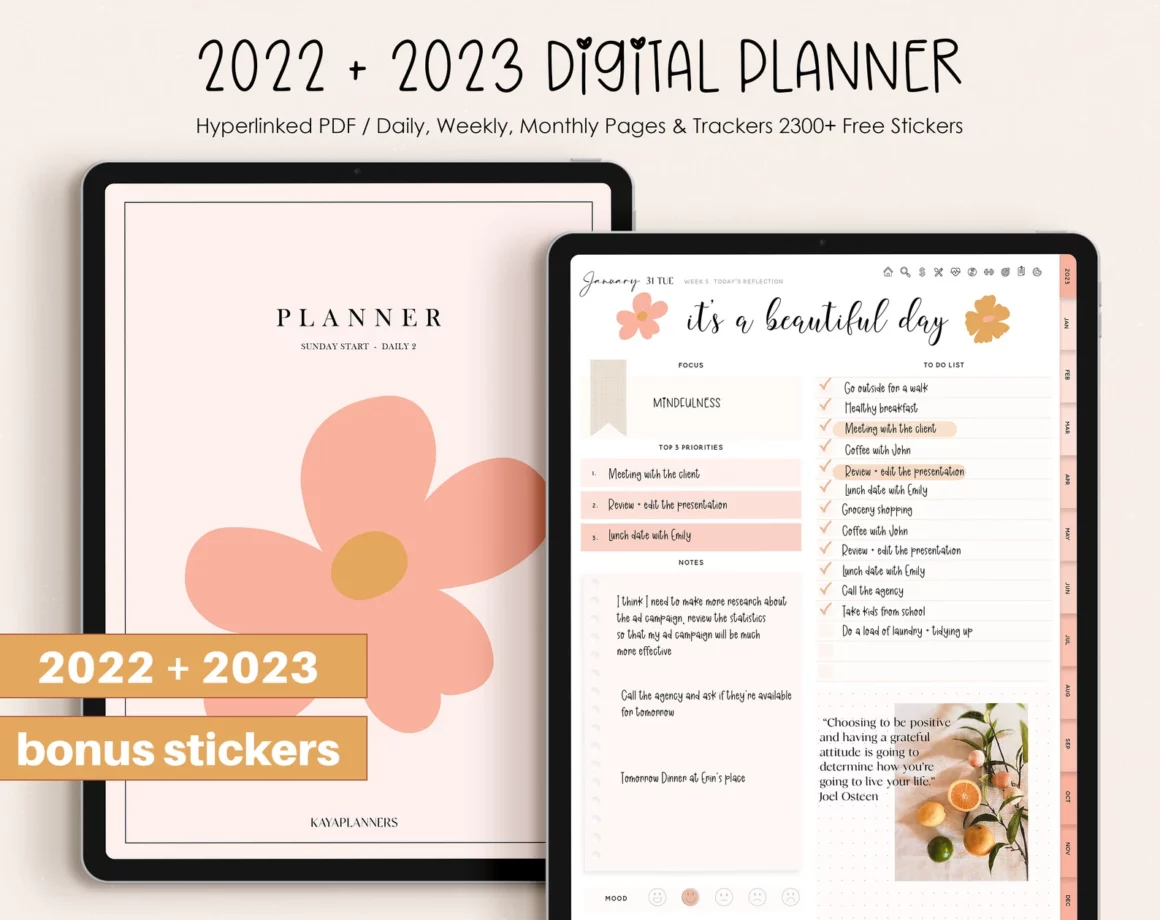
Understanding the Need for a Digital Planner
In our increasingly digital lives, managing tasks, appointments, and goals has become more complex. Traditional paper planners are giving way to digital solutions that offer more flexibility, accessibility, and features. A digital planner can be a powerful tool for staying organized and focused, but with so many options available, it can be challenging to find the right one.
What is a Digital Planner?
A digital planner is a software application or mobile app designed to help users plan and organize their time, tasks, and goals. It can include features such as calendars, to-do lists, note-taking, and goal setting. Digital planners can be accessed on various devices, including smartphones, tablets, and computers, making it easy to stay organized on the go.
Benefits of Using a Digital Planner
Digital planners offer several benefits over traditional paper planners. They are more accessible, allowing users to access their schedules and tasks from anywhere. They also offer more features, such as automatic reminders, notifications, and integrations with other apps and services. Additionally, digital planners are more environmentally friendly and can be easily updated and edited.
Top Free Digital Planners
Here are some of the top free digital planners available:
| <strong>Digital Planner</strong> | <strong>Features</strong> | <strong>Platforms</strong> |
|---|---|---|
| Google Calendar | Calendar, reminders, notifications, integrations | Web, Android, iOS |
| Any.do | Task management, calendar, notes, collaboration | Web, Android, iOS |
| Trello | Project management, boards, lists, cards | Web, Android, iOS |
| Evernote | Note-taking, organization, tagging, searching | Web, Android, iOS |
| Microsoft To Do | Task management, calendar, reminders, integration with Outlook | Web, Android, iOS |
Choosing the Right Digital Planner
With so many digital planners available, it can be challenging to choose the right one. Here are some factors to consider:
Features: What features do you need? Do you want a simple calendar or a more comprehensive task management system?
Platforms: What devices do you use? Make sure the digital planner you choose is available on your preferred platforms.
Integration: Do you need integration with other apps and services? Some digital planners offer seamless integration with popular apps like Google Drive or Slack.
User interface: What is the user interface like? Is it intuitive and easy to use?
A Deeper Look at Popular Digital Planners
Let's take a closer look at some of the most popular digital planners:
Google Calendar
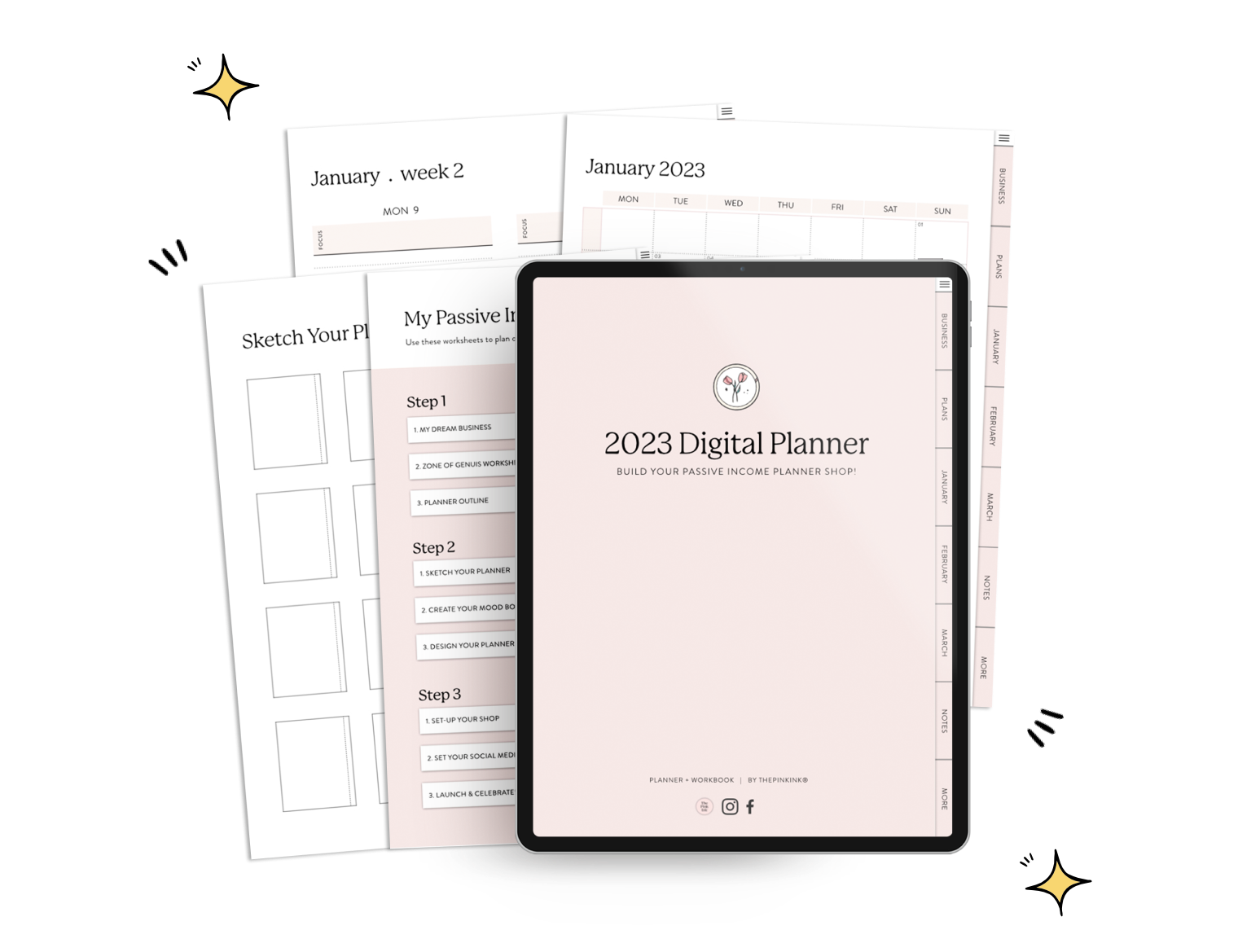
Google Calendar is a powerful and feature-rich digital planner. It offers a clean and intuitive interface, automatic reminders and notifications, and seamless integration with other Google apps like Google Drive and Google Meet. Google Calendar is free and available on the web, Android, and iOS.
Any.do
Any.do is a popular task management app that offers a digital planner. It features a clean and intuitive interface, task management, calendar integration, and collaboration features. Any.do is free and available on the web, Android, and iOS.
Trello
Trello is a project management tool that can also be used as a digital planner. It features a board-based interface, lists, and cards, making it easy to organize tasks and projects. Trello is free and available on the web, Android, and iOS.
Practical Tips for Using a Digital Planner
Here are some practical tips for using a digital planner:
Start small: Begin by using your digital planner for simple tasks and gradually add more features and complexity.
Customize: Customize your digital planner to fit your needs and preferences.
Integrate: Integrate your digital planner with other apps and services to streamline your workflow.
Review and adjust: Regularly review your digital planner and adjust your settings and features as needed.
Trust-Building: Security and Data Protection
When choosing a digital planner, it's essential to consider security and data protection. Look for digital planners that offer robust security features, such as encryption, two-factor authentication, and data backup. Make sure to read reviews and do your research to ensure that your digital planner is trustworthy.
Frequently Asked Questions
Q: What is the best free digital planner?
The best free digital planner depends on your specific needs and preferences. Popular options include Google Calendar, Any.do, and Trello.
Q: Can I use a digital planner on multiple devices?
Yes, most digital planners are available on multiple platforms, including smartphones, tablets, and computers.
Q: How do I choose the right digital planner for my needs?
Consider factors such as features, platforms, integration, and user interface when choosing a digital planner.
Q: Are digital planners secure?
Look for digital planners that offer robust security features, such as encryption, two-factor authentication, and data backup.
Closing
Finding the best free digital planner for your needs requires careful consideration of features, platforms, integration, and user interface. By doing your research and trying out different options, you can find a digital planner that helps you stay organized and focused. Whether you prefer a simple calendar or a comprehensive task management system, there's a digital planner out there for you.
Related: 5 Useful Free Productivity Apps Recommended on Reddit
Related: Best Free Productivity Apps
Related: Digital Planner Template Free: What Actually Makes Sense?
