
Choosing the Right Template
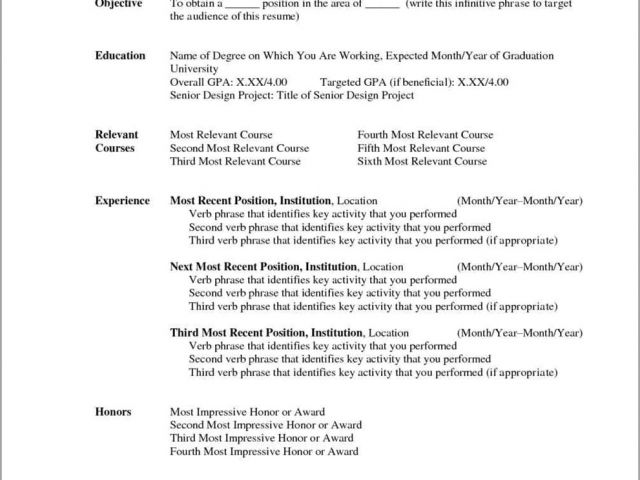
When you're on the hunt for a free resume template for Microsoft Word, it's easy to get overwhelmed by the sheer number of options available. You might stumble upon a template that looks great, but does it fit your needs? Does it showcase your skills and experience in the best possible light? In this guide, we'll walk you through the process of finding the perfect free resume template for Microsoft Word, and provide you with expert tips to make your resume shine.
Understanding Your Needs
Before you start searching for a template, take some time to think about what you need. What type of job are you applying for? What's your level of experience? What skills do you want to highlight? For example, if you're a recent graduate, you might want a template that emphasizes education. If you're a seasoned professional, you might want a template that showcases your work experience.
Consider the industry you're in, too. A creative field might call for a more innovative template, while a traditional industry might require something more conservative. Knowing your needs will help you narrow down your search and find a template that's tailored to your goals.
Top Picks for Free Resume Templates
Here are some top picks for free resume templates that work well with Microsoft Word:
Microsoft's Free resume templates: Microsoft offers a range of free resume templates that are designed to work seamlessly with Word. These templates are clean, professional, and easy to customize.
Resume Genius: Resume Genius offers a wide range of free resume templates, including some great options for creative fields. Their templates are also optimized for applicant tracking systems (ATS).
Canva: Canva is a popular design platform that offers a range of free resume templates. Their templates are highly customizable, and you can easily export your resume as a Word document.
What to Look for in a Free Resume Template
When evaluating a free resume template, there are several things to keep in mind:
Clean design: A clean design is essential for making a good impression. Look for a template with a clear and concise layout.
Customizability: Make sure the template is easy to customize. You should be able to easily add or remove sections, and change the font and formatting.
ATS compatibility: If you're applying for jobs online, make sure the template is compatible with ATS. This will help ensure that your resume gets past the automated screening systems.
Word compatibility: Make sure the template works well with Microsoft Word. You don't want to struggle with formatting issues or have your resume look wonky.
Pros and Cons of Using a Free Resume Template
Here are some pros and cons to consider when using a free resume template:
Pros:
Cost-effective: Free templates are, well, free. You can save money on template costs and use it for other job search expenses.
Time-saving: Free templates can save you time. You don't have to spend hours designing a template from scratch.
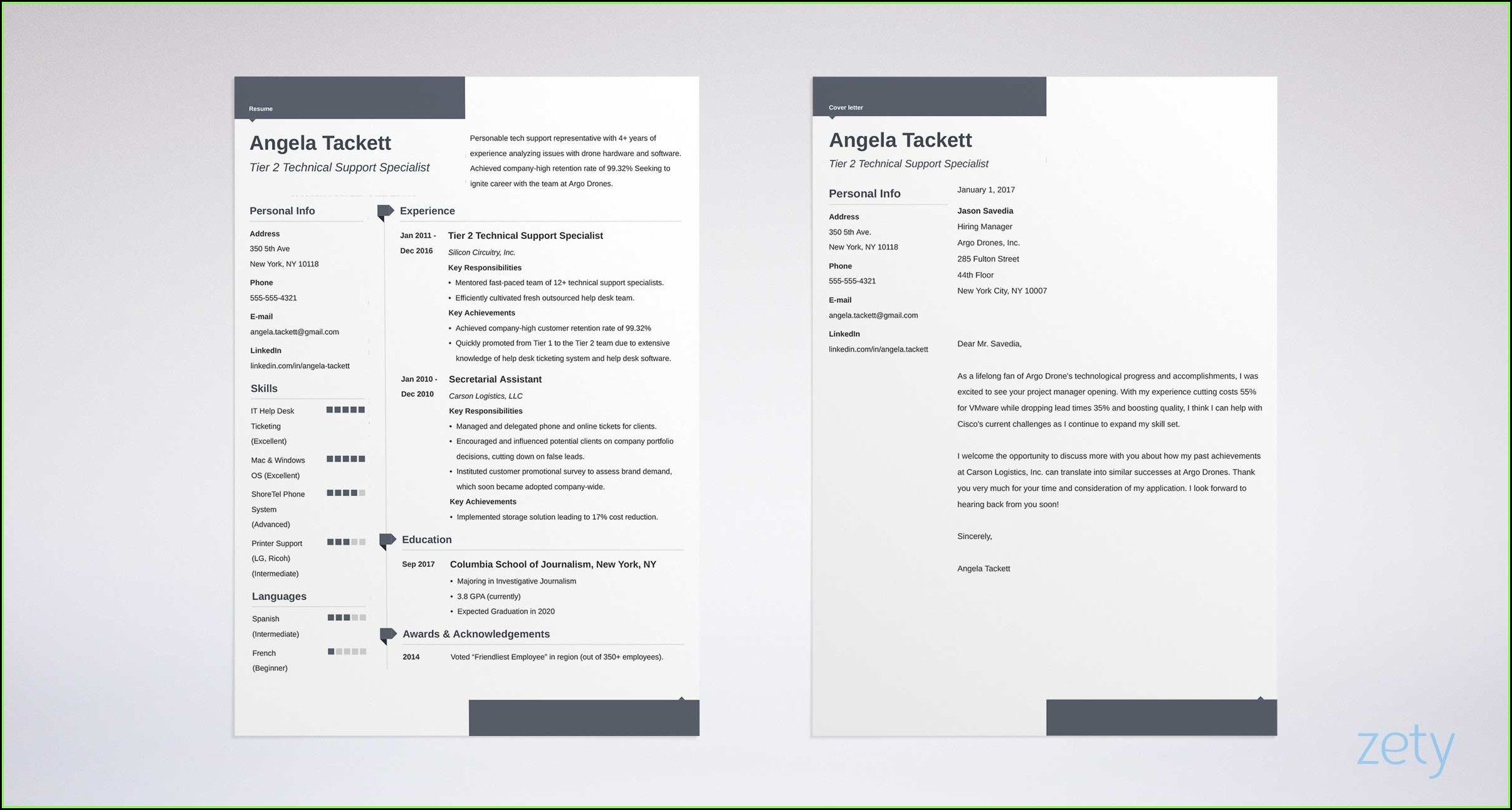
Professional look: A good free template can give your resume a professional look. You can impress potential employers with a well-designed resume.
Cons:
Limited options: Free templates might have limited options for customization. You might be stuck with a design that doesn't perfectly fit your needs.
Overused: Free templates can be overused. You might end up with a resume that looks like everyone else's.
Support: Free templates often come with limited support. You might be on your own if you encounter issues.
Comparison Table
| Template | Clean Design | Customizability | ATS Compatibility | Word Compatibility |
|---|---|---|---|---|
| Microsoft's Free Resume Templates | ||||
| Resume Genius | ||||
| Canva |
Tips for Customizing Your Template
Once you've chosen a template, it's time to customize it. Here are some tips to keep in mind:
Tailor your template to the job: Customize your template to fit the job you're applying for. Use keywords from the job description to help your resume pass through ATS.
Use a clear font: Stick to a clear, easy-to-read font. Avoid using fonts that are too ornate or hard to read.
Keep it concise: Keep your resume concise. Aim for one to two pages, depending on your level of experience.
Common Mistakes to Avoid
Here are some common mistakes to avoid when using a free resume template:
Overusing bullet points: Too many bullet points can make your resume look cluttered. Use them sparingly to highlight your achievements.
Not proofreading: Typos and grammatical errors can make a bad impression. Make sure to proofread your resume multiple times.
Not tailoring your template: Failing to tailor your template to the job can hurt your chances. Make sure to customize your template for each job you apply for.
FAQs
Here are some frequently asked questions about free resume templates:
Q: Are free resume templates really free?
Yes, free resume templates are indeed free. However, some templates might offer premium features or support for a fee.
Q: Can I use a free resume template for a job application?
Absolutely. Free resume templates can be a great way to create a professional-looking resume for a job application.
Q: How do I know if a template is compatible with ATS?
Look for templates that are specifically designed to be ATS-friendly. You can also test your resume by uploading it to ATS and checking for errors.
Conclusion
Finding the perfect free resume template for Microsoft Word takes some effort, but it's worth it. By considering your needs, evaluating templates carefully, and customizing your template, you can create a standout resume that helps you land your dream job.
Related: A Practical Guide to Ecommerce Email Marketing Tools and Tips
Related: Mastering Remote Work: Tips to Boost Productivity and Balance
