
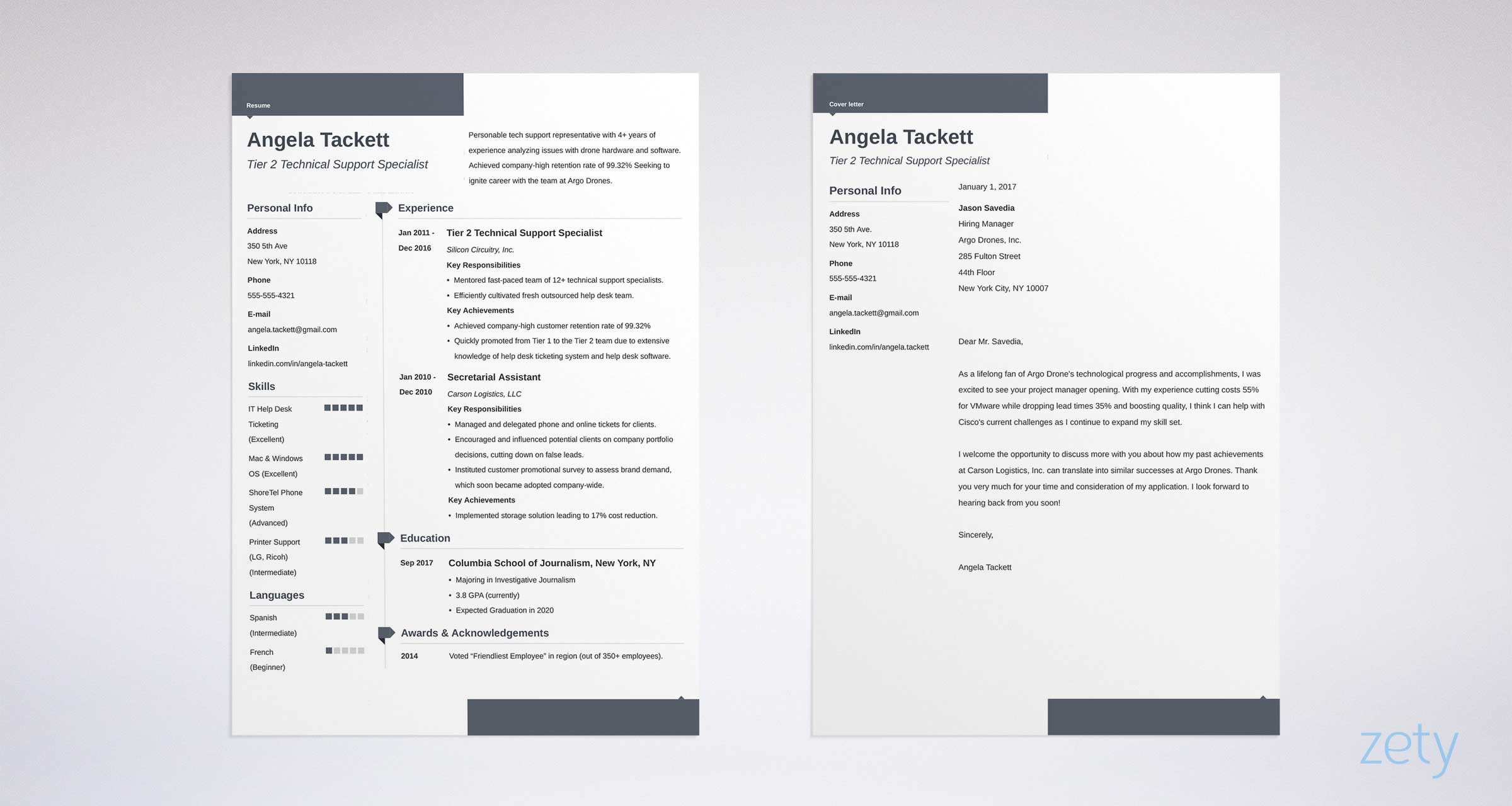
Finding the Right Free Resume Template
When searching for a free resume template online, it's easy to get overwhelmed by the numerous options available. You've probably typed "free resume template online" or "resume template for Word" into a search engine and received millions of results. But how do you choose a template that effectively showcases your skills and experience?
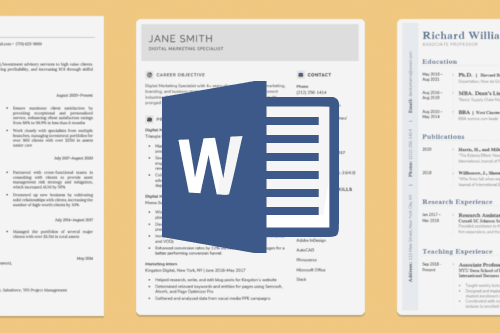
The key is to focus on templates specifically designed for Microsoft Word, as they are widely compatible and easy to edit. You can find many websites offering free resume templates, but not all of them are created equal. Some popular sources include Microsoft's official template gallery, Canva, and template-specific websites like ResumeGenius or TemplateLab.
Benefits of Using Free Resume Templates
Using a free resume template can save you time and effort in creating a well-designed resume from scratch. Here are some benefits:
Professional layout: A good template provides a clean and professional layout that helps you organize your content effectively.
Easy customization: Most templates are easy to customize, allowing you to tailor your resume to your specific needs and style.
Time-saving: With a template, you don't have to spend hours designing your resume from scratch.
How to Choose the Best Free Resume Template
When selecting a free resume template, consider the following factors:
Industry and Job Type
Choose a template that's relevant to your industry and job type. For example, if you're applying for a creative job, you may want a template with a more artistic design. For a corporate job, a more traditional template may be suitable.
Template Design and Layout
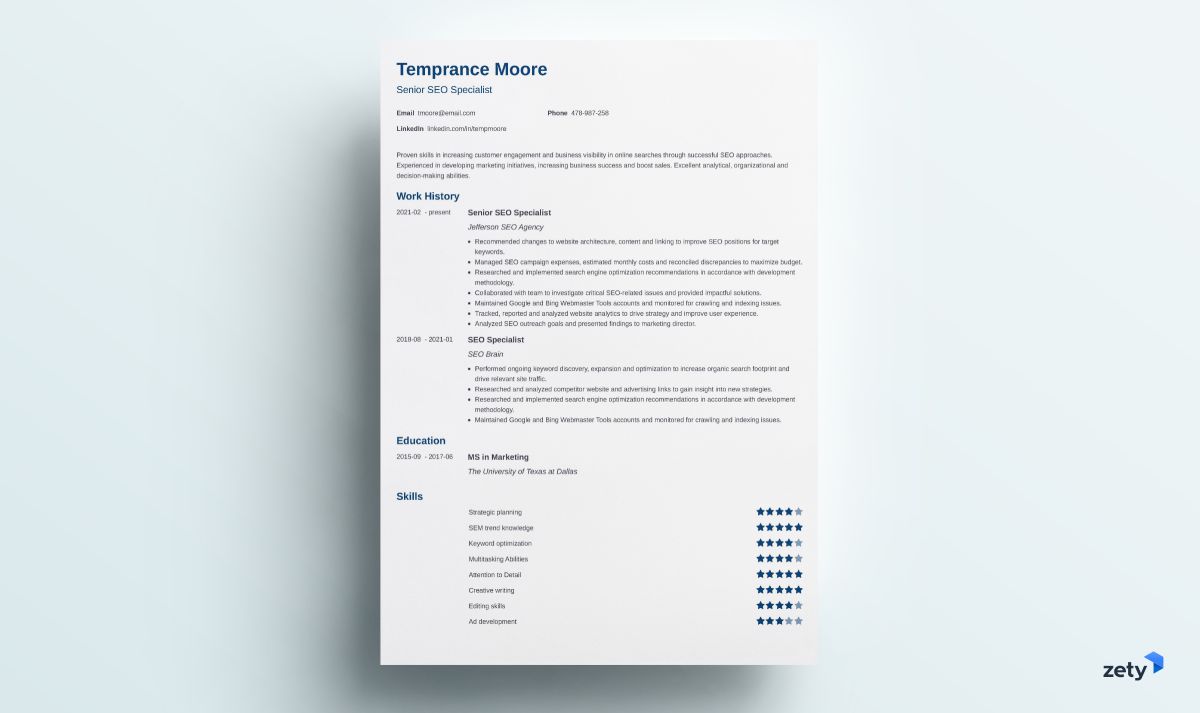
Opt for a template with a clean and simple design. Avoid templates with too much clutter or overly complex layouts.
Customization Options
Select a template that's easy to customize, with clear instructions on how to edit the content.
Top Sources for Free Resume Templates
Here are some top sources for free resume templates:
| Website | Description |
|---|---|
| Microsoft Template Gallery | Official Microsoft template gallery with a wide range of free resume templates for Word. |
| Canva | Popular design platform offering free resume templates and a user-friendly editor. |
| ResumeGenius | Website specializing in free resume templates, with a variety of designs and layouts. |
| TemplateLab | Collection of free resume templates for Word, with a focus on modern and creative designs. |
"A well-designed resume is not just about aesthetics; it's about creating a clear and concise narrative of your skills and experience."
Customizing Your Free Resume Template
Once you've chosen a template, it's essential to customize it to fit your needs. Here are some tips:
Tailor your content: Adjust the template's content to match your own experiences and skills.
Use keywords: Incorporate relevant keywords from the job posting to help your resume pass through applicant tracking systems (ATS).
Proofread: Carefully proofread your resume to ensure there are no typos or formatting errors.
Common Mistakes to Avoid
When using free resume templates, avoid the following common mistakes:
Over-customization: Don't over-customize your template, as this can make it look cluttered and unprofessional.
Lack of relevance: Ensure your template is relevant to your industry and job type.
- Poor formatting: Make sure your template is properly formatted, with clear headings and bullet points.
Frequently Asked Questions
Q: Are free resume templates really free?
Yes, the templates mentioned in this article are genuinely free to download and use.
Q: Can I use a free resume template for a job application?
Yes, you can use a free resume template for a job application, but make sure to customize it to fit your needs and the job requirements.
Q: How do I edit a free resume template in Word?
To edit a free resume template in Word, simply open the template in Word, make the necessary changes, and save it as a new document.
Q: Can I use a free resume template for a LinkedIn profile?
While a free resume template can be a good starting point, it's recommended to create a separate LinkedIn profile or upload a PDF version of your resume to showcase your experience and skills.
Conclusion
Related: Free Canva Resume Templates: What Actually Makes Sense?
