
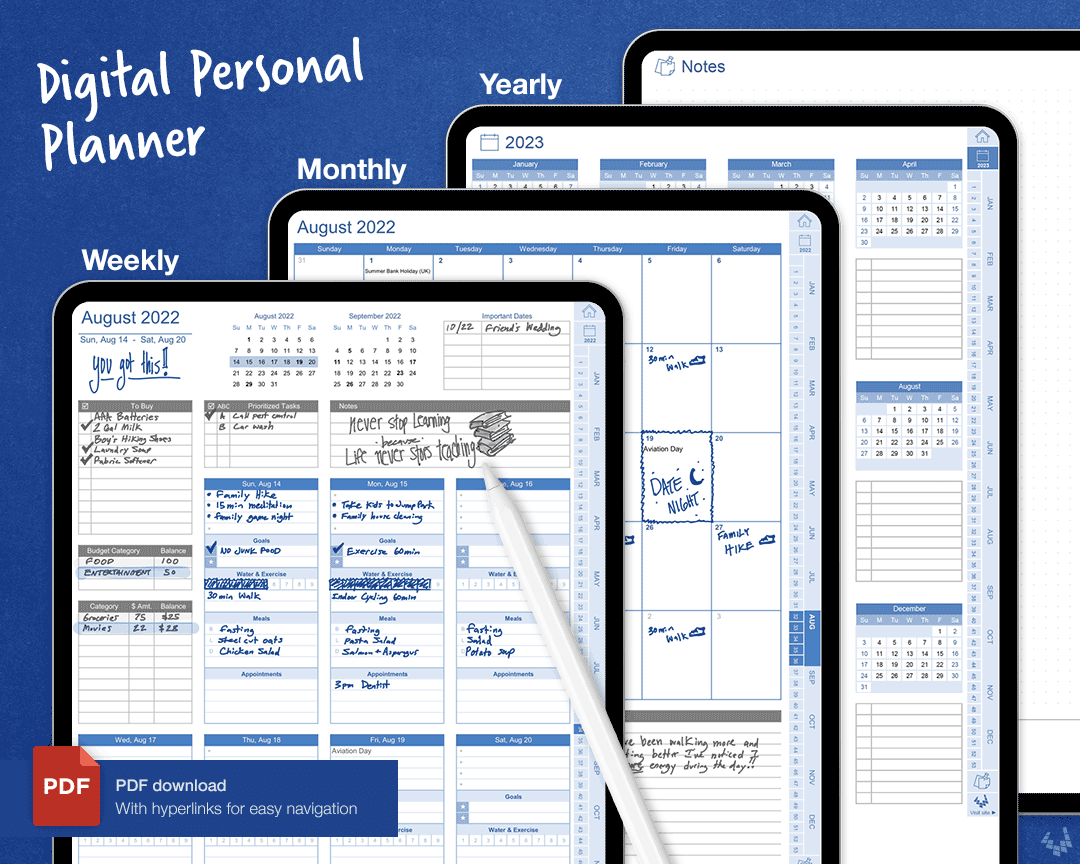
Best free digital planner: What Actually Makes Sense?
You're probably tired of scribbling down notes on scraps of paper, only to lose them later. Or maybe you're frustrated with digital planners that are more cluttered than a busy highway. If so, you're in luck. The search for the best free digital planner is on, and we're here to guide you through the maze.
The Quest for a Simple yet Effective Digital Planner
In our experience, the perfect digital planner should be more than just a fancy calendar. It should help you prioritize tasks, set realistic goals, and actually stick to them. But with so many options out there, how do you choose the right one?
Let's start with the basics. A good digital planner should be easy to use, accessible across devices, and offer features that cater to your specific needs. Some popular options include Google Calendar, Apple Calendar, and Microsoft Outlook. But are they enough, or do you need something more specialized?
Features to Look for in a Free Digital Planner
So, what makes a digital planner truly great? Here are some key features to look for:
Cross-platform compatibility: Can you access your planner on your phone, tablet, and computer?
Task management: Can you create and assign tasks, set deadlines, and track progress?
Reminders and notifications: Will you get reminders for upcoming events and deadlines?
Customization: Can you tailor your planner to fit your specific needs and workflow?
Integration with other apps: Can you connect your planner to other tools and services you use?
Top Free Digital Planners to Consider
Now, let's take a closer look at some of the best free digital planners out there.
Google Calendar
Google Calendar is a popular choice for many, and for good reason. It's free, easy to use, and integrates seamlessly with other Google apps like Gmail and Google Drive. You can create events, set reminders, and even share your calendar with others.
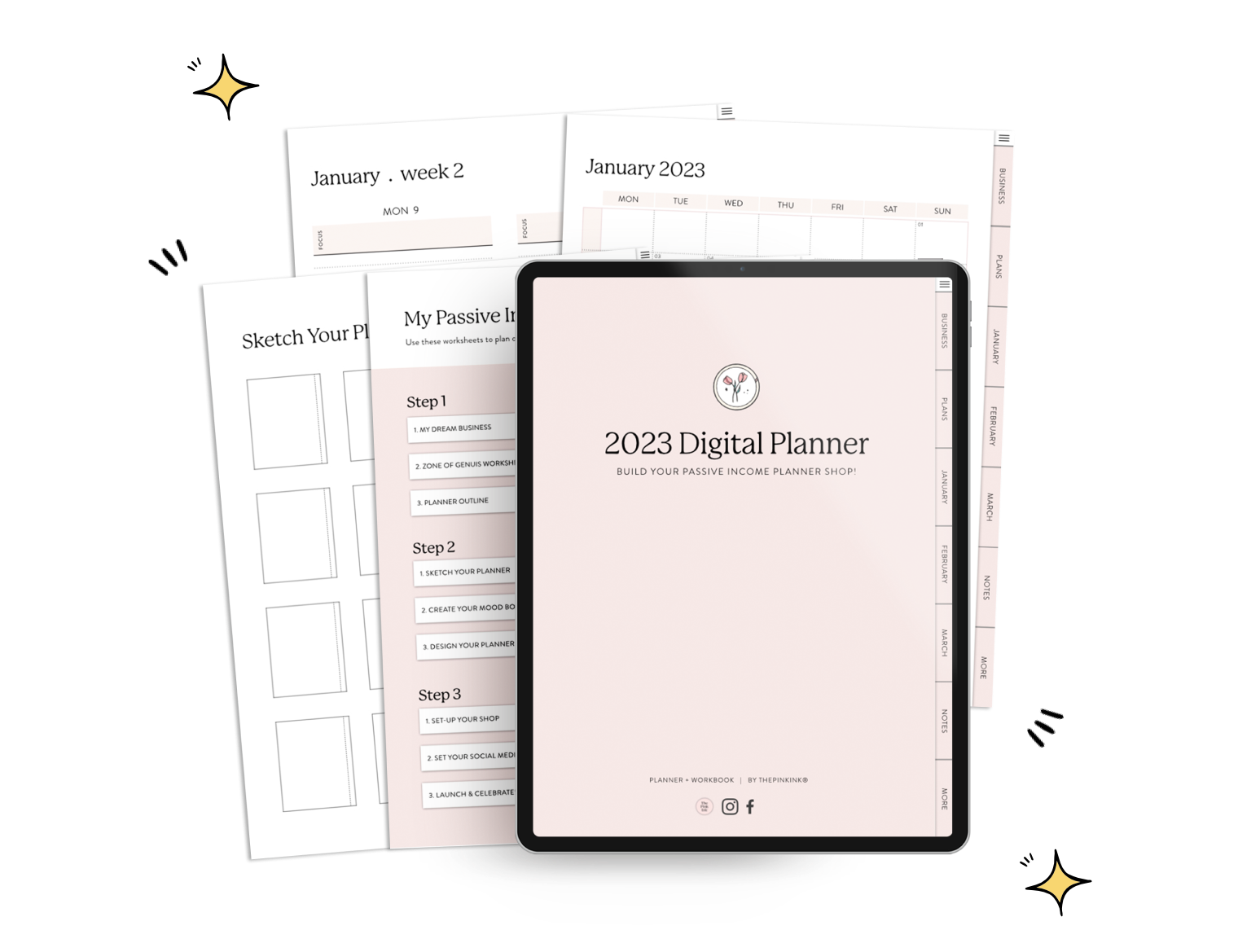
Microsoft To Do
Microsoft To Do is a task management app that integrates with Outlook and Calendar. It's a great option if you're already using Microsoft apps for work or school. With To Do, you can create tasks, set deadlines, and prioritize your work.
Any.do
Any.do is a versatile digital planner that offers a range of features, including task management, calendar integration, and collaboration tools. It's free to use, with optional premium upgrades.
Trello
Trello is a visual project management tool that uses boards, lists, and cards to organize tasks. While not strictly a digital planner, Trello can be a great option for managing complex projects and workflows.
Comparison Time: Which Digital Planner is Right for You?
| Digital Planner | Cross-platform compatibility | Task management | Reminders and notifications | Customization |
|---|---|---|---|---|
| Google Calendar | Limited | |||
| Microsoft To Do | Limited | |||
| Any.do | High | |||
| Trello | High |
As you can see, each digital planner has its strengths and weaknesses. The key is to choose the one that best fits your needs and workflow.
"The best digital planner is one that you'll actually use. Don't get bogged down in features – focus on what works for you." – Productivity expert
Putting Your Digital Planner to Work
So, you've chosen a digital planner. Now what? Here are some tips to help you get the most out of your new tool:
Start small: Begin with a simple task or event, and gradually add more features as you become more comfortable.
Customize your planner: Tailor your planner to fit your specific needs and workflow.
Make it a habit: Use your digital planner consistently to track your progress and stay on top of your tasks.
Trusting Your Digital Planner
One of the biggest concerns with digital planners is security. You want to make sure your data is safe and secure. Here's what you need to know:
Google Calendar: Google Calendar uses robust security measures, including encryption and two-factor authentication.
Microsoft To Do: Microsoft To Do also uses advanced security features, including data encryption and secure authentication.
- Any.do: Any.do prioritizes user data security, with encryption and secure servers.
Frequently Asked Questions
Q: What is the best free digital planner for Android?
Google Calendar and Any.do are both popular options for Android users.
Q: Can I use a digital planner on my iPad?
Yes, most digital planners offer iOS apps or web access, making it easy to use them on your iPad.
Q: How do I choose between Google Calendar and Microsoft To Do?
Consider your existing workflow and tools. If you're already using Google apps, Google Calendar might be a better fit. If you're using Microsoft apps, Microsoft To Do could be a better choice.
Wrapping Up
Finding the best free digital planner is a personal journey. By considering your needs, workflow, and preferences, you can choose a tool that truly helps you stay organized and productive. Whether you opt for Google Calendar, Microsoft To Do, Any.do, or Trello, the key is to find a digital planner that you'll actually use. Happy planning!
