
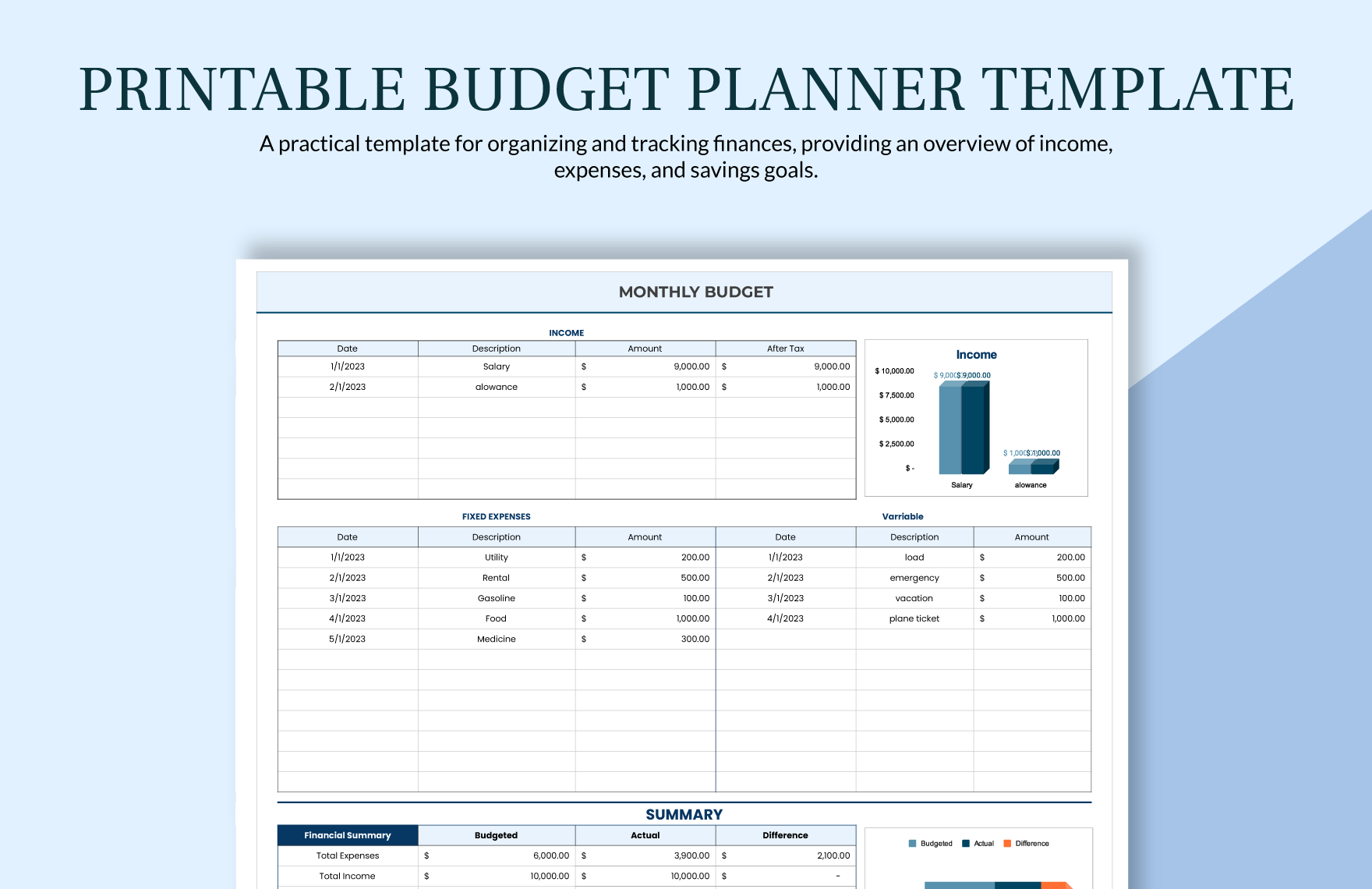
Finding the Right Budget Planner Template in Excel
When it comes to managing your finances, having a solid budget in place is essential. But creating a budget from scratch can be daunting, especially if you're not sure where to start. That's where a budget planner template in Excel comes in – a pre-designed spreadsheet that helps you organize your income and expenses, track your spending, and make informed financial decisions. With so many templates available, it's crucial to choose one that fits your needs and skill level.
Understanding Your Budgeting Needs
Before diving into the world of budget planner templates, take a moment to reflect on your financial situation and goals. What are your income and expenses? Do you have any debt or savings goals? Are you looking to track specific expenses, such as groceries or entertainment? Identifying your needs will help you focus on the features that matter most in a template.
Consider the following:
What is your monthly income?
What are your fixed expenses, such as rent/mortgage, utilities, and car payments?
What are your variable expenses, such as groceries, entertainment, and hobbies?
Do you have any short-term or long-term financial goals, such as paying off debt or saving for a down payment on a house?
Top Features to Look for in a Budget Planner Template
Not all budget planner templates are created equal. When searching for a template, look for the following essential features:
Income and expense tracking: A clear and easy-to-use system for recording your income and expenses.
Categorization: The ability to categorize your expenses, such as housing, transportation, and food.
Budgeting goals: A way to set and track progress towards specific financial goals, such as saving for a emergency fund or paying off debt.
Visualization: Charts, graphs, or other visual aids to help you understand your spending habits and make informed decisions.
Comparison of Popular Budget Planner Templates
| Template Name | Features | Ease of Use | Customization |
|---|---|---|---|
| Vertex42 | Income and expense tracking, categorization, budgeting goals | Easy | High |
| Excel Budget Template | Simple income and expense tracking, basic visualization | Very Easy | Low |
| Personal Budget Template | Comprehensive income and expense tracking, categorization, budgeting goals | Medium | Medium |
Creating a Budget that Works for You
Once you've chosen a template, it's time to put it to use. Here are some practical tips for creating a budget that works for you:
Start with your income: Record your monthly income from all sources.
Track your expenses: For one month, write down every single transaction you make, including small purchases like coffee or snacks.
Categorize your expenses: Use the categories in your template to group your expenses, such as housing, transportation, and food.
Set budgeting goals: Identify areas where you'd like to cut back and set specific goals, such as reducing your grocery bill by 10%.
Common Budgeting Mistakes to Avoid
When creating a budget, it's easy to make mistakes that can derail your financial progress. Here are some common pitfalls to avoid:
Underestimating expenses: Make sure to account for all your expenses, including irregular ones like car maintenance or property taxes.
Overestimating income: Be conservative when estimating your income, and make sure to account for taxes and other deductions.
Not tracking spending: Regularly review your spending to ensure you're on track with your budgeting goals.
Advanced Tips for Getting the Most out of Your Budget Planner Template
Once you've got the basics down, here are some advanced tips for taking your budgeting to the next level:
Use formulas and conditional formatting: Take advantage of Excel's built-in features to automate calculations and highlight areas where you need to focus.
Create a budgeting schedule: Set reminders to review your budget regularly and make adjustments as needed.
Consider multiple budgets: If you have multiple income streams or expenses, consider creating separate budgets for each.
"A budget is not just a financial plan, it's a tool for achieving your goals and living a more intentional life."
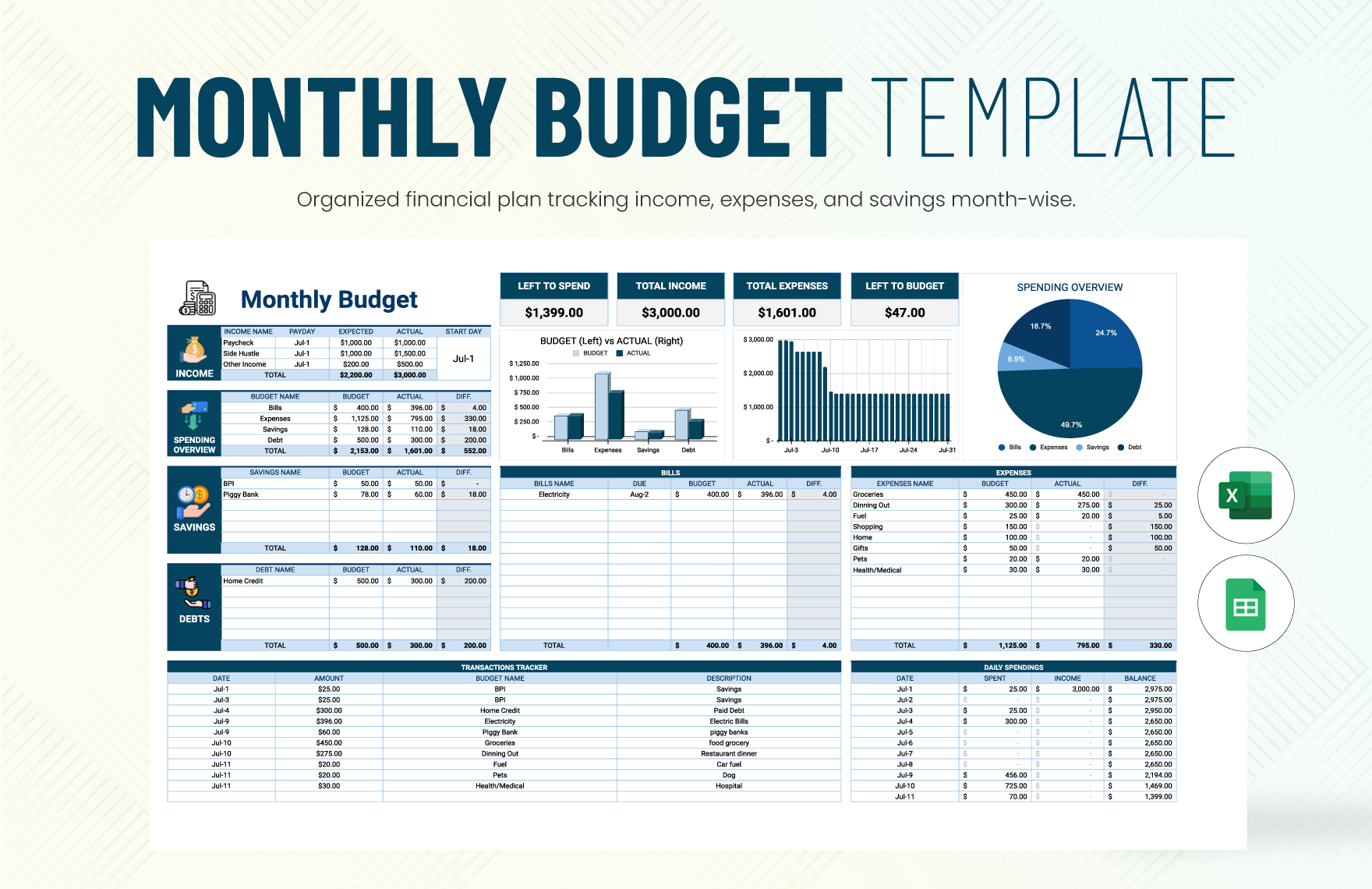
FAQs
Q: What is the best budget planner template for beginners?
For beginners, we recommend starting with a simple template like the Excel Budget Template. It's easy to use and provides a basic framework for tracking income and expenses.
Q: Can I customize a budget planner template to fit my needs?
Yes! Most budget planner templates are customizable, allowing you to add or remove categories, adjust formulas, and modify the layout.
Q: How often should I review and update my budget?
We recommend reviewing your budget regularly, ideally every 1-2 months. This will help you stay on track with your financial goals and make adjustments as needed.
Q: Can I use a budget planner template for business expenses?
While budget planner templates are primarily designed for personal finance, many can be adapted for business use. Look for templates specifically designed for business budgeting or consider using a separate budgeting tool.
Final Check
A budget planner template in Excel can be a powerful tool for taking control of your finances. By choosing the right template, setting realistic goals, and regularly reviewing your progress, you can achieve financial stability and peace of mind. Remember to avoid common budgeting mistakes, take advantage of advanced features, and adjust your budget as your financial situation changes. With these tips and a little practice, you'll be well on your way to creating a budget that works for you.
