
Converting video formats without losing quality is a challenge many of us face. Whether you're a content creator, marketer, or simply a video enthusiast, the need to convert videos arises frequently. The question is, how can you do it without compromising on quality?
Understanding Video Formats
Before diving into the conversion process, let's quickly understand the basics of video formats. A video format is essentially a container that holds the video and audio streams. Popular video formats include MP4, AVI, MOV, WMV, and MKV. Each format has its strengths and weaknesses, and some are more compatible with certain devices or platforms than others.

Why Convert Video Formats?
So, why do you need to convert video formats? Here are a few common scenarios:
You have a video in a format that's not supported by your device or platform.
You want to reduce the file size of a video without compromising on quality.
You're working on a project that requires a specific video format.
Choosing the Right Conversion Tool
When it comes to converting video formats, the right tool can make all the difference. Here are some popular options:
FFmpeg: A free, open-source command-line tool that's widely used for video and audio processing. FFmpeg supports a wide range of video formats and is known for its high-quality conversions.
Adobe Premiere Pro: A professional video editing software that also offers video conversion capabilities. Premiere Pro supports a wide range of formats and is ideal for those already familiar with the Adobe ecosystem.
HandBrake: A free, open-source video transcoder that's easy to use and supports a wide range of formats. HandBrake is a great option for those who want a user-friendly interface.

Conversion Techniques for Optimal Quality
So, how can you ensure that your video conversions are of the highest quality? Here are some techniques to keep in mind:
Use the right codec: The codec (encoder/decoder) used can significantly impact video quality. For example, H.264 is a widely used codec that offers a good balance between quality and file size.
Match the frame rate: Ensure that the frame rate of the output video matches the input video. A mismatch can result in a loss of quality.
Preserve the original resolution: If possible, try to preserve the original resolution of the video. Downscaling can result in a loss of quality.
Comparison of Popular Conversion Tools
| Tool | Free/Paid | Command-Line Interface | Supported Formats |
|---|---|---|---|
| FFmpeg | Free | Yes | Wide range of formats |
| Adobe Premiere Pro | Paid | No | Wide range of formats |
| HandBrake | Free | No | Wide range of formats |
Tips for Seamless Video Conversion
Here are some additional tips to ensure seamless video conversion:
Test the converted video: Before sharing or using the converted video, test it on your target device or platform to ensure compatibility.
Use a high-quality source video: The quality of the source video will impact the quality of the converted video. Use high-quality source videos whenever possible.
Common Mistakes to Avoid
When converting video formats, it's easy to make mistakes that can impact quality. Here are some common mistakes to avoid:
Over-compressing the video: Aggressive compression can result in a loss of quality. Try to find a balance between file size and quality.
- Using the wrong codec: Using an incompatible or low-quality codec can result in a loss of quality.
Frequently Asked Questions
Here are some frequently asked questions about video format conversion:
Q: What is the best video format for YouTube?
YouTube recommends using MP4 files with H.264 video and AAC-LC audio.
Q: How do I convert a video to a different format without losing quality?
Use a high-quality conversion tool like FFmpeg or Adobe Premiere Pro, and ensure that you're using the right codec and settings.
Q: Can I convert a video from one format to another online?
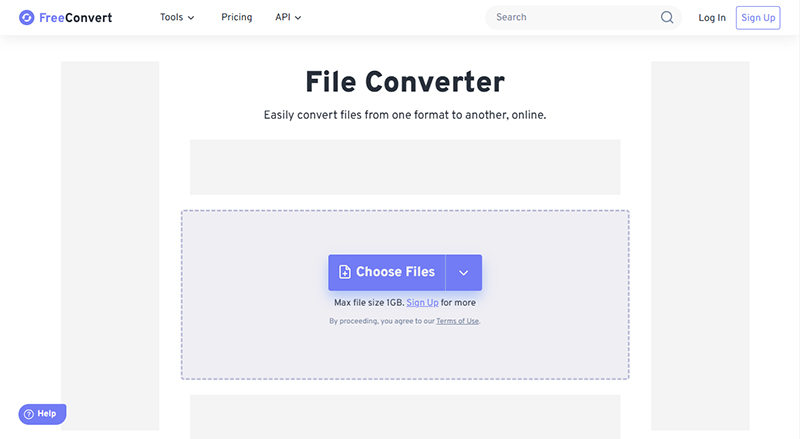
Yes, there are several online tools available that can convert videos for free. However, be cautious when using online tools, as they may compromise on quality.
Q: What is the best video format for Facebook?
Facebook recommends using MP4 files with H.264 video and AAC-LC audio.
Conclusion
Converting video formats without losing quality requires attention to detail and the right tools. By understanding video formats, choosing the right conversion tool, and using the right techniques, you can ensure high-quality conversions. Remember to test your converted videos, use high-quality source videos, and avoid common mistakes like over-compressing. With practice and patience, you'll become proficient in converting video formats like a pro.
Related: phone not connecting to wifi fix
Related: What to Know About Free Online Design Tools for Non
