

As a beginner in the world of photography, you're likely eager to start building your career and landing your dream job. One essential tool in this process is a well-crafted photography resume template. A strong resume can help you stand out from the competition, showcasing your skills and experience in a clear and concise manner. In this article, we'll explore the ins and outs of creating a photography resume template that highlights your strengths and helps you achieve your career goals.
Understanding the Basics of a Photography Resume
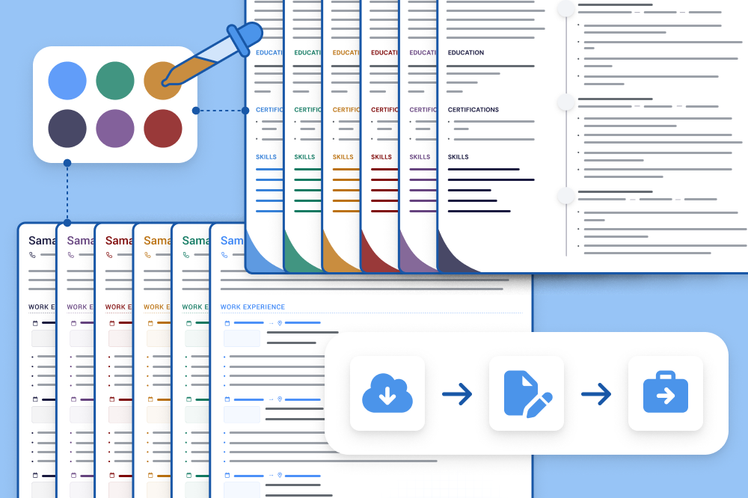
Before diving into the nitty-gritty of creating a photography resume template, it's essential to understand the basics. A photography resume should be visually appealing, easy to read, and tailored to the specific job you're applying for. It should also highlight your relevant skills, experience, and education.
When it comes to formatting, a clean and simple design is best. Use a standard font, such as Arial or Calibri, and keep your paragraphs short and concise. Use bullet points and headings to break up the text and make your resume easy to scan.
Choosing the Right Template
When selecting a photography resume template, there are several factors to consider. Here are a few options to keep in mind:
Chronological: This template focuses on your work experience, listing your most recent jobs first. This is a great option if you have a lot of experience in the photography industry.
Functional: This template emphasizes your skills and qualifications rather than your work history. This is a great option if you're new to photography or have gaps in your work history.
Combination: This template combines the best of both worlds, highlighting your skills and experience in a clear and concise manner.
Key Sections to Include
Regardless of the template you choose, there are several key sections to include in your photography resume:
Contact Information: Make it easy for potential employers to get in touch with you by including your name, email address, phone number, and website (if applicable).
Summary/Objective: Write a brief summary of your experience, skills, and career goals. This should be tailored to the specific job you're applying for.
Education: List any relevant education or training you've received, including photography courses or workshops.
Experience: Highlight your relevant work experience, including internships or volunteer work.
Skills: List your relevant skills, including technical skills such as Lightroom or Photoshop, as well as soft skills such as communication or teamwork.
Showcasing Your Photography Skills
As a photographer, your skills are essential to your resume. Here are a few ways to showcase your photography skills:
Technical Skills: List your proficiency in specific software or equipment, such as Adobe Creative Suite or a DSLR camera.
Portfolio: Include a link to your portfolio or attach a few select images to your resume.
Awards or Recognition: If you've received any awards or recognition for your photography, be sure to include it in your resume.
Practical Tips for Creating a Standout Resume
Here are a few practical tips to keep in mind when creating your photography resume:
Tailor your resume to the job: Customize your resume for each job you apply to, highlighting the skills and experience that match the job requirements.
Use keywords: Use keywords from the job posting in your resume, especially in your summary and skills section.
Keep it concise: Keep your resume to one or two pages, focusing on the most important information.
Comparison of Popular Resume Builders
If you're not sure where to start with creating your photography resume template, consider using a resume builder. Here are a few popular options:
| Resume Builder | Features | Price |
|---|---|---|
| Canva | Customizable templates, drag-and-drop editor | Free-$12/month |
| Adobe Resume Builder | Integration with Adobe Creative Cloud, customizable templates | Free-$9.99/month |
| Resume.io | AI-powered resume builder, customizable templates | Free-$14.99/month |
Common Mistakes to Avoid
Here are a few common mistakes to avoid when creating your photography resume:
Typos and grammatical errors: Make sure to proofread your resume multiple times to catch any errors.
Lack of relevance: Make sure your resume is tailored to the specific job you're applying for.
Poor formatting: Use a clean and simple design to make your resume easy to read.
FAQs
Here are a few frequently asked questions about photography resume templates:
Q: What is the best format for a photography resume?
The best format for a photography resume is a clean and simple design that showcases your skills and experience.
Q: How do I highlight my photography skills on my resume?
Highlight your technical skills, portfolio, and any awards or recognition you've received.
Q: Can I use a resume builder to create my photography resume?
Yes, there are several resume builders available that can help you create a professional-looking photography resume.
