
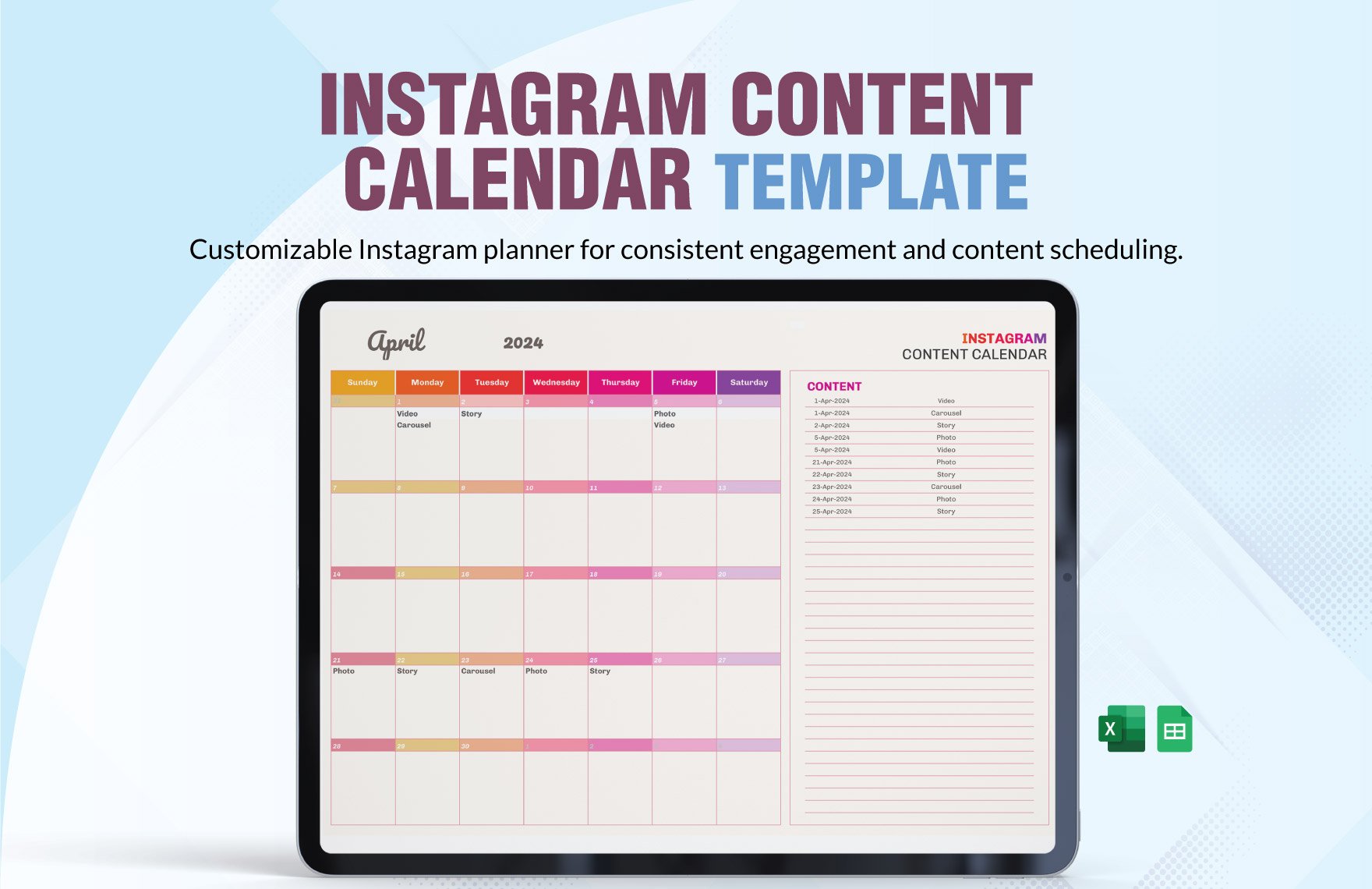
Why You Need a Content Calendar Template
Creating and managing content is a complex process that involves multiple steps, from planning and research to writing and publishing. Without a clear plan, it's easy to get lost in the process, miss deadlines, and produce low-quality content. A content calendar template can help you stay organized, focused, and efficient. In this article, we'll explore the benefits of using a content calendar template in Excel, provide a free template, and show you how to use and customize it.
Benefits of Using a Content Calendar Template
A content calendar template offers several benefits, including:
Improved planning and organization: A content calendar template helps you plan and organize your content in advance, ensuring that you have a consistent flow of high-quality content.
Increased productivity: With a clear plan, you can focus on creating content, rather than worrying about what to create and when to publish it.
Better collaboration: A content calendar template makes it easy to share your plan with team members, ensuring that everyone is on the same page.
How to Choose the Right Content Calendar Template
When choosing a content calendar template, consider the following factors:
Ease of use: Choose a template that's easy to use and understand, even for team members who aren't familiar with Excel.
Customization: Select a template that can be customized to meet your specific needs, including adding or removing columns, and changing the layout.
Scalability: Choose a template that can grow with your content needs, handling an increasing volume of content and team members.
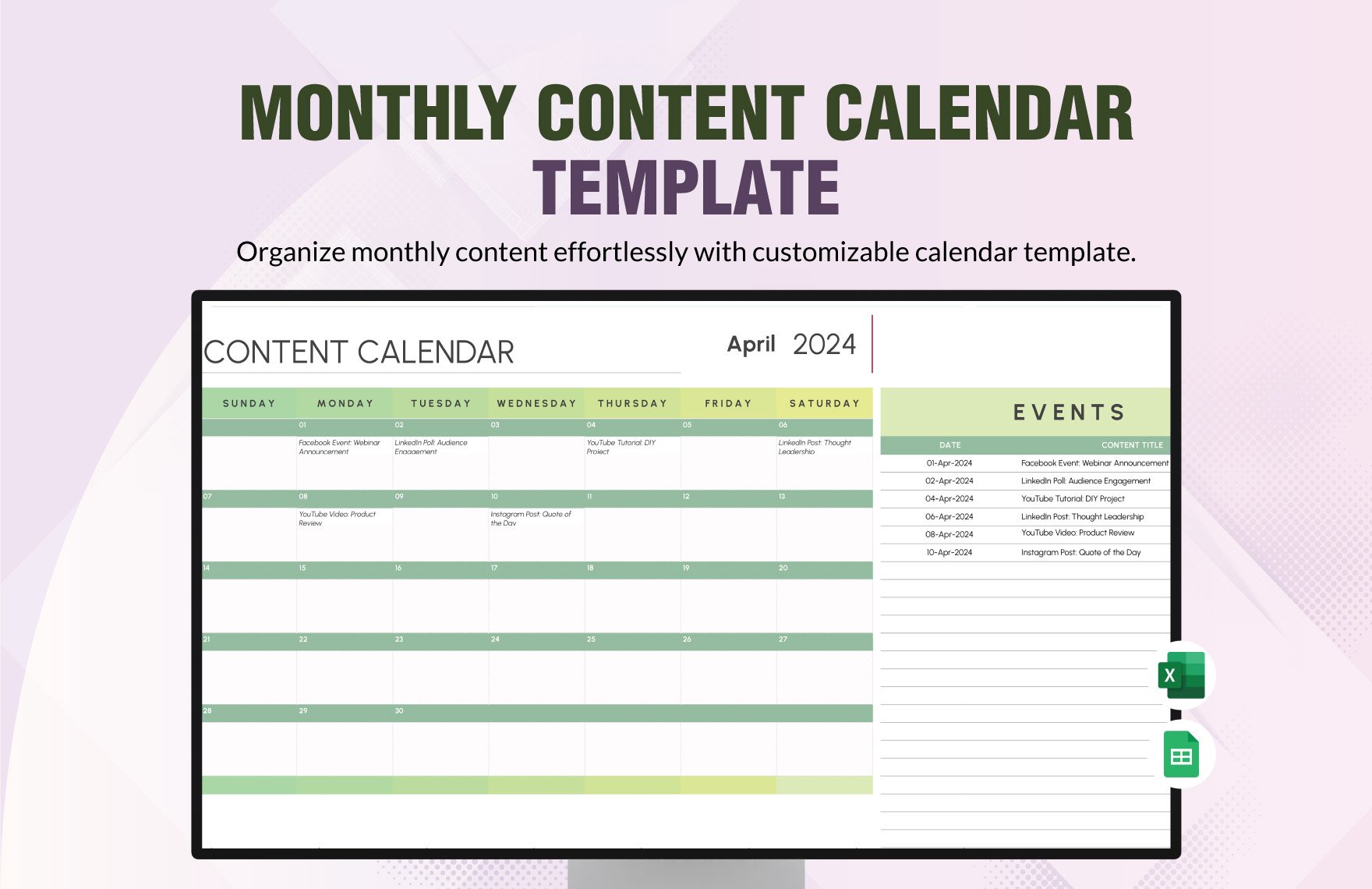
Free Content Calendar Template in Excel
We've created a free content calendar template in Excel that you can download and use. The template includes the following features:
| Column Name | Description |
|---|---|
| Content Type | Type of content (e.g., blog post, social media, video) |
| Topic | Topic or subject of the content |
| Title | Title of the content |
| Description | Brief description of the content |
| Keywords | Keywords or tags associated with the content |
| Author | Author of the content |
| Due Date | Deadline for publishing the content |
| Status | Status of the content (e.g., draft, published, scheduled) |
How to Use the Content Calendar Template
Using the content calendar template is straightforward:
- Download the template: Download the template from the link provided.
- Open in Excel: Open the template in Excel and familiarize yourself with the layout.
- Customize the template: Customize the template to meet your specific needs, including adding or removing columns.
- Plan your content: Plan your content by filling in the columns, including topic, title, description, keywords, author, due date, and status.
- Track progress: Track the progress of your content, including deadlines and publication status.
Tips for Customizing the Content Calendar Template
Customizing the content calendar template can help you get the most out of it. Here are some tips:
Add or remove columns: Add or remove columns to meet your specific needs, such as adding a column for SEO optimization or social media promotion.
Change the layout: Change the layout to make it easier to use, such as grouping similar columns together.
Use conditional formatting: Use conditional formatting to highlight important information, such as upcoming deadlines or published content.
Common Mistakes to Avoid When Using a Content Calendar Template
When using a content calendar template, avoid the following common mistakes:
Not customizing the template: Failing to customize the template to meet your specific needs.
Not tracking progress: Failing to track progress, including deadlines and publication status.
Not reviewing and adjusting: Failing to review and adjust the template regularly to ensure it remains effective.
Case Study: How a Content Calendar Template Improved Productivity
A marketing team at a software company was struggling to manage their content creation process. They were using a manual system that involved multiple spreadsheets and calendar events. After implementing a content calendar template in Excel, they were able to:
Reduce planning time by 50%: The template streamlined their planning process, reducing the time spent on planning by 50%.
Increase content consistency by 25%: The template helped them maintain a consistent flow of high-quality content, increasing their content consistency by 25%.
Frequently Asked Questions
Q: What is a content calendar template?
A content calendar template is a pre-designed spreadsheet or table that helps you plan, organize, and manage your content.
Q: Why do I need a content calendar template?
A content calendar template helps you stay organized, focused, and efficient, ensuring that you have a consistent flow of high-quality content.
Q: How do I customize a content calendar template?
You can customize a content calendar template by adding or removing columns, changing the layout, and using conditional formatting.
Q: Can I use a content calendar template for multiple teams?
Yes, you can use a content calendar template for multiple teams, but you may need to customize it to meet the specific needs of each team.
Final Section
A content calendar template in Excel is a powerful tool that can help you streamline your planning, improve consistency, and boost productivity. By choosing the right template, customizing it to meet your needs, and avoiding common mistakes, you can get the most out of your content calendar template. Download our free template and start planning your content today.
