
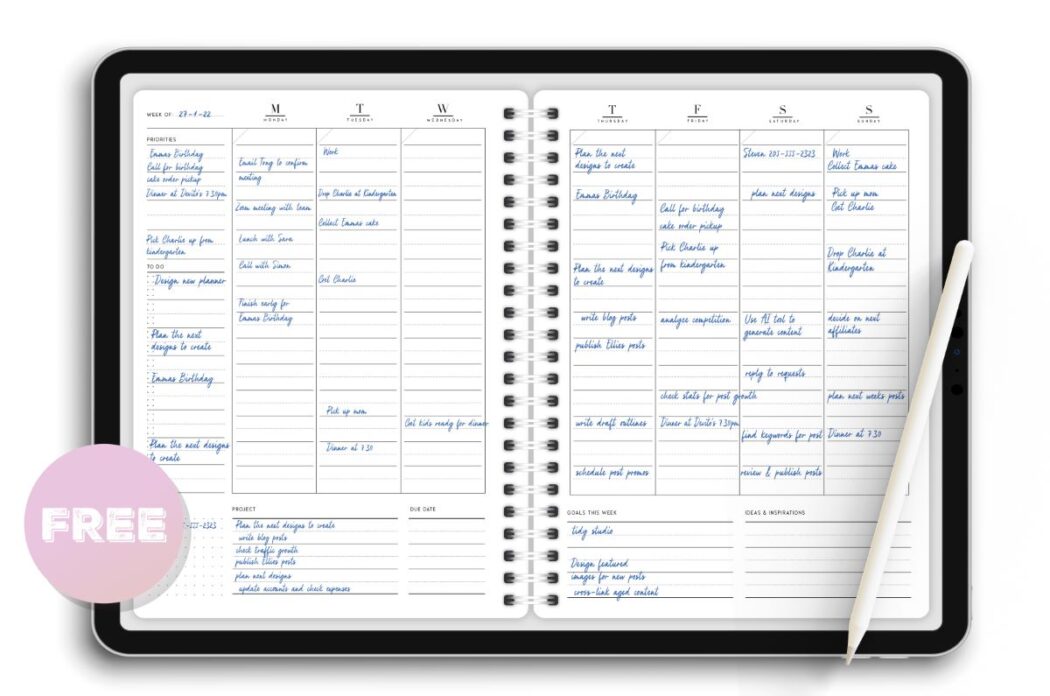
Finding the Right Digital Weekly Planner
When you're swamped with tasks, deadlines, and meetings, a weekly planner can be a lifesaver. But let's face it - paper planners can be bulky, and sometimes, they just don't cut it. That's where digital weekly planners come in. A free digital weekly planner template can help you organize your week, increase productivity, and reduce stress. But with so many options available, what actually makes sense?
Benefits of Digital Weekly Planners
Digital weekly planners offer a range of benefits that traditional paper planners can't match. For one, they're accessible from anywhere - your phone, tablet, or computer. This means you can update your schedule, add tasks, or make changes on the go. Plus, digital planners are often customizable, allowing you to tailor them to your specific needs.
Some of the key benefits of digital weekly planners include:
Increased flexibility and accessibility
Customizable templates to suit your needs
Automatic reminders and notifications
Easy collaboration and sharing with others
Environmentally friendly - no paper waste!
Choosing the Right Template
So, how do you choose the right free digital weekly planner template for your needs? Here are some key factors to consider:
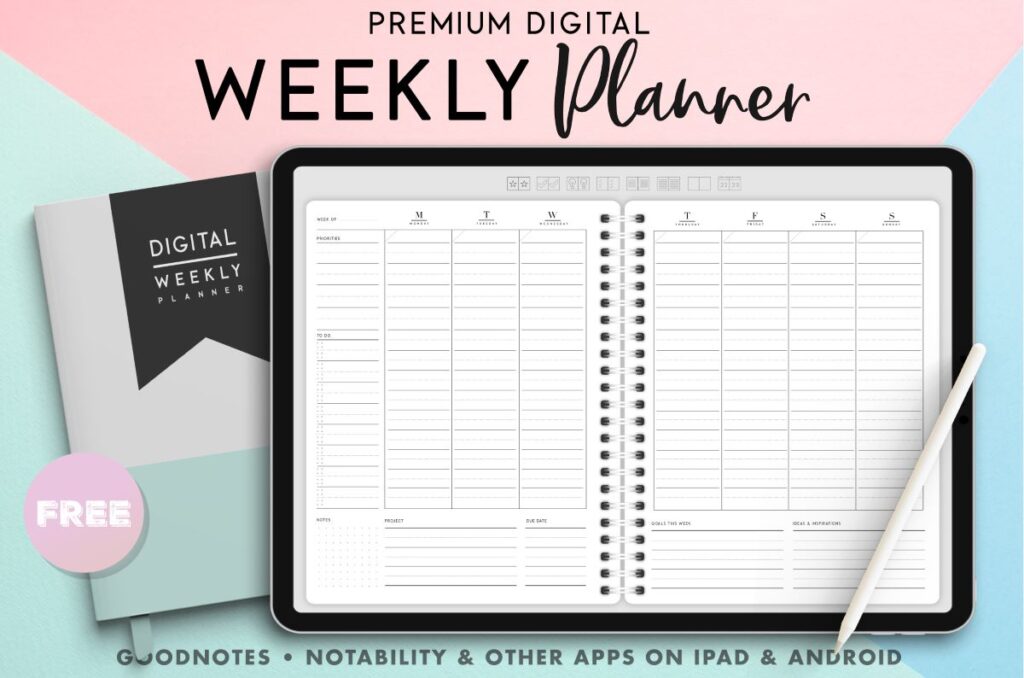
Key Features to Look For
Customization options: Can you add your own headings, colors, and fonts?
Space for notes: Is there enough room to jot down notes, ideas, or reminders?
task management: Can you add tasks, set deadlines, and mark them as complete?
Integration with other tools: Does the template integrate with your calendar, email, or other productivity tools?
Top Options for Free Digital Weekly Planner Templates
There are many websites offering free digital weekly planner templates. Here are some top options:
Google Templates: Offers a range of free digital weekly planner templates that integrate with Google Drive and Google Calendar.
Microsoft Templates: Provides a variety of free digital weekly planner templates that work with Microsoft Excel and Outlook.
Canva: Offers a range of customizable digital weekly planner templates that can be downloaded as PDFs or edited online.

Comparison of Top Options
| Template | Customization Options | Space for Notes | Task Management | Integration with Other Tools |
|---|---|---|---|---|
| Google Templates | High | Medium | Medium | Google Drive, Google Calendar |
| Microsoft Templates | Medium | High | High | Microsoft Excel, Outlook |
| Canva | High | High | Low | Limited |
Practical Tips for Using a Digital Weekly Planner
Now that you've chosen a template, here are some practical tips for getting the most out of your digital weekly planner:
Set aside time each week: Schedule time each week to review and update your planner.
Prioritize tasks: Use numbers, letters or colors to prioritize tasks and focus on the most important ones first.
Use reminders: Set reminders for upcoming deadlines or meetings to stay on track.
Common Mistakes to Avoid
When using a digital weekly planner, here are some common mistakes to avoid:
Not reviewing and updating regularly: Make sure to review and update your planner regularly to stay on track.
Not customizing the template: Take the time to customize the template to suit your needs and workflow.
Overloading with too much information: Keep your planner concise and focused on the essentials.
FAQs
Here are some frequently asked questions about free digital weekly planner templates:
Q: What file format are digital weekly planner templates usually in? Digital weekly planner templates are usually in PDF, Excel, or Google Sheets format.
Q: Can I use a digital weekly planner on my phone?
Yes, most digital weekly planners can be accessed on your phone, either through a dedicated app or a mobile web browser.
- Q: Are digital weekly planners secure?
Yes, most digital weekly planners are secure, especially if you use a reputable template provider and follow best practices for data security.
Conclusion
A free digital weekly planner template can be a powerful tool for boosting productivity and organization. By choosing the right template, customizing it to your needs, and using it consistently, you can achieve your goals and reduce stress. Remember to avoid common mistakes, prioritize tasks, and make the most of your digital weekly planner.
Related: What to Know About Free Online Bathroom Design Tools
Related: Website Traffic Building Tips
