
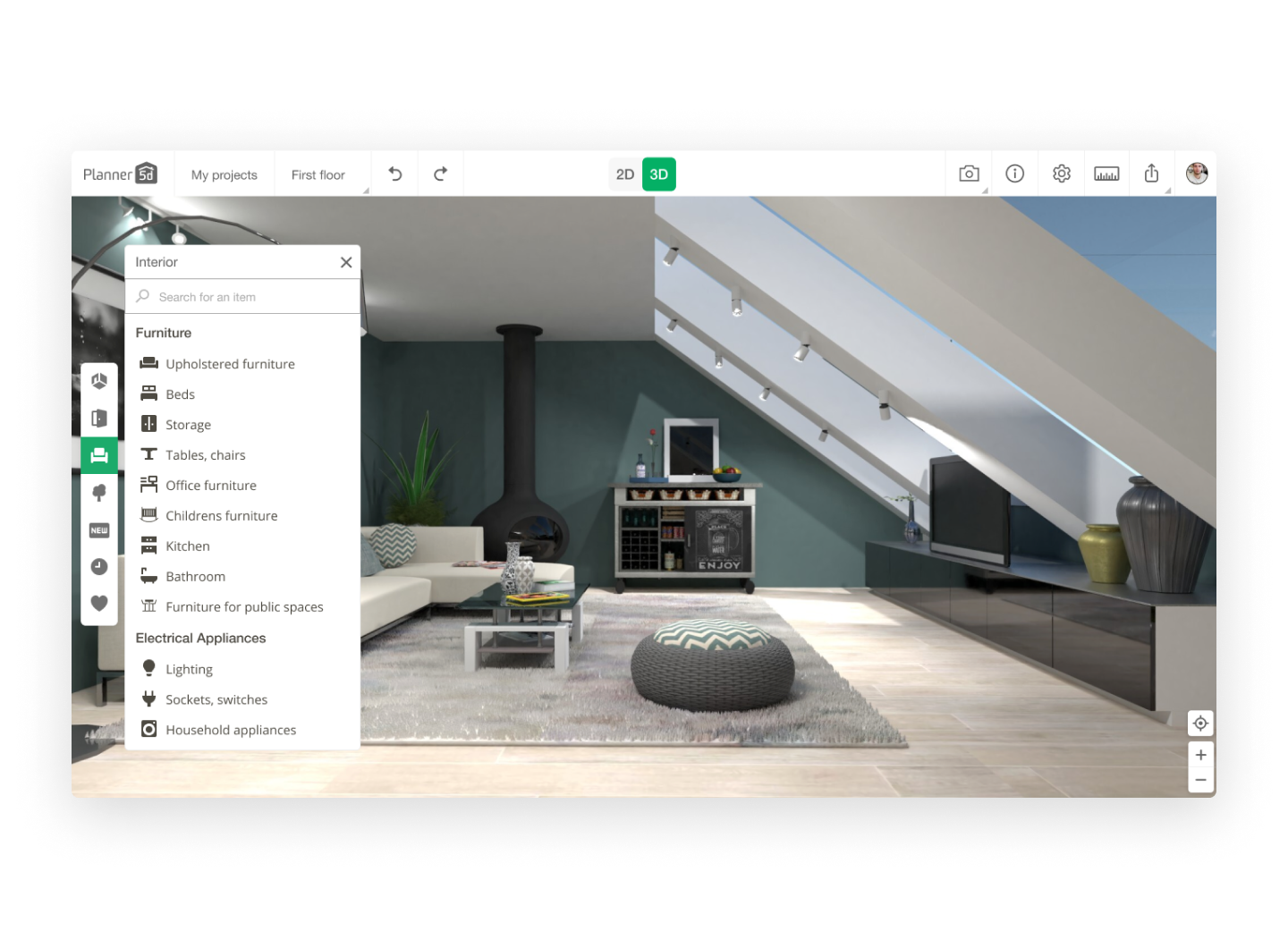
The Allure of Free Online Design Tools
The world of design has become increasingly accessible, with a plethora of free online tools that cater to various creative needs. Whether you're a seasoned designer or a beginner looking to explore your artistic side, these tools offer a range of possibilities for graphic design, digital art, and more. In this article, we'll explore some of the best free online design programs, their features, and the tradeoffs that come with using them.
Graphic Design Powerhouses
When it comes to graphic design, a few tools stand out from the rest. Canva, for instance, is a popular choice among designers and non-designers alike. This user-friendly platform offers a vast library of templates, fonts, and graphics, making it easy to create stunning visual content.
Canva: The User-Friendly Giant
Canva's drag-and-drop interface and extensive design library make it an ideal choice for beginners and professionals looking for a hassle-free design experience. However, its limitations become apparent when working with complex designs or seeking advanced features.
| <strong>Feature</strong> | <strong>Canva</strong> | <strong>GIMP</strong> | <strong>Adobe Spark</strong> |
|---|---|---|---|
| <strong>User Interface</strong> | Drag-and-drop | Customizable | Simple, intuitive |
| <strong>Design Library</strong> | Extensive | Limited | Limited |
| <strong>Advanced Features</strong> | Limited | Extensive | Limited |
Exploring Alternatives: GIMP and Adobe Spark
For those seeking more advanced features, GIMP (GNU Image Manipulation Program) and Adobe Spark offer robust alternatives. GIMP, a free and open-source raster graphics editor, provides a wide range of tools and customization options. Adobe Spark, on the other hand, is a free online design platform that allows users to create stunning web pages, social media posts, and videos.
GIMP: The Power User's Choice
GIMP's feature-rich interface and extensive customization options make it a favorite among power users. However, its steep learning curve can be intimidating for beginners.
Adobe Spark: The Storyteller's Tool
Adobe Spark's focus on storytelling and ease of use make it an excellent choice for creating engaging content. However, its limited design library and lack of advanced features may leave some users wanting more.
Digital Art and Illustration
For digital artists and illustrators, free online tools like Krita and Autodesk Sketchbook offer a range of possibilities. Krita, a free and open-source painting and illustration software, provides a comprehensive set of brush engines and customization options. Autodesk Sketchbook, a free online drawing and painting tool, offers a clean interface and essential features for creating stunning artwork.
Krita: The Artist's Paradise
Krita's extensive brush library and customizable interface make it an ideal choice for digital artists. However, its steep learning curve can be overwhelming for beginners.
Autodesk Sketchbook: The Simple yet Powerful Tool
Autodesk Sketchbook's clean interface and essential features make it easy to use, even for those new to digital art. However, its limited features compared to Krita may leave some users seeking more.
Tradeoffs and Considerations
When choosing a free online design tool, several factors come into play. Here are some key considerations:
Learning Curve: Canva and Adobe Spark are generally easy to use, while GIMP and Krita require more time to learn.
Feature Set: GIMP and Krita offer advanced features, while Canva and Adobe Spark focus on ease of use and a more streamlined experience.
Design Library: Canva's extensive design library is unmatched, while GIMP and Krita rely on user-created content.
Practical Applications
These free online design tools have a range of practical applications:
Social Media Content: Canva and Adobe Spark are ideal for creating engaging social media posts and stories.
Graphic Design: GIMP and Canva offer robust graphic design capabilities.
Digital Art: Krita and Autodesk Sketchbook provide a range of possibilities for digital artists.
Trust and Reliability
When working with free online tools, trust and reliability are essential. Here's a brief overview of each tool's reputation:
Canva: Well-established and widely used, with a strong reputation for reliability.
GIMP: A free and open-source project with a dedicated community.
Adobe Spark: Developed by Adobe, a well-respected company in the creative industry.
FAQs
Here are some frequently asked questions about free online design tools:
Q: What is the best free online design tool for beginners?
Canva and Adobe Spark are excellent choices for beginners, with user-friendly interfaces and extensive design libraries.
Q: Can I use free online design tools for commercial projects?
Yes, most free online design tools allow commercial use, but be sure to check the terms and conditions.
Q: Are free online design tools as powerful as paid alternatives?
While free online design tools have limitations, many offer robust features and capabilities that rival paid alternatives.
Closing
Free online design tools have democratized access to creative expression, offering a range of possibilities for graphic design, digital art, and more. By understanding the strengths, weaknesses, and tradeoffs of each tool, you can choose the best option for your creative needs. Whether you're a seasoned designer or a beginner, these tools provide a wealth of opportunities for artistic expression and exploration.
Related: Online Course Website Template
