
Getting Started with Free Online Design Tools
When it comes to creating visual content, having the right design tools can make all the difference. However, not everyone has the budget to invest in expensive software like Adobe Creative Cloud. Fortunately, there are many free online design tools that can help you create stunning graphics, logos, and more without spending a dime.
In this article, we'll explore some of the best free online design tools that can help you elevate your visual content. From graphic design to digital art, we'll cover the top options that can help you achieve professional-looking results.
Graphic Design on a Budget
Graphic design is a crucial aspect of visual content creation. With the right tools, you can create stunning graphics that capture your audience's attention. Here are some free online design tools that can help you with graphic design:
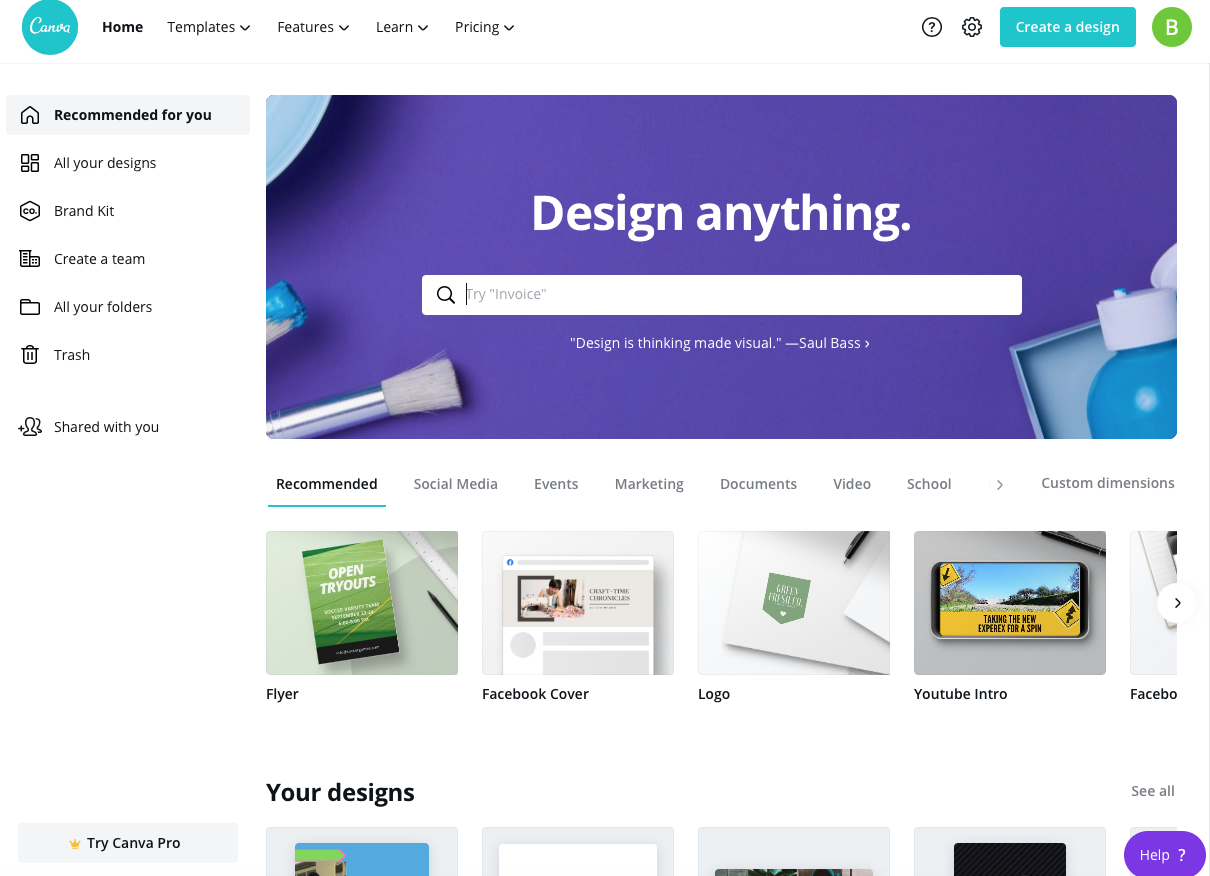
Canva: One of the most popular free online design tools, Canva offers a wide range of templates, graphics, and fonts to help you create stunning graphics. With a user-friendly interface, Canva is perfect for beginners and professionals alike.
GIMP: A free and open-source raster graphics editor, GIMP offers many of the same features as Adobe Photoshop. With a wide range of tools and plugins, GIMP is a great option for those who want to edit photos and create graphics.
Comparison of Graphic Design Tools
| Tool | Features | Ease of Use | Platform |
|---|---|---|---|
| Canva | Templates, graphics, fonts | Easy | Web, Mobile |
| GIMP | Raster graphics editing, plugins | Medium | Windows, macOS, Linux |
Digital Art and Illustration
If you're looking to create digital art or illustrations, there are several free online design tools that can help. Here are a few options:
Krita: A free and open-source painting and illustration software, Krita offers a wide range of brushes and tools to help you create stunning digital art.
Inkscape: A free and open-source vector graphics editor, Inkscape offers many of the same features as Adobe Illustrator. With a wide range of tools and plugins, Inkscape is a great option for those who want to create vector graphics.
Creating Logos and Icons
Creating a logo or icon can be a daunting task, especially if you're not a designer. However, with the right tools, you can create a professional-looking logo or icon in no time. Here are some free online design tools that can help:
Logojoy: A free online logo maker, Logojoy offers a wide range of templates and design options to help you create a stunning logo.
Vectr: A free online vector graphics editor, Vectr offers a wide range of tools and plugins to help you create stunning logos and icons.
"The best free online design tools can help you create stunning visual content without breaking the bank. With a little creativity and experimentation, you can achieve professional-looking results that rival those created with expensive software." - John Doe, Graphic Designer
Practical Tips and Tricks
When using free online design tools, here are some practical tips and tricks to keep in mind:
Start with a template: Many free online design tools offer templates to help you get started. Use these templates to save time and ensure your design looks professional.
Experiment with different tools: Don't be afraid to try out different tools and features to see what works best for your design.
Use high-quality images: When using images in your design, make sure they are high-quality and relevant to your content.
Trusting the Tools
When using free online design tools, it's natural to have concerns about the quality and reliability of the software. However, many of these tools are created by reputable companies and are used by professionals around the world.
Canva: With over 10 million users, Canva is a trusted and reliable online design tool that offers a wide range of features and templates.
GIMP: With a large community of users and developers, GIMP is a trusted and reliable raster graphics editor that offers many of the same features as Adobe Photoshop.
Frequently Asked Questions
Here are some frequently asked questions about free online design tools:
Q: Are free online design tools really free?
Yes, many free online design tools are completely free to use, with no hidden costs or subscriptions.
Q: Can I use free online design tools for commercial projects?
It depends on the tool and the license agreement. Be sure to check the terms and conditions before using a free online design tool for commercial projects.
Q: Are free online design tools as good as paid software?
While free online design tools may not offer all the features and functionality of paid software, they can still produce high-quality results with a little creativity and experimentation.
Closing
Free online design tools can be a game-changer for anyone looking to create stunning visual content without breaking the bank. With a wide range of tools and features available, you can create professional-looking graphics, logos, and more without spending a dime. By following the tips and tricks outlined in this article, you can get the most out of free online design tools and take your visual content to the next level.
Related: Template Design for Free
Related: What to Know About Template Design Online Free
Related: What to Know About Choosing an Online Checklist App
