
Getting Started with Free Website Builder Templates
When it comes to building a website, one of the biggest hurdles is often the design. You want a site that looks professional, is easy to navigate, and accurately represents your brand. But, if you're not a skilled designer or developer, creating a stunning site from scratch can seem daunting. That's where free website builder templates come in – a lifesaver for those who want a beautiful website without the hefty price tag.
What are Website Builder Templates?
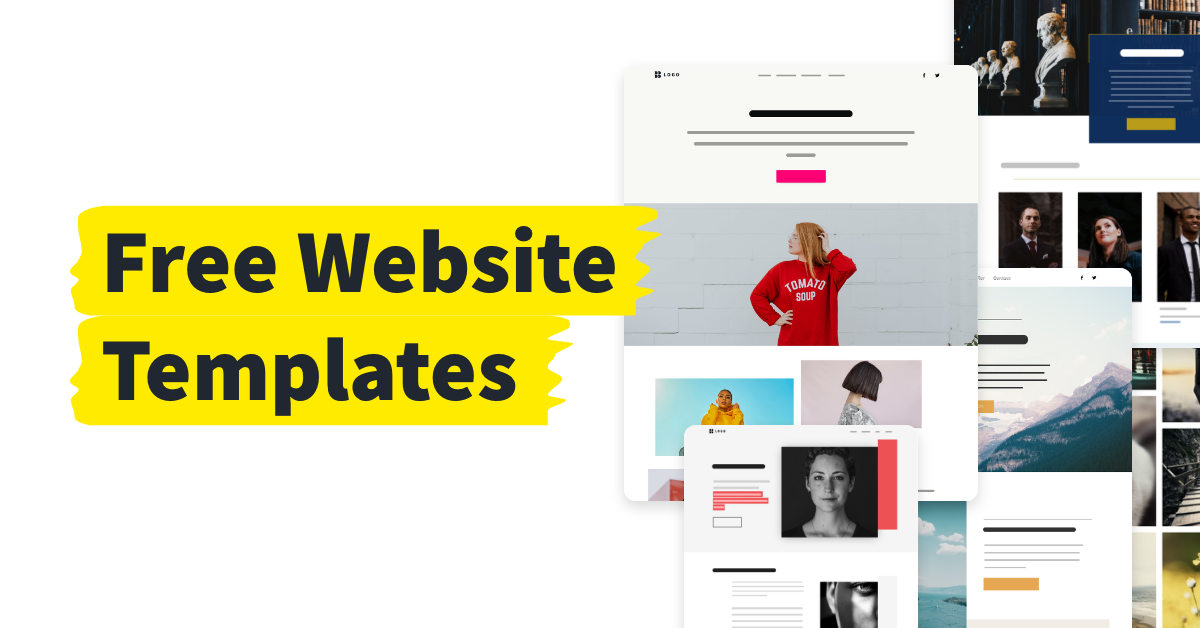
Website builder templates are pre-designed templates that can be used as a starting point for your website. They're typically created by professionals and can be easily customized to fit your brand and needs. With a template, you can skip the hard part – designing the layout, choosing colors and fonts, and ensuring responsiveness – and focus on adding your content.
Benefits of Using Free Website Builder Templates
So, why should you use free website builder templates? For starters, they're, well, free! This means you can experiment with different designs and layouts without breaking the bank. Additionally, templates save you time. You can have a basic site up and running in hours, not days or weeks. And, because templates are designed by professionals, you can be sure your site will look great and be user-friendly.
Top Platforms for Free Website Builder Templates
Not all platforms are created equal, and some offer better free templates than others. Here are some top platforms to consider:
Wix: Wix offers a wide range of free templates, with over 500 to choose from. Their templates are modern, responsive, and cover a variety of industries and use cases.
Weebly: Weebly offers around 40 free templates, but they're all high-quality and easily customizable.
WordPress.com: WordPress.com offers dozens of free templates, and because WordPress is open-source, you can also find thousands of free templates from third-party sources.
How to Choose the Right Template for Your Website
With so many templates available, how do you choose the right one? Here are a few things to consider:
Industry and purpose: Choose a template that's designed for your industry or type of website. For example, if you're building an e-commerce site, look for a template with built-in shopping cart functionality.
Customizability: Consider how easy it is to customize the template. Do you need to have coding skills, or can you make changes through a simple interface?
Responsiveness: Make sure the template is responsive, meaning it will look great on desktop, tablet, and mobile devices.
Customizing Your Free Website Builder Template
Once you've chosen a template, it's time to make it your own. Here are some tips for customizing your template:
Add your branding: Replace the template's placeholder logos and images with your own branding elements.
Change colors and fonts: Update the template's colors and fonts to match your brand.
Add content: Start adding your own text, images, and other content to the template.
Common Mistakes to Avoid When Using Free Website Builder Templates
While free website builder templates can be a great way to get started, there are some common mistakes to avoid:
Over-customizing: Don't try to make too many changes to the template. This can lead to a site that looks cluttered and confusing.
Ignoring responsiveness: Make sure your site looks great on all devices. Test it on desktop, tablet, and mobile to ensure it's responsive.
Real-World Examples of Stunning Sites Built with Free Templates
Here are a few examples of stunning sites built with free website builder templates:

Example 1: Wix Template
Site: example.com
Template: Wix's "Penny" template
Customizations: Added custom logo, changed colors to match brand, added e-commerce functionality
Example 2: Weebly Template
Site: example2.com
Template: Weebly's "Store" template
- Customizations: Added custom images, changed fonts to match brand, added contact form
FAQs
Q: Are free website builder templates really free?
Yes, free website builder templates are completely free to use. However, some platforms may offer paid upgrades or additional features.
Q: Can I use a free template for commercial purposes?
It depends on the platform and template. Some free templates are licensed for commercial use, while others are not. Be sure to check the terms and conditions before using a template for commercial purposes.
Q: Do I need coding skills to use a free website builder template?
No, you don't need coding skills to use a free website builder template. Most platforms offer drag-and-drop interfaces or simple customization options.
Q: Can I switch templates later if I don't like my current one?
Yes, you can usually switch templates later if you don't like your current one. However, keep in mind that you may need to re-customize your site and re-add content.
Conclusion
Free website builder templates are a great way to get started with building a stunning website. With so many platforms and templates to choose from, you're sure to find one that fits your needs and style. By following the tips and best practices outlined in this article, you can create a beautiful site that accurately represents your brand and helps you achieve your online goals.
Related: Online Class Website Template: What Actually Makes Sense?
Related: How to Find the Best Free Digital Planner for Your Needs
Related: 5 Useful Free Productivity Apps Recommended on Reddit
