
The Rise of e-Course Templates
The world of online education has witnessed tremendous growth over the past decade. With the increasing demand for digital learning, course creators are constantly on the lookout for efficient and effective ways to develop high-quality online courses. One solution that has gained popularity in recent years is the use of e-course templates. These pre-designed templates offer a structured framework for creating online courses, saving time and effort for course creators.
What are e-Course Templates?
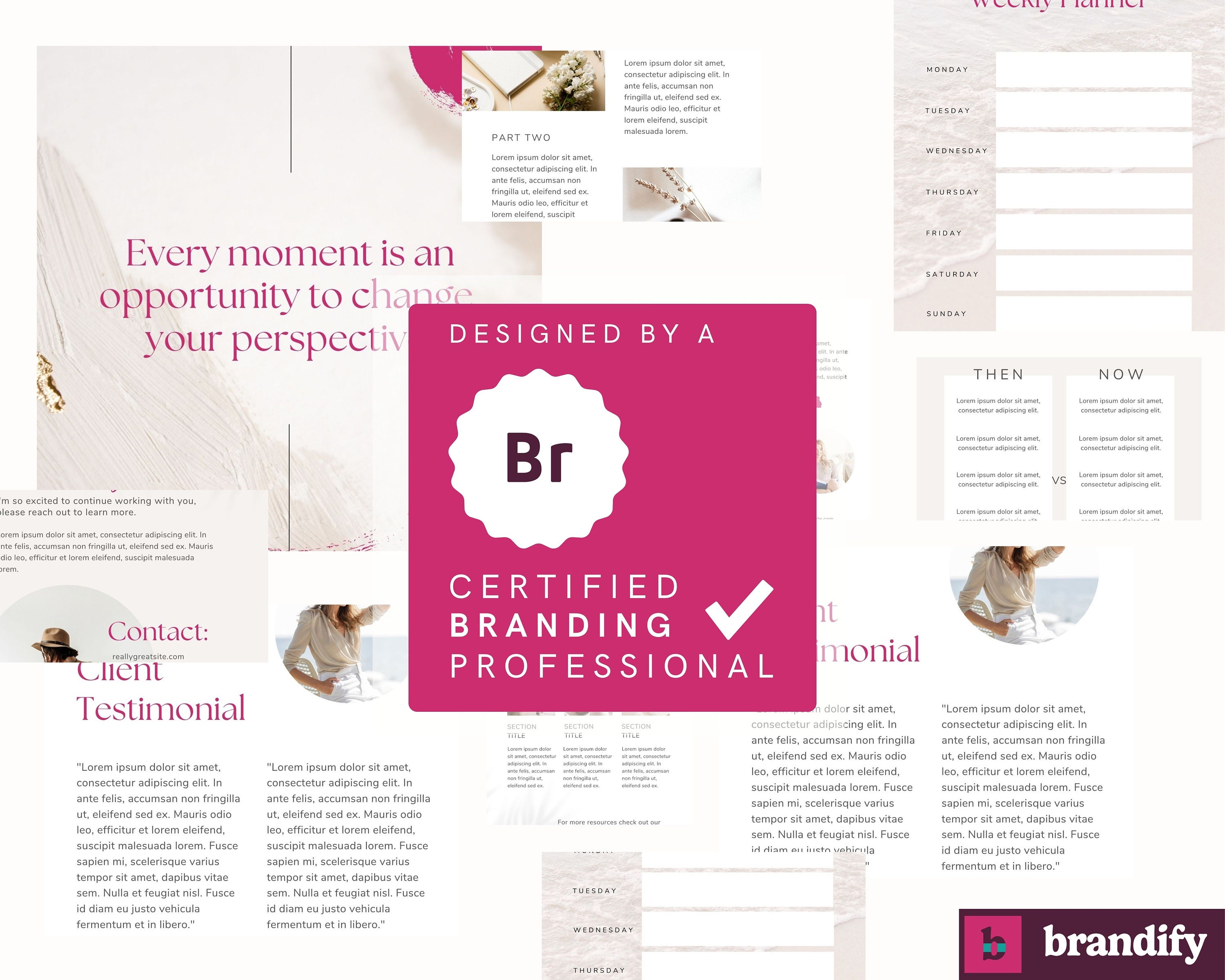
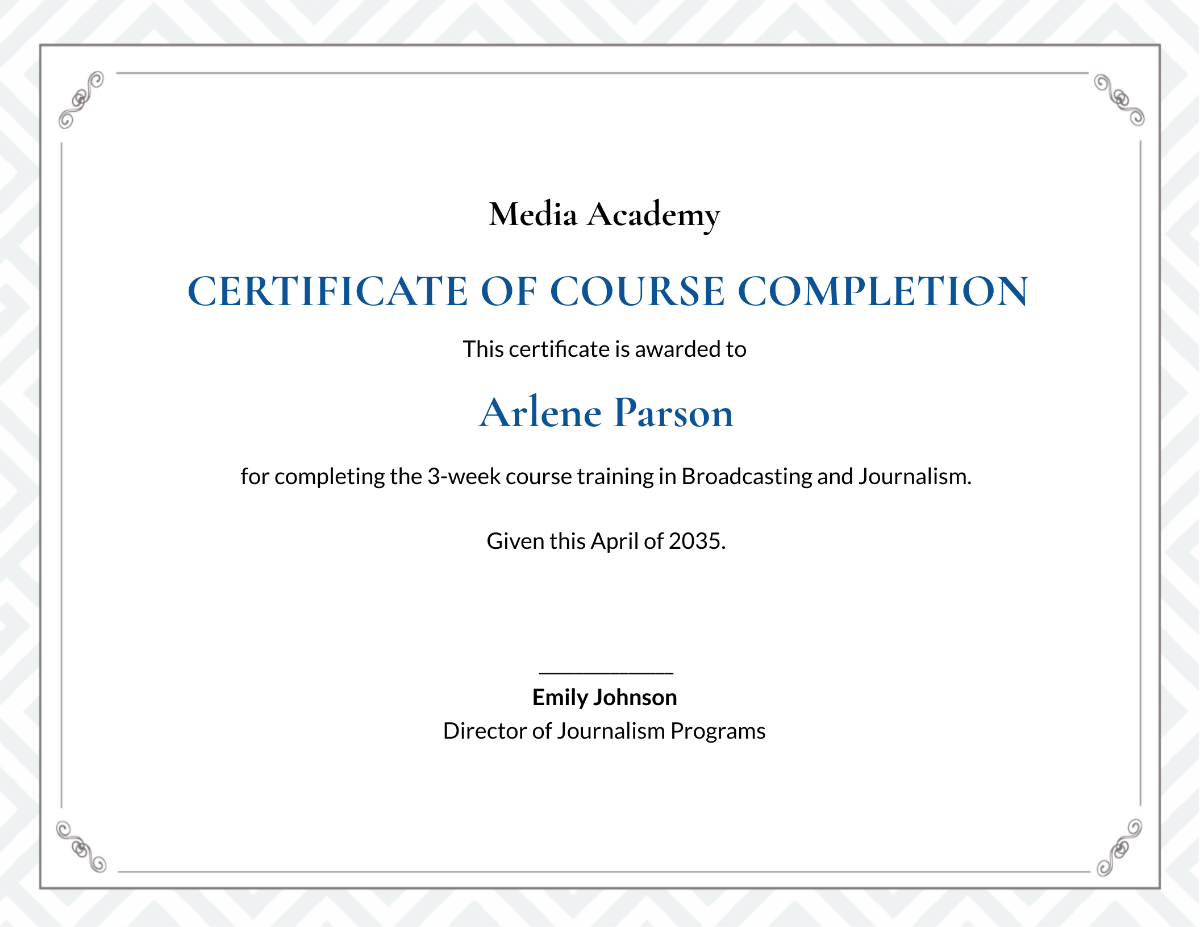
e-Course templates are pre-designed layouts that provide a foundation for creating online courses. They typically include a range of features such as customizable designs, drag-and-drop functionality, and built-in quizzes and assessments. These templates can be used to create a wide range of online courses, from simple tutorials to complex training programs.
Benefits of Using e-Course Templates
Using e-course templates offers several benefits for course creators. Some of the most significant advantages include:
Time-saving: e-Course templates save a significant amount of time and effort, as they provide a pre-designed structure that can be easily customized.
Cost-effective: Templates are often less expensive than hiring a professional designer or developer to create a custom course design.
Consistency: Templates ensure consistency in design and layout throughout the course, making it easier for learners to navigate.
Ease of use: Many templates come with drag-and-drop functionality, making it easy for course creators to add content and multimedia elements.
Drawbacks of Using e-Course Templates
While e-course templates offer several benefits, there are also some drawbacks to consider:
Limited customization: While templates can be customized, there may be limitations to the extent of customization possible.
Lack of uniqueness: Using a template may result in a course that looks similar to others, lacking a unique identity.
Technical issues: Some templates may not be compatible with all learning management systems (LMS) or may require additional technical support.
Choosing the Right e-Course Template
With so many e-course templates available, choosing the right one can be overwhelming. Here are some factors to consider when selecting a template:
Course goals and objectives: Consider the type of course you want to create and the learning objectives you want to achieve.
Target audience: Think about the needs and preferences of your target audience, including their level of technical expertise.
Customization options: Look for templates that offer flexible customization options, including the ability to add multimedia elements and interactive features.
Comparison of Popular e-Course Templates
| Template | Features | Customization Options | Pricing |
|---|---|---|---|
| Articulate Storyline | Drag-and-drop functionality, built-in quizzes and assessments | High | $1,299 (perpetual license) |
| Adobe Captivate | Responsive design, interactive elements | Medium | $1,049 (perpetual license) |
| Lectora Inspire | HTML5-compliant, mobile-friendly | High | $999 (perpetual license) |
| Teachable | Course builder, customizable designs | Medium | $39/month (basic plan) |
Best Practices for Using e-Course Templates
To get the most out of e-course templates, follow these best practices:
Keep it simple: Avoid over-complicating your course design with too many features or multimedia elements.
Focus on content: Remember that the content is the most important aspect of your course, so prioritize its development.
Test and iterate: Test your course with a small group of learners and gather feedback to improve the design and content.
Common Mistakes to Avoid
When using e-course templates, avoid the following common mistakes:
Not customizing the template: Failing to customize the template to fit your brand and course needs.
Overloading with content: Including too much content or multimedia elements, which can overwhelm learners.
Not testing: Failing to test the course with a small group of learners, which can result in technical issues or poor user experience.
e-Course Template FAQs
Q: What is an e-course template?
An e-course template is a pre-designed layout that provides a foundation for creating online courses.Q: How do I choose the right e-course template?
Consider your course goals and objectives, target audience, and customization options when selecting a template.Q: Can I customize an e-course template?
Most e-course templates offer some level of customization, but the extent of customization may vary.Q: Are e-course templates compatible with all LMS?
Not all e-course templates are compatible with all LMS, so be sure to check compatibility before purchasing.Conclusion
e-Course templates offer a convenient and cost-effective way to create high-quality online courses. While there are benefits and drawbacks to using templates, choosing the right one and following best practices can help you create an engaging and effective online course. By considering your course goals and objectives, target audience, and customization options, you can select a template that meets your needs and helps you achieve your online course creation goals.
Related: A Practical Guide to Finding the Perfect Free Resume Template
Related: A Practical Guide to Free Remote Work Tips
Related: How to Find the Perfect Free Resume Templates for Microsoft
