
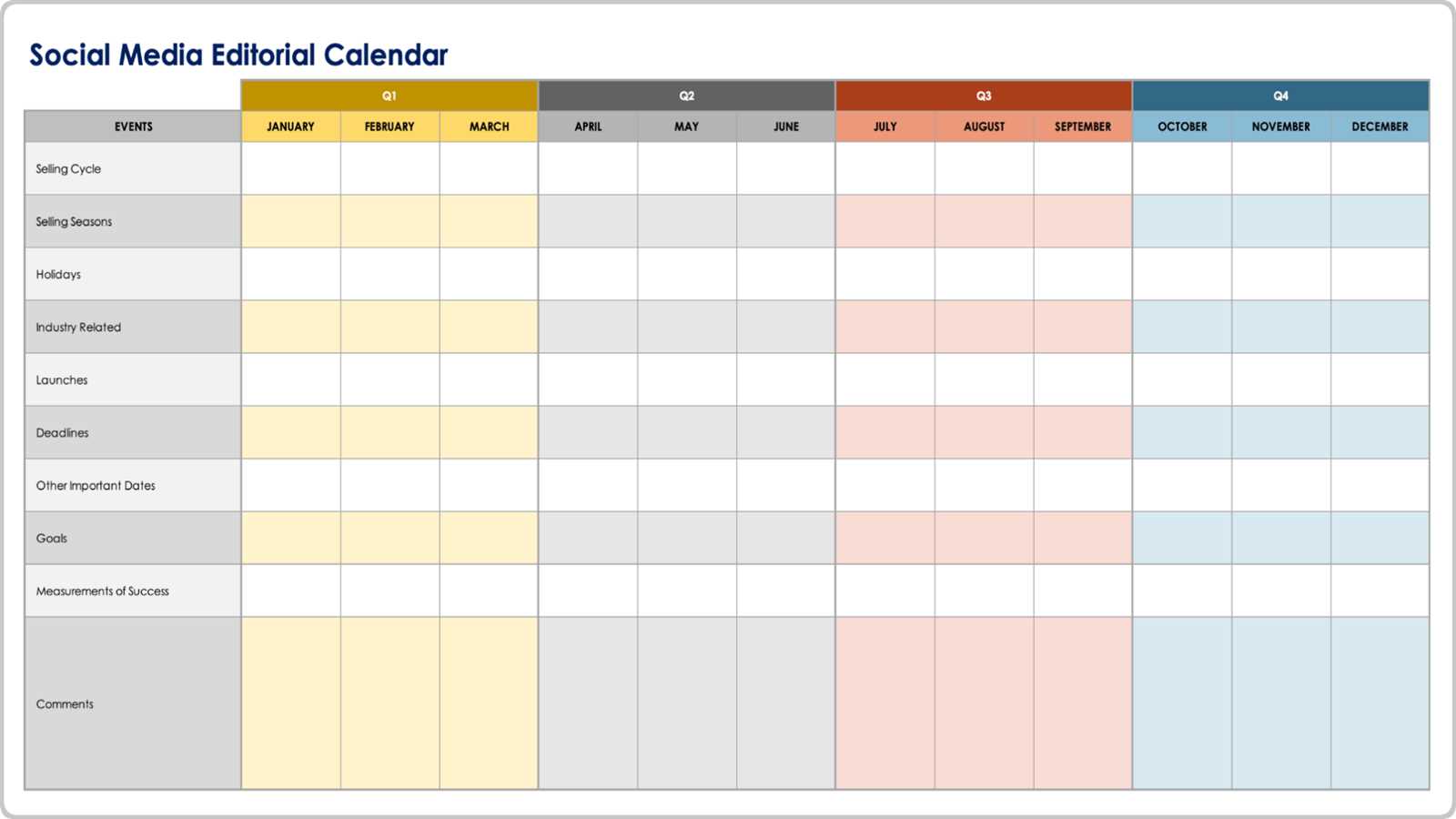
Understanding the Importance of a Digital Content Calendar
As a content creator, managing multiple projects, deadlines, and publishing schedules can be overwhelming. A digital content calendar template is a lifesaver in such situations. It helps you plan, organize, and schedule your content in advance, ensuring that your publishing process is streamlined and efficient. With a digital content calendar, you can visualize your content strategy, make informed decisions, and avoid last-minute scrambles.
What is a Digital Content Calendar Template?
A digital content calendar template is a pre-designed spreadsheet or document that helps you plan and schedule your content across various platforms. It typically includes columns or sections for content type, topic, keywords, publishing date, and status. You can customize the template to fit your specific needs and use it to manage your blog, social media, email newsletters, or any other type of content.
Benefits of Using a Digital Content Calendar Template
Using a digital content calendar template offers numerous benefits, including:
Improved organization: A digital content calendar helps you keep track of multiple projects and deadlines in one place.
Increased productivity: By planning and scheduling your content in advance, you can save time and reduce stress.
Better collaboration: A digital content calendar facilitates communication among team members, ensuring everyone is on the same page.
Enhanced content quality: With a clear plan in place, you can focus on creating high-quality content that resonates with your audience.
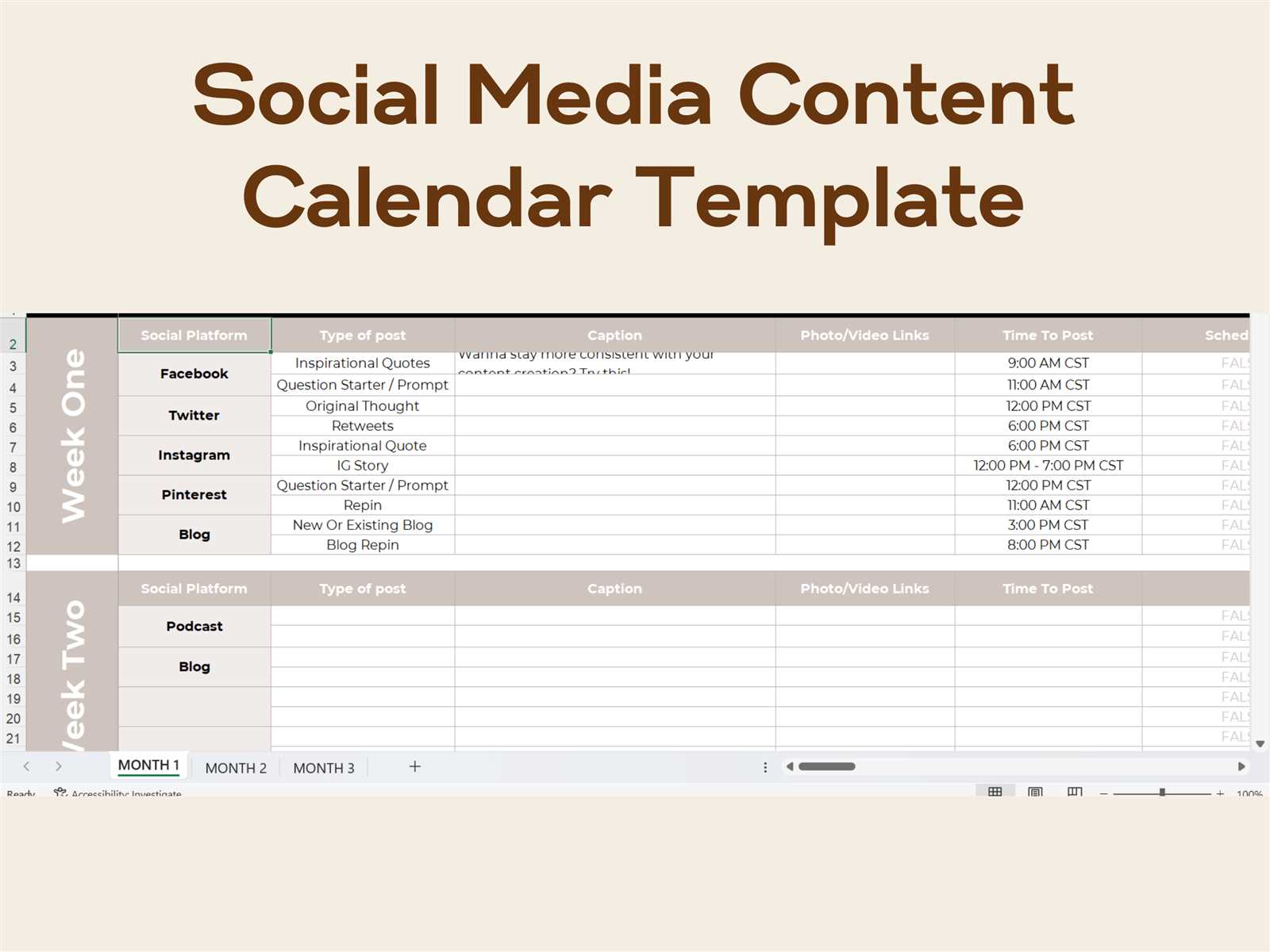
Choosing the Right Digital Content Calendar Template
When selecting a digital content calendar template, consider the following factors:
Ease of use: Choose a template that is easy to understand and navigate.
Customizability: Opt for a template that allows you to add or remove sections as needed.
Scalability: Select a template that can grow with your content needs.
Integration: Consider a template that integrates with your existing tools and platforms.
Some popular digital content calendar templates include:
| Template | Description | Benefits |
|---|---|---|
| Google Sheets | A flexible and collaborative spreadsheet | Easy to use, customizable, scalable |
| Microsoft Excel | A powerful spreadsheet with advanced features | Robust features, integrates with other Microsoft tools |
| Trello | A visual project management tool | Easy to use, customizable, integrates with other tools |
| Asana | A task management tool with content calendar features | Scalable, customizable, integrates with other tools |
How to Create a Digital Content Calendar Template
Creating a digital content calendar template is a straightforward process. Here's a step-by-step guide:
- Determine your content types: Identify the types of content you want to manage, such as blog posts, social media posts, or email newsletters.
- Choose a template or tool: Select a template or tool that fits your needs, such as Google Sheets or Trello.
- Set up your calendar: Create a new spreadsheet or document and set up columns or sections for content type, topic, keywords, publishing date, and status.
- Customize your template: Add or remove sections as needed to fit your specific requirements.
- Start planning your content: Begin filling in your calendar with upcoming content, including topics, keywords, and publishing dates.
Tips for Using a Digital Content Calendar Template
To get the most out of your digital content calendar template, follow these tips:
Keep it up-to-date: Regularly update your calendar to reflect changes in your content strategy or schedule.
Use it collaboratively: Share your calendar with team members to ensure everyone is on the same page.
Review and adjust: Regularly review your calendar and adjust your strategy as needed.
Common Mistakes to Avoid
When using a digital content calendar template, avoid the following common mistakes:
Not updating the calendar regularly: Failing to update your calendar can lead to outdated information and missed deadlines.
Not customizing the template: Using a template without customizing it to fit your needs can lead to inefficiencies and confusion.
Not collaborating with team members: Failing to share your calendar with team members can lead to miscommunication and errors.
FAQs
What is the best digital content calendar template for small businesses?
The best digital content calendar template for small businesses is one that is easy to use, customizable, and scalable. Google Sheets or Trello are popular options.
How do I create a content calendar in Google Sheets?
To create a content calendar in Google Sheets, start by setting up columns for content type, topic, keywords, publishing date, and status. Then, begin filling in your calendar with upcoming content.
Can I use a digital content calendar template for social media?
Yes, you can use a digital content calendar template to manage your social media content. Consider using a template that integrates with your social media platforms.
Conclusion
A digital content calendar template is a powerful tool for streamlining your publishing process and improving your content strategy. By choosing the right template, creating a custom calendar, and following best practices, you can save time, increase productivity, and produce high-quality content that resonates with your audience. With a digital content calendar template, you can plan your content with confidence and achieve your marketing goals.
Related: Mastering Automated Email Marketing: Tips for Maximum Impact
Related: 5 Useful Things to Know About WordPress Online Courses
