
A Practical Guide to Finding and Using a Free Online Resume Template Editor
As you embark on a job search, having a polished resume is crucial. A well-crafted resume can make all the difference in getting noticed by potential employers. However, not everyone has the design skills or resources to create a visually appealing resume from scratch. This is where a free online resume template editor comes in – a tool that can help you create a professional-looking resume without breaking the bank.
What to Look for in a Free Online Resume Template Editor
When searching for a free online resume template editor, there are several factors to consider. Here are a few key things to look for:
User-friendly interface: The editor should be easy to navigate, even for those who aren't tech-savvy.
Variety of templates: A good editor should offer a range of templates to choose from, catering to different industries and styles.
Customization options: The ability to customize the template with your own text, images, and formatting is essential.
Export options: Look for an editor that allows you to export your resume in various formats, such as PDF, Word, or TXT.
Benefits of Using a Free Online Resume Template Editor
Using a free online resume template editor can have several benefits:
Time-saving: With a template editor, you can create a resume in a fraction of the time it would take to design one from scratch.
Cost-effective: As the name suggests, these editors are free, which is a significant advantage for those on a tight budget.
Professional-looking: A well-designed template can give your resume a professional look, even if you don't have design experience.
Choosing the Right Template for Your Resume
With so many templates available, it can be overwhelming to choose the right one. Here are a few tips to keep in mind:
Consider your industry: Different industries have different norms when it comes to resume design. For example, a creative field may allow for more visual experimentation, while a corporate job may require a more traditional layout.
Think about your experience: If you're entry-level, a simpler template may be more suitable. If you're more experienced, you may want a template that allows for more detail.
Resume Template Examples
Here are a few examples of popular resume templates:
| Template Name | Description | Suitable for |
|---|---|---|
| Chronological | Emphasizes work experience in reverse chronological order | Corporate, finance, law |
| Functional | Highlights skills and qualifications rather than work history | Creative, entry-level, career changers |
| Combination | Balances work experience and skills | Most industries, especially those that value both experience and skills |
How to Use a Free Online Resume Template Editor
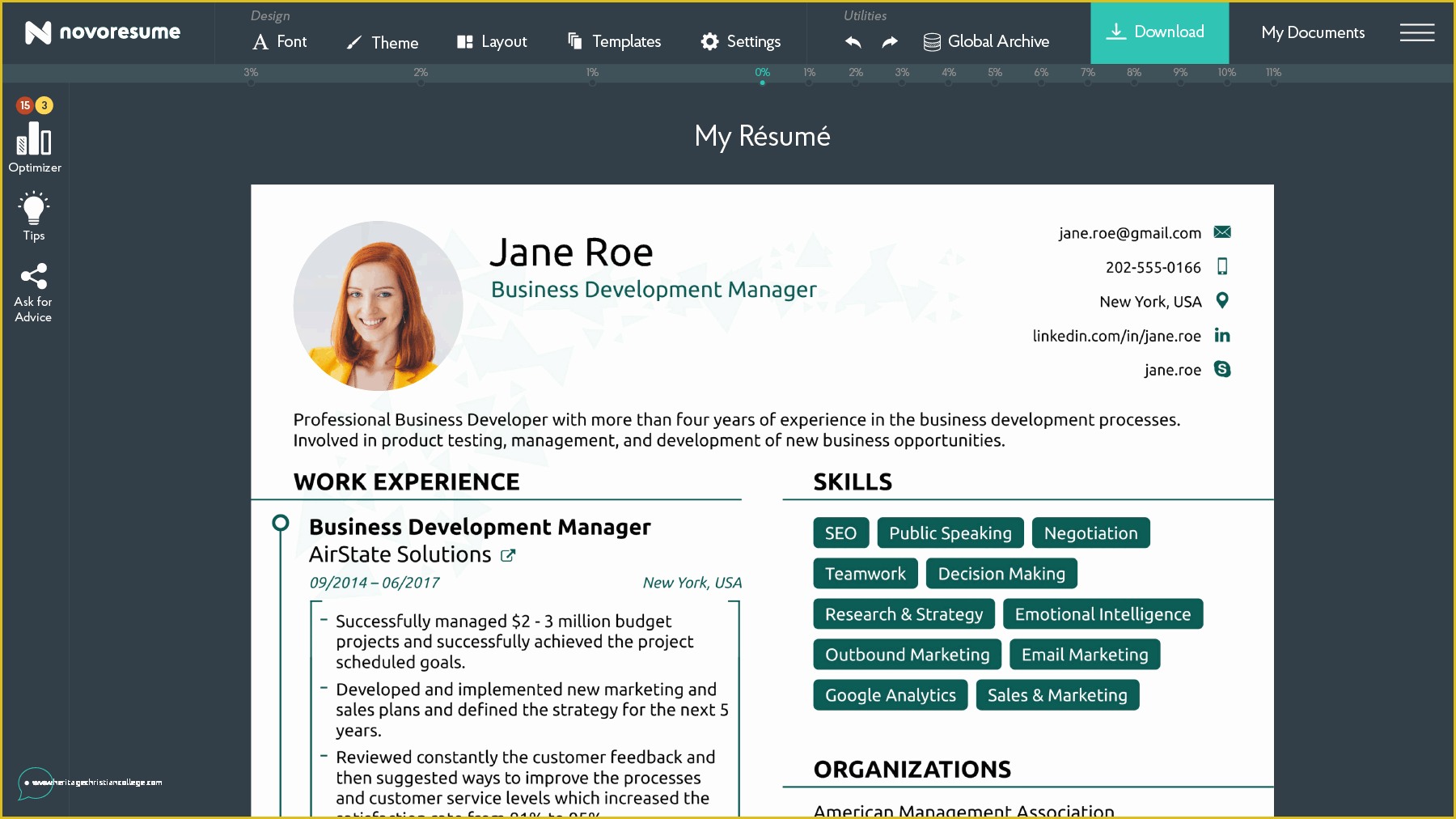
Using a free online resume template editor is relatively straightforward. Here's a step-by-step guide:
- Choose a template: Browse through the available templates and select one that fits your needs.
- Customize the template: Enter your own text, add or remove sections, and adjust the formatting as needed.
- Add visual elements: Upload your own images or use icons and graphics provided by the editor.
- Export and download: Once you're happy with your resume, export it in your preferred format.
Tips for Customizing Your Resume Template
Tailor your resume to the job: Use keywords from the job posting and highlight relevant skills and experience.
Keep it concise: Aim for one to two pages, depending on your level of experience.
Use action verbs: Use action verbs like "managed," "created," and "developed" to describe your achievements.
Common Mistakes to Avoid When Using a Free Online Resume Template Editor
While a free online resume template editor can be a valuable resource, there are a few common mistakes to avoid:
Over-customization: Avoid over-customizing your template with too many fonts, colors, or graphics.
Lack of consistency: Ensure that your formatting and style are consistent throughout the resume.
Typos and errors: Carefully proofread your resume to catch any typos or grammatical errors.
Frequently Asked Questions
Here are a few frequently asked questions about using a free online resume template editor:
Q: Are free online resume template editors really free?
Yes, most free online resume template editors are genuinely free, with no hidden costs or charges.
Q: Can I use a free online resume template editor to create a resume for a specific industry?
Yes, many free online resume template editors offer templates tailored to specific industries, such as healthcare or finance.
Q: Will my resume look professional if I use a free online template editor?
Yes, a well-designed template can give your resume a professional look, but make sure to customize it with your own content and style.
Conclusion
A free online resume template editor can be a valuable resource in your job search, helping you create a professional-looking resume quickly and easily. By choosing the right template, customizing it to fit your needs, and avoiding common mistakes, you can create a standout resume that showcases your skills and experience. With a little practice and patience, you can create a resume that helps you stand out in a competitive job market.
Related: 5 Useful Things to Know About Free Resume Templates Online
