
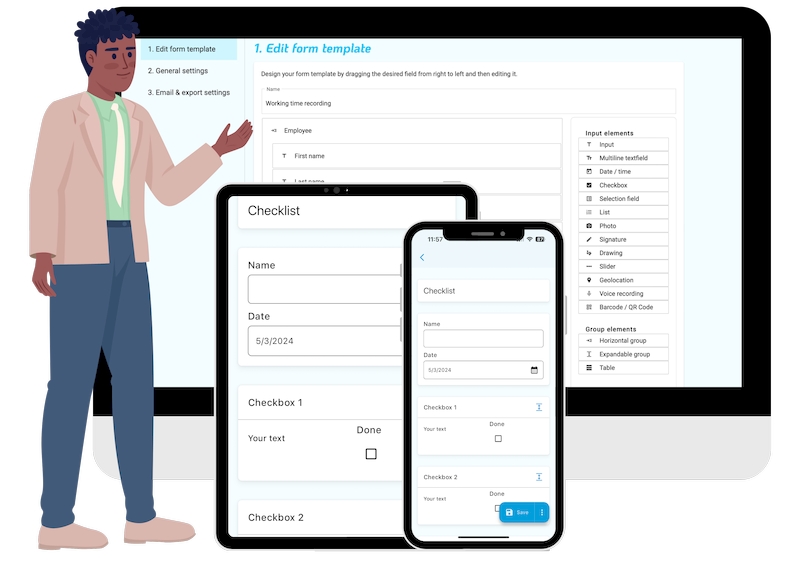
Finding the Right Checklist App for Windows
When searching for a checklist app for Windows, the options can be overwhelming. You're likely looking for something that helps you organize tasks, projects, or daily routines without costing a fortune. The good news is that there are several free checklist apps available that can meet your needs.
What to Look for in a Checklist App
Before diving into specific app recommendations, it's essential to consider what features are must-haves for you. Some key considerations include:
Ease of use: How intuitive is the app's interface?
Customization: Can you tailor the app to fit your specific needs?
Collaboration: Do you need to share checklists with others?
Integration: Does the app integrate with other tools you use?
Top Free Checklist Apps for Windows
Here are some top free checklist apps for Windows that are worth considering:
1. Microsoft To Do
Microsoft To Do is a popular choice for task management. It allows you to create and manage your to-do lists, set reminders, and integrate with other Microsoft tools like Outlook.
Pros: Integrates well with other Microsoft tools, easy to use, and available on multiple platforms.
Cons: Limited customization options.
2. Trello
Trello is a visual project management tool that uses boards, lists, and cards to organize tasks. While not exclusively a checklist app, Trello offers a free version that can be used for checklist-style task management.
Pros: Highly customizable, visual interface, and integrates with many third-party tools.
Cons: Can be overwhelming for simple checklist needs.
3. Any.do
Any.do is a feature-rich task management app that offers a free version with checklist capabilities. It also integrates with Google Drive and allows for collaboration.
Pros: Robust feature set, collaborative features, and integrates with Google Drive.
Cons: Can be complex for simple checklist needs.

4. TickTick
TickTick is a simple yet powerful task management app that offers a free version with checklist features. It also includes a calendar view and integrates with Google Calendar.
Pros: Simple and intuitive, calendar view, and integrates with Google Calendar.
Cons: Limited collaboration features.
Comparison of Free Checklist Apps
| App | Ease of Use | Customization | Collaboration | Integration |
|---|---|---|---|---|
| Microsoft To Do | Easy | Limited | No | Microsoft tools |
| Trello | Medium | High | Yes | Many third-party tools |
| Any.do | Medium | High | Yes | Google Drive |
| TickTick | Easy | Medium | No | Google Calendar |
Practical Use Cases
Using a Checklist App for Daily Routines
A checklist app can be a great tool for managing daily routines. For example, you can create a checklist for:
Morning routine: exercise, breakfast, and getting ready for work
Work tasks: meetings, deadlines, and project milestones
Evening routine: dinner, relaxation, and bedtime preparation
By using a checklist app, you can stay organized and ensure that you don't forget important tasks.
Using a Checklist App for Project Management
Checklist apps can also be used for project management. For example, you can create a checklist for:
Project milestones: deadlines, deliverables, and meetings
Task assignments: team members, due dates, and status updates
Risk management: potential risks, mitigation strategies, and contingency plans
By using a checklist app, you can stay on top of project tasks and ensure that everything runs smoothly.

Insights and Recommendations
When choosing a free checklist app for Windows, consider your specific needs and preferences. If you're looking for a simple and intuitive app, Microsoft To Do or TickTick might be a good choice. If you need more advanced features and customization options, Trello or Any.do might be a better fit.
FAQs
Q: What is the best free checklist app for Windows?
The best free checklist app for Windows depends on your specific needs and preferences. Some popular options include Microsoft To Do, Trello, Any.do, and TickTick.
Q: Can I use a checklist app for project management?
Yes, many checklist apps can be used for project management. Look for an app that offers features such as task assignments, due dates, and collaboration.
Q: Are there any limitations to free checklist apps?
Yes, free checklist apps often have limitations such as limited features, storage space, or collaboration capabilities.
Q: Can I integrate a checklist app with other tools?
Many checklist apps offer integration with other tools and services. Look for an app that integrates with the tools you use.
Conclusion
Finding the right free checklist app for Windows can be overwhelming, but by considering your specific needs and preferences, you can make an informed decision. Whether you're looking for a simple and intuitive app or a more advanced tool with customization options, there's a free checklist app out there for you. By using a checklist app, you can boost your productivity and organization, and achieve your goals.
Related: What to Know About Free Checklist Apps for PC
Related: Streamline Your Business with the Best Online Checklist App
Related: 5 Useful Things to Know About Best Online Course Platforms
Related: Find Your Best Accredited Online Course Platform Without
Related: Choosing the Best Online Course Creation Platform for Your
