
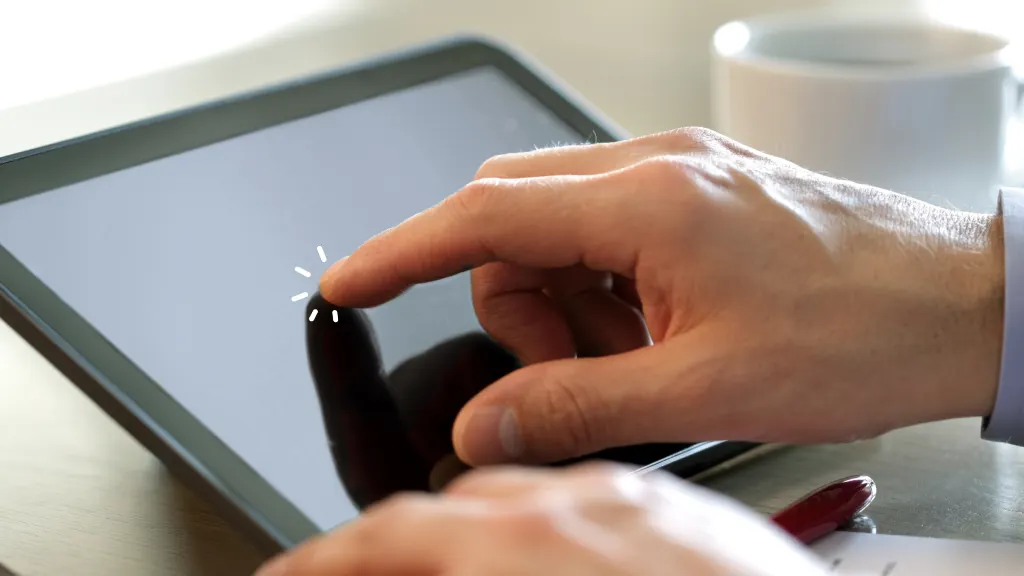
You've probably experienced it - you're in the middle of something important on your phone or tablet, and suddenly, the touchscreen stops responding. It can be frustrating, especially if you rely on your device for work, communication, or entertainment.
Understanding the Issue
The touchscreen not responding sometimes can stem from various causes. It could be a software glitch, a problem with the touchscreen digitizer, or even a simple issue like a dirty screen or a protective case interfering with touch sensitivity.
Common Causes
- Software Glitches: Sometimes, the operating system or apps can cause conflicts that lead to touchscreens not responding properly.
- Physical Damage: A crack or a significant impact can damage the touchscreen digitizer.
- Dirt and Moisture: A dirty or wet screen can interfere with the touchscreen's ability to detect your touch.
- Outdated Software: Failing to update your device's operating system can lead to compatibility issues.
Basic Troubleshooting Steps
Before diving into more complex solutions, try these basic steps:
- Restart Your Device: This can often resolve temporary software glitches.
- Clean the Screen: Use a soft cloth to gently wipe away any dirt or moisture.
- Remove Accessories: Take off any screen protectors or cases that might be interfering with the touchscreen.

Advanced Troubleshooting
If basic steps don't work, it's time to dig deeper:
Check for Software Updates
Ensure your device's operating system and all apps are up to date. Manufacturers often release updates that fix bugs and improve performance.
Boot in Safe Mode
- For Android: Press and hold the power button until the power menu appears. Tap and hold on "Power off" until you're prompted to reboot in Safe Mode.
- For iOS: There's no direct Safe Mode, but you can try restarting and immediately holding the volume down button until the Apple logo appears.
Reset Your Device
As a last resort, consider performing a factory reset. This will erase all data, so ensure you back up your device first.
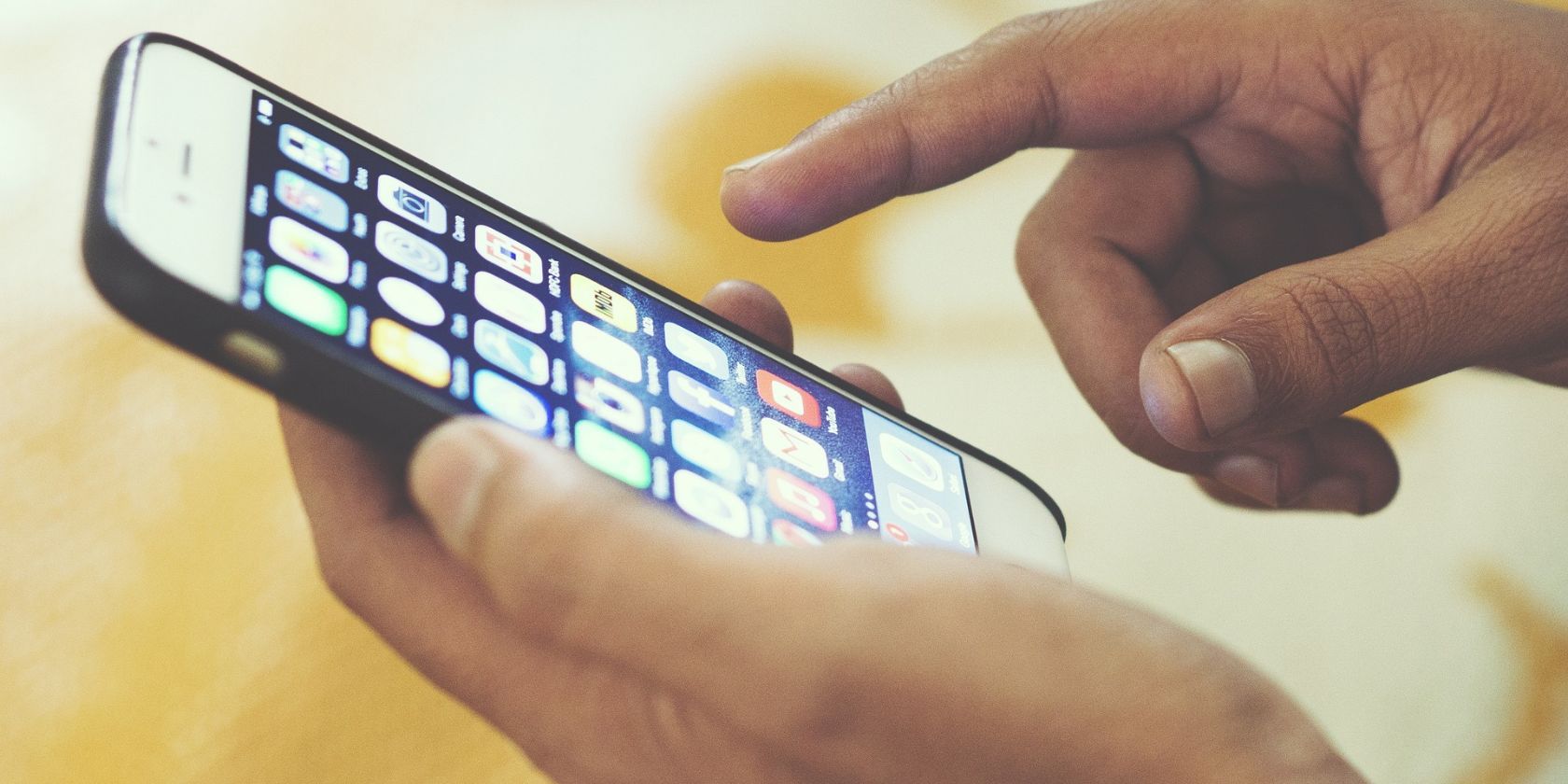
Practical Fixes
Fixing a Physically Damaged Touchscreen
If you suspect physical damage:
- Assess the Damage: Check if the damage is superficial or if there's a deeper issue.
- Contact a Professional: Visit an authorized repair center or a reputable technician.
Software Solutions
For software-related issues:
- Uninstall Problematic Apps: If you've recently installed an app that coincides with the issue, try uninstalling it.
- Use Device-Specific Solutions: Some manufacturers offer built-in troubleshooting tools or modes.
Comparison of Fixes
| <strong>Fix</strong> | <strong>Ease of Implementation</strong> | <strong>Potential Cost</strong> | <strong>Effectiveness</strong> |
|---|---|---|---|
| Restart Device | Easy | $0 | High for temporary issues |
| Clean Screen | Easy | $0 | High for dirt/moisture issues |
| Update Software | Easy | $0 | High for software glitches |
| Factory Reset | Moderate | $0 | High for software issues, but data loss |
"The key to fixing a touchscreen not responding sometimes lies in identifying the root cause. It's often a simple issue that can be resolved with basic troubleshooting steps, but in some cases, professional help may be needed."
Preventive Measures
- Regularly clean your screen.
- Keep your device updated.
- Avoid physical stress.
- Use reputable apps.
Frequently Asked Questions
Q: Why does my touchscreen only work sometimes?
This could be due to a variety of reasons including software glitches, physical damage, or issues with the touchscreen digitizer.
Q: Can I fix an unresponsive touchscreen at home?
Yes, try basic troubleshooting steps like restarting your device, cleaning the screen, and updating software. For more complex issues, professional help might be necessary.
Q: How much does it cost to fix a touchscreen?
Costs vary widely depending on the device model and the nature of the issue. For some devices, a replacement screen can cost between $100 to $300 or more.
Final Steps
If you've tried all the steps and your touchscreen still isn't responding sometimes, it might be time to consult with a professional. Many manufacturers offer support, or you can visit a local repair shop. Remember, prevention is key. Regular maintenance and careful handling can help prevent touchscreen issues in the future. With patience and the right approach, you can resolve most touchscreen problems and get back to using your device smoothly.
Related: 5 Useful Side Hustle Ideas for South Africans
Related: How to Update Drivers Automatically Without the Hassle
Related: Crafting an Effective Axie Resume Template for Beginners
