
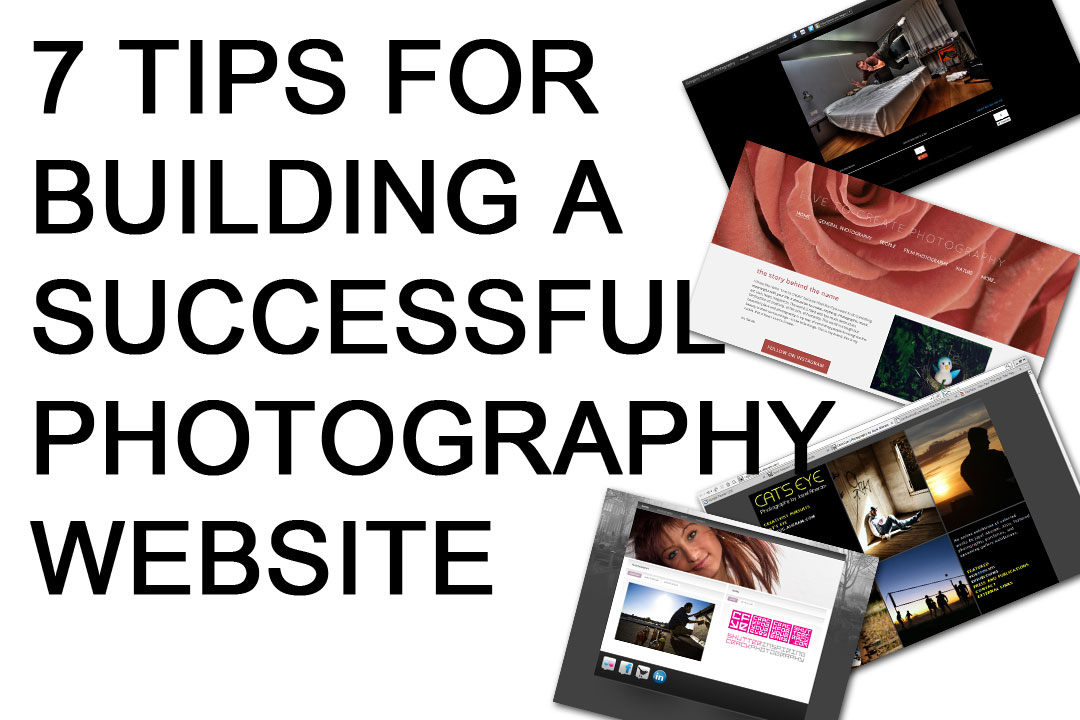
Building a photography website is a crucial step in establishing your online presence and attracting potential clients. Your website serves as a digital portfolio, showcasing your work and style to the world. However, creating a website that effectively promotes your photography business can be a daunting task, especially if you're not tech-savvy. In this article, we'll share practical tips and insights to help you build a stunning photography website that stands out from the crowd.
Planning Your Photography Website
Before diving into the design and development of your website, it's essential to plan your content and structure. Start by defining your goals and target audience. Who do you want to attract with your website? Are you looking to appeal to potential clients, other photographers, or both? Understanding your audience will help you create content that resonates with them.
Consider the following questions:
What type of photography do you specialize in (e.g., wedding, portrait, landscape)?
What sets your photography style apart from others?
What are your goals for your website (e.g., attract new clients, showcase your work, sell prints)?
Choosing a Website Platform
With numerous website platforms available, choosing the right one for your photography website can be overwhelming. Popular options include WordPress, Wix, Squarespace, and Format. Each platform has its pros and cons, so it's crucial to evaluate your needs and skill level before making a decision.
Here's a brief comparison of these platforms:
| Platform | Ease of use | Customization | Cost |
|---|---|---|---|
| WordPress | Medium | High | Varies (self-hosted or hosted) |
| Wix | Easy | Medium | $14-$25/month |
| Squarespace | Medium | High | $14-$26/month |
| Format | Easy | Medium | $6-$25/month |
Designing Your Photography Website
Your website's design should reflect your photography style and be visually appealing. Here are some design tips to keep in mind:
Use a clean and simple layout: Avoid clutter and ensure that your photos are the main focus.
Choose a suitable color scheme: Select colors that complement your photography style and are easy on the eyes.
Optimize images for web: Resize and compress your images to ensure fast loading times.
Make it mobile-friendly: Ensure that your website is responsive and looks great on various devices.

Showcasing Your Photography Work
Your photography website should showcase your best work and tell a story. Consider the following tips:
Create a portfolio: Organize your photos into a cohesive portfolio that showcases your skills and style.
Use high-quality images: Only showcase your best work, and ensure that images are high-resolution and well-edited.
Tell a story: Use captions or stories to provide context and share your vision behind the photos.
Search Engine Optimization (SEO) for Photographers
SEO is crucial for photographers, as it helps potential clients find your website when searching for photography services online. Here are some SEO tips:
Use relevant keywords: Include keywords like "photography services," "wedding photographer," or "portrait photography" in your page titles, descriptions, and headings.
Optimize image alt tags: Use descriptive alt tags for your images, including target keywords.
Regularly update content: Add fresh content, such as blog posts or new photos, to signal to search engines that your website is active.
Common Mistakes to Avoid
When building a photography website, it's easy to make mistakes that can hurt your online presence. Here are some common mistakes to avoid:
Poorly designed layout: A cluttered or poorly designed layout can deter visitors and make your website look unprofessional.
Slow loading times: Ensure that your website loads quickly to prevent visitors from bouncing.
Inconsistent branding: Ensure that your website's design and tone align with your photography style and brand.
Frequently Asked Questions
Q: How much does it cost to build a photography website?
The cost of building a photography website varies depending on the platform, design, and features. You can expect to pay anywhere from $10 to $100+ per month.
Q: Do I need to know how to code to build a photography website?
No, you don't need to know how to code to build a photography website. Many website platforms offer drag-and-drop tools and templates that make it easy to create a website without coding.
Q: How do I optimize my website for search engines?
To optimize your website for search engines, use relevant keywords, optimize image alt tags, and regularly update content.
Conclusion
Building a stunning photography website requires careful planning, a clear understanding of your goals and target audience, and attention to design and SEO details. By following these tips and avoiding common mistakes, you can create a website that showcases your photography style and attracts potential clients. Remember to regularly update your content and optimize your website for search engines to ensure long-term success. With a well-designed and functional website, you'll be well on your way to establishing a strong online presence and growing your photography business.
