
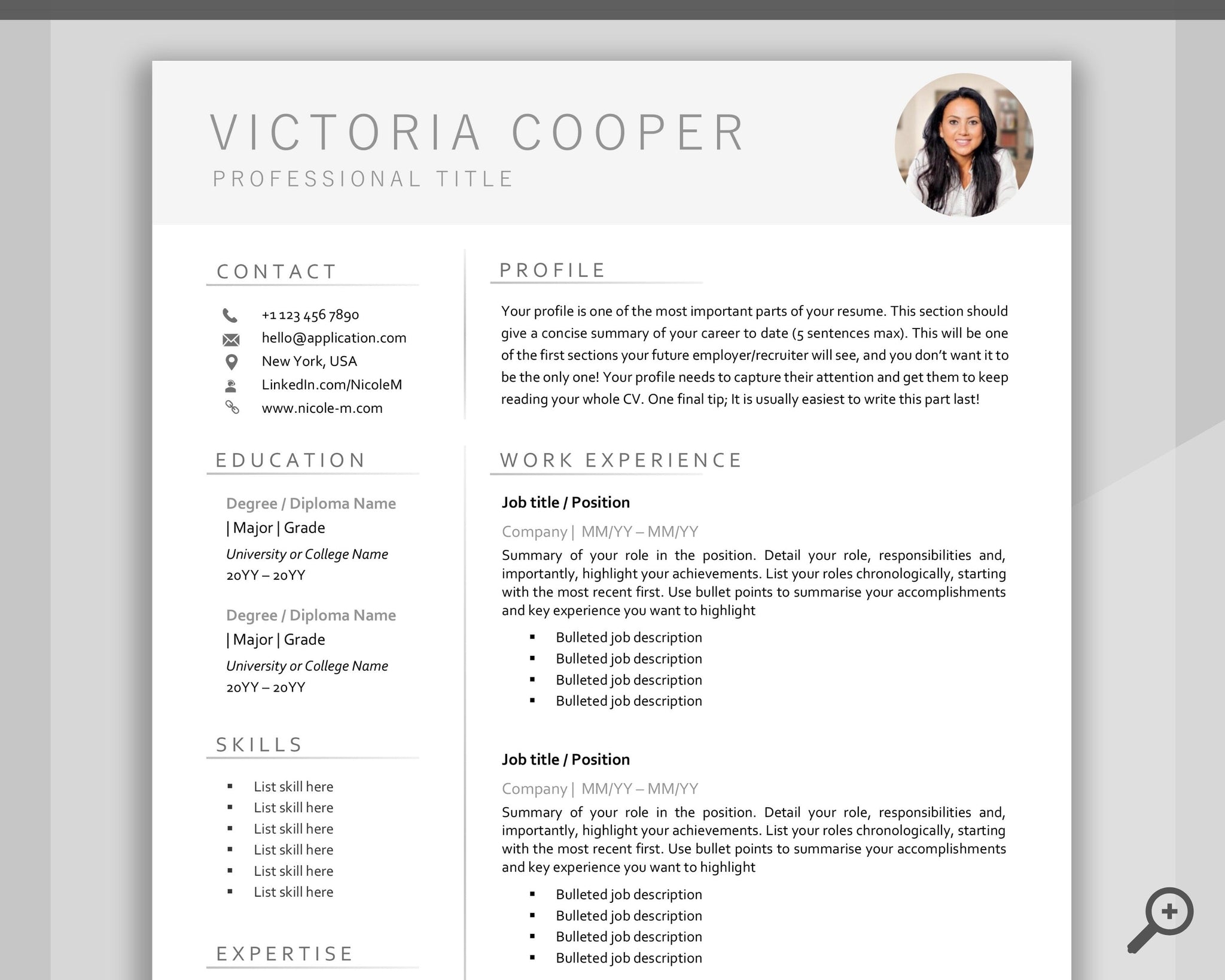
Finding the Perfect Template
When searching for free online resume templates, it's easy to get overwhelmed by the numerous options available. With just a few clicks, you can access thousands of templates in various formats, styles, and designs. However, not all templates are created equal. To stand out from the competition, you need a template that is both visually appealing and functional.
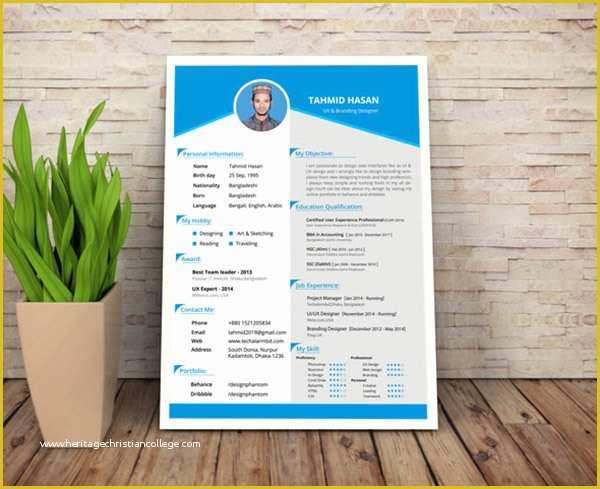
To begin your search, consider the industry you're applying to and the type of job you're seeking. For example, if you're applying for a creative position, you may want to opt for a template with a bold design. On the other hand, if you're applying for a more traditional industry, a simple and clean template may be more suitable.
Evaluating Template Quality
So, how do you evaluate the quality of a free online resume template? Here are a few key factors to consider:
Customizability: Can you easily add or remove sections, change font styles, and adjust the layout?
Readability: Is the template easy to read, even for those with visual impairments?
Compatibility: Does the template work seamlessly with applicant tracking systems (ATS) and other software?
Design: Is the template visually appealing, with a clear hierarchy of information?
Top Sources for Free Online Resume Templates
There are many websites offering free online resume templates. Here are some of the top sources:
Canva: Known for its user-friendly design tools, Canva offers a wide range of free resume templates in various formats.
Resume Genius: This website provides a vast collection of free resume templates, along with expert advice on resume building.
Hloom: Hloom offers over 1,000 free resume templates, including some unique and creative designs.
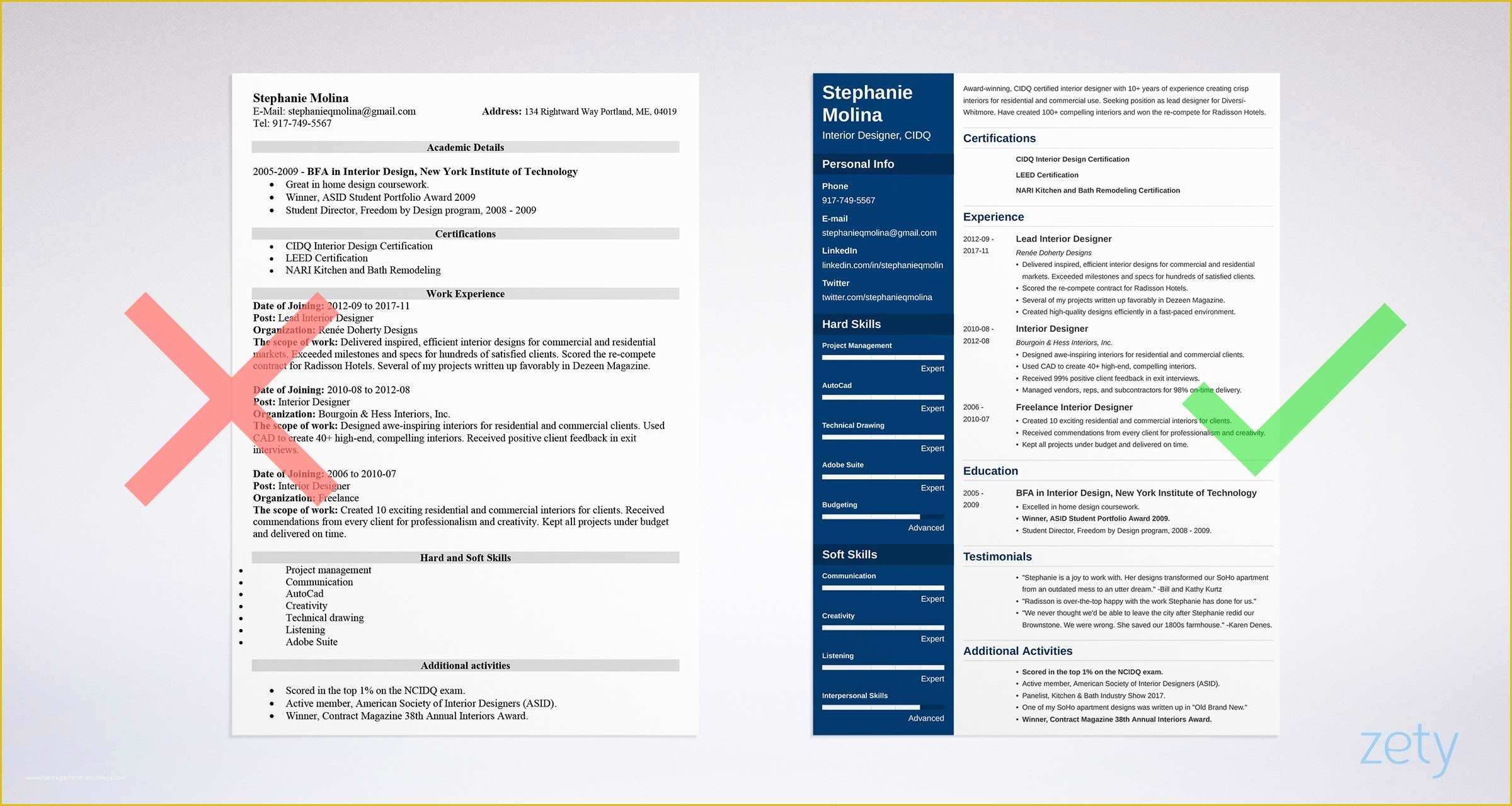
Customizing Your Template
Once you've chosen a template, it's time to customize it. Here are some tips to keep in mind:
Tailor your template to the job: Use keywords from the job description to highlight your relevant skills and experience.
Use clear and concise language: Avoid jargon and overly technical terms that may confuse the reader.
Proofread and edit: Carefully review your resume for spelling, grammar, and formatting errors.
Common Mistakes to Avoid
When using free online resume templates, it's easy to make mistakes that can hurt your chances of getting hired. Here are some common mistakes to avoid:
Overusing keywords: While keywords are essential, overusing them can make your resume sound unnatural.
Ignoring ATS compatibility: Make sure your template is compatible with ATS software to ensure your resume gets through to the hiring manager.
Not tailoring your template: Failing to customize your template to the job can make you seem like you're not taking the application seriously.
Choosing the Right Format
When it comes to resume formats, there are several options to choose from. Here are a few:
Chronological: This format emphasizes work experience, listing jobs in reverse chronological order.
Functional: This format highlights skills and qualifications rather than work history.
Combination: This format combines elements of both chronological and functional formats.
Comparison of Popular Resume Templates
| Template | Features | Pros | Cons |
|---|---|---|---|
| Canva Modern | Clean design, easy to customize | Visually appealing, user-friendly | Limited features in free version |
| Resume Genius Classic | Traditional layout, ATS compatible | Easy to read, compatible with most software | Limited design options |
| Hloom Creative | Unique design, customizable | Stands out from the competition, flexible | May not be suitable for traditional industries |
Frequently Asked Questions
Q: Are free online resume templates really free?
Yes, but some websites may offer premium features or templates for a fee.
Q: Can I use a free online resume template for any job application?
No, tailor your template to the specific job and industry you're applying to.
Q: How do I ensure my resume template is ATS compatible?
Use a template specifically designed for ATS compatibility, and avoid using images or graphics.
Q: Can I edit my resume template after I've finished creating it?
Yes, most templates are editable, but be careful not to distort the layout or formatting.
Final Tips and Next Steps
In conclusion, finding the perfect free online resume template requires some research and effort. By considering your industry, job type, and personal style, you can choose a template that helps you stand out from the competition. Remember to customize your template, avoid common mistakes, and choose the right format for your needs. With these tips and a bit of practice, you'll be well on your way to creating a winning resume that lands you your dream job.
Related: A Practical Guide to Digital Meal Prep Planner Templates Free
Related: Free Word Resume Templates: What Actually Makes Sense?
Related: Design Tools Free Online: What Actually Makes Sense?
