
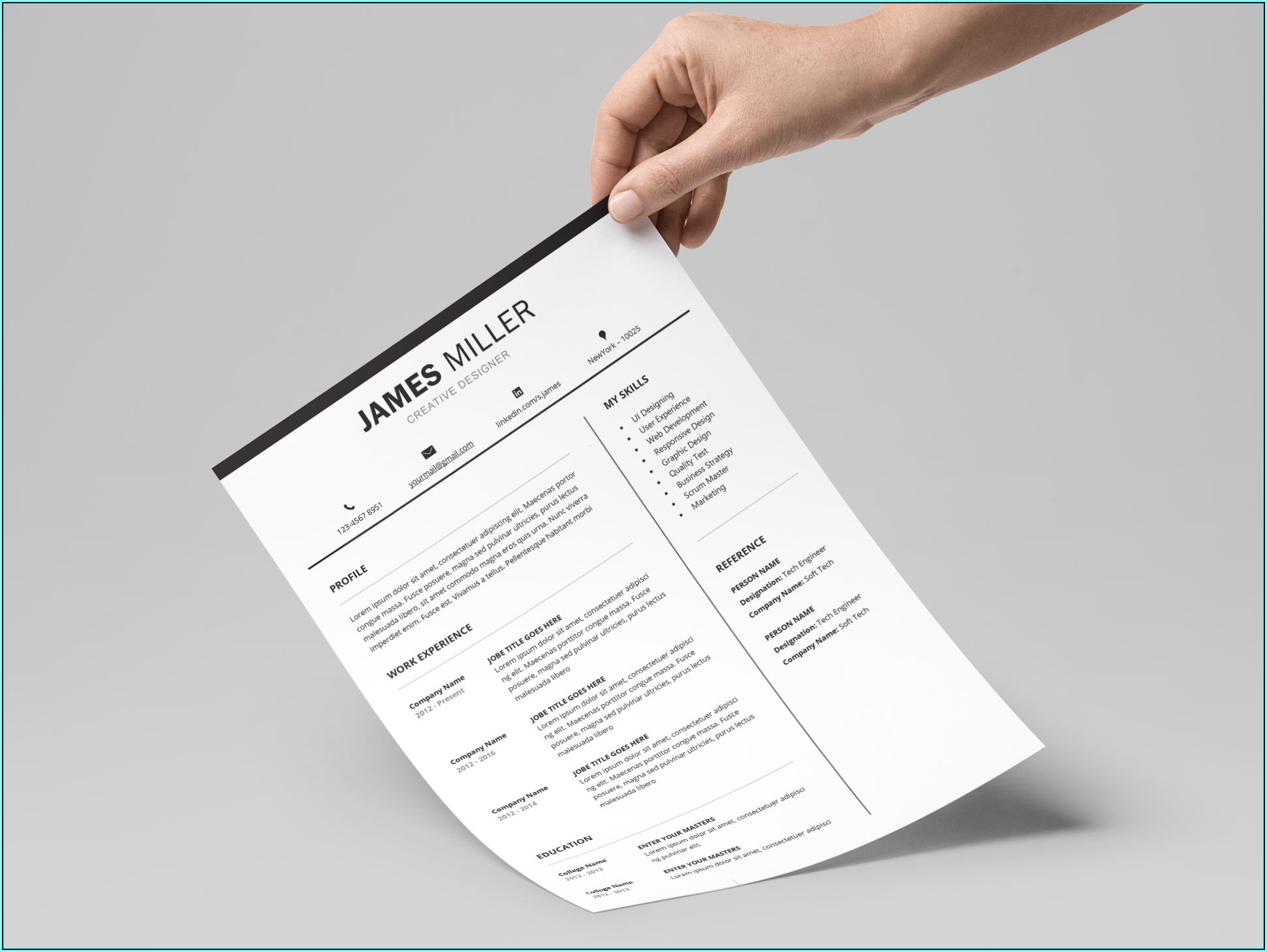
As a professional looking to advance your career or transition into a new field, having a well-crafted resume is essential. A great resume can make all the difference in getting noticed by hiring managers and recruiters. However, creating a professional-looking resume from scratch can be a daunting task, especially if you're not familiar with design principles or don't have the time to experiment with different layouts. This is where free resume templates come in – a cost-effective solution to help you create a polished and effective resume.
Benefits of Using Free Resume Templates
Free resume templates offer several benefits to professionals. For one, they provide a quick and easy way to create a professional-looking resume without breaking the bank. You can browse through numerous templates online, select the one that best fits your needs, and customize it to showcase your skills and experience. Additionally, free resume templates can help you stay organized and focused on the most important aspects of your resume, such as highlighting your achievements and qualifications.
Choosing the Right Free Resume Template
With so many free resume templates available online, it can be overwhelming to choose the right one. Here are a few factors to consider when selecting a template:
Industry and job type: Different industries and job types require different resume styles. For example, if you're applying for a creative job, you may want to choose a template with a more artistic design. On the other hand, if you're applying for a corporate job, a more traditional and conservative template may be more suitable.
Level of experience: If you're a recent graduate or have limited work experience, you may want to choose a template that emphasizes education and skills. If you're a seasoned professional, you may want to choose a template that highlights your achievements and experience.
Customization options: Look for templates that offer easy customization options, such as changing font styles, colors, and layouts.
Popular Free Resume Templates
Some popular free resume templates include:
Microsoft Word templates: Microsoft offers a range of free resume templates that you can download and customize using Word.
Google Docs templates: Google Docs offers a variety of free resume templates that you can access and customize online.
Canva templates: Canva offers a wide range of free resume templates that you can customize using their drag-and-drop design tool.

What to Look for in a Free Resume Template
When evaluating a free resume template, there are several things to look for:
Clean and simple design: A clean and simple design is essential for a professional-looking resume. Avoid templates with too much clutter or overly complex layouts.
Easy customization options: Look for templates that offer easy customization options, such as changing font styles, colors, and layouts.
Compatibility with applicant tracking systems (ATS): Many companies use ATS to screen and filter resumes. Look for templates that are compatible with ATS to ensure your resume gets through the screening process.
Common Mistakes to Avoid When Using Free Resume Templates
While free resume templates can be a great resource, there are several common mistakes to avoid:
Over-customization: Avoid over-customizing your template with too many fonts, colors, or graphics. This can make your resume look unprofessional and cluttered.
Lack of tailoring: Make sure to tailor your resume to the specific job you're applying for. Avoid using a generic template that doesn't highlight your relevant skills and experience.
Typos and grammatical errors: Typos and grammatical errors can make a negative impression on hiring managers and recruiters. Make sure to proofread your resume multiple times to catch any errors.
Tips for Using Free Resume Templates Effectively
Here are some tips for using free resume templates effectively:
Use a template as a starting point: Use a template as a starting point and customize it to fit your needs. Avoid copying and pasting from the template without making any changes.
Highlight your achievements: Use your resume to highlight your achievements and qualifications rather than just listing your job responsibilities.
- Keep it concise: Keep your resume concise and focused on the most important information. Avoid using too much jargon or technical language.
Comparing Free Resume Templates
| Template | Industry | Job Type | Customization Options |
|---|---|---|---|
| Microsoft Word | Corporate, Professional | All | Easy |
| Google Docs | Creative, Corporate | All | Easy |
| Canva | Creative, Professional | All | Advanced |
FAQs
Are free resume templates really free?
Yes, many free resume templates are available online at no cost. However, some templates may offer premium features or customization options for a fee.
Can I use a free resume template for any job?
No, different jobs and industries require different resume styles. Make sure to choose a template that fits your industry and job type.
How do I customize a free resume template?
Most free resume templates offer easy customization options, such as changing font styles, colors, and layouts. You can also add or remove sections to fit your needs.
Are free resume templates compatible with ATS?
Many free resume templates are compatible with ATS, but it's essential to check the template's specifications to ensure it meets ATS requirements.
Final Tips and Next Steps
In conclusion, free resume templates can be a valuable resource for professionals looking to create a polished and effective resume. By choosing the right template, customizing it to fit your needs, and avoiding common mistakes, you can create a resume that helps you stand out in a competitive job market. Remember to keep your resume concise, focused, and tailored to the specific job you're applying for. With these tips and a little practice, you'll be well on your way to creating a winning resume that helps you achieve your career goals.
Related: What to Know About Best Small Business Ideas in 2024
