
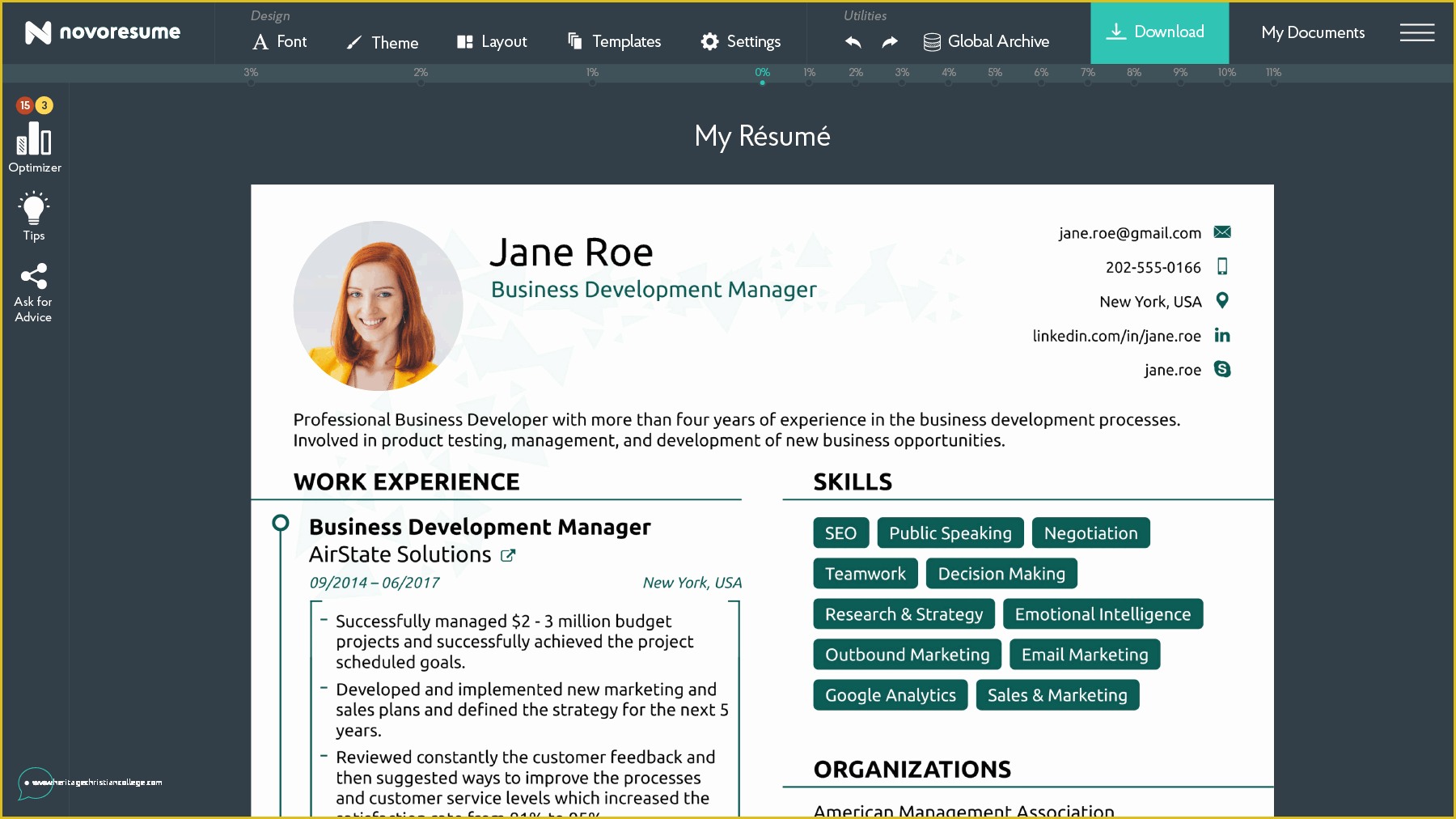
When you're on the hunt for a job, your resume is often the first impression you make on a potential employer. It's a crucial document that can make or break your chances of landing an interview. But creating a standout resume from scratch can be daunting. That's where free online resume templates come in – a cost-effective and efficient way to create a professional-looking resume.
Benefits and Drawbacks of Using Free Resume Templates
Free online resume templates offer a range of benefits. For one, they're, well, free. This means you can experiment with different designs and formats without breaking the bank. Many templates are also customizable, allowing you to tailor your resume to your specific needs and style. Additionally, using a template can save you a significant amount of time, as the basic structure and design are already in place.
However, there are some potential drawbacks to consider. For instance, using a template can make your resume look like everyone else's. If you're not careful, you might end up with a generic, cookie-cutter resume that doesn't showcase your unique strengths and qualifications. Furthermore, some free templates might be outdated or not optimized for applicant tracking systems (ATS), which can hinder your chances of getting past the initial screening.
Finding the Best Free Resume Templates Online
So, where can you find the best free resume templates online? Here are a few popular options:
Canva: Canva offers a wide range of free resume templates, from modern and sleek to traditional and elegant. Their templates are highly customizable, and you can easily add or remove sections as needed.
Resume.io: Resume.io provides a vast library of free resume templates, along with a user-friendly editor that makes it easy to customize your resume.
Hloom: Hloom offers over 500 free resume templates, including some unique and creative designs. Their templates are also optimized for ATS.
Choosing the Right Template for You
With so many free resume templates available online, it can be overwhelming to choose the right one. Here are a few tips to consider:
Consider your industry: Different industries have different norms when it comes to resume design. For example, if you're in a creative field, you might want to choose a more modern and visually appealing template. If you're in a traditional industry, a more conservative template might be better.
Think about your experience level: If you're just starting out, a simple and clean template might be best. If you're more experienced, you might want to choose a template that allows you to showcase your achievements and skills in more detail.
Look for ATS optimization: As mentioned earlier, some templates are optimized for ATS, which can increase your chances of getting past the initial screening.

Customizing Your Resume Template
Once you've chosen a template, it's time to customize it to fit your needs. Here are a few tips:
Tailor your objective: Your objective should be specific to the job you're applying for. Make sure to highlight your relevant skills and qualifications.
Emphasize your achievements: Instead of just listing your job responsibilities, focus on the specific achievements and results you've achieved in your previous roles.
Use keywords: Many companies use ATS to screen resumes, so it's essential to use keywords related to the job you're applying for. Use a keyword research tool or the job description to identify relevant keywords.
Common Mistakes to Avoid
When using free online resume templates, there are a few common mistakes to avoid:
Over-customization: While it's essential to customize your resume, be careful not to overdo it. Avoid using too many fonts, colors, or graphics, as this can make your resume look unprofessional.
Lack of relevance: Make sure your resume is tailored to the specific job you're applying for. Avoid using a generic resume for every job application.
FAQs
Here are a few frequently asked questions about free online resume templates:
Q: Are free online resume templates really free?
Yes, most free online resume templates are genuinely free. However, some templates might offer premium features or support for a fee.
Q: Will using a free template hurt my chances of getting hired?
Not necessarily. What's more important is the content and relevance of your resume, rather than the template itself. However, using a generic or outdated template might not showcase your strengths and qualifications in the best light.
Q: Can I use a free template for a professional job application?
Absolutely. Many free templates are designed specifically for professional job applications. Just make sure to customize it to fit your needs and the job you're applying for.
Final Tips and Takeaways
In conclusion, free online resume templates can be a great way to create a professional-looking resume without breaking the bank. By choosing the right template, customizing it to fit your needs, and avoiding common mistakes, you can increase your chances of landing your dream job. Remember to tailor your resume to the specific job you're applying for, emphasize your achievements, and use keywords to get past the initial screening. With a little creativity and effort, you can create a standout resume that showcases your strengths and qualifications.
Related: Free Resume Templates to Download for a Standout Job
