
As a newcomer to the world of software design, taking your first steps can be both thrilling and intimidating. The array of tools available can be overwhelming, especially when you're on a tight budget or just testing the waters. Fortunately, there's a wealth of free software design tools that can help you learn the ropes without breaking the bank. In this article, we'll explore some of the best options available, what they offer, and how they can help you grow as a designer.
Getting Started with Free Software Design Tools
When you're new to design, it's essential to find tools that are easy to learn and use. You don't want to get bogged down in complex interfaces or steep learning curves. Some of the best free software design tools for beginners are those that offer a gentle learning curve, intuitive interfaces, and a supportive community.
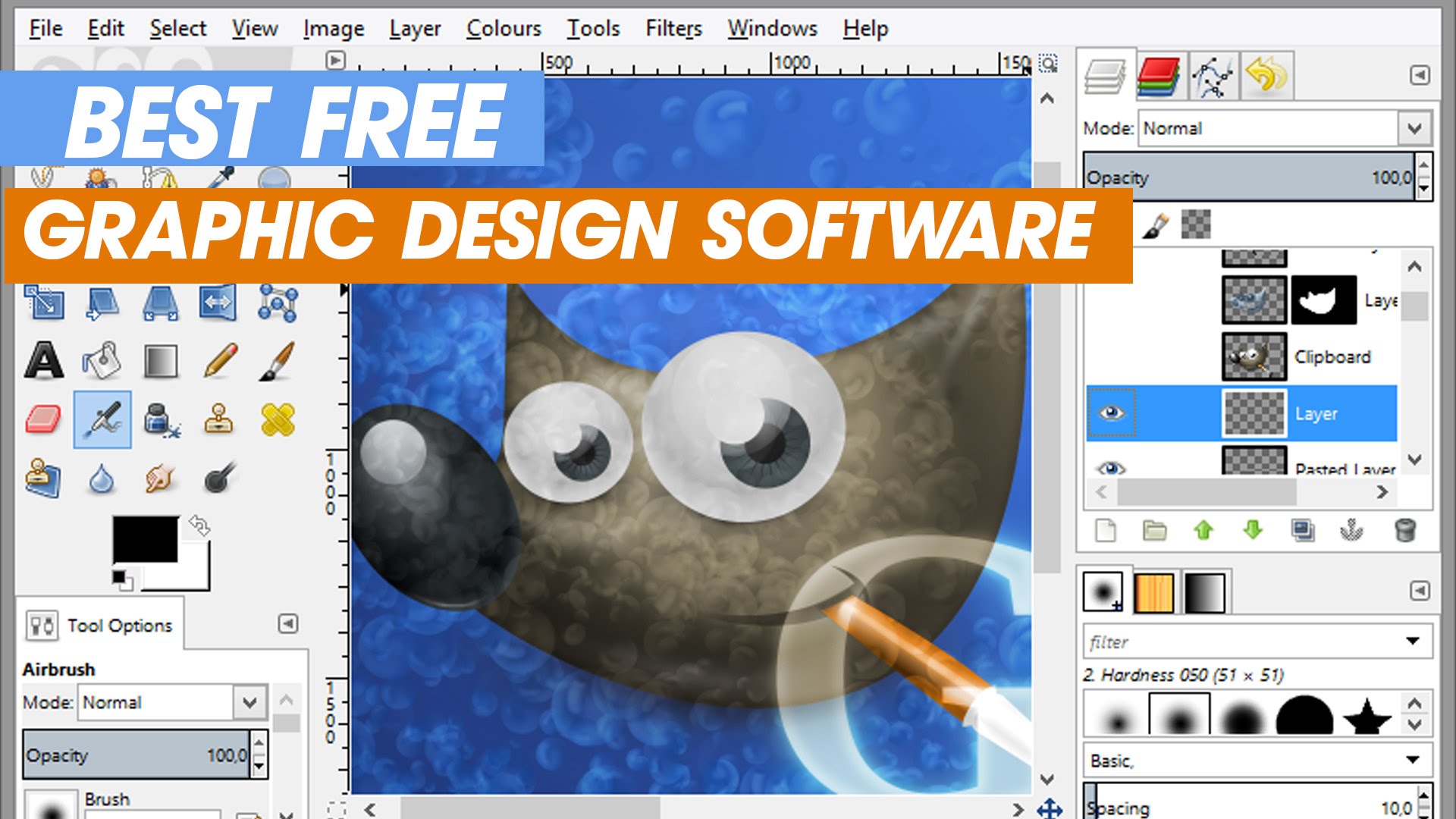
One such tool is GIMP, a free and open-source raster graphics editor. Often considered a free alternative to Adobe Photoshop, GIMP offers a wide range of features, including support for layers, filters, and effects. Its interface may look a bit dated, but it's highly customizable, and its extensive documentation makes it easier to learn.
Exploring Vector Graphics with Inkscape
For those interested in vector graphics, Inkscape is an excellent choice. This free, open-source tool offers a robust set of features, including support for layers, paths, and shapes. Its interface is clean and intuitive, making it easy to navigate, even for beginners. Inkscape is often compared to Adobe Illustrator, and for good reason – it's a powerful tool that can help you create professional-quality vector graphics.

Diving into UI/UX Design with Figma
If you're interested in UI/UX design, Figma is a fantastic option. This cloud-based tool offers a free plan that allows you to create and edit designs, collaborate with others in real-time, and even prototype interactions. Figma's interface is sleek and modern, making it easy to learn and use. Its extensive library of plugins and integrations also makes it a versatile tool that can adapt to your needs.
A Closer Look at Free Design Tools
The following table provides a quick comparison of some popular free software design tools:
| Tool | Type | Platform | Learning Curve |
|---|---|---|---|
| GIMP | Raster graphics editor | Windows, macOS, Linux | Moderate |
| Inkscape | Vector graphics editor | Windows, macOS, Linux | Moderate |
| Figma | UI/UX design tool | Web, Windows, macOS | Easy |
Pros and Cons of Free Software Design Tools
While free software design tools offer many benefits, they also have some drawbacks. Here are a few things to consider:
Pros:
Cost-effective: Free tools can help you save money, especially when you're just starting out.
Accessible: Many free tools are available online, making it easy to access them from anywhere.
Community-driven: Free tools often have active communities that contribute to their development and offer support.
Cons:
Limited features: Free tools may not offer the same level of features as paid tools.
Limited support: While communities can be supportive, they may not offer the same level of support as paid tools.
Compatibility issues: Free tools may not be compatible with all platforms or file types.
Practical Tips for Beginners
When getting started with free software design tools, here are a few practical tips to keep in mind:
Start with the basics: Don't try to learn everything at once. Start with the basics and gradually build your skills.
Experiment and play: Don't be afraid to try new things and experiment with different tools and techniques.
- Join online communities: Online communities can offer valuable support, resources, and inspiration.
Insights from the Design Community
To get a better sense of what free software design tools can offer, I spoke with a few designers who have used these tools to develop their skills. Here's what they had to say:
"GIMP was my go-to tool when I first started learning graphic design. It's free, and it's incredibly powerful. I was able to create professional-quality graphics without breaking the bank." – Emily, graphic designer
"Figma has been a game-changer for me. Its real-time collaboration features have made it easy to work with clients and colleagues. Plus, its free plan is incredibly generous." – David, UI/UX designer
Frequently Asked Questions
Here are a few frequently asked questions about free software design tools:
Q: Are free software design tools really free?
Yes, free software design tools are truly free. However, some tools may offer paid upgrades or premium features.
Q: Can I use free software design tools for commercial projects?
It depends on the tool. Some free tools, like GIMP and Inkscape, offer a permissive license that allows you to use them for commercial projects. Others, like Figma, may have restrictions on commercial use.
Q: Are free software design tools suitable for beginners?
Absolutely. Free software design tools are often designed with beginners in mind. They offer a gentle learning curve, intuitive interfaces, and extensive documentation.
Q: Can I switch to paid tools later?
Yes, you can always switch to paid tools later. Many designers start with free tools and then upgrade to paid tools as their skills and needs evolve.
Closing
Free software design tools offer a wealth of opportunities for beginners. They provide a cost-effective way to learn the basics of design, experiment with different tools and techniques, and develop your skills. While they may have some limitations, they can be incredibly powerful and versatile. By choosing the right tool and following practical tips, you can set yourself up for success and create professional-quality designs without breaking the bank.
