
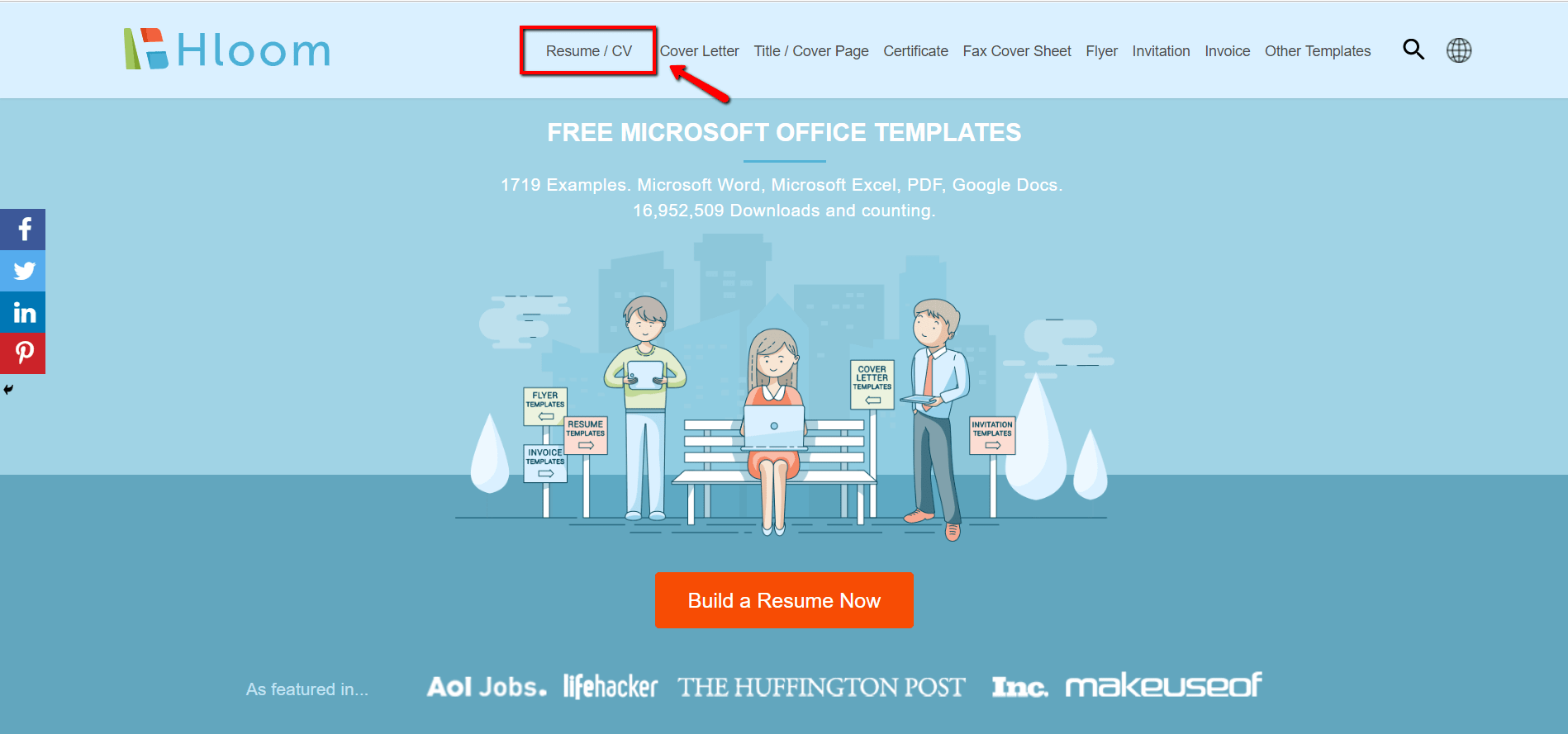
Finding the Perfect Free Resume Template
When you're on the hunt for a job, your resume is often the first impression you make on a potential employer. You want it to stand out, but not in a bad way. A well-crafted resume can make all the difference in getting noticed. But what if you're not a design expert or don't have the budget to hire a professional? That's where good free resume templates come in.
Benefits of Using Free Resume Templates
Free resume templates can be a lifesaver for job seekers on a tight budget. They offer a professional design and layout, saving you time and effort. With a free template, you can focus on highlighting your skills and experience rather than worrying about formatting. Plus, many templates are customizable, allowing you to tailor your resume to the specific job you're applying for.
What to Look for in a Free Resume Template
Not all free resume templates are created equal. When searching for a template, consider the following factors:
Clean design: A simple, easy-to-read design is essential. Avoid templates with too much clutter or overly complex layouts.
Customization options: Look for templates that allow you to easily add or remove sections, change fonts, and adjust margins.
Compatibility: Ensure the template is compatible with your software, whether it's Microsoft Word, Google Docs, or a PDF editor.
Relevance: Choose a template that's relevant to your industry or job function.
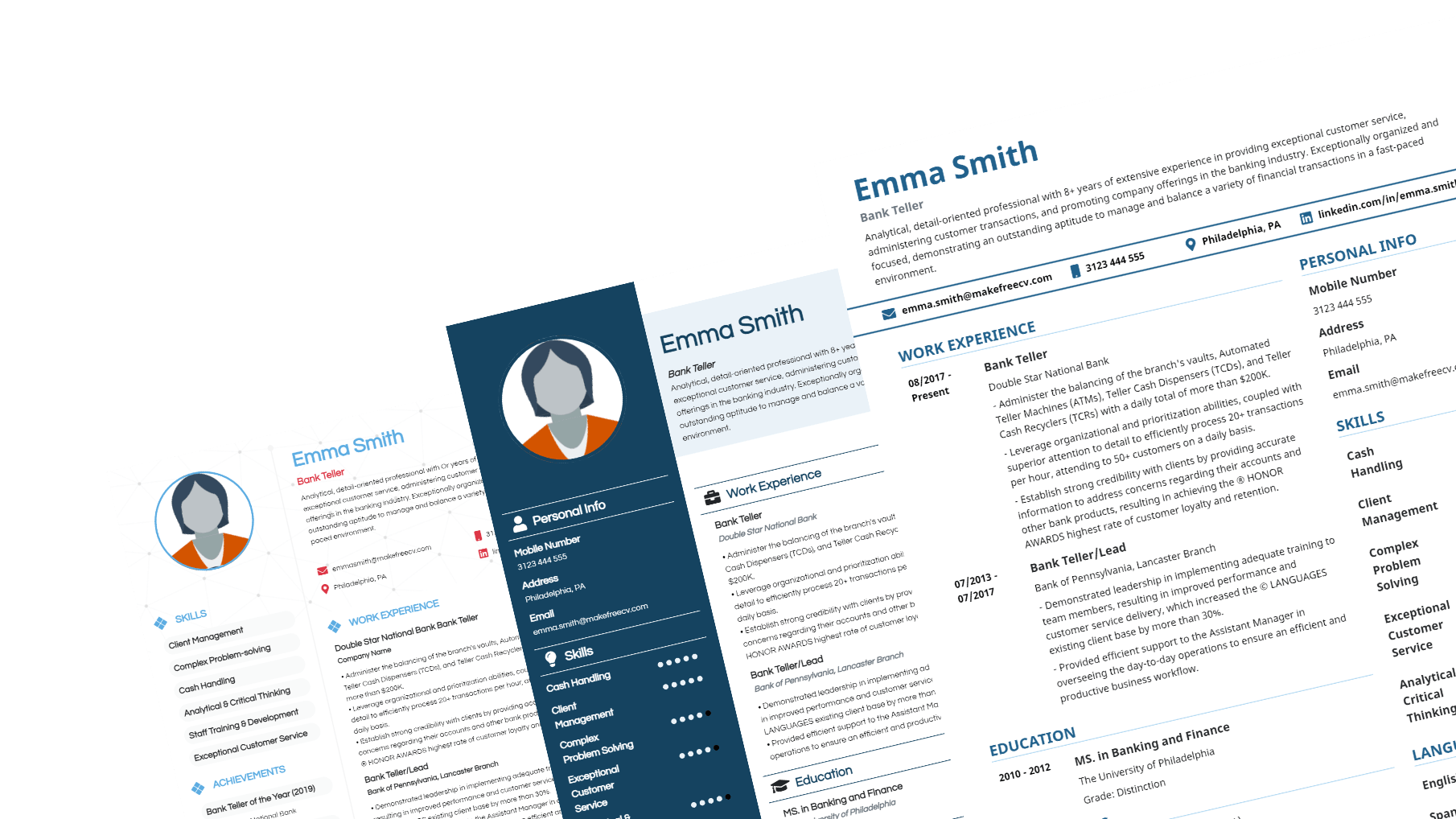
Top Free Resume Templates
Here are some popular free resume templates to consider:
| Template Name | Description | Compatibility |
|---|---|---|
| Resume.io | Modern design with easy customization options | Microsoft Word, Google Docs, PDF |
| Canva Resume Templates | Wide range of templates with drag-and-drop editor | Web-based, PDF |
| Microsoft Resume Templates | Professional designs with Microsoft Word compatibility | Microsoft Word |
Customizing Your Free Resume Template
Once you've chosen a template, it's time to customize it. Here are some tips:
Tailor your objective: Write a clear, concise objective that matches the job you're applying for.
Highlight your skills: Emphasize your relevant skills and experience.
Use action verbs: Use action verbs like "managed," "created," and "developed" to describe your achievements.
Proofread: Carefully proofread your resume to catch any errors or typos.
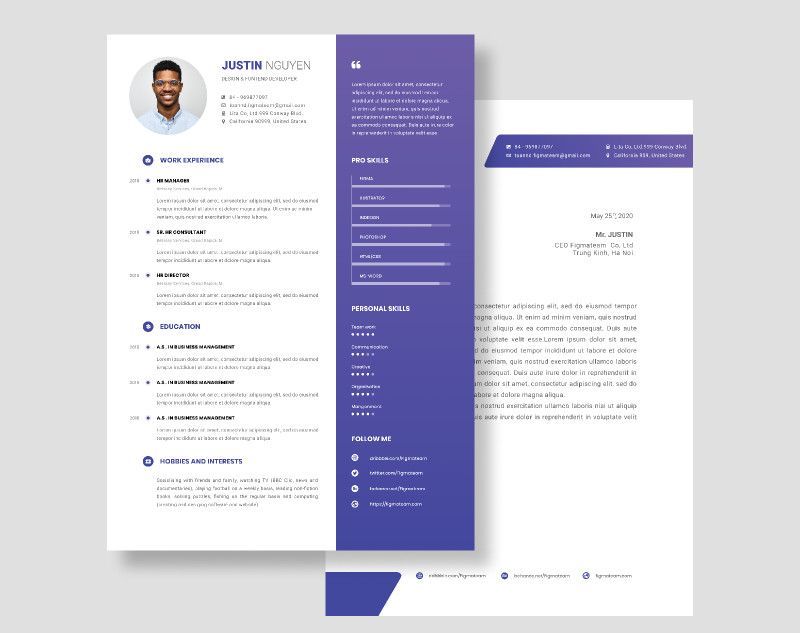
Common Mistakes to Avoid
When using a free resume template, avoid the following common mistakes:
Over-customization: Don't overdo it with too many fonts, colors, or graphics.
Lack of relevance: Ensure your template is relevant to your industry or job function.
Typos and errors: Carefully proofread your resume to catch any errors.
Insights from HR Professionals
"A well-crafted resume is essential, but it's not the only factor. We also look for candidates who demonstrate a clear understanding of the job requirements and show enthusiasm for the position." - Emily Chen, HR Manager
FAQs
Q: Are free resume templates really free?
Yes, but some may offer optional paid upgrades or premium features.
Q: Can I use a free resume template for any job?
No, choose a template that's relevant to your industry or job function.
Q: How do I know if a template is compatible with my software?
Check the template's compatibility information or try opening it in your software before downloading.
Conclusion
Finding the perfect free resume template can be a challenge, but by considering factors like design, customization options, and compatibility, you can create a professional-looking resume that helps you stand out in the job market. By following these tips and avoiding common mistakes, you'll be well on your way to landing your dream job.
Related: 5 Useful Things to Know About Resume Templates for Beginners
Related: Free Resume Template for Beginners
