
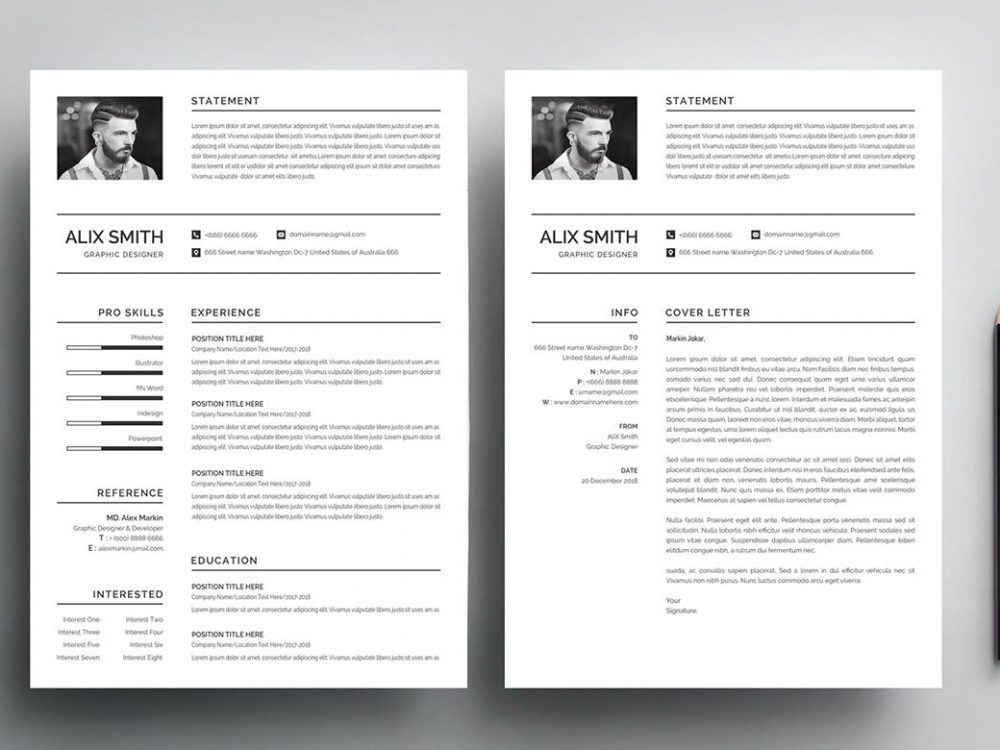
Creating a Resume Made Easy
When you're on the hunt for a new job, having a standout resume is crucial. But not everyone has the design skills or time to craft a visually appealing CV from scratch. That's where easy free resume templates come in – a lifesaver for those looking to make a strong impression without the hassle. In this guide, we'll explore How to Find, use, and make the most of these templates to land your dream job.
What Makes a Resume Template "Easy" and "Free"?
The term "easy" in easy free resume templates refers to templates that are user-friendly and require minimal effort to customize. They usually come with pre-designed sections for your contact information, work experience, education, and skills. "Free" indicates that you can download and use these templates without spending a dime. But what really matters is finding a template that makes your resume stand out.
Finding the Perfect Template for You
The internet is awash with websites offering free resume templates. Some popular sources include Canva, Microsoft Templates, and Google Docs. When selecting a template, consider the industry you're applying to. For example, if you're in a creative field, a bold and colorful template might be appropriate. For more traditional industries, a simple and clean design is usually better.
Choosing the Right Format
Resume formats generally fall into three categories: chronological, functional, and combination. A chronological resume lists your work experience in reverse chronological order, making it ideal for those with a steady career path. A functional resume focuses on your skills rather than your work history, perfect for career changers or those with gaps in their employment. A combination resume offers a balance between the two, suitable for showcasing a mix of skills and experience.
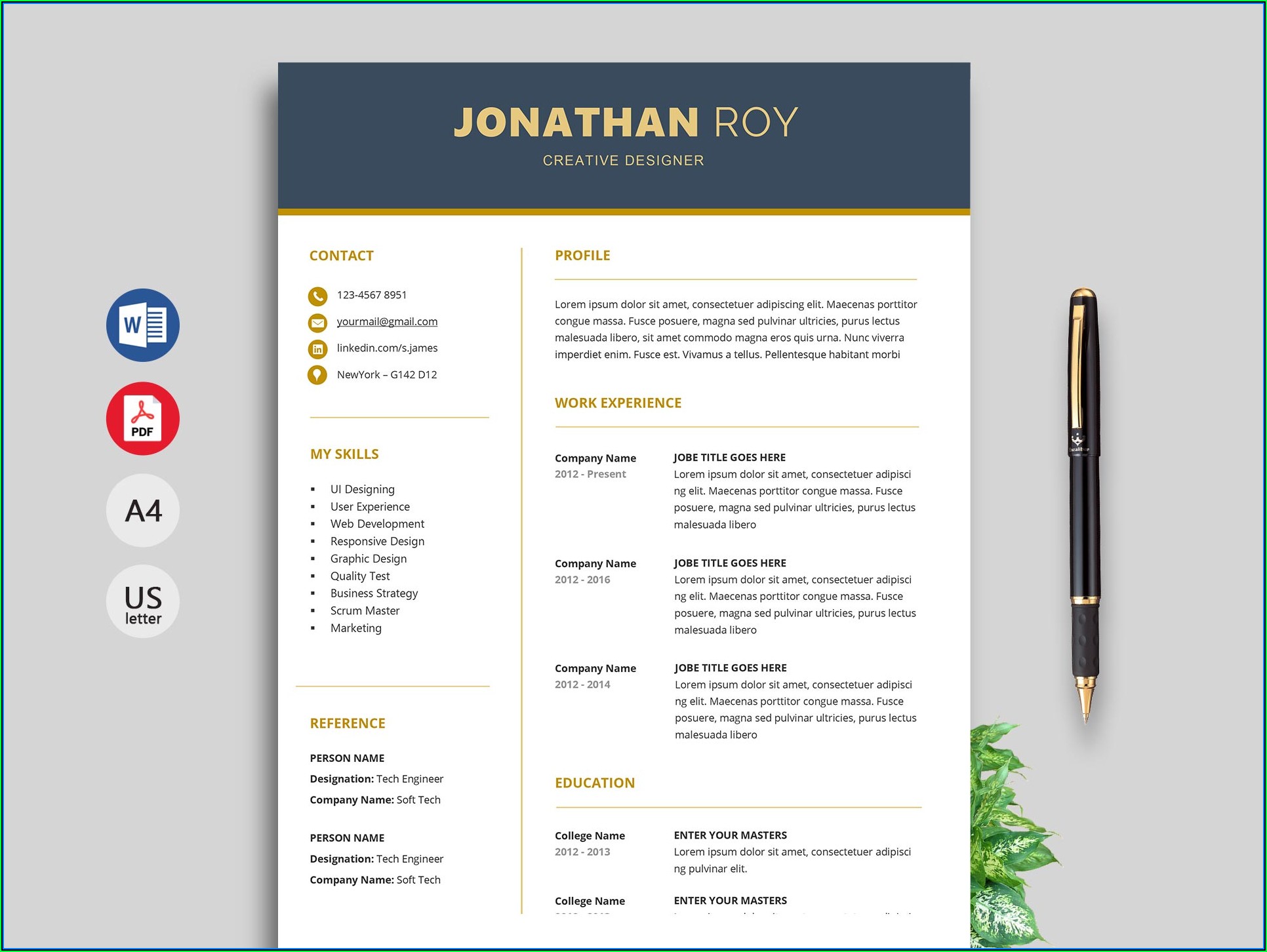
Customizing Your Template
Once you've chosen a template, it's time to customize it. Here are a few tips to make your resume shine:
- Tailor your resume to the job: Use keywords from the job description to help your resume pass through applicant tracking systems (ATS) and catch the eye of the hiring manager.
- Quantify your achievements: Instead of saying "increased sales," say "increased sales by 25%."
- Keep it concise: Aim for one to two pages, depending on your level of experience.
The Pros and Cons of Using Free Resume Templates
Using free resume templates can be a great way to save time and money, but it's essential to weigh the advantages and disadvantages.
Pros:
- Cost-effective: You save money by not having to purchase a resume-building service or software.
- Time-efficient: Templates save you time by providing a structured format.
- Accessible: Many templates are available online, making it easy to find one that suits your needs.
Cons:
- Limited uniqueness: Since templates are available to everyone, your resume might not stand out as much.
- Over-reliance on design: Sometimes, the focus on a visually appealing template can overshadow the content.
Comparison of Popular Free Resume Template Sources
| Source | Variety of Templates | Customization Ease | Industry Suitability |
|---|---|---|---|
| Canva | High | High | High |
| Microsoft Templates | Medium | Medium | Medium |
| Google Docs | Medium | High | Medium |
Building Trust with Your Resume
Your resume is often the first impression you make on a potential employer. It's essential to ensure that it's not only visually appealing but also error-free and honest. A well-crafted resume can open doors, but it's your achievements and attitude that keep them open.
Frequently Asked Questions
Q: Are free resume templates really free?
Yes, but some sources may offer premium features or templates for a fee. Most free templates, however, are completely free to download and use.
Q: Can I use a free resume template for any job application?
While you can use a free template for many applications, it's best to tailor your resume (and sometimes your template) to the specific job or industry you're applying to.
Q: How do I make my resume stand out with a free template?
Focus on your achievements, skills, and experiences. Use the template to organize your information clearly and concisely, and don't be afraid to add a personal touch where appropriate.
Q: Can I edit free resume templates on my mobile device?
Yes, many free resume templates can be edited on a mobile device, especially those available through apps like Canva or Google Docs.
Final Tips for Success
The goal of using an easy free resume template is to create a resume that helps you stand out from the competition. By choosing the right template, customizing it to fit your needs, and focusing on your achievements, you can increase your chances of landing an interview. Remember, your resume is a living document – update it regularly to reflect your current skills, experiences, and career goals. With these tips and a bit of effort, you'll be well on your way to crafting a compelling resume that opens doors to new opportunities.
Related: Budgeting Templates for Small Business: What Actually Makes
Related: Content Calendar Template 2025: What Actually Makes Sense?
