
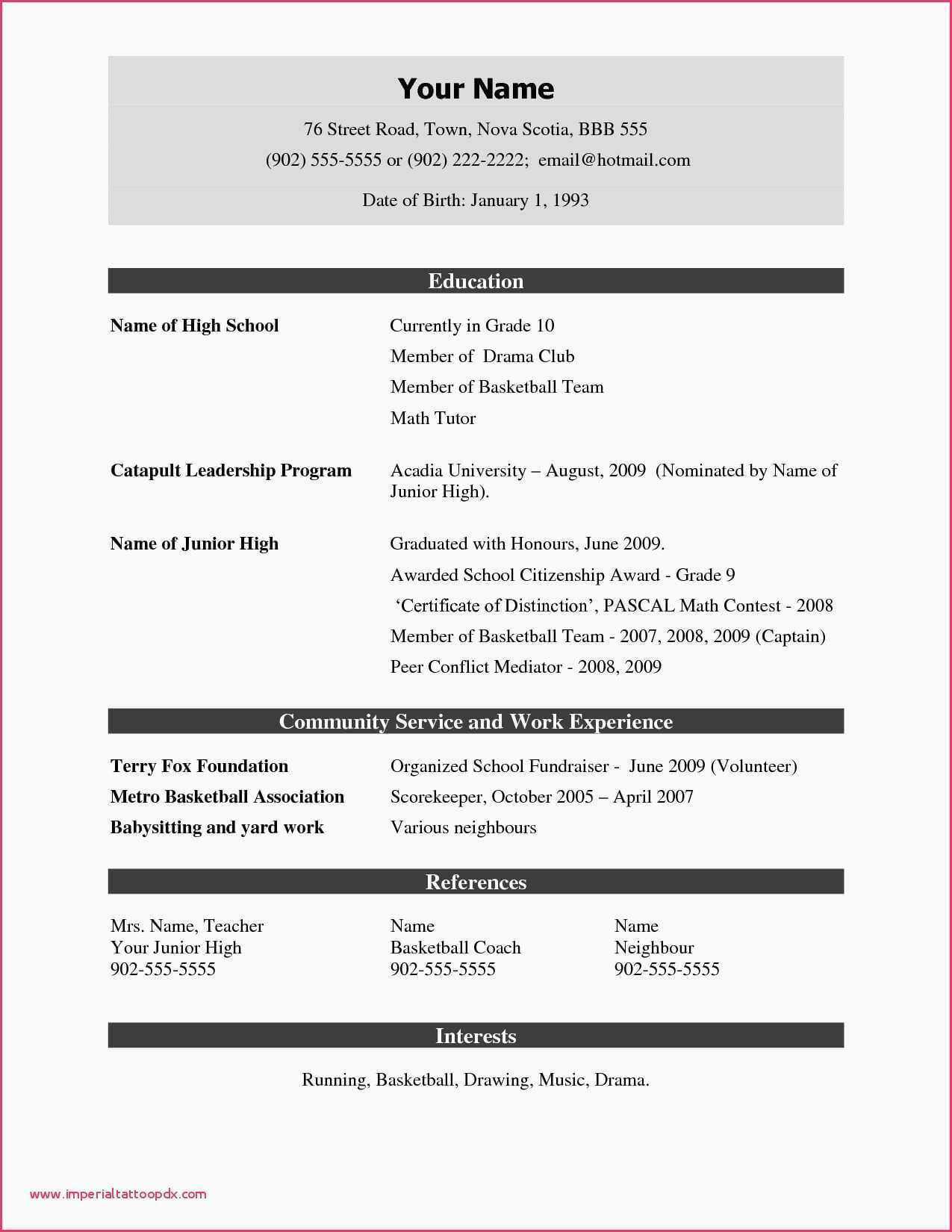
When you're on the hunt for a new job, having a solid resume is crucial. But not everyone has the design skills or budget to create a stunning resume from scratch. That's where simple resume templates come in – and the best part is, you don't have to break the bank to get them. In this article, we'll explore five useful things to know about simple resume templates that you can get for free.
What Makes a Good Simple Resume Template?
A good simple resume template is clean, easy to read, and effectively communicates your skills and experience. It should be versatile enough to work for various industries and roles, yet distinctive enough to help you stand out from the crowd. When choosing a template, consider the font, spacing, and overall layout. You want something that's professional, yet doesn't overwhelm the reader.5 Free Simple Resume Templates
Here are five simple resume templates that you can download and use for free:- Google Docs Templates: Google offers a range of free resume templates through Google Docs. These templates are clean, simple, and easy to customize. You can choose from a variety of fonts, colors, and layouts to create a resume that suits your style.
- Microsoft Word Templates: Microsoft Word also offers a range of free resume templates that you can download and use. These templates are well-designed, easy to read, and work well for a variety of industries.
- Canva Templates: Canva is a popular design platform that offers a range of free resume templates. These templates are modern, stylish, and easy to customize. You can choose from a variety of fonts, colors, and layouts to create a resume that stands out.
- Resume Genius Templates: Resume Genius offers a range of free resume templates that are designed to help you create a professional-looking resume quickly and easily. These templates are clean, simple, and easy to customize.
- Hloom Templates: Hloom offers a range of free resume templates that are designed to help you create a standout resume. These templates are modern, stylish, and easy to customize.
How to Choose the Right Template for You
With so many templates to choose from, it can be hard to know which one is right for you. Here are a few things to consider: Industry: Different industries have different norms when it comes to resume design. For example, if you're applying for a job in a creative field, you may want to choose a template that's more stylish and modern. If you're applying for a job in a more traditional industry, you may want to choose a template that's more conservative.
Experience level: If you're just starting out, you may want to choose a template that's more straightforward and easy to read. If you have a lot of experience, you may want to choose a template that allows you to showcase your skills and accomplishments.
Personal style: Ultimately, your resume should reflect your personal style and brand. Choose a template that you like, and that helps you to stand out from the crowd.
Pros and Cons of Using Free Resume Templates
Here are a few pros and cons to consider when using free resume templates:Pros:
Cost-effective: Free resume templates are, well, free. This can be a big plus if you're on a tight budget.
Easy to use: Many free resume templates are easy to use and require minimal design expertise.
Time-saving: Using a template can save you a lot of time when it comes to designing your resume.
Cons:
Limited customization: Some free resume templates may have limited customization options, which can make it hard to tailor your resume to your specific needs.
Overused designs: Because free templates are widely available, they can sometimes feel overused or generic.
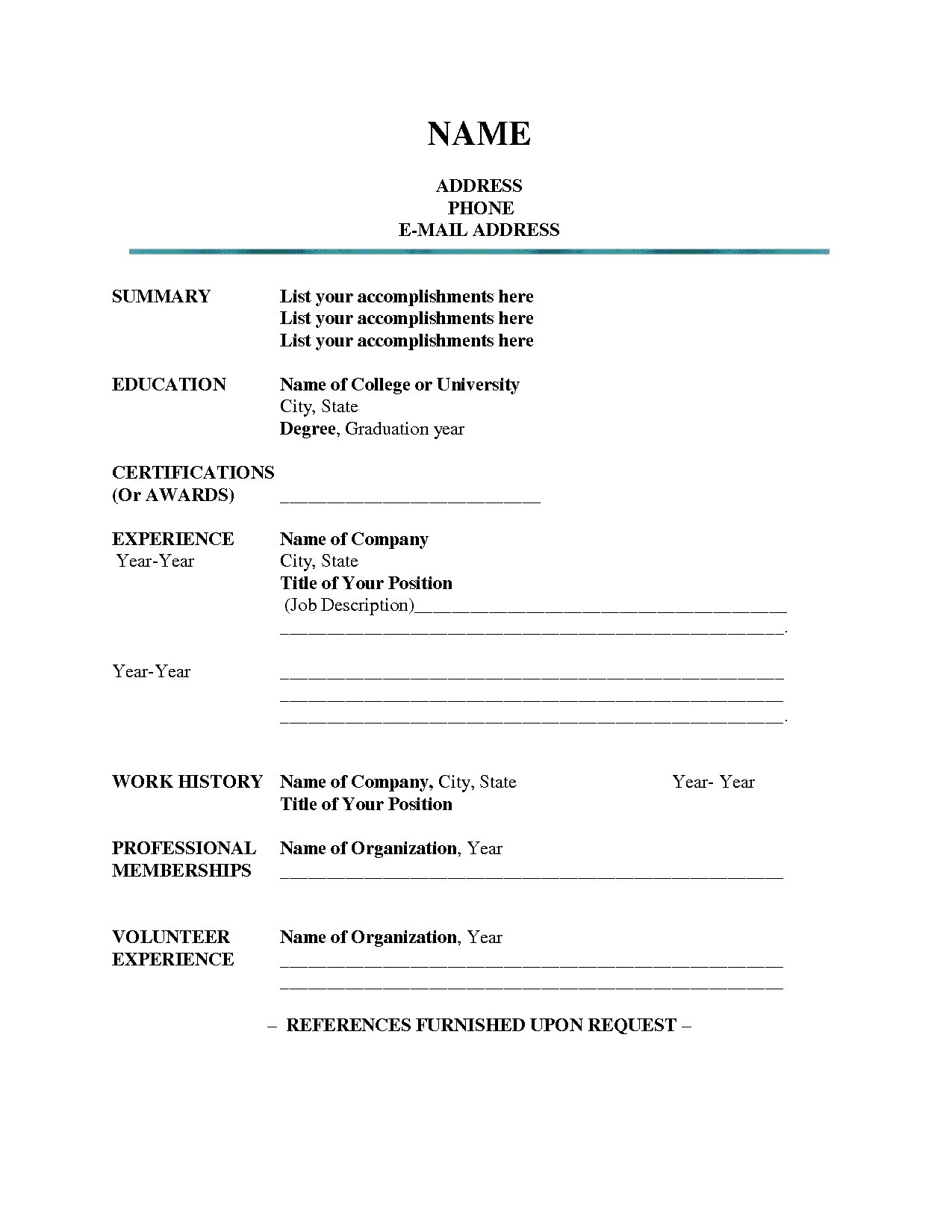
Customizing Your Template
Once you've chosen a template, it's time to customize it to fit your needs. Here are a few tips: Tailor your objective: Your objective should be tailored to the specific job you're applying for. Make sure to highlight your relevant skills and experience.
Emphasize your achievements: Instead of just listing your job responsibilities, focus on your achievements and accomplishments. This will help you to stand out from the crowd.
Use keywords: Many companies use applicant tracking systems (ATS) to screen resumes before they even make it to a human recruiter. To increase your chances of getting past the ATS, make sure to use keywords from the job description in your resume.
Trust the Experts
When it comes to creating a standout resume, it's always a good idea to trust the experts. Here are a few tips from career coaches and resume writers:"Your resume should be a marketing document that showcases your skills, experience, and achievements. Use a clear and concise format, and make sure to tailor your resume to the specific job you're applying for." - Career Coach
Frequently Asked Questions
Here are a few frequently asked questions about simple resume templates: Q: What is the best font to use on a resume?
The best font to use on a resume is a clear, easy-to-read font like Arial, Calibri or Helvetica.
Q: How long should my resume be?
Your resume should be one to two pages long, depending on your level of experience.
Q: Can I use a free resume template for a job application?
Yes, you can use a free resume template for a job application. Just make sure to customize it to fit your needs and the specific job you're applying for.
Conclusion
Creating a standout resume doesn't have to break the bank. With these five simple resume templates, you can create a professional-looking resume quickly and easily. Just remember to customize your template to fit your needs, and don't be afraid to add your own personal style. Good luck with your job search!Related: Cleaning Fan Blades Made Easy: A Step - by - Step Guide
Related: What to Know About Studying for the GED Online: Tips
Related: Travel Checklist Template Excel: What Actually Makes Sense?
